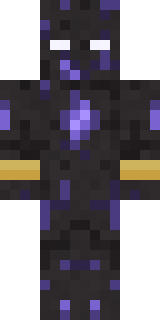
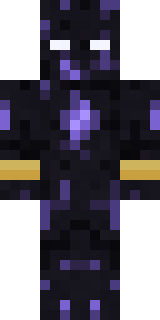
Obsidian Sentinel
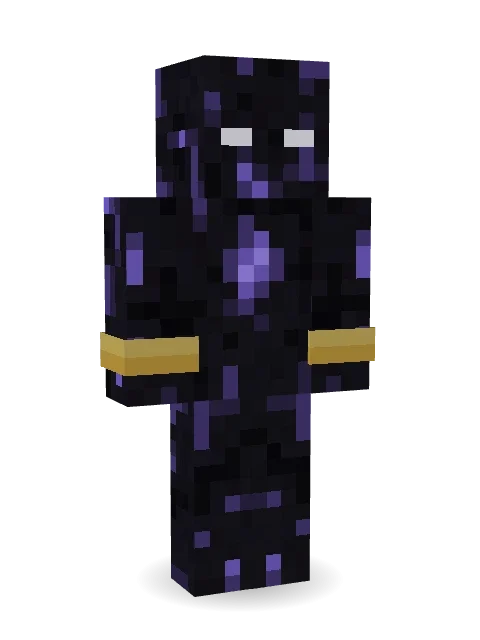
Has guarded the portal since before the first torch was lit: polished black obsidian glinting purple, a glowing vein down its chest, bright white eyes and gold bracers.

How to use this skin
Download it, then follow the steps for where you play.
Minecraft: Java Edition, in the Minecraft Launcher
- Open the Minecraft Launcher and pick Minecraft: Java Edition on the left.
- Open the Skins tab at the top and press New skin.
- Give it a name and choose the player model: Classic.
- Press Browse, pick the PNG you downloaded, then Save & Use.
- Start the game: you are wearing it, on every world and server.
Minecraft: Java Edition, on minecraft.net
- Go to minecraft.net and log in with your Microsoft account.
- Open your Profile and find the skin settings of Java Edition.
- Choose Classic, select the PNG file, and press Upload.
- Your new skin shows the next time you join a world.
Bedrock Edition: Windows, Android, iPhone, iPad, Chromebook
- Open Minecraft and press Dressing Room on the main menu (in newer versions, the character button next to your name, then Edit Character).
- Open the Classic Skins tab.
- Under Owned Skins, press Import, then Choose New Skin.
- Pick the PNG you downloaded (on a phone it is usually in Downloads or Files).
- When it asks, choose Classic, then confirm.
Xbox, PlayStation and Nintendo Switch
Consoles cannot import a skin file. There you can wear Character Creator items and skins from the Marketplace.
Some players set a skin in Bedrock on a phone or PC that is signed in to the same Microsoft account and see it on their console too. Mojang does not support that, so it may not work for you.
More by Build It












Similar skins










Trending today
What people open and download right now.
Trending today
The skins people are opening, liking and downloading right now.
- Ancient Hexby
 nvlr33
- Modern HoodiebyBuild It
- Shy KidbyBuild It
- Galaxy AxolotlbyBuild It
- Napoleon BonapartebyBuild It
- The KingbyBuild It
- Hazmat ResponderbyBuild It
- The VoidbyBuild It
- Buff ChickenbyBuild It
- Slender ManbyBuild It
Made on Build It
A few of the skins players made here. Find one you like, or start your own.
 Fern Forest Sprite
 Obsidian Sentinel
 Goldfish Space Cadet
 Alice
 Midfield Maestro
 Dandelion Druid
 Bloody ghost
 Red Flame Luchador
 Monotone Man
 Emotional Support Pickle
 Alien Tourist
 Anglerfish Bouncer
 Fire Fighter
 Hot Springs Innkeeper
 Yellow hazmat suit
 Ronin Samurai
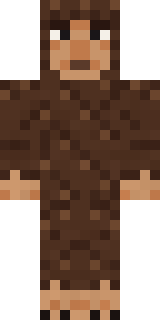 Forest Bigfoot
 White Porcelain plate
 Office Zombie
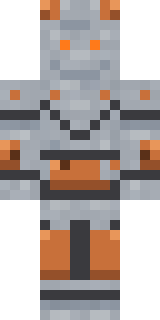 Metal Elemental
 Woodland Fox
 Courtroom Judge
 Beach Day
 Bone Scout
 Violet Vein Mutant
 Laurel Angel
 Desert Nomad
 Living Marble Statue
 gamer Black Void drip hoodie
 Muddy Farmhand
 Captain Spark
 Red Court frock coat
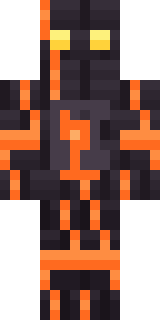 Volcanic Sentinel
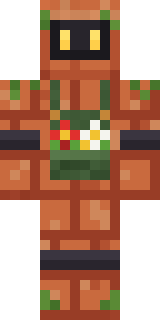 Copper Gardener Bot
 Necromancer
 Robo Unit 7
 Copper Golem
 Enigmatic Ringmaster
 Tin Toy Soldier
 Gummy Bear Bodybuilder
 Grey Tattered reaper robe
 Canada Day Maple Leaf
 Blueberry Detective
 Silver Pulse DJ
 Froggy Onesie
 Slime ApprenticeTemplar Knight
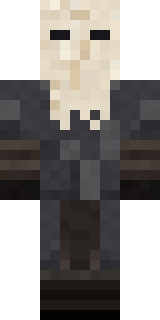 Masked Night Prowler
 Auburn Diner Waitress
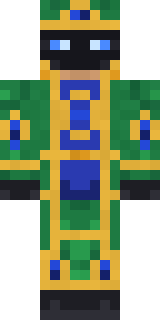 Peacock Guard
 Handy Plumber
 CM Style
 Chameleon Hoodie
 Roman Legionary
 Lord PumpkinHazmat Responder
 Crimson Templar
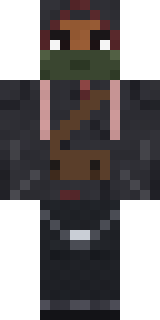 Waldo Buhonero
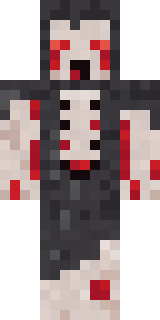 Crypt Ghoul
 False Smile Stranger
About Obsidian Sentinel
Meet Obsidian Sentinel, a fantasy Minecraft skin from the Build It team. It comes with wristbands in black. Under the outfit it is an obsidian sentinel. Made for quests, castles and roleplay adventures.
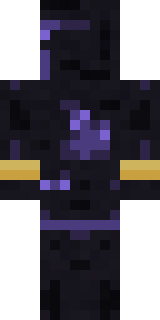
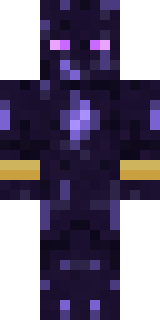
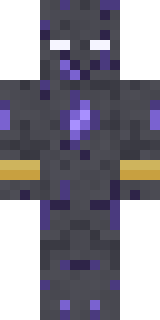
It uses the classic arms (4 pixels wide, like Steve) and works on Java and Bedrock. It is free: download the PNG and add it in the Minecraft Launcher (Java) or the dressing room (Bedrock). Open it in the Build It Skin Maker to give it your own colours. It also comes in 7 colour versions, like Crying obsidian and Basalt sentinel.
See more in the Fantasy and Streetwear collections, or browse the Cool, Fantasy and Golem tags.