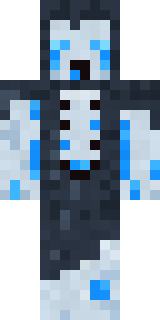
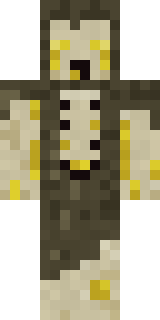
Crypt Ghoul
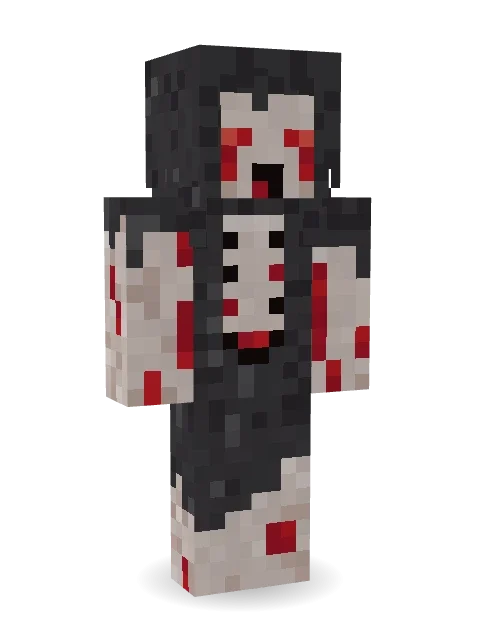
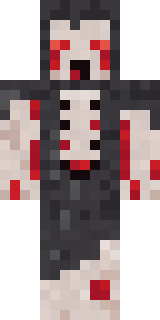
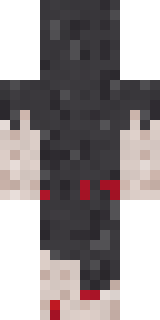
Something crawled out of the crypt: lank grey hair, glowing red eyes weeping red, a ribcage showing through a ragged charcoal shroud.
How to use this skin
Download it, then follow the steps for where you play.
Minecraft: Java Edition, in the Minecraft Launcher
- Open the Minecraft Launcher and pick Minecraft: Java Edition on the left.
- Open the Skins tab at the top and press New skin.
- Give it a name and choose the player model: Classic.
- Press Browse, pick the PNG you downloaded, then Save & Use.
- Start the game: you are wearing it, on every world and server.
Minecraft: Java Edition, on minecraft.net
- Go to minecraft.net and log in with your Microsoft account.
- Open your Profile and find the skin settings of Java Edition.
- Choose Classic, select the PNG file, and press Upload.
- Your new skin shows the next time you join a world.
Bedrock Edition: Windows, Android, iPhone, iPad, Chromebook
- Open Minecraft and press Dressing Room on the main menu (in newer versions, the character button next to your name, then Edit Character).
- Open the Classic Skins tab.
- Under Owned Skins, press Import, then Choose New Skin.
- Pick the PNG you downloaded (on a phone it is usually in Downloads or Files).
- When it asks, choose Classic, then confirm.
Xbox, PlayStation and Nintendo Switch
Consoles cannot import a skin file. There you can wear Character Creator items and skins from the Marketplace.
Some players set a skin in Bedrock on a phone or PC that is signed in to the same Microsoft account and see it on their console too. Mojang does not support that, so it may not work for you.
More by Build It












Similar skins


















Trending today
What people open and download right now.
Trending today
The skins people are opening, liking and downloading right now.



- Modern HoodiebyBuild It
- Ancient Hexby
 nvlr33
- Galaxy AxolotlbyBuild It
- Shy KidbyBuild It
- The VoidbyBuild It
- Napoleon BonapartebyBuild It
- The KingbyBuild It
- Hazmat ResponderbyBuild It
- Buff ChickenbyBuild It
- Gamer ModebyBuild It
Made on Build It
A few of the skins players made here. Find one you like, or start your own.
 The Blank Mask
 Shark Bite
 Sleepy Mummy
 Build It Guy
 Star StrikerAncient Hex
 Summer Dad
 Black Moth Entity
 Beetroot DJ
 Frankenstein's Creature
 Disco Chameleon
 Background Extra
 Market Butcher
 Cozy Avocado
 Goldfish Space Cadet
 Sunny SurferCount Dracula
 Loading Screen Gamer
 Shamrock Suit
 Orc Warrior
 Curly Art Student
 Ember Librarian
 Ice Crystal Spirit
 Grumpy Potato FarmerModern Hoodie
 Skeleton Costume
 Eclipse Priest
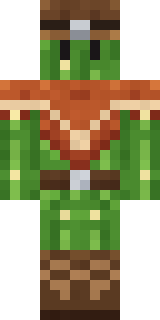 Cactus Cowboy
 Grey Suit and tie
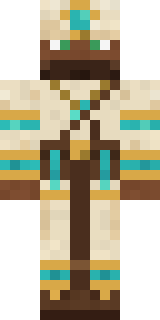 Desert Cartographer
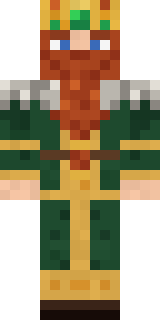 Dwarven Mountain King
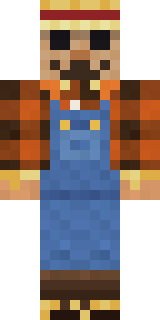 Field Scarecrow
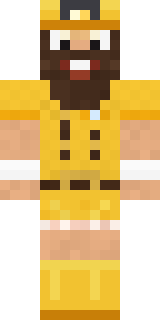 Yellow Scrubs
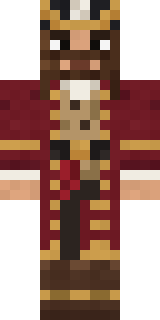 Burgundy Buccaneer
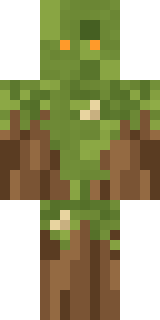 Nature Elemental
 Fourth of July Patriot
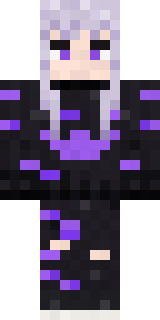 Pastel Goth
 Monotone ManBuff Chicken
 White Striped
 Origami Messenger
 Late Night GamerDreamweaver
 Smug Prankster
 Bouncy Prince slime
 Desert Courier
 Honey Bot
 Steampunk Inventor
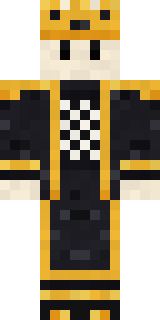 Living Chess KingHeadphone Skeleton
 Sharp Jawline Guy
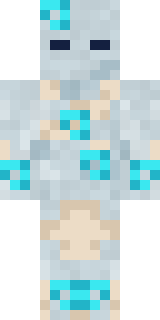 Wind Elemental
 Penguin Tourist
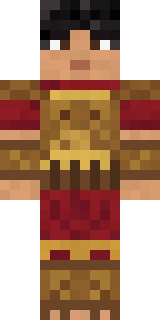 Bronze Age Warrior
 Marmot Mountain Climber
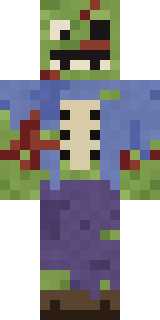 Rotting Walker
 Mint Street Artist
 Diamond
 AliceIce Elemental
About Crypt Ghoul
Meet Crypt Ghoul, a haunted Minecraft skin made by the Build It team. It comes in grey and beige. It is a crypt ghoul from head to toe. Wear it to creep through dark caves and abandoned mansions.
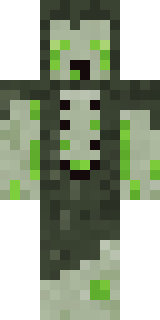
It uses the classic arms (4 pixels wide, like Steve) and works on Java and Bedrock. It is free: download the PNG and add it in the Minecraft Launcher (Java) or the dressing room (Bedrock). Open it in the Build It Skin Maker to give it your own colours. It also comes in 7 colour versions, like Bog ghoul and Frost ghoul.
Find more skins like it in the Spooky collection, or browse the Halloween, Horror and Monster tags.