Matcha Cafe
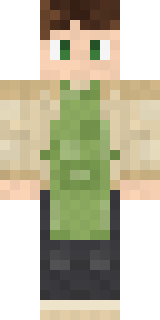
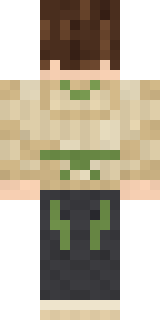
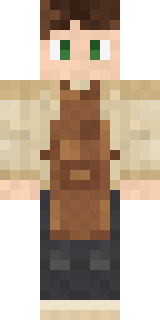
Whisks the best matcha latte on the street and remembers every order: messy brown hair, an oat beige hooded sweater and a matcha green apron.

How to use this skin
Download it, then follow the steps for where you play.
Minecraft: Java Edition, in the Minecraft Launcher
- Open the Minecraft Launcher and pick Minecraft: Java Edition on the left.
- Open the Skins tab at the top and press New skin.
- Give it a name and choose the player model: Classic.
- Press Browse, pick the PNG you downloaded, then Save & Use.
- Start the game: you are wearing it, on every world and server.
Minecraft: Java Edition, on minecraft.net
- Go to minecraft.net and log in with your Microsoft account.
- Open your Profile and find the skin settings of Java Edition.
- Choose Classic, select the PNG file, and press Upload.
- Your new skin shows the next time you join a world.
Bedrock Edition: Windows, Android, iPhone, iPad, Chromebook
- Open Minecraft and press Dressing Room on the main menu (in newer versions, the character button next to your name, then Edit Character).
- Open the Classic Skins tab.
- Under Owned Skins, press Import, then Choose New Skin.
- Pick the PNG you downloaded (on a phone it is usually in Downloads or Files).
- When it asks, choose Classic, then confirm.
Xbox, PlayStation and Nintendo Switch
Consoles cannot import a skin file. There you can wear Character Creator items and skins from the Marketplace.
Some players set a skin in Bedrock on a phone or PC that is signed in to the same Microsoft account and see it on their console too. Mojang does not support that, so it may not work for you.
More by Build It












Similar skins














Trending today
What people open and download right now.
Trending today
The skins people are opening, liking and downloading right now.



- Modern HoodiebyBuild It
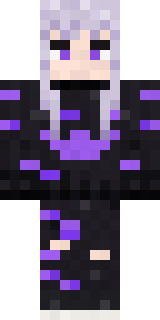
- Enderbrineby
 gustavopir
- Galaxy AxolotlbyBuild It
- Napoleon BonapartebyBuild It
- The KingbyBuild It
- Hazmat ResponderbyBuild It
- Shy KidbyBuild It
- The VoidbyBuild It
- herobrinebygustavopir
- Slender ManbyBuild It
Made on Build It
A few of the skins players made here. Find one you like, or start your own.
 Big Grin Face
 Cleopatra
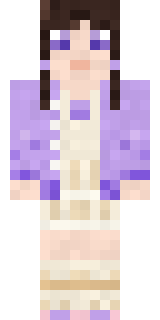 Lilac Ballerina
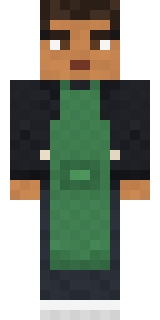 Morning Barista
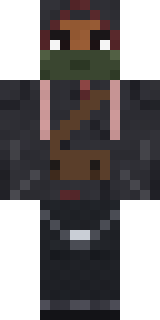 Waldo Buhonero
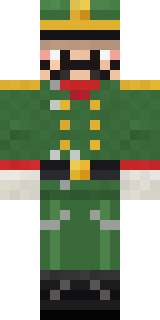 Tin Toy Soldier
 Living Pineapple
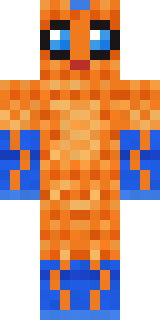 Tropical Fish
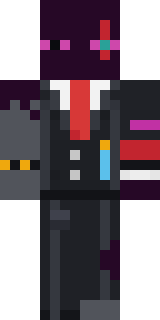 Enderdude
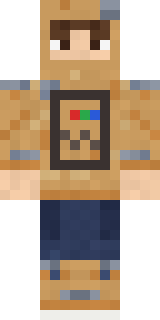 Cardboard Robot Kid
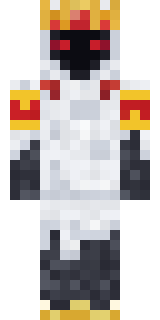 Ghost King
 Grey Suit and tie
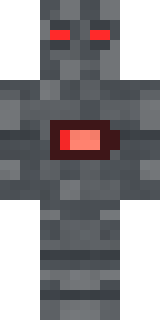 Low Battery Robot
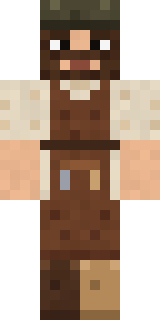 Medieval Cobbler
 Camo Commando
 Crow Undertaker
 Full Moon Werewolf
 Matcha Mochi
 Chili Stunt Driver
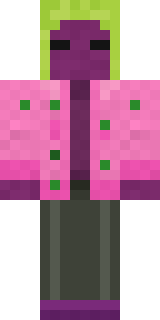 Beetroot DJ
 Lakeside Angler
 ShimerBot 0375
 Ronin Samurai
 Circuit Board Monk
 Fossil Museum Curator
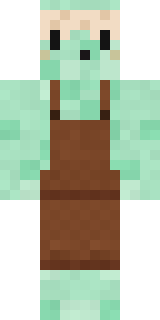 Mint Macaron Mascot
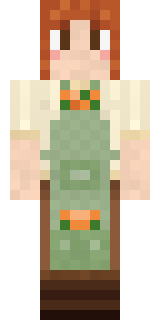 Sage Apron Florist
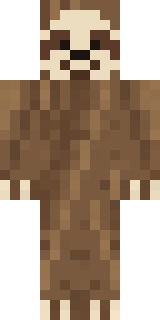 Sleepy Sloth
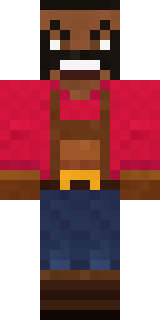 Ruby Blacksmith
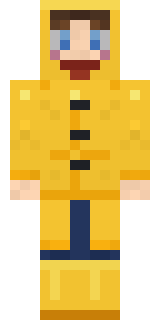 Rainy Day
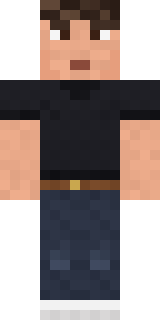 Sharp Jawline Guy
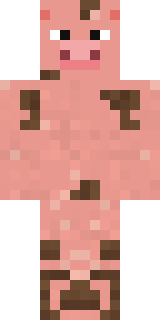 Muddy Pig
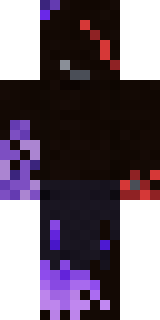 Vooid
 Ancient Hex
 Prom Queen Zombie
 Bookworm
 Downtown PigHoney Toast
 Sleepy Yellow Face
 Golden Paladin
 Wind Elemental
 Pastel Gamer
 Code GhostBuff Chicken
 Highway Biker
 Owl Professor
 Ember Demon
 Infected Sven
 Bistro Chef
 Red Court frock coat
 Light Elemental
 Ladybug Mechanic
 Moon Walker
 Sea Urchin Punk
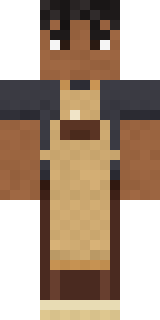 Curly Barista
 Strawberry Jam Jar
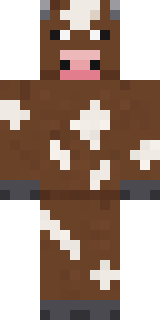 Barnyard Cow
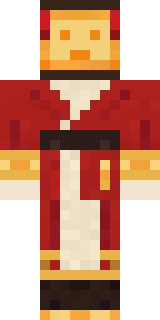 Paper Lantern Spirit
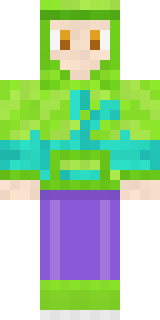 Chameleon Hoodie
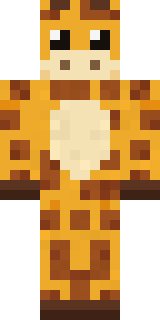 Gentle Giraffe
About Matcha Cafe
Matcha Cafe is a tasty Minecraft skin made by the Build It team. It wears an oat hood sweater, a mottled matcha apron, jeans and sneakers with a green, beige and grey colour scheme. Wear it to the next cooking contest or food fight.
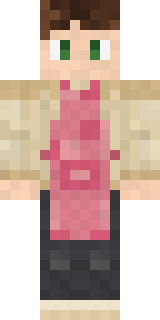
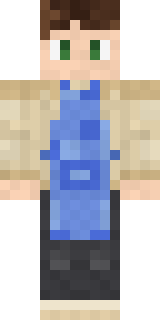
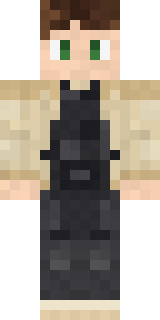
It uses the classic arms (4 pixels wide, like Steve) and works on Java and Bedrock. Download it for free, then follow the steps above to wear it in game. Open it in the Build It Skin Maker to give it your own colours. Try its 7 colour versions too, like Strawberry cafe and Blueberry cafe.
Find more skins like it in the Food and Streetwear collections, or browse the Aesthetic, Cozy and Food tags.