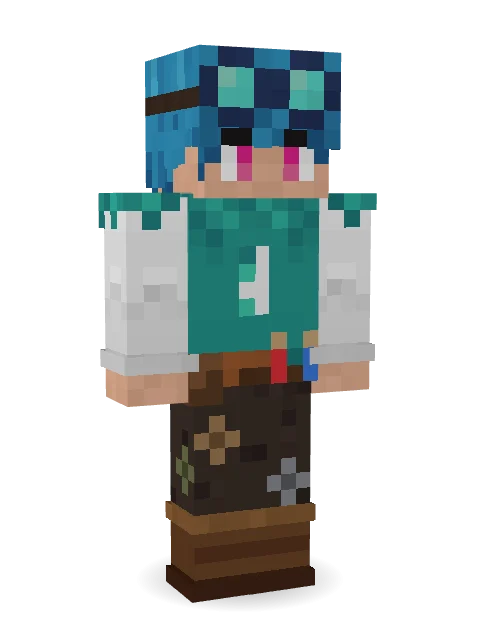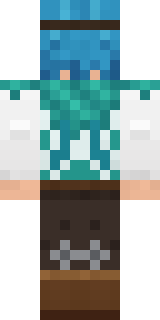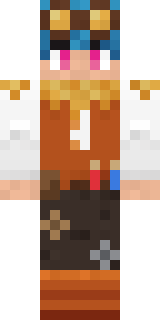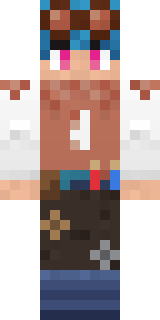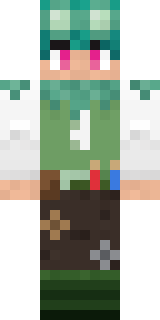

Cyan Tinker Fairy
A tiny engineer, complete with goggles, boots, and patched-up pants!
How to use this skin
Download it, then follow the steps for where you play.
Minecraft: Java Edition, in the Minecraft Launcher
- Open the Minecraft Launcher and pick Minecraft: Java Edition on the left.
- Open the Skins tab at the top and press New skin.
- Give it a name and choose the player model: Classic.
- Press Browse, pick the PNG you downloaded, then Save & Use.
- Start the game: you are wearing it, on every world and server.
Minecraft: Java Edition, on minecraft.net
- Go to minecraft.net and log in with your Microsoft account.
- Open your Profile and find the skin settings of Java Edition.
- Choose Classic, select the PNG file, and press Upload.
- Your new skin shows the next time you join a world.
Bedrock Edition: Windows, Android, iPhone, iPad, Chromebook
- Open Minecraft and press Dressing Room on the main menu (in newer versions, the character button next to your name, then Edit Character).
- Open the Classic Skins tab.
- Under Owned Skins, press Import, then Choose New Skin.
- Pick the PNG you downloaded (on a phone it is usually in Downloads or Files).
- When it asks, choose Classic, then confirm.
Xbox, PlayStation and Nintendo Switch
Consoles cannot import a skin file. There you can wear Character Creator items and skins from the Marketplace.
Some players set a skin in Bedrock on a phone or PC that is signed in to the same Microsoft account and see it on their console too. Mojang does not support that, so it may not work for you.
More by  vampirerei

Similar skins





Trending today
What people open and download right now.
Trending today
The skins people are opening, liking and downloading right now.



- Galaxy AxolotlbyBuild It
- Modern HoodiebyBuild It
- Enderbrineby
 gustavopir
- Napoleon BonapartebyBuild It
- The VoidbyBuild It
- Shy KidbyBuild It
- Sky PiratebyBuild It
- Hazmat ResponderbyBuild It
- Buff ChickenbyBuild It
- Slender ManbyBuild It
Made on Build It
A few of the skins players made here. Find one you like, or start your own.
 The Boss
 Beach Lifeguard
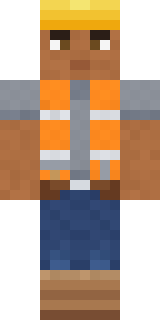 Hard Hat Hero
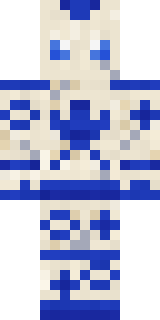 Porcelain Robot
 Matcha Cafe
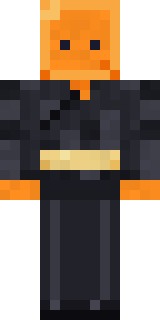 Orange Jelly Ninja
 Cyberpunk Paramedic
 Potion Shopkeeper
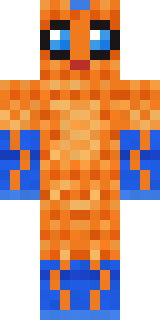 Tropical Fish
 Dandelion Druid
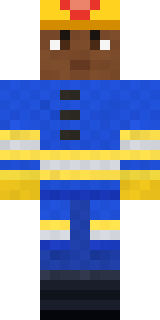 Cobalt Firefighter
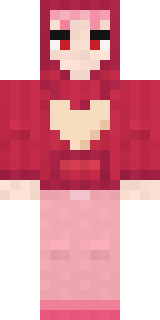 Valentine Heart Hoodie
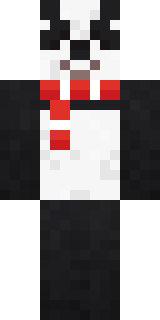 Panda Pal
 Hospital HeroSky Pirate
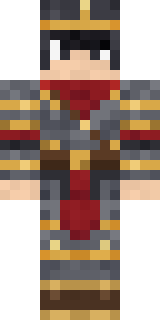 Gilded Steel Knight
 Dino Onesie
 Julius Caesar
 Caramel Knight
 Tennis Ball Coach
 Light Elemental
 Chess King
 Honey Bot
 Lavender Florist
 Sunflower Drummer
 Twilight Rogue
 Night Market Merchant
 Sailor Duck
 Handy Plumber
 Violet Vein Mutant
 Missing Texture Person
 Market ButcherShroud Ghost
 Periwinkle Rainwear
 Woolly Blackface Sheep
 Carnival Fortune Teller
 Moon Elf
 Watermelon Brawler
 Leonardo da Vinci
 Half Peeled Banana
 Forest Druid
 Honeycomb Automaton
 Silver Pulse DJMushroom Druid
 Arcade Buddy
 Ritual Caretaker
 Cozy Ballet Cardigan
 Red Panda Sushi Chef
 Forest Elf
 Late Night Gamer
 Peacock Guard
 Frost Elf Prince
 Lemon Sorcerer
 Redstone Inventor
 Crimson Plaid Emo
 Axolotl Adventurer
 Forest Ranger
 Terracotta Turtle
 Deep Space JanitorMoon Petal
About Cyan Tinker Fairy
Cyan Tinker Fairy is a work Minecraft skin made by vampirerei in the Build It Skin Maker. The outfit: a vest, patched trousers, boots and goggles, mostly brown with touches of white and teal. Look closer: it has fairy wings. A great pick for roleplay, school servers and city life.
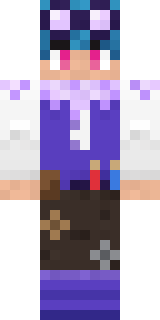
Cyan Tinker Fairy has classic 4 pixel arms and works in Minecraft Java and Bedrock. Download it for free and upload it in the Minecraft Launcher or the Bedrock dressing room. You can also open it in the Build It Skin Maker and make your own version. Try its 6 colour versions too, like Autumn and Red.
See more in the Fantasy and Jobs collections, or look through the Cute, Fairy and Fantasy tags.