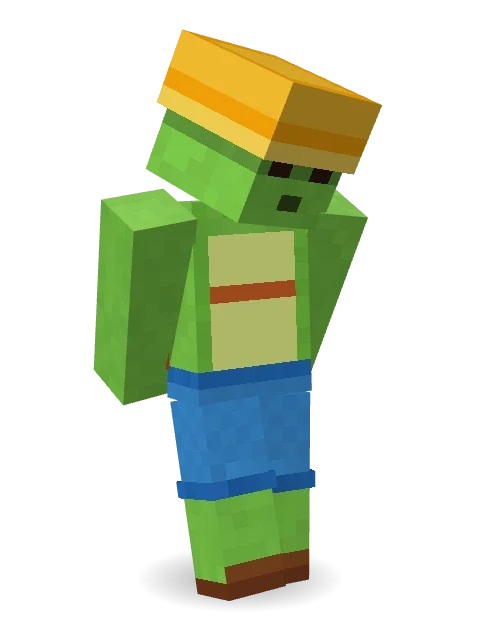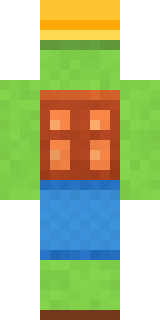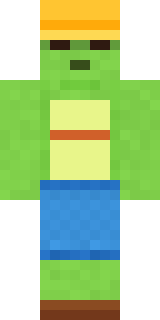
Terracotta Turtle
Minecraft skin · Classic arms (4 pixels) · Java and Bedrock
A shell like a terracotta pot, a sunny bucket hat and all the time in the world.

How to use this skin
Download it, then follow the steps for where you play.
Minecraft: Java Edition, in the Minecraft Launcher
- Open the Minecraft Launcher and pick Minecraft: Java Edition on the left.
- Open the Skins tab at the top and press New skin.
- Give it a name and choose the player model: Classic.
- Press Browse, pick the PNG you downloaded, then Save & Use.
- Start the game: you are wearing it, on every world and server.
Minecraft: Java Edition, on minecraft.net
- Go to minecraft.net and log in with your Microsoft account.
- Open your Profile and find the skin settings of Java Edition.
- Choose Classic, select the PNG file, and press Upload.
- Your new skin shows the next time you join a world.
Bedrock Edition: Windows, Android, iPhone, iPad, Chromebook
- Open Minecraft and press Dressing Room on the main menu (in newer versions, the character button next to your name, then Edit Character).
- Open the Classic Skins tab.
- Under Owned Skins, press Import, then Choose New Skin.
- Pick the PNG you downloaded (on a phone it is usually in Downloads or Files).
- When it asks, choose Classic, then confirm.
Xbox, PlayStation and Nintendo Switch
Consoles cannot import a skin file. There you can wear Character Creator items and skins from the Marketplace.
Some players set a skin in Bedrock on a phone or PC that is signed in to the same Microsoft account and see it on their console too. Mojang does not support that, so it may not work for you.
Similar skins

Made on Build It
A few of the skins players made here. Find one you like, or start your own.
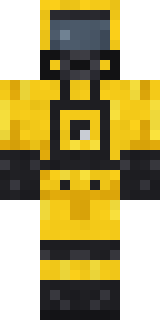 Hazmat Responder
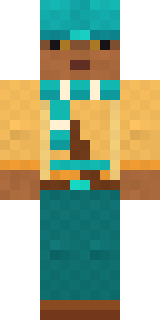 Desert Nomad
 Tea Bag Monk
 Sunflower Scarecrow
 Paper Bag Bandit
 Lobster Lifeguard
 Office Zombie
 Night Market Merchant
 Penguin Waddle
 Slime Apprentice
 Ferret Locksmith
 Slime Park Ranger
 Fairy Glow
 Saloon Pianist
 The Void
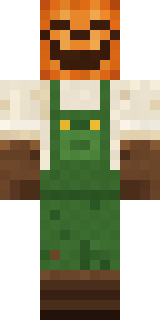 Pumpkin Patch Farmer
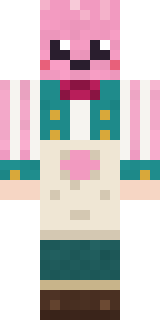 Cotton Candy Vendor
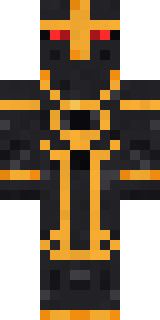 Eclipse Knight
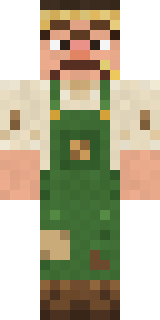 Grumpy Potato Farmer
 Water Elemental
 Late Night Gamer
 Beach Lifeguard
 Star Striker
 Sardine Sailor
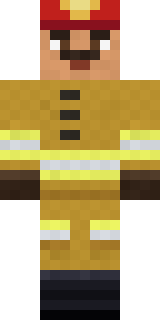 Fire Fighter
 Full Moon Werewolf
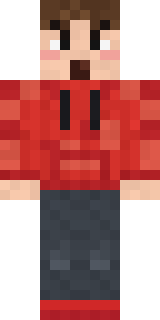 Rage Quit Gamer
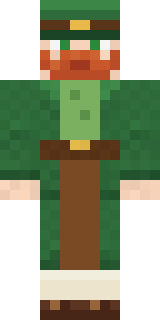 Lucky Leprechaun
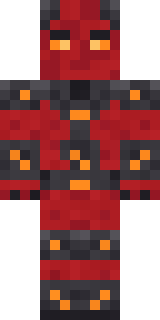 Molten Plate Demon
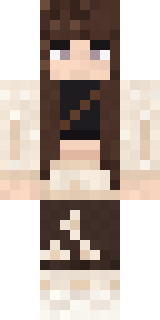 Moon Petal
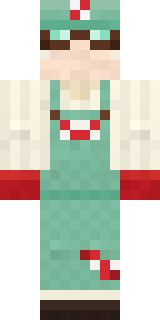 Peppermint Mechanic
 Business Shark
 Mad Scientist
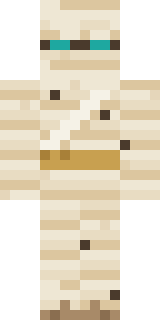 Sleepy Mummy
 Friendly NurseTide Pool Spirit
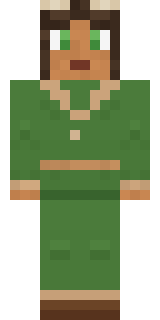 Forest Druid
 Secret Agent
 Brown Bear
 Circuit Board Monk
 Neon Mohawk Punk
 Blue Beat
 Panda Pal
 Midnight Hoodie
 Burgundy Buccaneer
 Rally Mechanic
 Balloon Festival Pilot
 Glowworm Spelunker
 Dreamweaver
 Sleepy Sheep
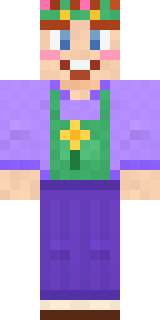 Lavender Florist
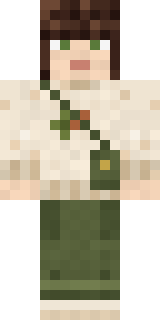 Curly Art Student
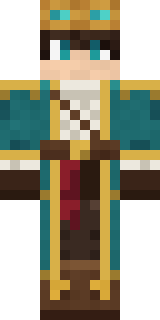 Sky Pirate
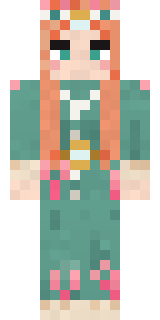 Coral Reef Sorceress
 Mirror Knight
 Ronin Samurai
 Veiled Mourner
 Owl Professor
 Black Moth Entity
 Beach Day
About Terracotta Turtle
Meet Terracotta Turtle, an animal Minecraft skin from the Build It team. It wears shorts, sandals and a bucket hat, mostly green with touches of blue. A fun pick for survival worlds and roleplay servers.
Terracotta Turtle has classic 4 pixel arms and works in Minecraft Java and Bedrock. Download it for free, then follow the steps above to wear it in game. Want it your way? Open it in the Build It Skin Maker and change its colours and pieces.
See more in the Animals and Nature collections, or look through the Animal and Nature tags.