Monochrome Minimalist
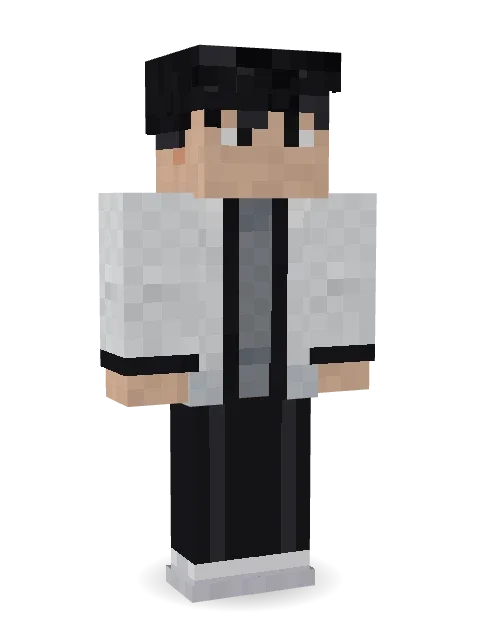
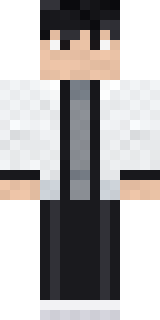
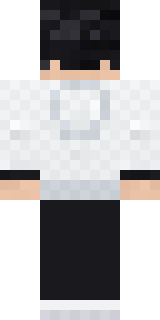
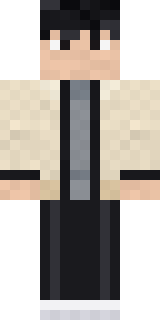
Owns exactly four colours and all of them are grey: a messy black fringe, a white open jacket with black facings, a grey tee and wide black trousers.

How to use this skin
Download it, then follow the steps for where you play.
Minecraft: Java Edition, in the Minecraft Launcher
- Open the Minecraft Launcher and pick Minecraft: Java Edition on the left.
- Open the Skins tab at the top and press New skin.
- Give it a name and choose the player model: Classic.
- Press Browse, pick the PNG you downloaded, then Save & Use.
- Start the game: you are wearing it, on every world and server.
Minecraft: Java Edition, on minecraft.net
- Go to minecraft.net and log in with your Microsoft account.
- Open your Profile and find the skin settings of Java Edition.
- Choose Classic, select the PNG file, and press Upload.
- Your new skin shows the next time you join a world.
Bedrock Edition: Windows, Android, iPhone, iPad, Chromebook
- Open Minecraft and press Dressing Room on the main menu (in newer versions, the character button next to your name, then Edit Character).
- Open the Classic Skins tab.
- Under Owned Skins, press Import, then Choose New Skin.
- Pick the PNG you downloaded (on a phone it is usually in Downloads or Files).
- When it asks, choose Classic, then confirm.
Xbox, PlayStation and Nintendo Switch
Consoles cannot import a skin file. There you can wear Character Creator items and skins from the Marketplace.
Some players set a skin in Bedrock on a phone or PC that is signed in to the same Microsoft account and see it on their console too. Mojang does not support that, so it may not work for you.
More by Build It












Similar skins



Trending today
What people open and download right now.
Trending today
The skins people are opening, liking and downloading right now.
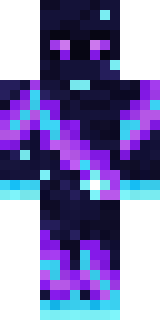
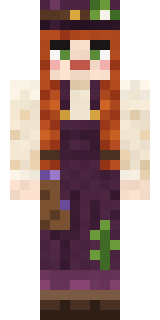
- Ancient Hexby
 nvlr33
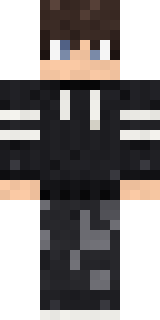
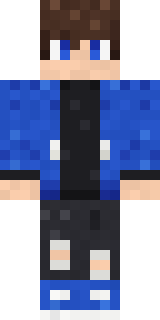
- Modern HoodiebyBuild It
- Galaxy AxolotlbyBuild It
- Shy KidbyBuild It
- Napoleon BonapartebyBuild It
- The KingbyBuild It
- Hazmat ResponderbyBuild It
- The VoidbyBuild It
- Buff ChickenbyBuild It
- Slender ManbyBuild It
Made on Build It
A few of the skins players made here. Find one you like, or start your own.
 Buffalo Plaid Lumberjack
 Loading Screen Gamer
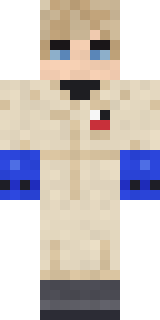 Rally Mechanic
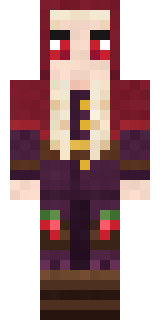 Cranberry Witch
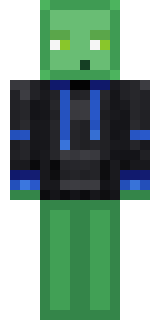 Slime Gamer
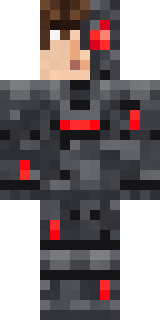 Graphite Cyborg
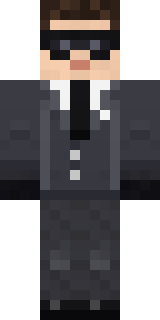
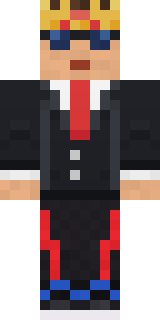 Grey Suit and tie
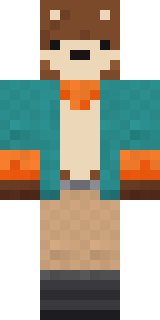 Marmot Mountain Climber
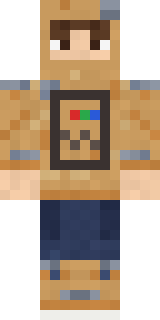 Cardboard Robot Kid
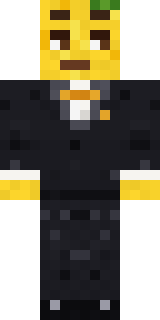 Lemon Jazz Singer
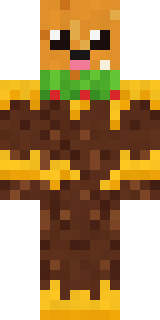 Cheeseburger Buddy
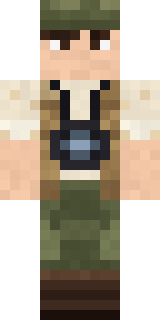 Wildlife Photographer
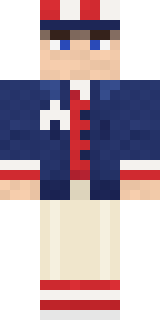 Fourth of July Patriot
 Carnival Fortune TellerSlender Man
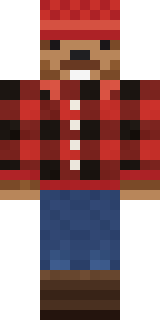 Bear Lumberjack
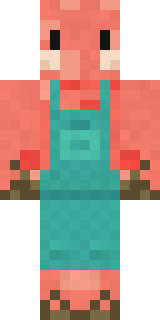 Shrimp Mechanic
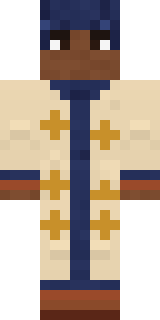 Desert Astronomer
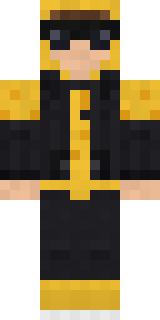 Gold Aura Streetwear
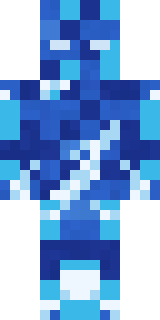 Water Elemental
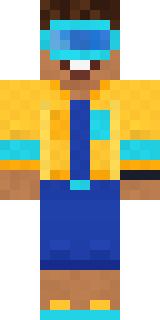 Ocean Diver
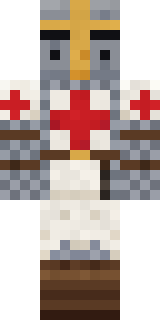 Templar Knight
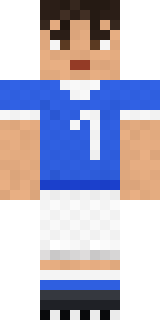 Midfield MaestroFire Elemental
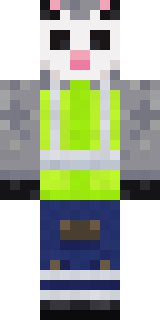 Possum Garbage Collector
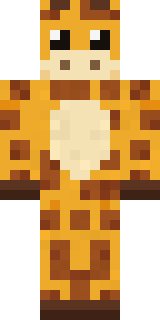 Gentle Giraffe
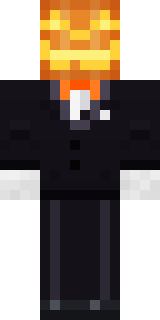 Lord Pumpkin
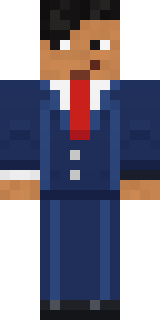 The Boss
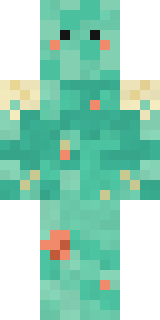 Tide Pool Spirit
 Glacier Explorer
 Friendly Dentist
 Sleepy Yellow Face
 Sleepy Sloth
 Easter Egg Sweater
 Axolotl Adventurer
 Paper Lantern Spirit
 Midnight Baker
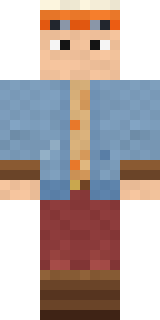 Balloon Festival Pilot
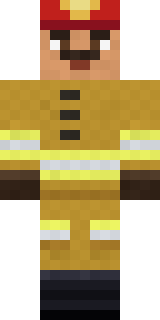 Fire Fighter
 Koi Pond Spirit
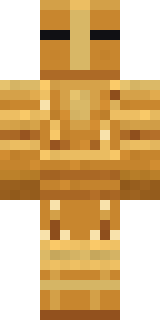 Caramel Knight
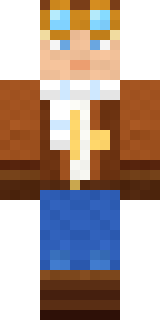 Cloud Aviator
 Orangutan Archaeologist
 Tiger Champ
 Blocky Newbie
 Slime Park Ranger
 Jesus Christ
 Dwarf Miner
 Garden Gnome
 Eclipse Knight
 Violet Vein Mutant
 Easter Bunny Costume
 Sky Princess
 Ginger Trainspotter
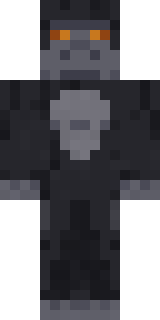
 Monotone ManSilverback GorillaAncient Hex
 Fern Forest Sprite
 Haunted Laundry Worker
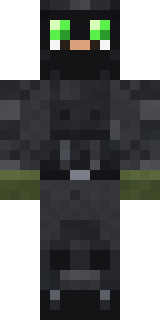 Night Ops Commando
About Monochrome Minimalist
Meet Monochrome Minimalist, a street style Minecraft skin made by the Build It team. The outfit: a mono facing jacket, suit pants and sneakers in white, black and grey. It brings real street style to the blocky world.
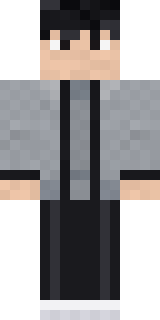
Monochrome Minimalist has classic 4 pixel arms and works in Minecraft Java and Bedrock. Download it for free, then follow the steps above to wear it in game. Want it your way? Open it in the Build It Skin Maker and change its colours and pieces. Try its 7 colour versions too, like Inverted and Grey jacket.
Find more skins like it in the Streetwear collection, or look through the Aesthetic, Cool and Everyday tags.