Secret Agent
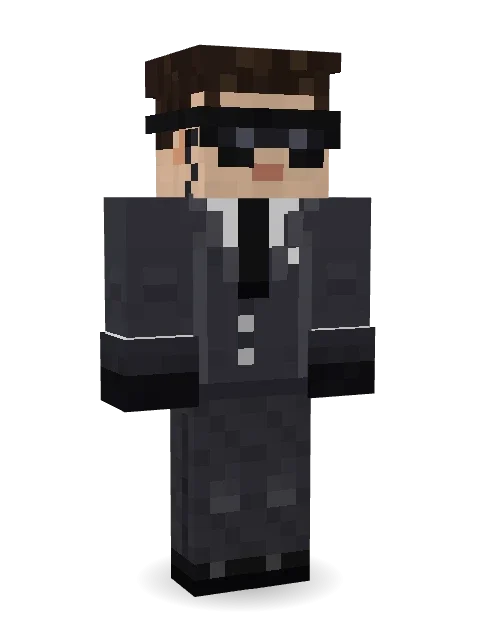
This message will self destruct: dark wraparound sunglasses, an earpiece with a coiled wire, a sharp charcoal suit, a black tie and black gloves.

How to use this skin
Download it, then follow the steps for where you play.
Minecraft: Java Edition, in the Minecraft Launcher
- Open the Minecraft Launcher and pick Minecraft: Java Edition on the left.
- Open the Skins tab at the top and press New skin.
- Give it a name and choose the player model: Classic.
- Press Browse, pick the PNG you downloaded, then Save & Use.
- Start the game: you are wearing it, on every world and server.
Minecraft: Java Edition, on minecraft.net
- Go to minecraft.net and log in with your Microsoft account.
- Open your Profile and find the skin settings of Java Edition.
- Choose Classic, select the PNG file, and press Upload.
- Your new skin shows the next time you join a world.
Bedrock Edition: Windows, Android, iPhone, iPad, Chromebook
- Open Minecraft and press Dressing Room on the main menu (in newer versions, the character button next to your name, then Edit Character).
- Open the Classic Skins tab.
- Under Owned Skins, press Import, then Choose New Skin.
- Pick the PNG you downloaded (on a phone it is usually in Downloads or Files).
- When it asks, choose Classic, then confirm.
Xbox, PlayStation and Nintendo Switch
Consoles cannot import a skin file. There you can wear Character Creator items and skins from the Marketplace.
Some players set a skin in Bedrock on a phone or PC that is signed in to the same Microsoft account and see it on their console too. Mojang does not support that, so it may not work for you.
More by Build It












Similar skins


















Trending today
What people open and download right now.
Trending today
The skins people are opening, liking and downloading right now.
- Modern HoodiebyBuild It
- Ancient Hexby
 nvlr33
- Galaxy AxolotlbyBuild It
- Shy KidbyBuild It
- Napoleon BonapartebyBuild It
- The KingbyBuild It
- Hazmat ResponderbyBuild It
- The VoidbyBuild It
- Buff ChickenbyBuild It
- Slender ManbyBuild It
Made on Build It
A few of the skins players made here. Find one you like, or start your own.
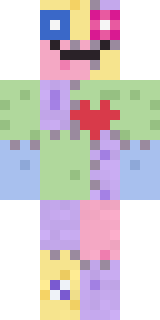 Patchwork Plush Monster
 Celestial Monk
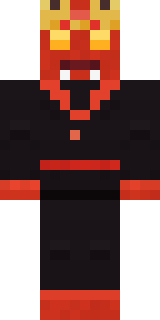 Ember Demon
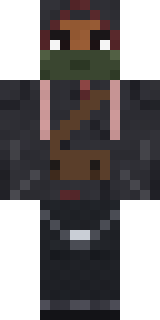 Waldo Buhonero
 Neon Courier
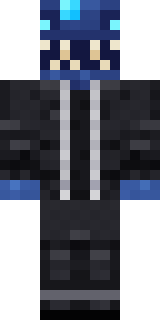 Anglerfish Bouncer
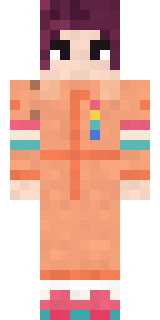 Roller Rink Skater
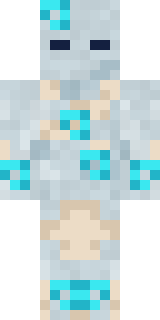 Wind Elemental
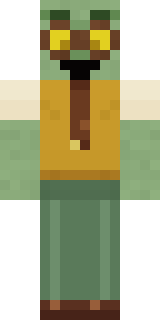 Dungeon AccountantCampaign Trail Politician
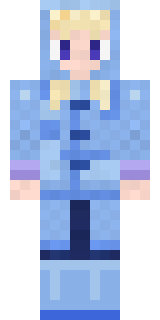 Periwinkle Rainwear
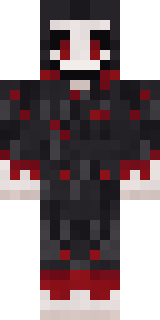 Grinning Shade
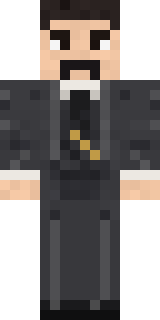 Nikola TeslaAncient Hex
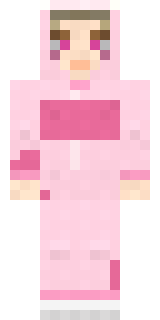 Strawberry Cow
 Dune Racer
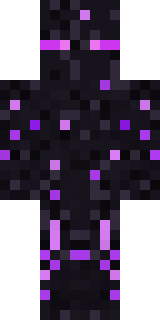 Ender Shade
 Silverfish Archivist
 Electric Eel Technician
 Easter Egg Sweater
 Cool Shades Face
 Stained-Glass Paladin
 Robo Unit 7
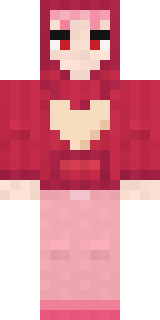 Valentine Heart Hoodie
 Guardian Angel
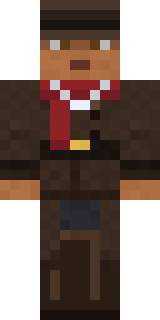 Vampire Hunter
 Hoop Star
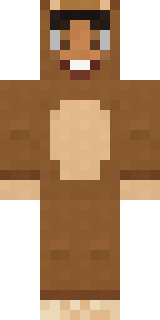 Teddy Onesie
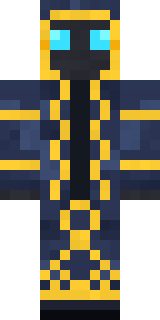 Thunderstorm Mage
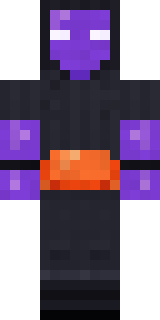 Jellybean Thief
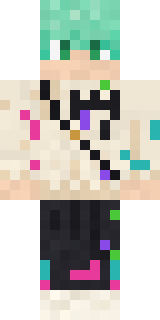 Mint Street Artist
 Lemon Sorcerer
 Gothic Librarian
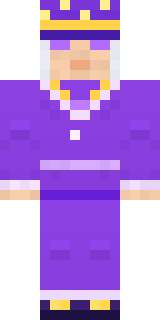 Amethyst Mage
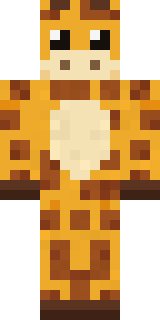 Gentle Giraffe
 Shocked Dog
 Void Wanderer
 Denim Artist
 Stained Glass Mage
 Hot Springs Innkeeper
 Grey Suit and tie
 Emerald Alchemist
 Crimson Sash Ninja
 Canada Day Maple Leaf
 Golden Prospector
 Grunge Girl
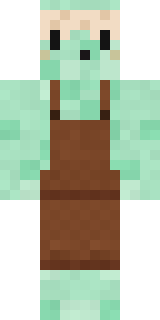 Mint Macaron Mascot
 Honeycomb Automaton
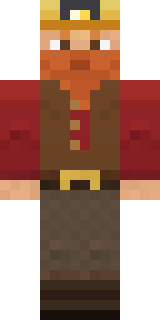 Dwarf Miner
 Crystal Cave Explorer
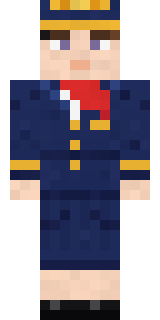 Flight Attendant
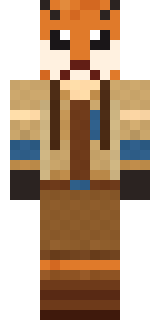 Fox Explorer
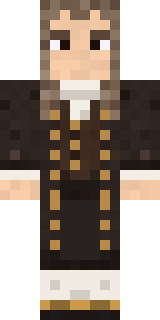 Isaac Newton
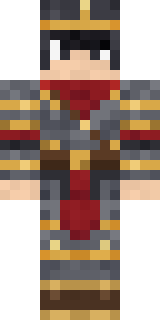 Gilded Steel Knight
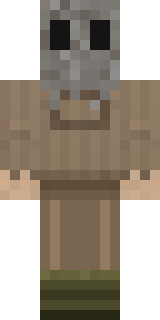 Burlap IntruderNapoleon Bonaparte
 Coral Reef Sorceress
 Head Chef
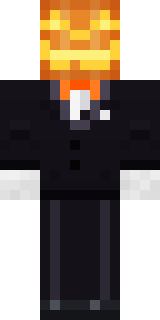 Lord Pumpkin
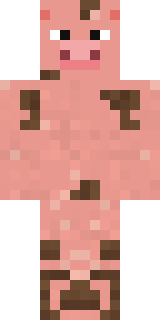 Muddy Pig
About Secret Agent
Meet Secret Agent, a legendary Minecraft skin from the Build It team. Its look puts together a charcoal agent suit, jeans, dress shoes and gloves in grey and black. Wear it on fantasy servers, adventure maps and dragon hunts.
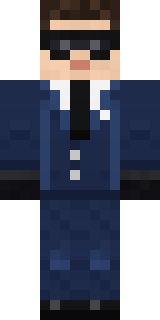
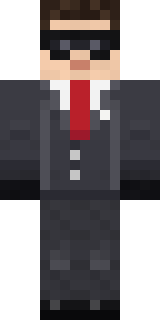
Secret Agent has classic 4 pixel arms and works in Minecraft Java and Bedrock. Download it for free and upload it in the Minecraft Launcher or the Bedrock dressing room. Want it your way? Open it in the Build It Skin Maker and change its colours and pieces. It also comes in 7 colour versions, like Black suit and Navy suit.
See more in the Fantasy and Streetwear collections, or look through the Cool, Gentleman and Mystery tags.