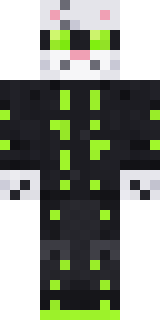
Snow Leopard Hacker
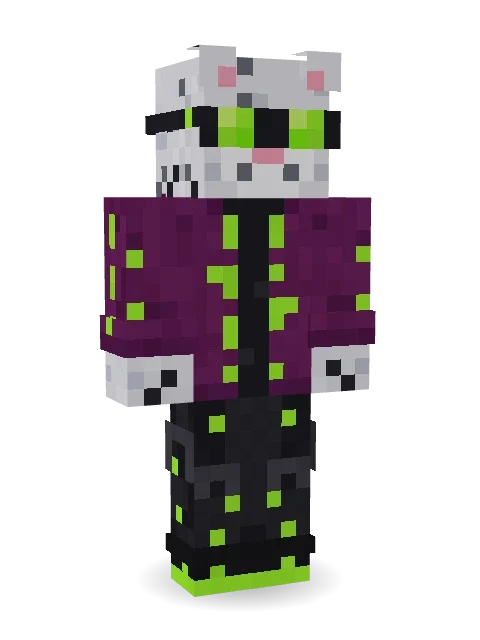
Hacking the neon city from the rooftops: a snow leopard in glowing lime goggles, a plum jacket with light strips, and a long spotted tail.

How to use this skin
Download it, then follow the steps for where you play.
Minecraft: Java Edition, in the Minecraft Launcher
- Open the Minecraft Launcher and pick Minecraft: Java Edition on the left.
- Open the Skins tab at the top and press New skin.
- Give it a name and choose the player model: Classic.
- Press Browse, pick the PNG you downloaded, then Save & Use.
- Start the game: you are wearing it, on every world and server.
Minecraft: Java Edition, on minecraft.net
- Go to minecraft.net and log in with your Microsoft account.
- Open your Profile and find the skin settings of Java Edition.
- Choose Classic, select the PNG file, and press Upload.
- Your new skin shows the next time you join a world.
Bedrock Edition: Windows, Android, iPhone, iPad, Chromebook
- Open Minecraft and press Dressing Room on the main menu (in newer versions, the character button next to your name, then Edit Character).
- Open the Classic Skins tab.
- Under Owned Skins, press Import, then Choose New Skin.
- Pick the PNG you downloaded (on a phone it is usually in Downloads or Files).
- When it asks, choose Classic, then confirm.
Xbox, PlayStation and Nintendo Switch
Consoles cannot import a skin file. There you can wear Character Creator items and skins from the Marketplace.
Some players set a skin in Bedrock on a phone or PC that is signed in to the same Microsoft account and see it on their console too. Mojang does not support that, so it may not work for you.
More by Build It












Similar skins



















Trending today
What people open and download right now.
Trending today
The skins people are opening, liking and downloading right now.
- Ancient Hexby
 nvlr33
- Modern HoodiebyBuild It
- Galaxy AxolotlbyBuild It
- Shy KidbyBuild It
- Napoleon BonapartebyBuild It
- Hazmat ResponderbyBuild It
- The VoidbyBuild It
- The KingbyBuild It
- Slender ManbyBuild It
- Buff ChickenbyBuild It
Made on Build It
A few of the skins players made here. Find one you like, or start your own.
 Emotional Support Pickle
 Cursed Chess Bishop
 Possum Garbage Collector
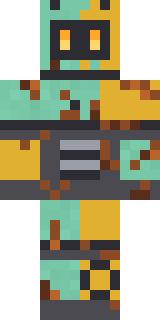 Rusty Scrapyard Robot
 Crimson PunkThe Void
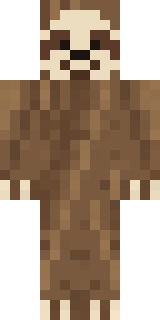 Sleepy Sloth
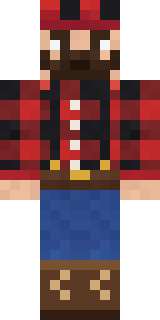 Buffalo Plaid Lumberjack
 Poseidon
 Bouncy Slime
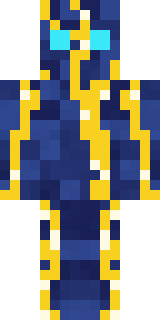 Lightning Elemental
 Arcade Buddy
 Autumn Knit
 Frost Yeti
 Clockwork Oracle
 Geode Elf
 Lord Pumpkin
 Circuit Board Monk
 Neon Parkour Runner
 Mushroom Druid
 Nice girl
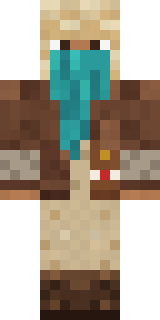 Desert Courier
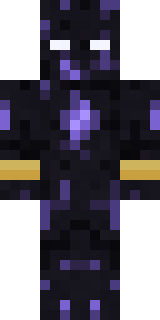 Obsidian Sentinel
 First Day
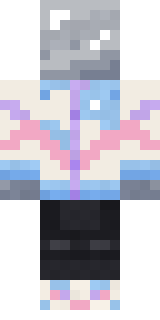 Chrome Mannequin
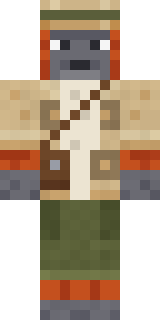 Orangutan Archaeologist
 Potion Shopkeeper
 Downtown Pig
 Handy Plumber
 Rubber Duck Raincoat
 Vampire Aristocrat
 Grease Monkey
 Static Screen Agent
 Blocky Newbie
 Cardboard Robot Kid
 The Mummy
 Black Moth Entity
 Matcha Mochi
 Circuit Alien
 Gargoyle Bell Ringer
 Moon Walker
 Sardine Sailor
 Charcoal Firefighter
 Locked In Alien
 Happy Poop
 Retro Arcade Bot
 Ancient Gardian
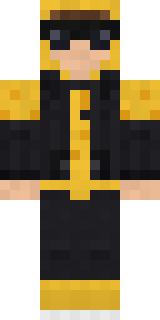 Gold Aura Streetwear
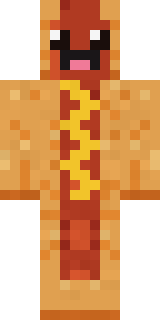 Happy Hot Dog
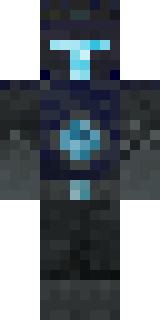 Deep Dark Knight
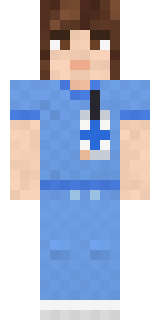 Friendly Nurse
 Mountain Rescue Medic
 The Big Cheese
 False Smile Stranger
 Flight Attendant
 Dusty Rose Vintage
 Pajama Knight
 Marmot Mountain Climber
 Grunge Girl
 Harvest Farmer
About Snow Leopard Hacker
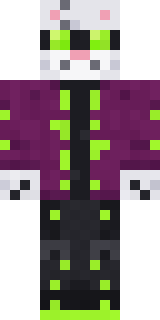
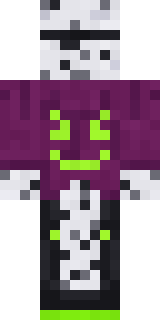
Snow Leopard Hacker is a sci-fi Minecraft skin from the Build It team. The outfit: a plum hacker jacket, neon strip cargo pants, a snow leopard tail and lime hacker goggles with a purple and black colour scheme. It has a snow leopard body. A great pick for players who love machines and the future.
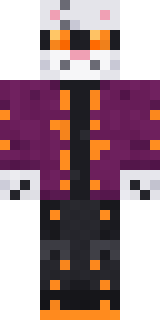
It uses the classic arms (4 pixels wide, like Steve) and works on Java and Bedrock. Download it for free and upload it in the Minecraft Launcher or the Bedrock dressing room. Open it in the Build It Skin Maker to give it your own colours. Try its 7 colour versions too, like Cyan neon and Pink neon.
See more in the Animals and Streetwear collections, or browse the Animal, Cool and Cyberpunk tags.