Cherry Blossom Streetwear
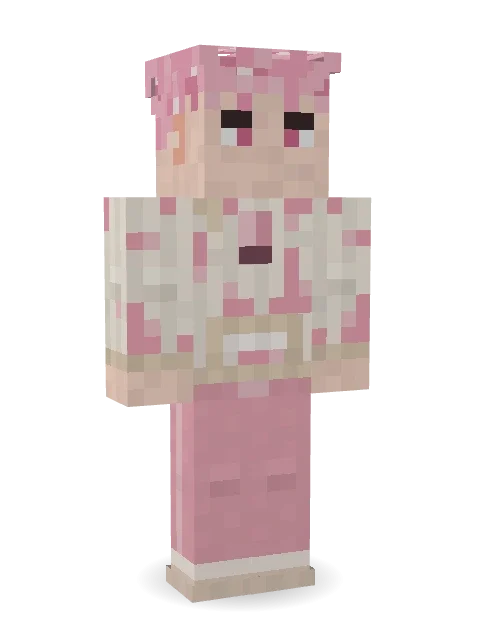
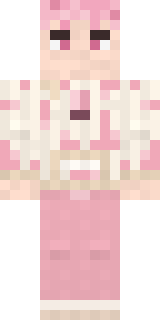
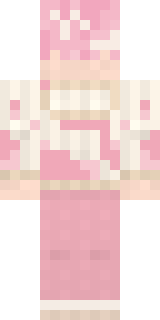
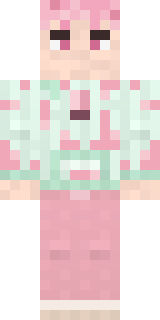
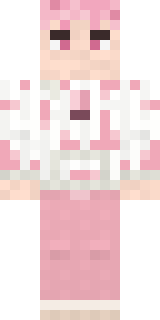
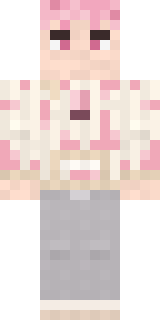
Walks under the cherry trees every spring morning: fluffy pink hair flecked like blossom, a cream hoodie dappled with soft pink patches and pink joggers.

How to use this skin
Download it, then follow the steps for where you play.
Minecraft: Java Edition, in the Minecraft Launcher
- Open the Minecraft Launcher and pick Minecraft: Java Edition on the left.
- Open the Skins tab at the top and press New skin.
- Give it a name and choose the player model: Classic.
- Press Browse, pick the PNG you downloaded, then Save & Use.
- Start the game: you are wearing it, on every world and server.
Minecraft: Java Edition, on minecraft.net
- Go to minecraft.net and log in with your Microsoft account.
- Open your Profile and find the skin settings of Java Edition.
- Choose Classic, select the PNG file, and press Upload.
- Your new skin shows the next time you join a world.
Bedrock Edition: Windows, Android, iPhone, iPad, Chromebook
- Open Minecraft and press Dressing Room on the main menu (in newer versions, the character button next to your name, then Edit Character).
- Open the Classic Skins tab.
- Under Owned Skins, press Import, then Choose New Skin.
- Pick the PNG you downloaded (on a phone it is usually in Downloads or Files).
- When it asks, choose Classic, then confirm.
Xbox, PlayStation and Nintendo Switch
Consoles cannot import a skin file. There you can wear Character Creator items and skins from the Marketplace.
Some players set a skin in Bedrock on a phone or PC that is signed in to the same Microsoft account and see it on their console too. Mojang does not support that, so it may not work for you.
More by Build It












Similar skins




















Trending today
What people open and download right now.
Trending today
The skins people are opening, liking and downloading right now.
- Ancient Hexby
 nvlr33
- Modern HoodiebyBuild It
- Galaxy AxolotlbyBuild It
- Shy KidbyBuild It
- Napoleon BonapartebyBuild It
- The KingbyBuild It
- Hazmat ResponderbyBuild It
- The VoidbyBuild It
- Buff ChickenbyBuild It
- Slender ManbyBuild It
Made on Build It
A few of the skins players made here. Find one you like, or start your own.
 Office Zombie
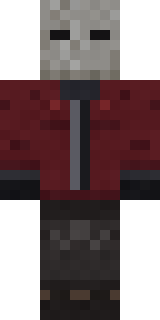 The Blank Mask
 Templar Knight
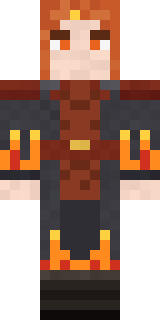 Ember Battle Mage
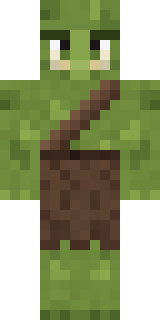 Mossy Troll
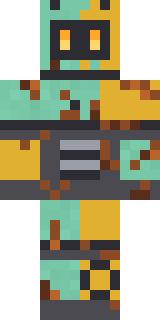 Rusty Scrapyard Robot
 Pistachio Pastry Chef
 Jade Monk
 Sea Foam Dancer
 Firefly Scout
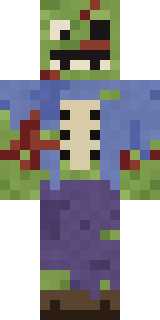 Rotting Walker
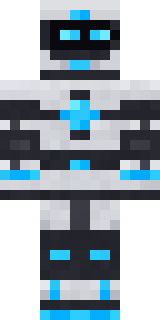 Pulse Android
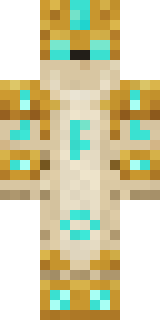 Sandstone Guardian
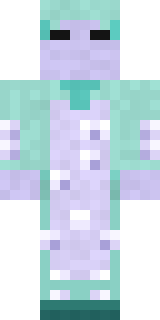 Haunted Laundry Worker
 Sky Pirate
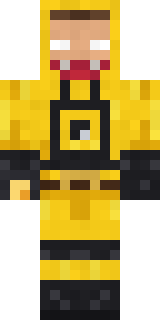 Yellow hazmat suit
 Retro Fridge Robot
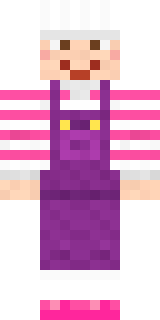 Candy Baker
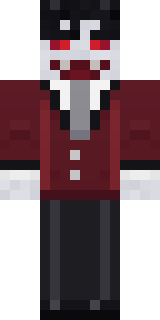 Halloween Vampire
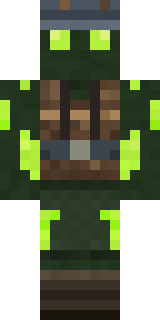 Glowworm Spelunker
 Celestial Monk
 Plum Jester
 Dwarven Mountain King
 White Porcelain plate
 Valentine Heart Hoodie
 Moon Elf
 Bebo
 Vooid
 Menina
 Missing Texture Person
 Fox Blacksmith
 Moon WalkerPorcelain Robot
 Copper Gardener Bot
 Crystal Cave Explorer
 First Day
 Emotional Support PickleSlender Man
 Midfield Maestro
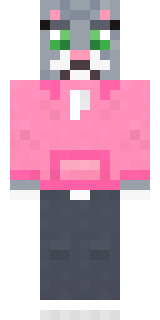 Cozy Cat
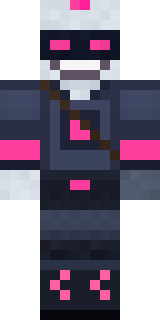 Cyber Samurai
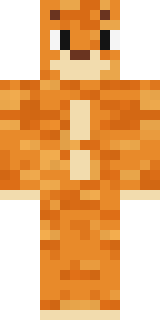 One Brain Cell Cat
 Deep Sea Captain
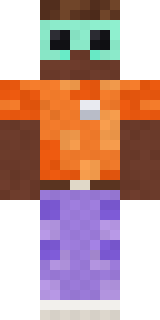 Roller Rink Attendant
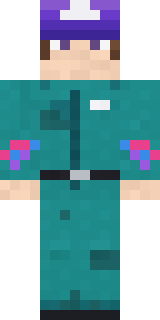 Arcade Janitor
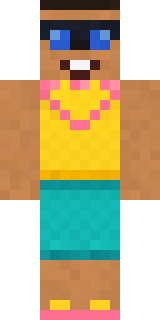 Beach Day
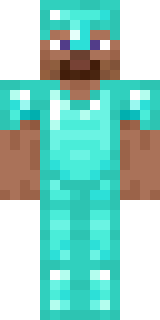 Diamond
 Build It Guy
 Monochrome Minimalist
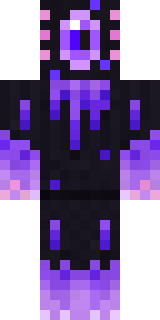 Void Axolotl
 Lacquered Samurai
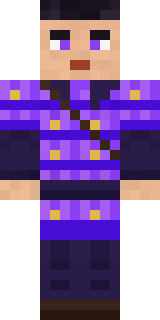 Violet Samurai
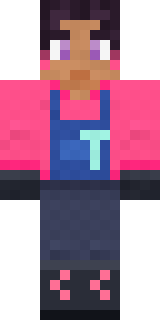 Rose Mechanic
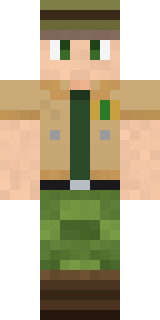 Park Ranger
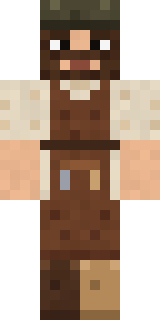 Medieval CobblerThe VoidPastel Bear Girl
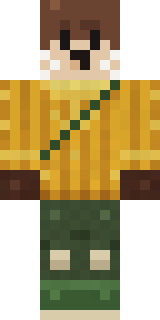 Otter FisherGalaxy Wanderer
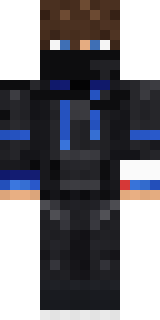 Hacker
About Cherry Blossom Streetwear
Meet Cherry Blossom Streetwear, a cute Minecraft skin made by the Build It team. The outfit: a blossom patch hoodie, joggers and sneakers in beige and pink. Made for cottage builds, flower fields and friendly servers.
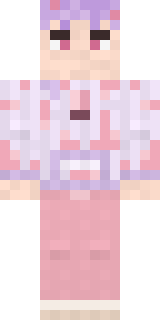
Cherry Blossom Streetwear has classic 4 pixel arms and works in Minecraft Java and Bedrock. It is free: download the PNG and add it in the Minecraft Launcher (Java) or the dressing room (Bedrock). Open it in the Build It Skin Maker to give it your own colours. It also comes in 7 colour versions, like Plum blossom and Mint hoodie.
Find more skins like it in the Streetwear and Cute collections, or look through the Aesthetic, Cute and Hoodie tags.