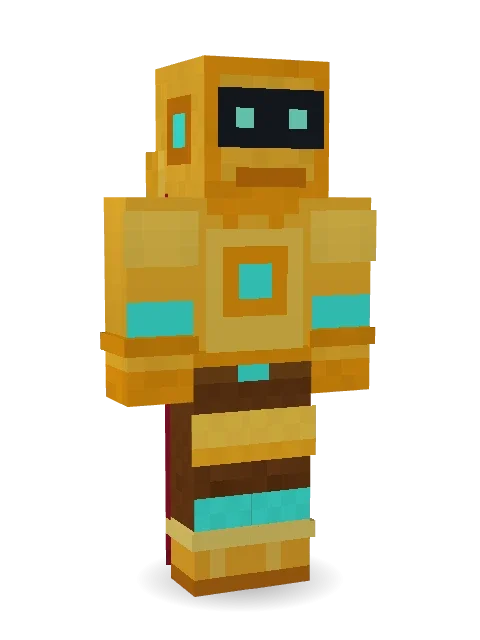
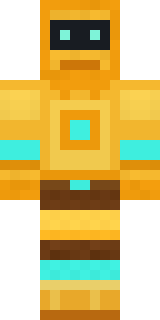
Golden Automaton
Gold plates, glowing cyan lights, a red cape and a crest that hums when it walks.
How to use this skin
Download it, then follow the steps for where you play.
Minecraft: Java Edition, in the Minecraft Launcher
- Open the Minecraft Launcher and pick Minecraft: Java Edition on the left.
- Open the Skins tab at the top and press New skin.
- Give it a name and choose the player model: Classic.
- Press Browse, pick the PNG you downloaded, then Save & Use.
- Start the game: you are wearing it, on every world and server.
Minecraft: Java Edition, on minecraft.net
- Go to minecraft.net and log in with your Microsoft account.
- Open your Profile and find the skin settings of Java Edition.
- Choose Classic, select the PNG file, and press Upload.
- Your new skin shows the next time you join a world.
Bedrock Edition: Windows, Android, iPhone, iPad, Chromebook
- Open Minecraft and press Dressing Room on the main menu (in newer versions, the character button next to your name, then Edit Character).
- Open the Classic Skins tab.
- Under Owned Skins, press Import, then Choose New Skin.
- Pick the PNG you downloaded (on a phone it is usually in Downloads or Files).
- When it asks, choose Classic, then confirm.
Xbox, PlayStation and Nintendo Switch
Consoles cannot import a skin file. There you can wear Character Creator items and skins from the Marketplace.
Some players set a skin in Bedrock on a phone or PC that is signed in to the same Microsoft account and see it on their console too. Mojang does not support that, so it may not work for you.
More by Build It












Similar skins























Trending today
What people open and download right now.
Trending today
The skins people are opening, liking and downloading right now.

- Modern HoodiebyBuild It
- Enderbrineby
 gustavopir
- Galaxy AxolotlbyBuild It
- Napoleon BonapartebyBuild It
- The KingbyBuild It
- Hazmat ResponderbyBuild It
- Shy KidbyBuild It
- herobrinebygustavopir
- The VoidbyBuild It
- Starfield PhantombyBuild It
Made on Build It
A few of the skins players made here. Find one you like, or start your own.
 First Day
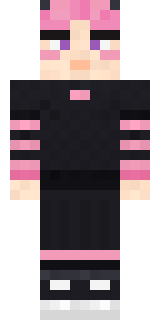 Pastel Gamer
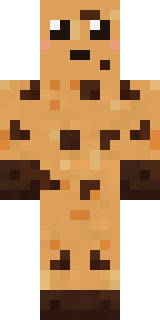 Chocolate Chip Cookie
 Potion Shopkeeper
 Night BloomSlender Man
 Galaxy Wanderer
 Half Peeled Banana
 Tuxedo Cat
 Chess King
 Velvet Vampire
 Ruby Blacksmith
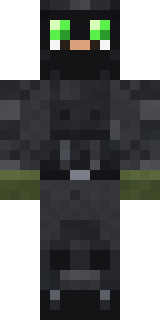 Night Ops Commando
 Blue Corset blouse
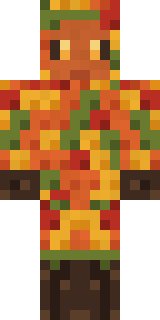 Autumn Leaf Sprite
 Inmate 3742
 Possum Garbage Collector
 Midfield Maestro
 Snow Rider
 Silent Mime
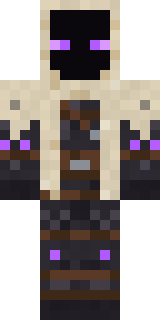 Void Wanderer
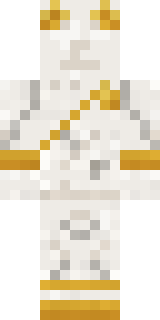 Living Marble Statue
 Sunflower Drummer
 Burlap Intruder
 Ghost King
 Ember Dragon
 Scuba Instructor
 Frost Yeti
 Lunar BotanistArmy Soldier
 Firefly Scout
 Forgotten Funeral Guest
 Midnight Ferryman
 Cursed Corporate Computer
 Starlight Wizard
 Arcade Buddy
 Crocodile Detective
 Fourth of July Patriot
 Pastel Bear Girl
 Pastel Goth
 Confetti Clown
 Bone Scout
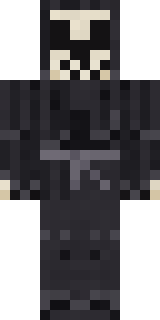 Tattered Reaper
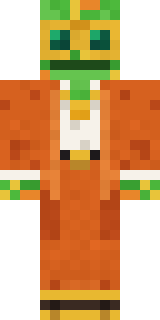 Disco Chameleon
 Shadow Ninja
 Full Moon Werewolf
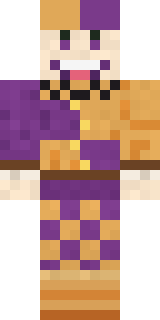 Plum Jester
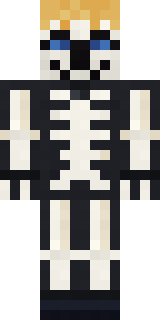 Skeleton Costume
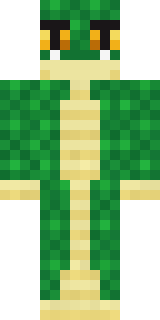 Emerald Serpent
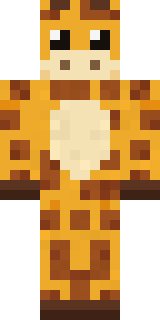 Gentle Giraffe
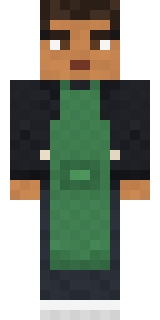 Morning Barista
 Storm Chaser Aviator
 Moon Walker
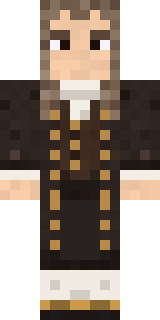 Isaac Newton
 Hacker
 Noir Detective
 Bumblebee
 Frost Elf Prince
 Giga Chad
 Grumpy Broccoli
About Golden Automaton
Golden Automaton is a futuristic skin for Minecraft made by the Build It team. Its look puts together crest armor, guard pants, armor boots and a cape with a orange, yellow and brown colour scheme. It is a robot from head to toe. Beep boop: it is ready to power up any world.
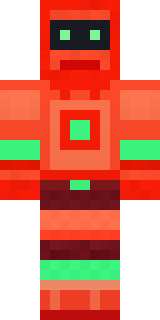
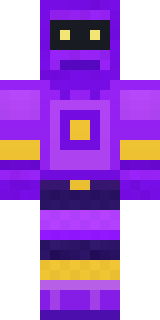
It uses the classic arms (4 pixels wide, like Steve) and works on Java and Bedrock. It is free: download the PNG and add it in the Minecraft Launcher (Java) or the dressing room (Bedrock). Want it your way? Open it in the Build It Skin Maker and change its colours and pieces. Try its 5 colour versions too, like Ocean and Forest.
Find more skins like it in the Fantasy and Robots collections, or browse the Fantasy and Robot tags.