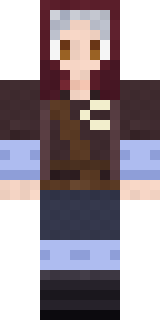
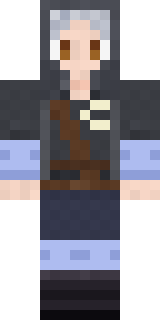
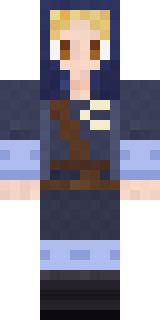
Moon Elf Ranger
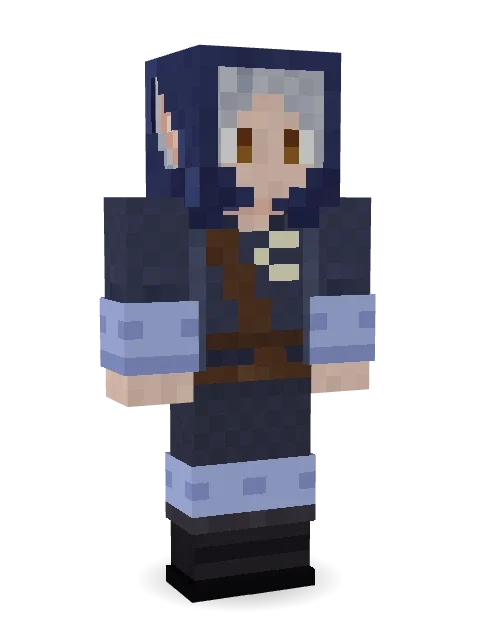
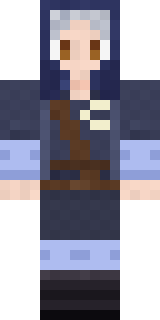
Tracks wolves through the forest by moonlight alone: silver hair under an indigo hood, a crescent moon on the coat and pale wraps on the arms.
How to use this skin
Download it, then follow the steps for where you play.
Minecraft: Java Edition, in the Minecraft Launcher
- Open the Minecraft Launcher and pick Minecraft: Java Edition on the left.
- Open the Skins tab at the top and press New skin.
- Give it a name and choose the player model: Classic.
- Press Browse, pick the PNG you downloaded, then Save & Use.
- Start the game: you are wearing it, on every world and server.
Minecraft: Java Edition, on minecraft.net
- Go to minecraft.net and log in with your Microsoft account.
- Open your Profile and find the skin settings of Java Edition.
- Choose Classic, select the PNG file, and press Upload.
- Your new skin shows the next time you join a world.
Bedrock Edition: Windows, Android, iPhone, iPad, Chromebook
- Open Minecraft and press Dressing Room on the main menu (in newer versions, the character button next to your name, then Edit Character).
- Open the Classic Skins tab.
- Under Owned Skins, press Import, then Choose New Skin.
- Pick the PNG you downloaded (on a phone it is usually in Downloads or Files).
- When it asks, choose Classic, then confirm.
Xbox, PlayStation and Nintendo Switch
Consoles cannot import a skin file. There you can wear Character Creator items and skins from the Marketplace.
Some players set a skin in Bedrock on a phone or PC that is signed in to the same Microsoft account and see it on their console too. Mojang does not support that, so it may not work for you.
More by Build It












Similar skins




















Trending today
What people open and download right now.
Trending today
The skins people are opening, liking and downloading right now.

- Ancient Hexby
 nvlr33
- Modern HoodiebyBuild It
- Galaxy AxolotlbyBuild It
- Shy KidbyBuild It
- Napoleon BonapartebyBuild It
- The KingbyBuild It
- Hazmat ResponderbyBuild It
- The VoidbyBuild It
- Buff ChickenbyBuild It
- Slender ManbyBuild It
Made on Build It
A few of the skins players made here. Find one you like, or start your own.
 Arcade Buddy
 Mint Street Artist
 Possum Garbage Collector
 Mossy Troll
 Rookie Boxer
 Camo Commando
 Flamehunter
 Bun Bun
 Ember Dragon
 Pajama KnightSlime Apprentice
 Bone ScoutShadow Elemental
 Red Orchard vine shirt
 Chess King
 Veiled Mourner
 Bloody ghost
 Blueberry Detective
 Neon DJ
 Shroud GhostAlice
 Moon Walker
 Sunken Knight
 Autumn Leaf Sprite
 Muddy Pig
 Desert Astronomer
 Hoop Star
 Geode ElfSky Pirate
 Mint Axolotl
 Nice girl
 Dungeon AccountantHazmat Responder
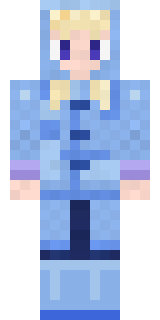 Periwinkle Rainwear
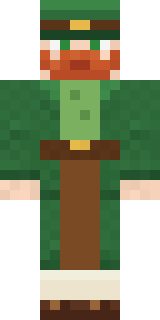 Lucky Leprechaun
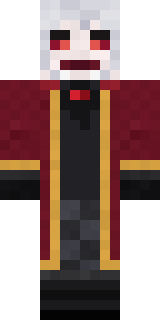 Velvet VampireWoodland Dryad
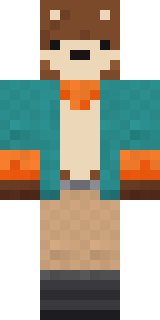 Marmot Mountain Climber
 Little Bat
 Circuit Alien
 Patchwork Teddy Bear
 Midnight Academia
 Dusty Rose Vintage
 Electric Eel Technician
 Diamond Sleeve Trader
 Cozy Cat
 CM Style
 Wildlife Photographer
 Pumpkin Hoodie
 Stained-Glass Paladin
 Isaac Newton
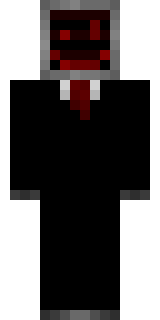 Cursed Corporate Computer
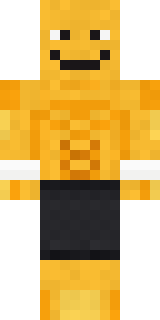 Gym Bro Banana
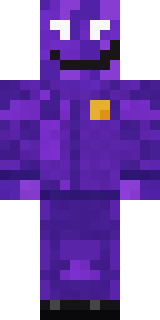 Violet Night Watchman
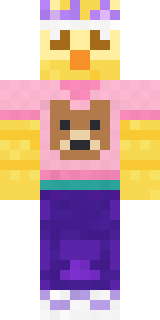 Red Bear face tee Baby chick
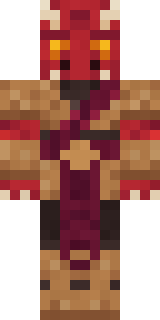 Ruby Dragonborn
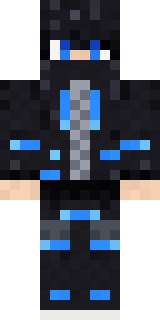 Blue Beat
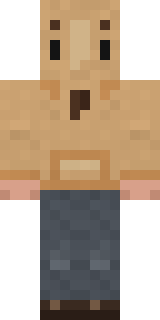 Doorbell Camera Visitor
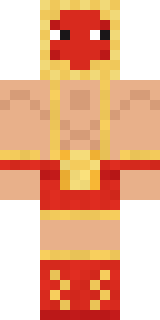 Ravioli Wrestler
 Rotting Walker
About Moon Elf Ranger
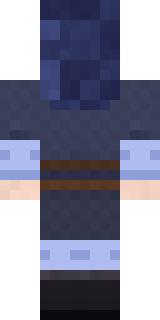
Moon Elf Ranger is a legendary Minecraft skin from the Build It team. Its look puts together a crescent ranger coat, moon wrap leggings, boots and an indigo ranger hood in blue. It is an elf from head to toe. Made for quests, castles and roleplay adventures.
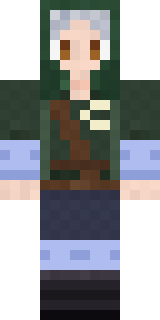
It uses the classic arms (4 pixels wide, like Steve) and works on Java and Bedrock. It is free: download the PNG and add it in the Minecraft Launcher (Java) or the dressing room (Bedrock). You can also open it in the Build It Skin Maker and make your own version. It also comes in 7 colour versions, like Forest ranger and Crimson ranger.
See more in the Fantasy and Heroes and fighters collections, or browse the Adventure, Elf and Fantasy tags.