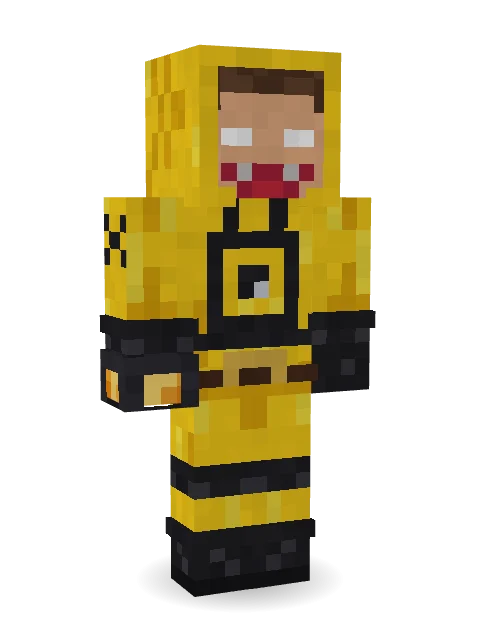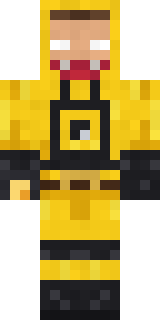

Yellow hazmat suit

How to use this skin
Download it, then follow the steps for where you play.
Minecraft: Java Edition, in the Minecraft Launcher
- Open the Minecraft Launcher and pick Minecraft: Java Edition on the left.
- Open the Skins tab at the top and press New skin.
- Give it a name and choose the player model: Classic.
- Press Browse, pick the PNG you downloaded, then Save & Use.
- Start the game: you are wearing it, on every world and server.
Minecraft: Java Edition, on minecraft.net
- Go to minecraft.net and log in with your Microsoft account.
- Open your Profile and find the skin settings of Java Edition.
- Choose Classic, select the PNG file, and press Upload.
- Your new skin shows the next time you join a world.
Bedrock Edition: Windows, Android, iPhone, iPad, Chromebook
- Open Minecraft and press Dressing Room on the main menu (in newer versions, the character button next to your name, then Edit Character).
- Open the Classic Skins tab.
- Under Owned Skins, press Import, then Choose New Skin.
- Pick the PNG you downloaded (on a phone it is usually in Downloads or Files).
- When it asks, choose Classic, then confirm.
Xbox, PlayStation and Nintendo Switch
Consoles cannot import a skin file. There you can wear Character Creator items and skins from the Marketplace.
Some players set a skin in Bedrock on a phone or PC that is signed in to the same Microsoft account and see it on their console too. Mojang does not support that, so it may not work for you.
Similar skins








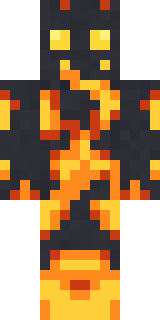
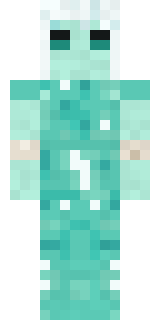
Trending today
What people open and download right now.
Trending today
The skins people are opening, liking and downloading right now.
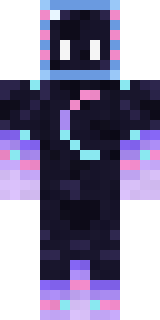
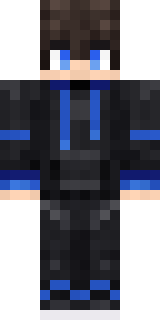



- Galaxy AxolotlbyBuild It
- Modern HoodiebyBuild It
- Enderbrineby
 gustavopir
- Napoleon BonapartebyBuild It
- The VoidbyBuild It
- Buff ChickenbyBuild It
- The KingbyBuild It
- Slender ManbyBuild It
- Shy KidbyBuild It
- Abyssal MonkbyBuild It
Made on Build It
A few of the skins players made here. Find one you like, or start your own.
 Onion King
 Shark Bite
 Dwarven Mountain KingThe King
 Pulse Android
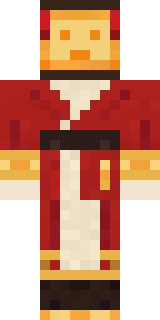 Paper Lantern Spirit
 Christmas Elf
 Chill Pond Frog
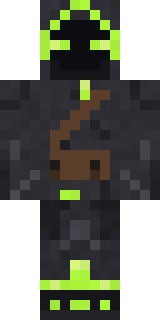 Firefly Scout
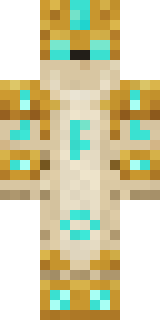 Sandstone Guardian
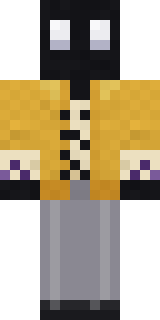 Ink Monster Teacher
 Ghost King
 Midnight Hoodie
 Lunar New Year Celebrant
 AstronautAlice
 Jackal Priest
 Chess King
 Potion Shopkeeper
 Golden Automaton
 Drifter Gunslinger
 Sherlock Holmes
 Wildlife Photographer
 Grumpy Broccoli
 Flight Attendant
 Ruby Dragonborn
 Living Chess King
 Lakeside Angler
 Possum Garbage Collector
 Captain Saltbeard
 Cozy Avocado
 Vooid
 Raven Lamplighter
 Midnight Baker
 Crypt Custodian
 Mint Macaron Mascot
 Code Ghost
 Pumpkin Spice
 Mossy Troll
 Emerald Alchemist
 Origami Crane WarriorTemplar Knight
 Lemon Sorcerer
 Vintage Barber
 Count Nightfall
 Porcelain Knight
 Disco Chameleon
 Strawberry Cow
 Cozy CatMushroom Druid
 Desert Courier
 Charcoal Firefighter
 Patchwork Plush Monster
 Highway Biker
 Crimson Punk
 Lavender Daydream
 Grunge Girl
 Graffiti Phantom
 Red Court frock coat
 Geode Elf
About Yellow hazmat suit
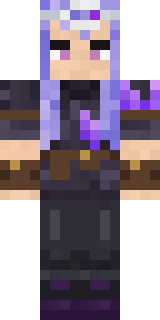
Meet Yellow hazmat suit, a storybook Minecraft skin by lex_85, made on Build It. The outfit: a yellow hazmat suit, magma boots, a belt and a glowing hand lantern, mostly yellow with touches of black. Wear it on fantasy servers, adventure maps and dragon hunts.
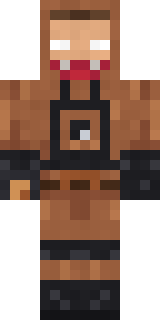
It uses the classic arms (4 pixels wide, like Steve) and works on Java and Bedrock. Download it for free, then follow the steps above to wear it in game. Open it in the Build It Skin Maker to give it your own colours. Try its 8 colour versions too, like Brown and Blue.
See more in the Fantasy collection, or browse the Fantasy tags.