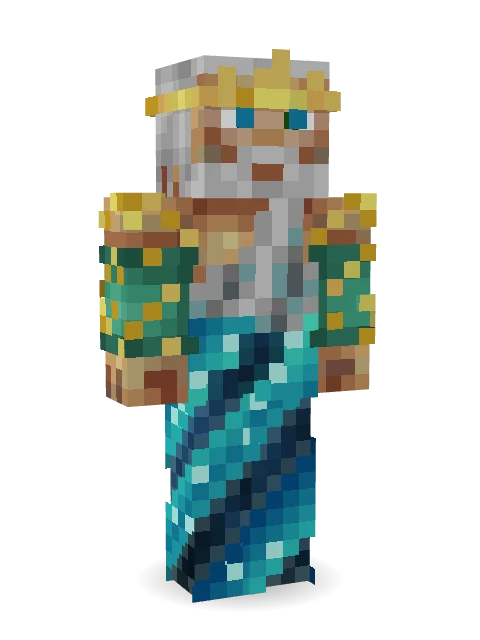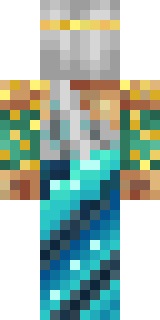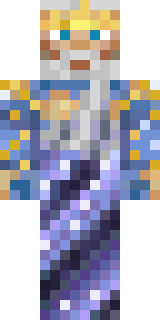

Poseidon

How to use this skin
Download it, then follow the steps for where you play.
Minecraft: Java Edition, in the Minecraft Launcher
- Open the Minecraft Launcher and pick Minecraft: Java Edition on the left.
- Open the Skins tab at the top and press New skin.
- Give it a name and choose the player model: Classic.
- Press Browse, pick the PNG you downloaded, then Save & Use.
- Start the game: you are wearing it, on every world and server.
Minecraft: Java Edition, on minecraft.net
- Go to minecraft.net and log in with your Microsoft account.
- Open your Profile and find the skin settings of Java Edition.
- Choose Classic, select the PNG file, and press Upload.
- Your new skin shows the next time you join a world.
Bedrock Edition: Windows, Android, iPhone, iPad, Chromebook
- Open Minecraft and press Dressing Room on the main menu (in newer versions, the character button next to your name, then Edit Character).
- Open the Classic Skins tab.
- Under Owned Skins, press Import, then Choose New Skin.
- Pick the PNG you downloaded (on a phone it is usually in Downloads or Files).
- When it asks, choose Classic, then confirm.
Xbox, PlayStation and Nintendo Switch
Consoles cannot import a skin file. There you can wear Character Creator items and skins from the Marketplace.
Some players set a skin in Bedrock on a phone or PC that is signed in to the same Microsoft account and see it on their console too. Mojang does not support that, so it may not work for you.
More by  nvlr33
Similar skins


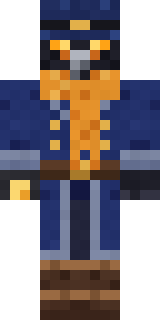
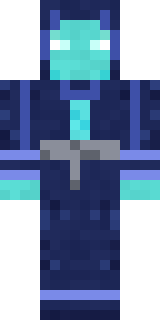
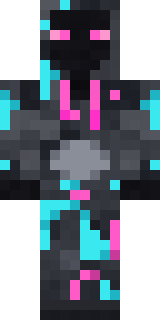
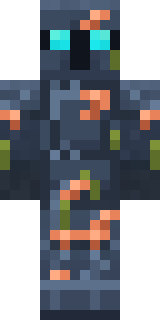
Trending today
What people open and download right now.
Trending today
The skins people are opening, liking and downloading right now.
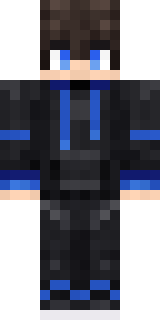
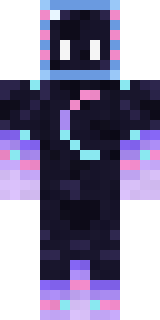
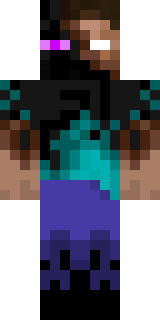

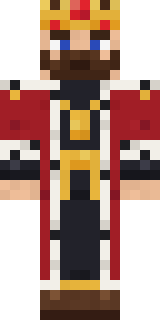
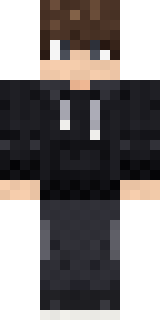
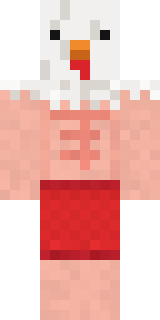
- Modern HoodiebyBuild It
- Galaxy AxolotlbyBuild It
- Enderbrineby
 gustavopir
- Napoleon BonapartebyBuild It
- The VoidbyBuild It
- Slender ManbyBuild It
- The KingbyBuild It
- Shy KidbyBuild It
- Buff ChickenbyBuild It
- Abyssal MonkbyBuild It
Made on Build It
A few of the skins players made here. Find one you like, or start your own.
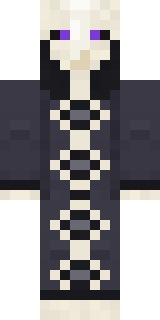 Cursed Chess Bishop
 Matcha Mochi
 Moon Walker
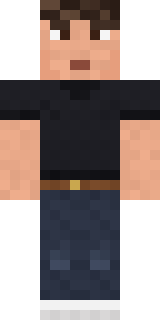 Sharp Jawline Guy
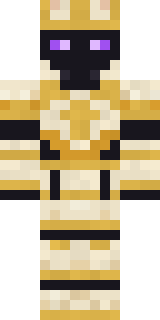 Chess King
 Jade Monk
 Snow Leopard
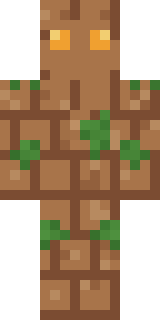 Earth Elemental
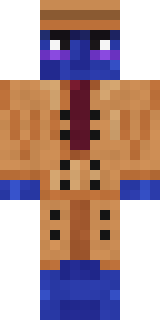 Blueberry Detective
 Guardian Angel
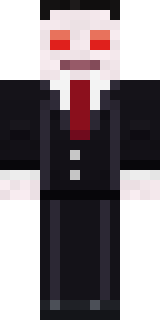 Count Nightfall
 Paint Splash
 Penguin Tourist
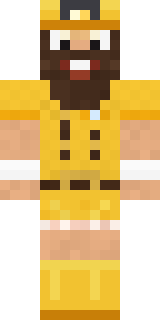 Yellow Scrubs
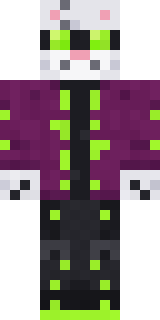 Snow Leopard Hacker
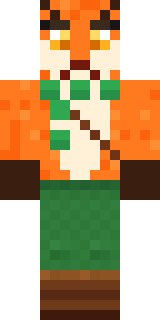 Woodland Fox
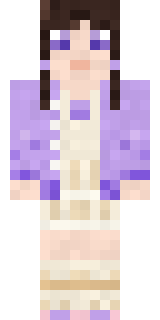 Lilac Ballerina
 Strawberry Milk
 Golden Automaton
 Silver Moon
 Sage Apron Florist
 Courtroom Judge
 Honey Bot
 Woodland Scout
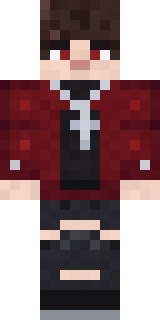 Crimson Plaid Emo
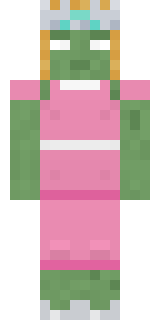 Prom Queen Zombie
 First Day
 Neon Courier
 Match Referee
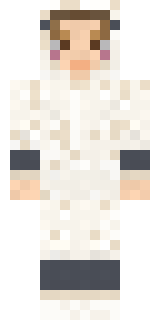 Sleepy Sheep
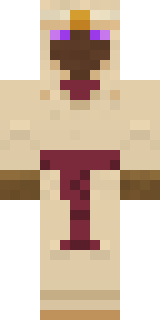 Desert Oracle
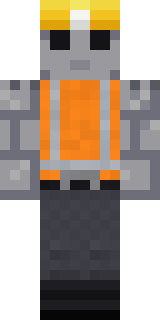 Concrete Builder
 Origami Messenger
 Fourth of July Patriot
 Mountain Rescue Medic
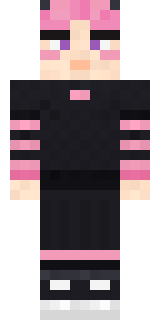 Pastel Gamer
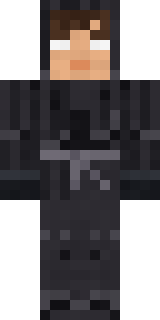 Grey Tattered reaper robe
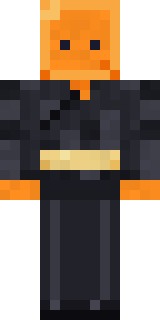 Orange Jelly Ninja
 Owl Professor
 Necromancer
 Mole Miner
 Laurel Angel
 Happy Farmer
 Wax Museum Escapee
 Full Moon Werewolf
 Terracotta Turtle
 Rusty Scrapyard Robot
 Easter Bunny Costume
 Friendly Dentist
 Striped Zebra
 Friendly Nurse
 Poseidon
 Spotted Fawn
 Strawberry Milk Courier
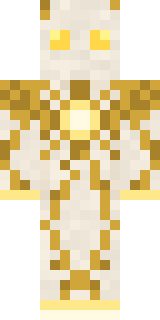 Light Elemental
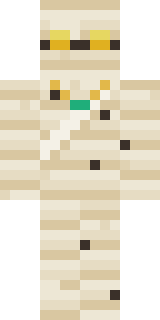 The Mummy
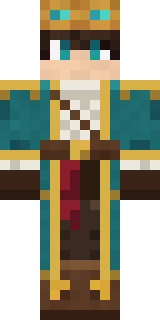 Sky PirateAbyssal Monk
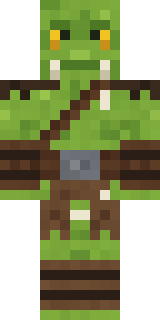 Goblin Raider
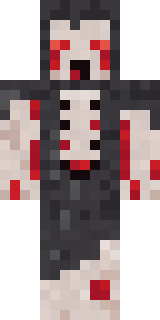 Crypt Ghoul
About Poseidon
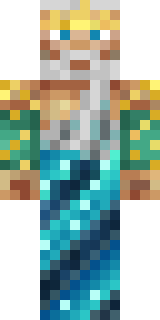
Poseidon is a legendary skin for Minecraft made by nvlr33. Its colours are teal and blue. Made for quests, castles and roleplay adventures.
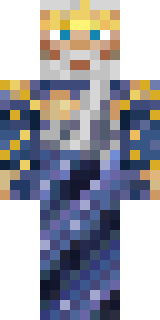
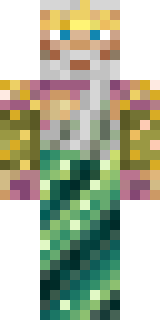
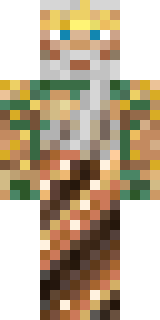
It uses the classic arms (4 pixels wide, like Steve) and works on Java and Bedrock. Download it for free, then follow the steps above to wear it in game. Want it your way? Open it in the Build It Skin Maker and change its colours and pieces. It also comes in 6 colour versions, like Navy and Lagoon.
See more in the Fantasy and Nature collections, or browse the Blue, Gold and Mystery tags.