Celestial Monk
Minecraft skin · Classic arms (4 pixels) · Java and Bedrock
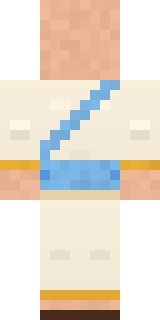
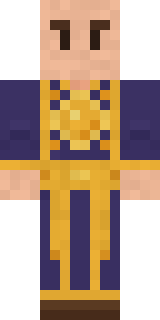
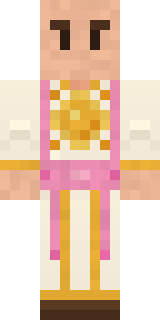
Calm as a cloudless morning: a shaved head, a cream robe with a golden sun on the chest, a sky blue sash and simple sandals.

How to use this skin
Download it, then follow the steps for where you play.
Minecraft: Java Edition, in the Minecraft Launcher
- Open the Minecraft Launcher and pick Minecraft: Java Edition on the left.
- Open the Skins tab at the top and press New skin.
- Give it a name and choose the player model: Classic.
- Press Browse, pick the PNG you downloaded, then Save & Use.
- Start the game: you are wearing it, on every world and server.
Minecraft: Java Edition, on minecraft.net
- Go to minecraft.net and log in with your Microsoft account.
- Open your Profile and find the skin settings of Java Edition.
- Choose Classic, select the PNG file, and press Upload.
- Your new skin shows the next time you join a world.
Bedrock Edition: Windows, Android, iPhone, iPad, Chromebook
- Open Minecraft and press Dressing Room on the main menu (in newer versions, the character button next to your name, then Edit Character).
- Open the Classic Skins tab.
- Under Owned Skins, press Import, then Choose New Skin.
- Pick the PNG you downloaded (on a phone it is usually in Downloads or Files).
- When it asks, choose Classic, then confirm.
Xbox, PlayStation and Nintendo Switch
Consoles cannot import a skin file. There you can wear Character Creator items and skins from the Marketplace.
Some players set a skin in Bedrock on a phone or PC that is signed in to the same Microsoft account and see it on their console too. Mojang does not support that, so it may not work for you.
Similar skins


Made on Build It
A few of the skins players made here. Find one you like, or start your own.
 Patchwork Teddy Bear
 Mango Skate Punk
 Sleepy Mummy
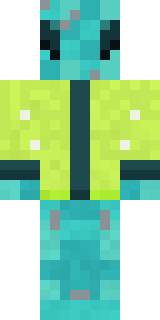 Dragonfly Courier
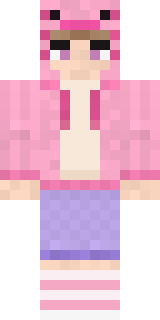 Axolotl Hoodie
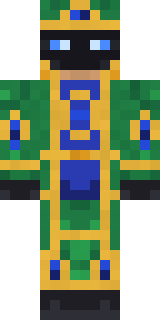 Peacock Guard
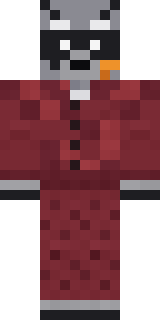 Midnight Snack Thief Raccoon
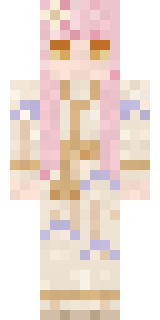 Dreamweaver
 Midnight Hoodie
 Carnival Fortune TellerFern Forest Sprite
 Cyberpunk Paramedic
 Star Striker
 Alien Tourist
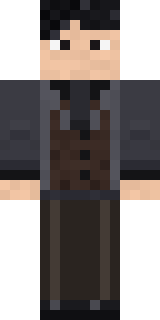 Midnight Academia
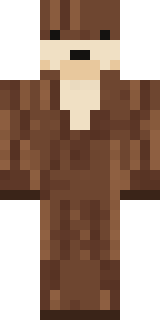 Sea Otter
 Match Referee
 Beekeeper
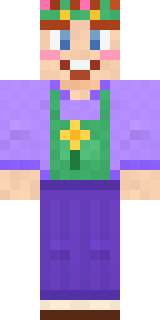 Lavender Florist
 Sharp Jawline Guy
 Red Panda Sushi Chef
 Ocean Diver
 Rose Mechanic
 Pumpkin Spice
 Half Peeled Banana
 Sleepy Yellow Face
 Mixtape Cassette Head
 Dandelion Spirit
 Dandelion Druid
 Living Battery
 Obsidian Sentinel
 The King
 Cool Shades Face
 Stained-Glass Paladin
 Alice
Alice Ravioli Wrestler
 Sea Foam Dancer
 Cloud Aviator
 Watermelon Brawler
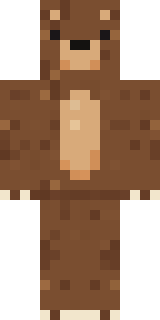 Brown Bear
 Peppermint Mechanic
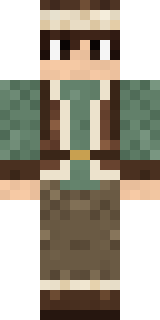 Mountain Shepherd
 Chili Stunt Driver
 Frost Yeti
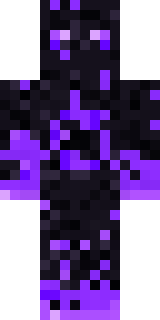 The Void
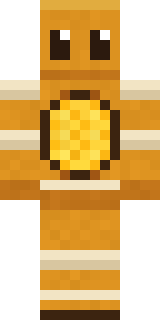 Honey Bot
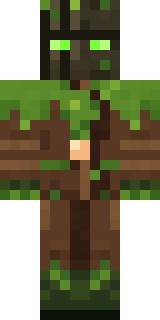 Ironwood Druid
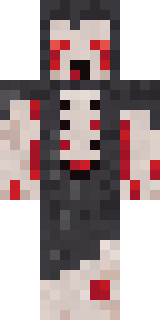 Crypt Ghoul
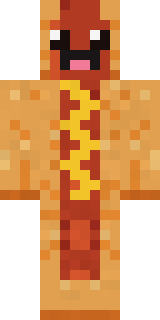 Happy Hot Dog
 Friendly Dentist
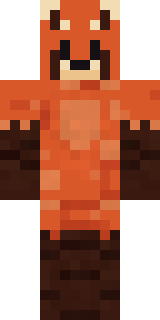 Red Panda
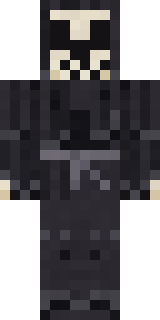 Tattered Reaper
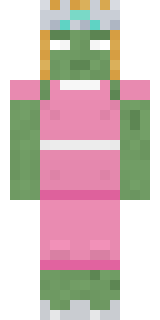 Prom Queen Zombie
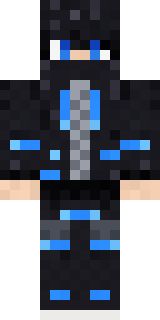 Blue Beat
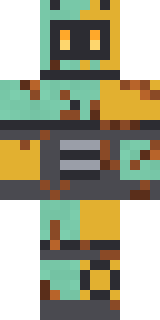 Rusty Scrapyard Robot
 Forgotten Funeral Guest
 Lacquered Samurai
 Desert Nomad
 Gecko SkaterCherry Goth Streetwear
About Celestial Monk
Celestial Monk is a uniform skin for Minecraft made by the Build It team. It wears a celestial robe, sandals and a sky stole with a yellow, orange and blue colour scheme. It shows up ready for work on any server.
Celestial Monk has classic 4 pixel arms and works in Minecraft Java and Bedrock. Download it for free, then follow the steps above to wear it in game. Want it your way? Open it in the Build It Skin Maker and change its colours and pieces. Try its 7 colour versions too, like Saffron robe and Moon monk.
Find more skins like it in the Fantasy and Streetwear collections, or look through the Aesthetic, Fantasy and Monk tags.