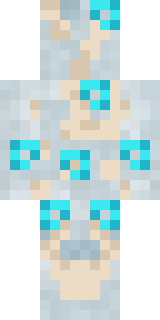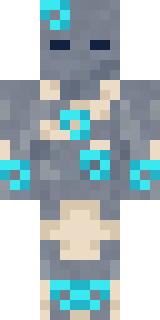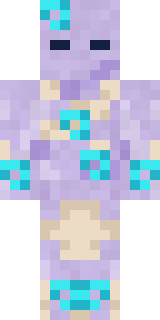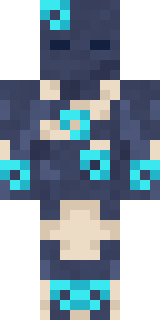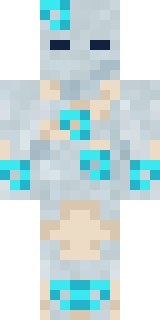
Wind Elemental
Minecraft skin · Classic arms (4 pixels) · Java and Bedrock
Blows the clouds across the sky every morning and the leaves off the trees every autumn: a pale body of cloud with glowing cyan swirls of wind.

How to use this skin
Download it, then follow the steps for where you play.
Minecraft: Java Edition, in the Minecraft Launcher
- Open the Minecraft Launcher and pick Minecraft: Java Edition on the left.
- Open the Skins tab at the top and press New skin.
- Give it a name and choose the player model: Classic.
- Press Browse, pick the PNG you downloaded, then Save & Use.
- Start the game: you are wearing it, on every world and server.
Minecraft: Java Edition, on minecraft.net
- Go to minecraft.net and log in with your Microsoft account.
- Open your Profile and find the skin settings of Java Edition.
- Choose Classic, select the PNG file, and press Upload.
- Your new skin shows the next time you join a world.
Bedrock Edition: Windows, Android, iPhone, iPad, Chromebook
- Open Minecraft and press Dressing Room on the main menu (in newer versions, the character button next to your name, then Edit Character).
- Open the Classic Skins tab.
- Under Owned Skins, press Import, then Choose New Skin.
- Pick the PNG you downloaded (on a phone it is usually in Downloads or Files).
- When it asks, choose Classic, then confirm.
Xbox, PlayStation and Nintendo Switch
Consoles cannot import a skin file. There you can wear Character Creator items and skins from the Marketplace.
Some players set a skin in Bedrock on a phone or PC that is signed in to the same Microsoft account and see it on their console too. Mojang does not support that, so it may not work for you.
Similar skins


Made on Build It
A few of the skins players made here. Find one you like, or start your own.
Fire Elemental Terracotta Summer
 Neon Motorcycle CourierBlack Moth Entity
 Headphone Skeleton
 Rusty Scrapyard Robot
 Copper Golem
 Diamond Sleeve Trader
 Thunderstorm Mage
 Shark Bite
 Jade Monk
 Potion Shopkeeper
 Dungeon Accountant
 Twilight Rogue
 Vampire Dentist
 Octopus Stage Magician
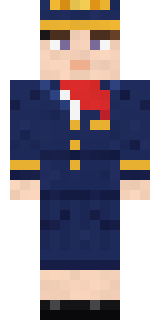 Flight Attendant
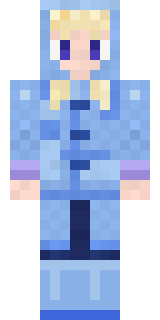 Periwinkle Rainwear
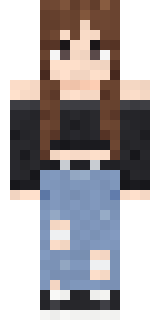 Grunge Girl
 The Forehead Man
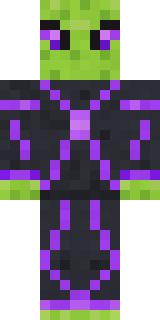 Circuit Alien
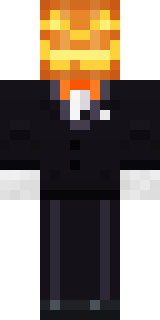 Lord Pumpkin
 Ferret Locksmith
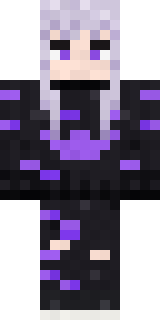 Pastel Goth
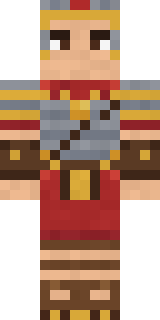 Roman Legionary
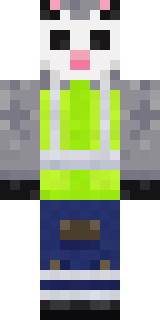 Possum Garbage Collector
 Muddy Farmhand
 Julius Caesar
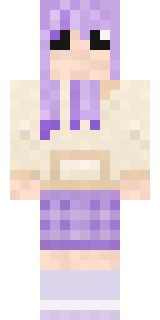 Lavender Daydream
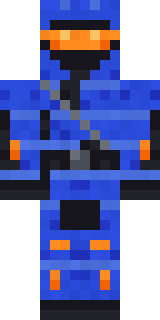 Cobalt Cyber Ninja
 Shrimp Mechanic
 Chocolate Chip Cookie
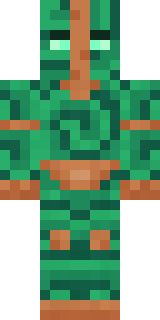 Malachite Golem
 Penguin Tourist
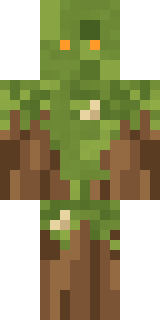 Nature Elemental
 Mountain Shepherd
 One Brain Cell Cat
 Trick or Treat Ghost
 Patchwork Teddy Bear
 Mysterious Astronaut
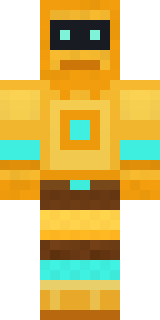 Golden Automaton
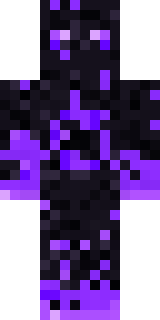 The Void
 Shadow Ninja
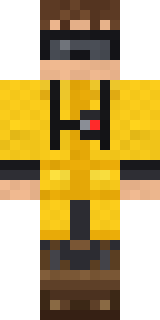 Tornado Chaser
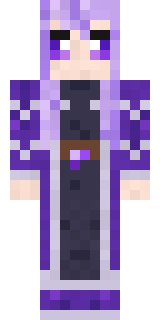 Crystal Elf Spellcaster
 Captain Spark
 Retro Arcade Bot
 Dwarf Miner
 Living Pineapple
 Axolotl Hoodie
 Astronaut
 Lightning Elemental
 Strawberry Milk
 Lone Wolf
 Slender Man
 Laurel Angel
 Harvest Farmer
 Big Grin Face
 Spotted Frog
 Midnight Ferryman
About Wind Elemental
Meet Wind Elemental, an eerie Minecraft skin made by the Build It team. It comes in blue, beige and teal. It has a cloud swirl elemental body. Wear it to creep through dark caves and abandoned mansions.
Wind Elemental has classic 4 pixel arms and works in Minecraft Java and Bedrock. Download it for free, then follow the steps above to wear it in game. Want it your way? Open it in the Build It Skin Maker and change its colours and pieces. Try its 7 colour versions too, like Storm wind and Dusk wind.
Find more skins like it in the Spooky and Fantasy collections, or look through the Fantasy, Magic and Monster tags.