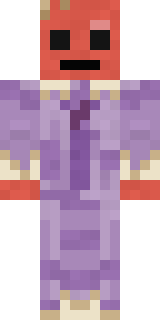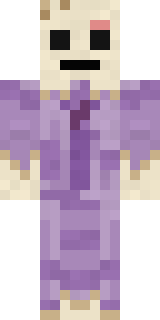
Wax Museum Escapee
Minecraft skin · Classic arms (4 pixels) · Java and Bedrock
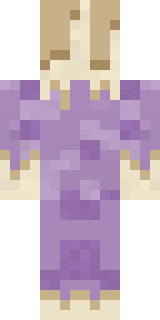
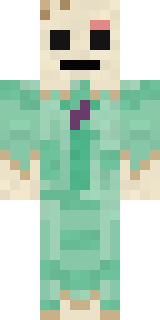
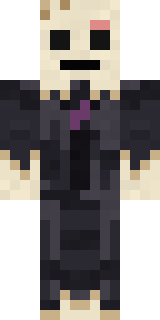
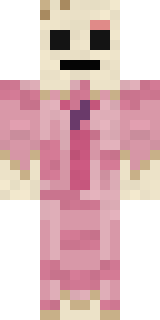
Walked out of the museum on a hot night and is slowly melting: an ivory wax face with a smear of pink paint, a lavender suit and wax dripping from every cuff.

How to use this skin
Download it, then follow the steps for where you play.
Minecraft: Java Edition, in the Minecraft Launcher
- Open the Minecraft Launcher and pick Minecraft: Java Edition on the left.
- Open the Skins tab at the top and press New skin.
- Give it a name and choose the player model: Classic.
- Press Browse, pick the PNG you downloaded, then Save & Use.
- Start the game: you are wearing it, on every world and server.
Minecraft: Java Edition, on minecraft.net
- Go to minecraft.net and log in with your Microsoft account.
- Open your Profile and find the skin settings of Java Edition.
- Choose Classic, select the PNG file, and press Upload.
- Your new skin shows the next time you join a world.
Bedrock Edition: Windows, Android, iPhone, iPad, Chromebook
- Open Minecraft and press Dressing Room on the main menu (in newer versions, the character button next to your name, then Edit Character).
- Open the Classic Skins tab.
- Under Owned Skins, press Import, then Choose New Skin.
- Pick the PNG you downloaded (on a phone it is usually in Downloads or Files).
- When it asks, choose Classic, then confirm.
Xbox, PlayStation and Nintendo Switch
Consoles cannot import a skin file. There you can wear Character Creator items and skins from the Marketplace.
Some players set a skin in Bedrock on a phone or PC that is signed in to the same Microsoft account and see it on their console too. Mojang does not support that, so it may not work for you.
Similar skins



Made on Build It
A few of the skins players made here. Find one you like, or start your own.
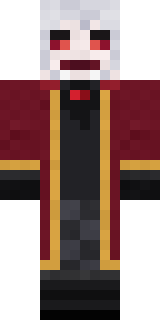 Velvet Vampire
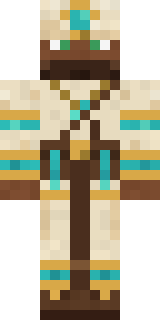 Desert Cartographer
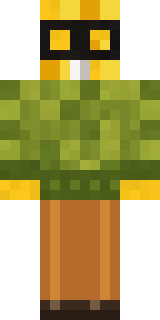 Buck Tooth Nerd
 Lunar New Year Celebrant
 Ghost Concierge
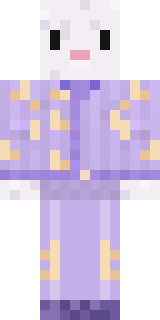 Crescent Pajama Bunny
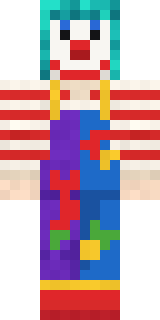 Confetti Clown
 Violet Vein Mutant
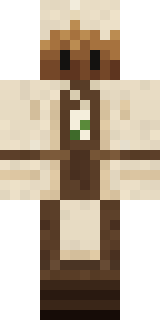 Tea Bag Monk
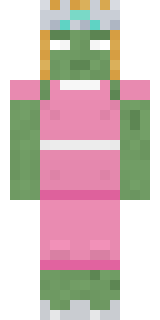 Prom Queen Zombie
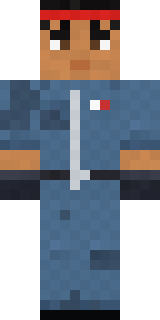 Grease Monkey
 Midnight Hoodie
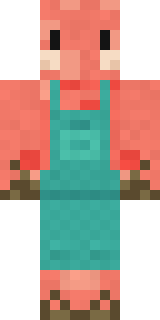 Shrimp Mechanic
 Monochrome Minimalist
 Moon Walker
 Banana Gentleman
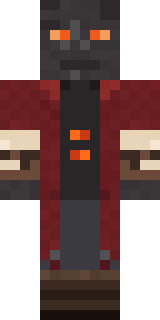 Ember Librarian
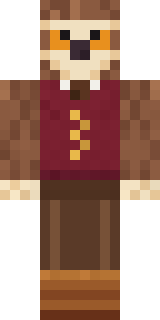 Owl Professor
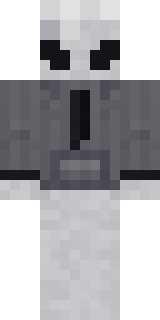 Locked In Alien
 Trick or Treat Ghost
 Midfield Maestro
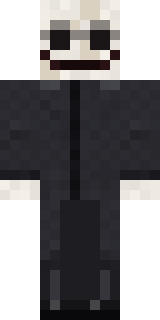 False Smile Stranger
 Lucky Leprechaun
 Violet Night Watchman
 Night Bloom
 Origami Crane Warrior
 Pajama Knight
 Gold Aura Streetwear
 Ravioli Wrestler
 Alien Tourist
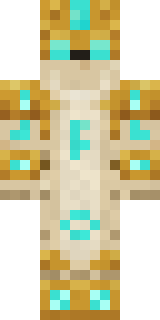 Sandstone Guardian
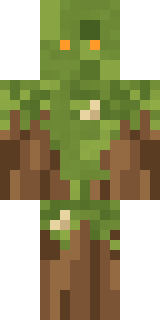 Nature Elemental
 Count Nightfall
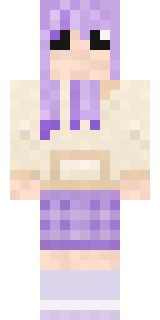 Lavender Daydream
 Big Grin Face
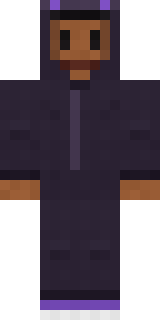 Little Bat
 Mushroom Forest Ranger
 Ender Shade
 Crimson Punk
 Rookie Boxer
 Ronin Samurai
 Pulse Android
 Sunken Knight
 Porcelain Knight
 Emerald Alchemist
 Pumpkin Spice
 Volcanic Sentinel
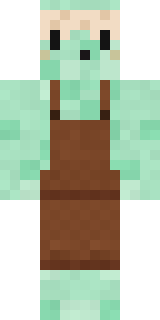 Mint Macaron Mascot
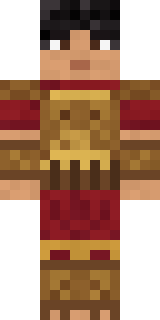 Bronze Age Warrior
 Skyship Navigator
 Ember Dragon
 Shadow Ninja
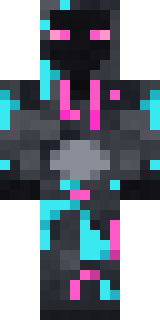 Graffiti Phantom
 Muddy Farmhand
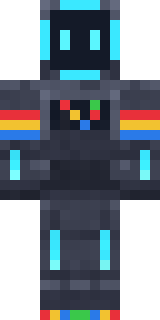 Arcade Buddy
 Platinum Angel
 Metal Elemental
 Ghost Buddy
 Autumn Knit
 Doorbell Camera Visitor
About Wax Museum Escapee
Wax Museum Escapee is a Halloween-ready skin for Minecraft made by the Build It team. It wears a melting wax suit and melting wax trousers in purple. It is a wax museum escapee from head to toe. Wear it to creep through dark caves and abandoned mansions.
Wax Museum Escapee has classic 4 pixel arms and works in Minecraft Java and Bedrock. Download it for free and upload it in the Minecraft Launcher or the Bedrock dressing room. You can also open it in the Build It Skin Maker and make your own version. It also comes in 7 colour versions, like Mint suit and Black suit.
Find more skins like it in the Spooky and Fantasy collections, or look through the Funny, Mystery and Spooky tags.