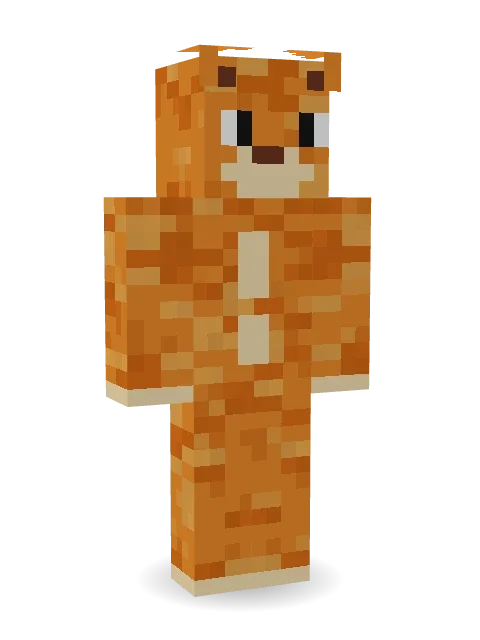
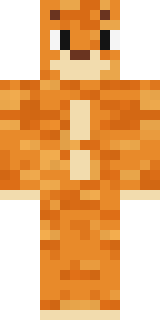
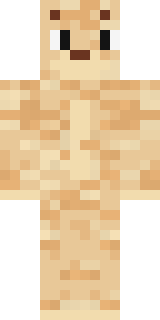
One Brain Cell Cat
Shares a single brain cell with every other orange cat and today is not its turn: a mottled orange tabby with lopsided eyes and a cream muzzle.

How to use this skin
Download it, then follow the steps for where you play.
Minecraft: Java Edition, in the Minecraft Launcher
- Open the Minecraft Launcher and pick Minecraft: Java Edition on the left.
- Open the Skins tab at the top and press New skin.
- Give it a name and choose the player model: Classic.
- Press Browse, pick the PNG you downloaded, then Save & Use.
- Start the game: you are wearing it, on every world and server.
Minecraft: Java Edition, on minecraft.net
- Go to minecraft.net and log in with your Microsoft account.
- Open your Profile and find the skin settings of Java Edition.
- Choose Classic, select the PNG file, and press Upload.
- Your new skin shows the next time you join a world.
Bedrock Edition: Windows, Android, iPhone, iPad, Chromebook
- Open Minecraft and press Dressing Room on the main menu (in newer versions, the character button next to your name, then Edit Character).
- Open the Classic Skins tab.
- Under Owned Skins, press Import, then Choose New Skin.
- Pick the PNG you downloaded (on a phone it is usually in Downloads or Files).
- When it asks, choose Classic, then confirm.
Xbox, PlayStation and Nintendo Switch
Consoles cannot import a skin file. There you can wear Character Creator items and skins from the Marketplace.
Some players set a skin in Bedrock on a phone or PC that is signed in to the same Microsoft account and see it on their console too. Mojang does not support that, so it may not work for you.
More by Build It












Similar skins

Trending today
What people open and download right now.
Trending today
The skins people are opening, liking and downloading right now.

- Ancient Hexby
 nvlr33
- Modern HoodiebyBuild It
- Galaxy AxolotlbyBuild It
- Shy KidbyBuild It
- Napoleon BonapartebyBuild It
- The KingbyBuild It
- Hazmat ResponderbyBuild It
- Buff ChickenbyBuild It
- The VoidbyBuild It
- Slender ManbyBuild It
Made on Build It
A few of the skins players made here. Find one you like, or start your own.
 Deep Dark Knight
 Onion King
 Silent Mime
 Fire Elemental
 Chrome Mannequin
 Trick or Treat Ghost
 Starlight Wizard
 Tropical FishRed Panda
 Sleepy Sloth
 Spring Bloom
 Froggy Onesie
 Graffiti Phantom
 Little Bat
 Crocodile DetectiveMoon Petal
 Patchwork Plush MonsterPumpkin Patch Farmer
 Origami Messenger
 Sleepy Sheep
 Neon Motorcycle Courier
 Error
 Cozy Ballet Cardigan
 Ember Demon
 Charcoal Firefighter
 Lemon Jazz Singer
 Pumpkin Spice
 Autumn Knit
 Crimson Sash Ninja
 Forest Elf
 Woodland Ranger
 Grey Suit and tie
 Ghost Buddy
 Grumpy Broccoli
 Desert Oracle
 Terracotta Guardian
 Curly Barista
 Drifter Gunslinger
 Realistic Wemmbu
 Dungeon Accountant
 Moon Elf
 Ironwood Druid
 Tattered Scarecrow
 Mole Miner
 Silverfish Archivist
 Orange Jelly Ninja
 Moon Elf Ranger
 Malachite Golem
 Orangutan Archaeologist
 Carnival Fortune Teller
 Peach Orchard Spirit
 lonely girl
 Smug Prankster
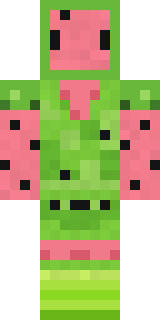 Watermelon Wrestler
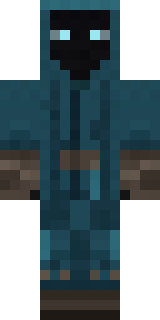 Midnight Ferryman
 Fourth of July Patriot
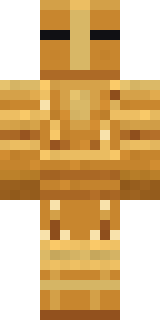 Caramel Knight
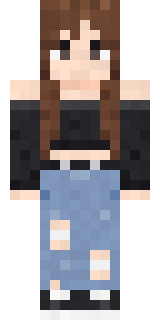
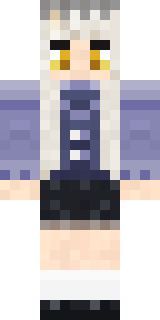 Blue Corset blouse
 Rose Mechanic
 Hard Hat Hero
About One Brain Cell Cat
One Brain Cell Cat is a critter Minecraft skin from the Build It team. Its colours are orange. It is a one brain cell tabby from head to toe. A fun pick for survival worlds and roleplay servers.
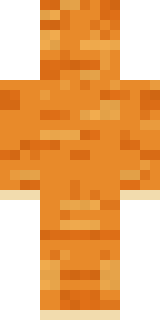
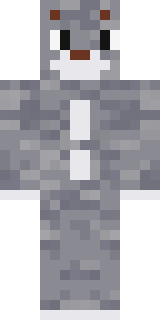
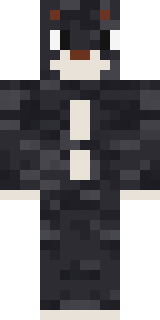
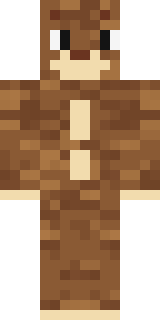
It uses the classic arms (4 pixels wide, like Steve) and works on Java and Bedrock. Download it for free, then follow the steps above to wear it in game. Want it your way? Open it in the Build It Skin Maker and change its colours and pieces. It also comes in 7 colour versions, like Grey tabby and Black cat.
See more in the Animals and Cute collections, or browse the Animal, Cat and Cute tags.