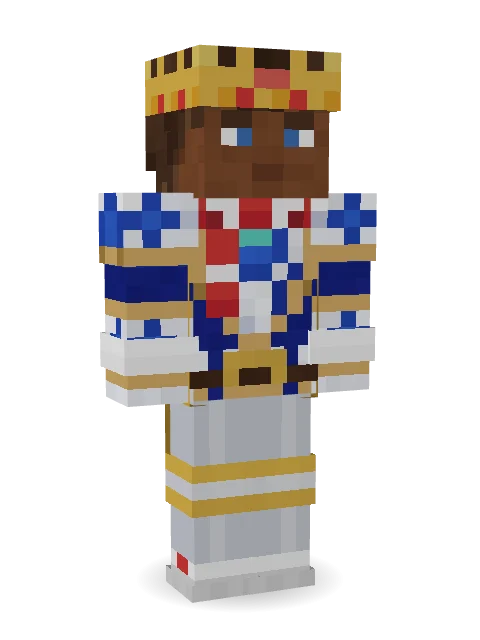
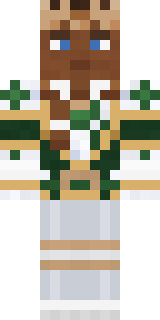
White Porcelain plate


How to use this skin
Download it, then follow the steps for where you play.
Minecraft: Java Edition, in the Minecraft Launcher
- Open the Minecraft Launcher and pick Minecraft: Java Edition on the left.
- Open the Skins tab at the top and press New skin.
- Give it a name and choose the player model: Classic.
- Press Browse, pick the PNG you downloaded, then Save & Use.
- Start the game: you are wearing it, on every world and server.
Minecraft: Java Edition, on minecraft.net
- Go to minecraft.net and log in with your Microsoft account.
- Open your Profile and find the skin settings of Java Edition.
- Choose Classic, select the PNG file, and press Upload.
- Your new skin shows the next time you join a world.
Bedrock Edition: Windows, Android, iPhone, iPad, Chromebook
- Open Minecraft and press Dressing Room on the main menu (in newer versions, the character button next to your name, then Edit Character).
- Open the Classic Skins tab.
- Under Owned Skins, press Import, then Choose New Skin.
- Pick the PNG you downloaded (on a phone it is usually in Downloads or Files).
- When it asks, choose Classic, then confirm.
Xbox, PlayStation and Nintendo Switch
Consoles cannot import a skin file. There you can wear Character Creator items and skins from the Marketplace.
Some players set a skin in Bedrock on a phone or PC that is signed in to the same Microsoft account and see it on their console too. Mojang does not support that, so it may not work for you.
Popular skins













Trending today
What people open and download right now.
Trending today
The skins people are opening, liking and downloading right now.


- Galaxy AxolotlbyBuild It
- Modern HoodiebyBuild It
- The VoidbyBuild It
- The KingbyBuild It
- Pastel Bear GirlbyBuild It
- Napoleon BonapartebyBuild It
- Gamer ModebyBuild It
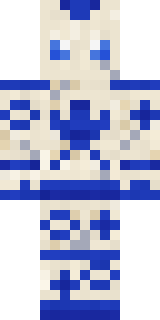
- Porcelain RobotbyBuild It
- Slender ManbyBuild It
- Army SoldierbyBuild It
Made on Build It
A few of the skins players made here. Find one you like, or start your own.
 Peach Orchard Spirit
 Trick or Treat Ghost
 Chestnut Warrior
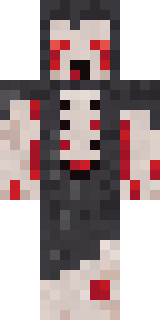 Crypt Ghoul
 Strawberry Milk
 Full Moon Werewolf
 Shroud Ghost
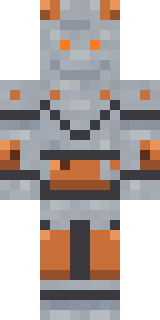 Metal Elemental
 Ward Doctor
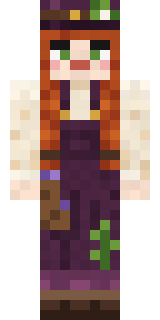 Cottage WitchCherry Goth Streetwear
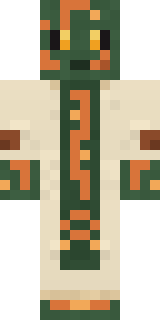 Circuit Board Monk
 Desert Rose
 Black Moth Entity
 Penguin Tourist
 Code Ghost
 Jelly Alien
 Doorbell Camera Visitor
 Cheeky Banana
 Silver Moon
 Ocean Diver
 Rookie Boxer
 Graphite Cyborg
 Graffiti Phantom
 Prom Queen Zombie
 Storm Chaser Aviator
 Monochrome Minimalist
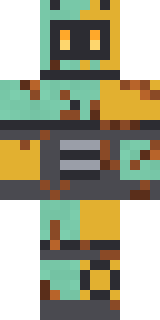 Rusty Scrapyard Robot
 Fourth of July Patriot
 Vintage Cartoon Explorer
 Onion King
 Valentine Heart Hoodie
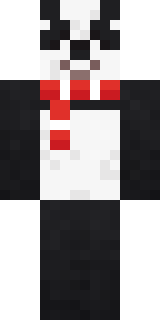 Panda Pal
 Fast Break Baller
 Friendly Nurse
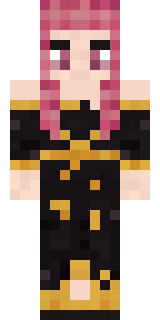 Ballroom Dancer
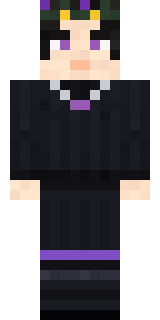 Night Bloom
 Curly Barista
 Secret Agent
 Gummy Bear Bodybuilder
 Sandstone Guardian
 Midfield Maestro
 Lighthouse Keeper
 Electric Eel Technician
 Joan of Arc
 Blue Beat
 Canada Day Maple Leaf
 Sleepy Yellow Face
 Ruby Blacksmith
 Raven Lamplighter
 Ruby Dragonborn
 Cranberry Witch
 Mad Scientist
 Arcade Janitor
 Christmas Gingerbread
 Medieval Scribe
 Honey Bot
 Vampire Aristocrat
 Beach Lifeguard
 Ritual Caretaker
About White Porcelain plate
White Porcelain plate is a unique Minecraft skin made by bas_mc in the Build It Skin Maker. It wears a porcelain plate, plate legs, sneakers and a scarf in white, blue and orange. A look you will not see on every other player.
White Porcelain plate has classic 4 pixel arms and works in Minecraft Java and Bedrock. Download it for free, then follow the steps above to wear it in game. Open it in the Build It Skin Maker to give it your own colours. Try its 6 colour versions too, like Cocoa and Rose Gold.