Valentine Cupid
Minecraft skin · Classic arms (4 pixels) · Java and Bedrock
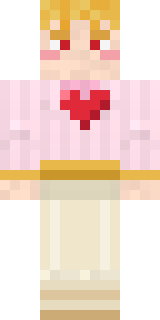
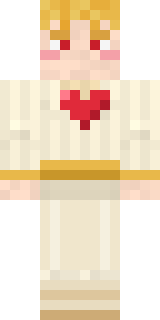
Never misses a shot on the fourteenth of February: golden curls, rosy cheeks, a cream tunic with a red heart on the chest and a gold sash.

How to use this skin
Download it, then follow the steps for where you play.
Minecraft: Java Edition, in the Minecraft Launcher
- Open the Minecraft Launcher and pick Minecraft: Java Edition on the left.
- Open the Skins tab at the top and press New skin.
- Give it a name and choose the player model: Classic.
- Press Browse, pick the PNG you downloaded, then Save & Use.
- Start the game: you are wearing it, on every world and server.
Minecraft: Java Edition, on minecraft.net
- Go to minecraft.net and log in with your Microsoft account.
- Open your Profile and find the skin settings of Java Edition.
- Choose Classic, select the PNG file, and press Upload.
- Your new skin shows the next time you join a world.
Bedrock Edition: Windows, Android, iPhone, iPad, Chromebook
- Open Minecraft and press Dressing Room on the main menu (in newer versions, the character button next to your name, then Edit Character).
- Open the Classic Skins tab.
- Under Owned Skins, press Import, then Choose New Skin.
- Pick the PNG you downloaded (on a phone it is usually in Downloads or Files).
- When it asks, choose Classic, then confirm.
Xbox, PlayStation and Nintendo Switch
Consoles cannot import a skin file. There you can wear Character Creator items and skins from the Marketplace.
Some players set a skin in Bedrock on a phone or PC that is signed in to the same Microsoft account and see it on their console too. Mojang does not support that, so it may not work for you.
Similar skins





Made on Build It
A few of the skins players made here. Find one you like, or start your own.
 The Forehead Man
 Bistro Chef
 Striped Zebra
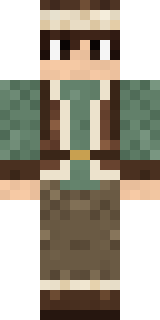 Mountain Shepherd
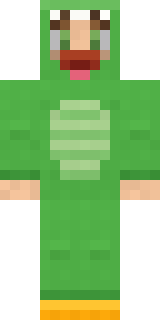 Dino Onesie
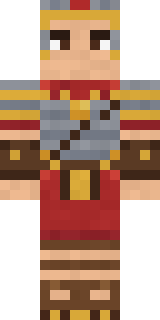 Roman Legionary
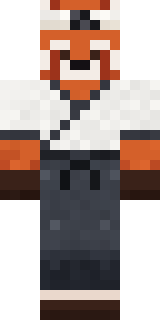 Red Panda Sushi Chef
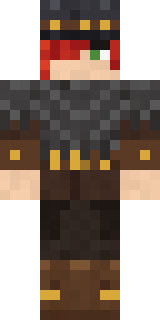 Drifter Gunslinger
 Frankenstein's Creature
 Shroud Ghost
 Red Mushroom Scout
 Highway Biker
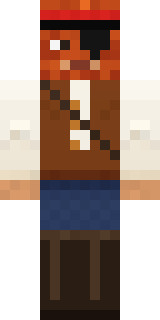 Captain Saltbeard
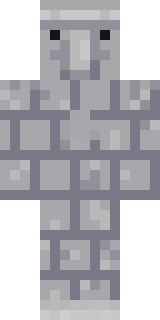 Stone Face Statue
 Hoop Star
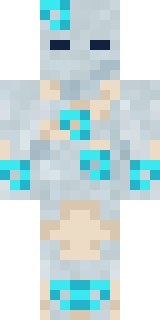 Wind Elemental
 Prism Slime
 Big Grin Face
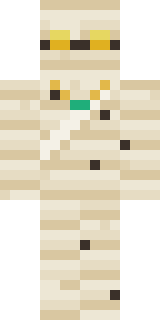 The Mummy
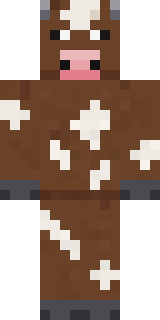 Barnyard Cow
 Pajama Knight
 Vintage Barber
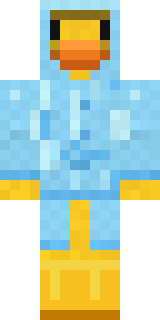 Rubber Duck Raincoat
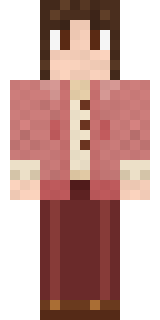 Dusty Rose Vintage
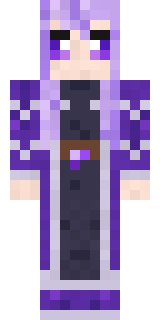 Crystal Elf Spellcaster
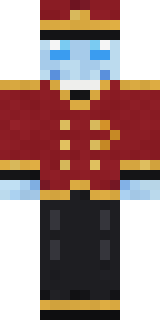 Ghost Concierge
 Lacquered Samurai
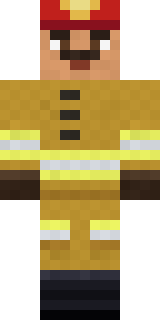 Fire Fighter
 Koi Pond Spirit
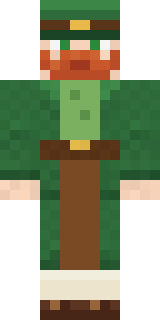 Lucky Leprechaun
 Rainbow Paint Can
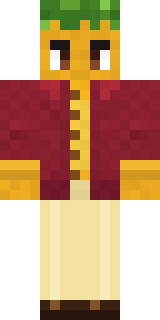 Sunflower Drummer
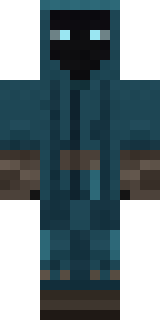 Midnight Ferryman
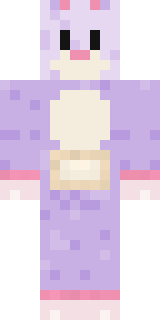 Easter Bunny Costume
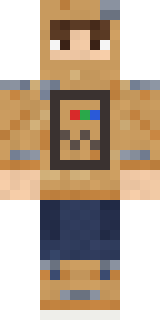 Cardboard Robot Kid
 Penguin Tourist
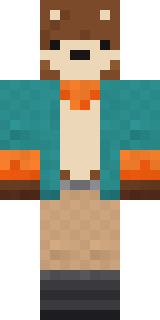 Marmot Mountain Climber
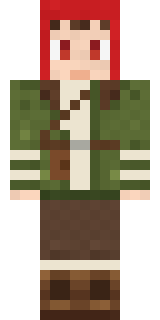 Mushroom Forest Ranger
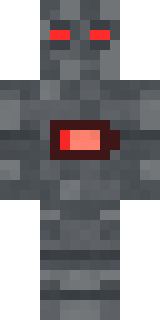 Low Battery Robot
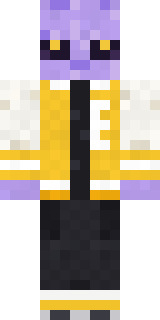 Alien Exchange Student
 Violet Vein Mutant
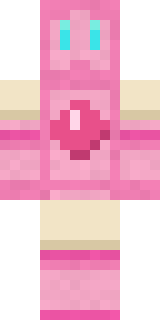 Bubblegum Robot
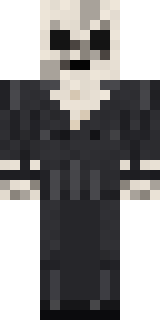 Forgotten Funeral Guest
 Fast Break Baller
 Lighthouse Keeper
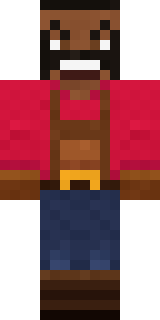 Ruby Blacksmith
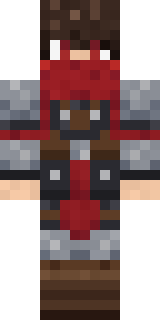 Scarlet Sellsword
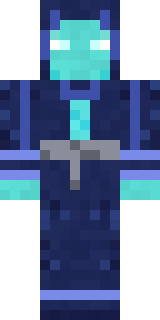 Abyssal Monk
 Trick or Treat Ghost
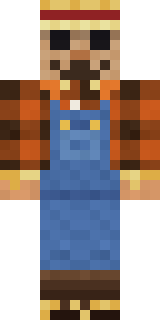 Field Scarecrow
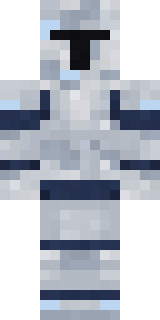 Mirror Knight
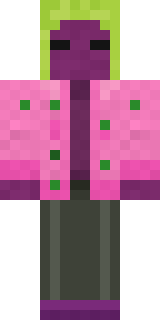 Beetroot DJ
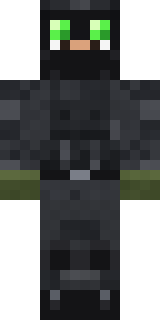 Night Ops Commando
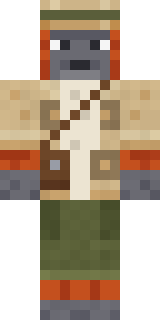 Orangutan Archaeologist
 Sky Princess
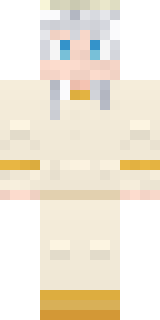 Platinum Angel
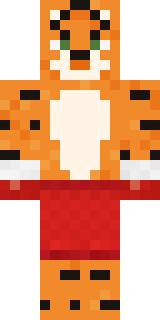 Tiger Champ
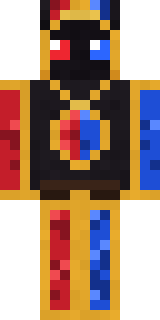 Stained Glass Mage
 Lemon Sorcerer
 Soft Boy
About Valentine Cupid
Valentine Cupid is a celebration skin for Minecraft from the Build It team. Its look puts together a cupid heart tunic, suit pants and boots, mostly yellow with touches of beige. Look closer: it has blush. A festive pick for winter, spring, summer or any party.
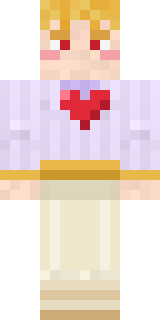
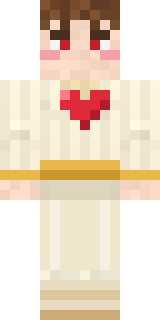
Valentine Cupid has classic 4 pixel arms and works in Minecraft Java and Bedrock. Download it for free and upload it in the Minecraft Launcher or the Bedrock dressing room. You can also open it in the Build It Skin Maker and make your own version. It also comes in 7 colour versions, like Pink tunic and Lilac tunic.
See more in the Fantasy and Cute collections, or look through the Cute, Fantasy and Holiday tags.