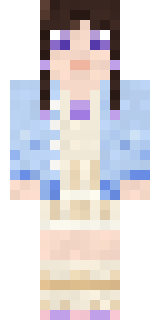
Lilac Ballerina
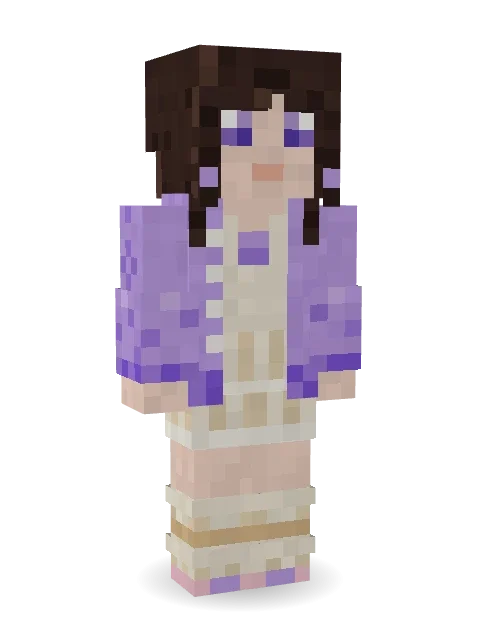
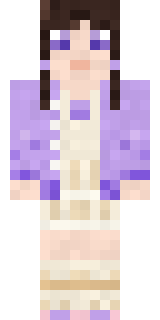
Soft as a dance rehearsal: dark hair in a low bun with a lilac bow, an oversized lilac cardigan over a cream pleated dress, slouchy leg warmers and ballet flats.

How to use this skin
Download it, then follow the steps for where you play.
Minecraft: Java Edition, in the Minecraft Launcher
- Open the Minecraft Launcher and pick Minecraft: Java Edition on the left.
- Open the Skins tab at the top and press New skin.
- Give it a name and choose the player model: Slim.
- Press Browse, pick the PNG you downloaded, then Save & Use.
- Start the game: you are wearing it, on every world and server.
Minecraft: Java Edition, on minecraft.net
- Go to minecraft.net and log in with your Microsoft account.
- Open your Profile and find the skin settings of Java Edition.
- Choose Slim, select the PNG file, and press Upload.
- Your new skin shows the next time you join a world.
Bedrock Edition: Windows, Android, iPhone, iPad, Chromebook
- Open Minecraft and press Dressing Room on the main menu (in newer versions, the character button next to your name, then Edit Character).
- Open the Classic Skins tab.
- Under Owned Skins, press Import, then Choose New Skin.
- Pick the PNG you downloaded (on a phone it is usually in Downloads or Files).
- When it asks, choose Slim, then confirm.
Xbox, PlayStation and Nintendo Switch
Consoles cannot import a skin file. There you can wear Character Creator items and skins from the Marketplace.
Some players set a skin in Bedrock on a phone or PC that is signed in to the same Microsoft account and see it on their console too. Mojang does not support that, so it may not work for you.
More by Build It












Similar skins






















Trending today
What people open and download right now.
Trending today
The skins people are opening, liking and downloading right now.
- Ancient Hexby
 nvlr33
- Modern HoodiebyBuild It
- Galaxy AxolotlbyBuild It
- Shy KidbyBuild It
- Hazmat ResponderbyBuild It
- Napoleon BonapartebyBuild It
- The VoidbyBuild It
- The KingbyBuild It
- Slender ManbyBuild It
- Buff ChickenbyBuild It
Made on Build It
A few of the skins players made here. Find one you like, or start your own.
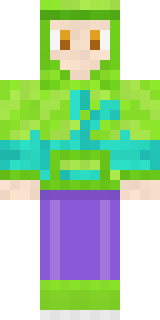 Chameleon Hoodie
 Red Orchard vine shirt
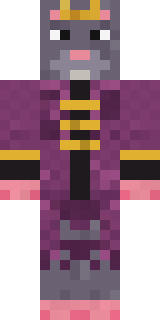 Sewer Rat KingBuff Chicken
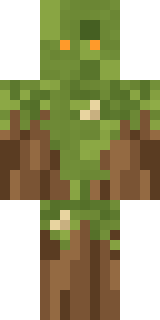 Nature Elemental
 Midfield Maestro
 Stained Glass Mage
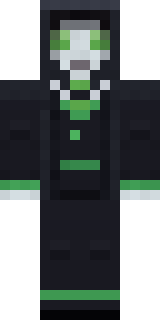 Necromancer
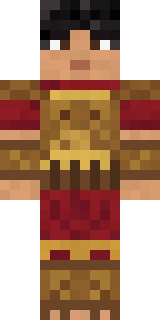 Bronze Age Warrior
 Moon Walker
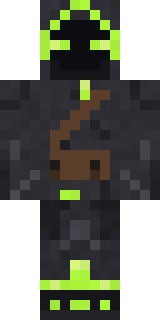 Firefly Scout
 Moon Ranger
 Candy Baker
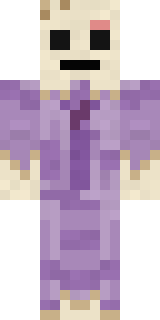 Wax Museum Escapee
 Roller Rink Attendant
 Celestial Monk
 Silverback Gorilla
 Head Chef
 Easter Egg Sweater
 Lighthouse Keeper
 Robin Hood
 Scarlet Sellsword
 Cozy Avocado
 miner in a suit and tie
 Isaac Newton
 Fairy Glow
 Half Peeled Banana
 Electrician
 Golden Automaton
 Enderdude
 Ritual Caretaker
 Rage Quit Gamer
 Slime GamerGalaxy Axolotl
 Formal Vampire
 Mushroom Druid
 Copper Golem
 Park Ranger
 the winter cat skin
 Champion Boxer
 Shark Bite
 Tiger Champ
 Cheeseburger BuddyAncient Hex
 Gamer Hoodie Boy
 Gold Aura Streetwear
 Electric Eel Technician
 Lunar New Year Celebrant
 Chrome Mannequin
 Chestnut Warrior
 Sage Apron Florist
 Cherry Goth Streetwear
 Smug Star Wizard
 Steampunk Inventor
 Summer Dad
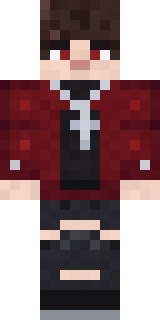 Crimson Plaid Emo
 Market Butcher
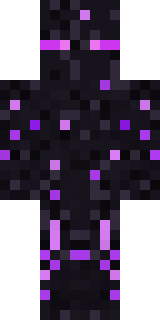 Ender Shade
 Templar Knight
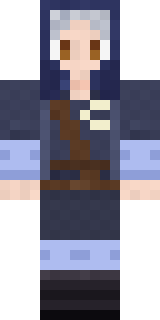 Moon Elf Ranger
About Lilac Ballerina
Lilac Ballerina is a cute Minecraft skin made by the Build It team. Its look puts together a cream pleated dress, a lilac oversized cardigan and slouchy leg warmers with a beige and purple colour scheme. Hard not to smile at this one.
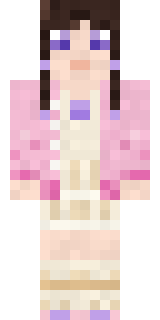
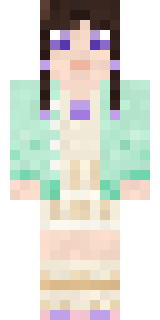
Lilac Ballerina has slim 3 pixel arms and works in Minecraft Java and Bedrock. Download it for free, then follow the steps above to wear it in game. Open it in the Build It Skin Maker to give it your own colours. Try its 7 colour versions too, like Pink cardigan and Mint cardigan.
Find more skins like it in the Streetwear and Cute collections, or look through the Aesthetic, Cozy and Cute tags.