Night Bloom
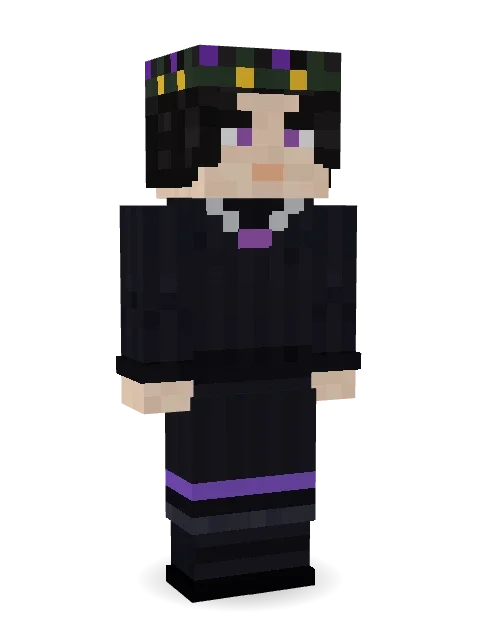
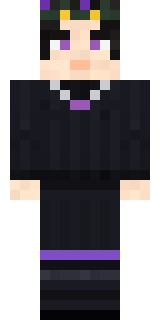
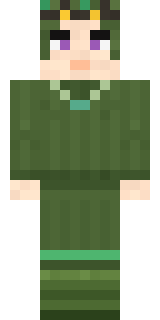
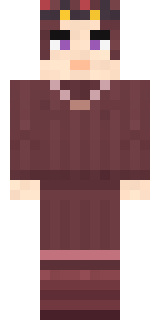
A black bob, violet eyes, dark flowers in her hair and a silver necklace.

How to use this skin
Download it, then follow the steps for where you play.
Minecraft: Java Edition, in the Minecraft Launcher
- Open the Minecraft Launcher and pick Minecraft: Java Edition on the left.
- Open the Skins tab at the top and press New skin.
- Give it a name and choose the player model: Slim.
- Press Browse, pick the PNG you downloaded, then Save & Use.
- Start the game: you are wearing it, on every world and server.
Minecraft: Java Edition, on minecraft.net
- Go to minecraft.net and log in with your Microsoft account.
- Open your Profile and find the skin settings of Java Edition.
- Choose Slim, select the PNG file, and press Upload.
- Your new skin shows the next time you join a world.
Bedrock Edition: Windows, Android, iPhone, iPad, Chromebook
- Open Minecraft and press Dressing Room on the main menu (in newer versions, the character button next to your name, then Edit Character).
- Open the Classic Skins tab.
- Under Owned Skins, press Import, then Choose New Skin.
- Pick the PNG you downloaded (on a phone it is usually in Downloads or Files).
- When it asks, choose Slim, then confirm.
Xbox, PlayStation and Nintendo Switch
Consoles cannot import a skin file. There you can wear Character Creator items and skins from the Marketplace.
Some players set a skin in Bedrock on a phone or PC that is signed in to the same Microsoft account and see it on their console too. Mojang does not support that, so it may not work for you.
More by Build It












Similar skins

















Trending today
What people open and download right now.
Trending today
The skins people are opening, liking and downloading right now.

- Modern HoodiebyBuild It
- Ancient Hexby
 nvlr33
- Galaxy AxolotlbyBuild It
- Napoleon BonapartebyBuild It
- Shy KidbyBuild It
- The KingbyBuild It
- Hazmat ResponderbyBuild It
- The VoidbyBuild It
- Buff ChickenbyBuild It
- Slender ManbyBuild It
Made on Build It
A few of the skins players made here. Find one you like, or start your own.
 Matcha Mochi
 Medieval Scribe
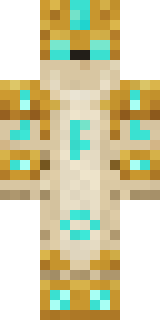 Sandstone Guardian
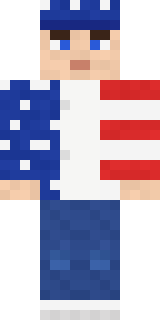 Stars and Stripes
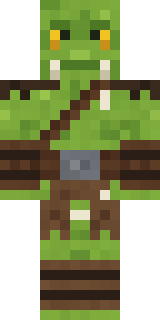 Goblin Raider
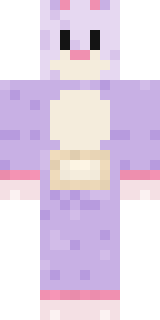 Easter Bunny Costume
 Ocean Diver
 Buffalo Plaid LumberjackBuff Chicken
 Sage Apron Florist
 Sea Urchin Punk
 Bone NecromancerGhost Train Conductor
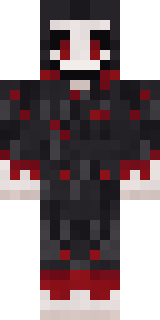 Grinning Shade
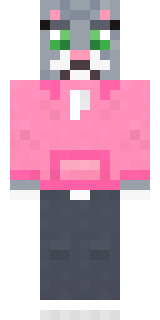 Cozy Cat
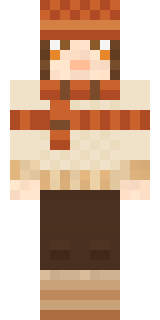 Pumpkin Spice
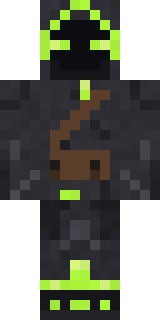 Firefly Scout
 Shadow Ninja
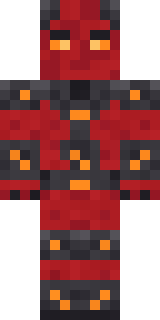 Molten Plate Demon
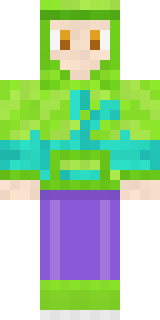 Chameleon Hoodie
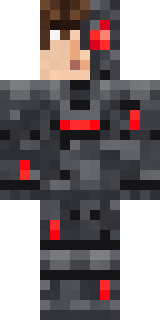 Graphite Cyborg
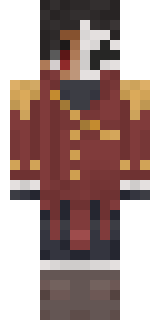 Enigmatic Ringmaster
 Carnival Fortune Teller
 Red Flame Luchador
 Roller Rink Skater
 Obsidian Sentinel
 Spider Silk Merchant
 Forgotten Funeral Guest
 Frost Elf Prince
 Frost Court Noble
 Isaac Newton
 Black Moth Entity
 Pumpkin Hoodie
 Ghost King
 Tornado Chaser
 Chocolate Chip Cookie
 Frankenstein's Creature
 Easter Egg Sweater
 Ember Dragon
 Forest Ranger
 Lakeside Angler
 Tropical Fish
 Sea Foam Dancer
 Mint Axolotl
 Haunted Bowling Champion
 Bronze Bell Spirit
 Moon Ranger
 Penguin Tourist
 Copper Golem
 Ink Monster Teacher
 Smug Star Wizard
 Earth Elemental
 Crocodile Detective
 Berg
 Crypt Ghoul
 Curly Barista
 Sunken Knight
 Desert Djinn
 Waldo BuhoneroRainbow Paint Can
About Night Bloom
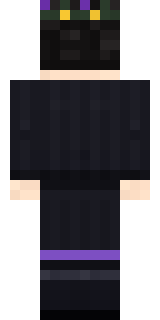
Night Bloom is an eerie skin for Minecraft from the Build It team. Its look puts together a long sleeve, a skirt, boots and a necklace in black. A good pick for scary servers and spooky season.
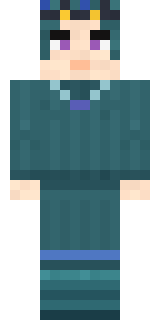
It uses the slim arms (3 pixels wide, like Alex) and works on Java and Bedrock. It is free: download the PNG and add it in the Minecraft Launcher (Java) or the dressing room (Bedrock). Want it your way? Open it in the Build It Skin Maker and change its colours and pieces. It also comes in 5 colour versions, like Ocean and Forest.
See more in the Spooky and Streetwear collections, or browse the Aesthetic, Girl and Spooky tags.