Peach Sunset
Minecraft skin · Classic arms (4 pixels) · Java and Bedrock
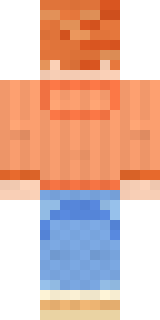
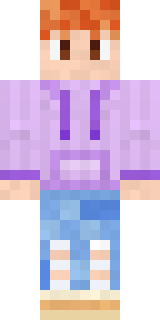
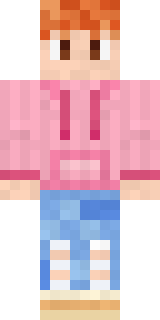
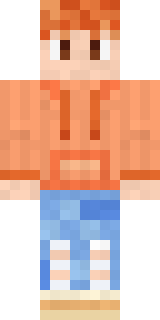
Takes a photo of the sky every single evening: fluffy copper hair, a soft peach hoodie with orange strings, ripped light blue jeans and chunky cream sneakers.
How to use this skin
Download it, then follow the steps for where you play.
Minecraft: Java Edition, in the Minecraft Launcher
- Open the Minecraft Launcher and pick Minecraft: Java Edition on the left.
- Open the Skins tab at the top and press New skin.
- Give it a name and choose the player model: Classic.
- Press Browse, pick the PNG you downloaded, then Save & Use.
- Start the game: you are wearing it, on every world and server.
Minecraft: Java Edition, on minecraft.net
- Go to minecraft.net and log in with your Microsoft account.
- Open your Profile and find the skin settings of Java Edition.
- Choose Classic, select the PNG file, and press Upload.
- Your new skin shows the next time you join a world.
Bedrock Edition: Windows, Android, iPhone, iPad, Chromebook
- Open Minecraft and press Dressing Room on the main menu (in newer versions, the character button next to your name, then Edit Character).
- Open the Classic Skins tab.
- Under Owned Skins, press Import, then Choose New Skin.
- Pick the PNG you downloaded (on a phone it is usually in Downloads or Files).
- When it asks, choose Classic, then confirm.
Xbox, PlayStation and Nintendo Switch
Consoles cannot import a skin file. There you can wear Character Creator items and skins from the Marketplace.
Some players set a skin in Bedrock on a phone or PC that is signed in to the same Microsoft account and see it on their console too. Mojang does not support that, so it may not work for you.
Similar skins





Made on Build It
A few of the skins players made here. Find one you like, or start your own.
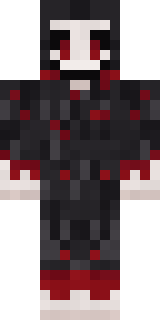 Grinning Shade
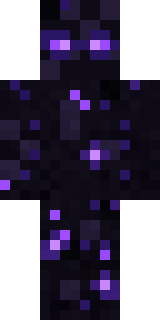 Starfield Phantom
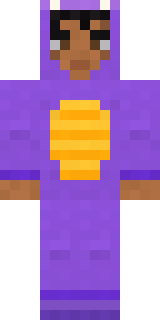 Little Dragon
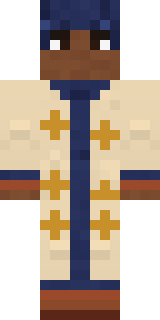 Desert Astronomer
 Office Zombie
 Twilight Rogue
 Half Peeled Banana
 Eclipse Priest
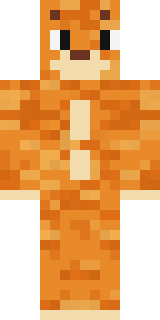 One Brain Cell Cat
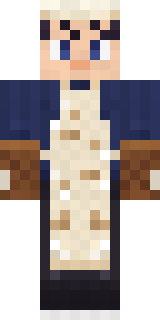 Midnight Baker
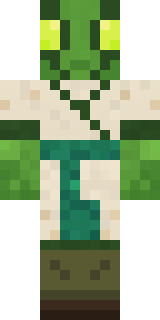 Mantis Master
 Woodland Scout
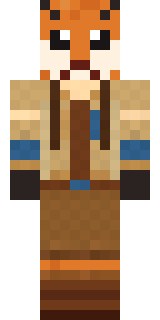 Fox Explorer
 Gold Aura Streetwear
 Halloween Witch
 Rose Mechanic
 Joan of Arc
 Wolfgang Amadeus Mozart
 Crow Undertaker
 Crypt Ghoul
 Curly Barista
 Copper Gardener Bot
 Sherlock Holmes
 Camo Commando
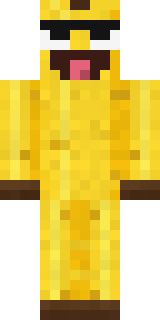 Cheeky Banana
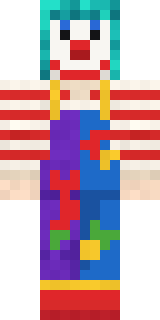 Confetti Clown
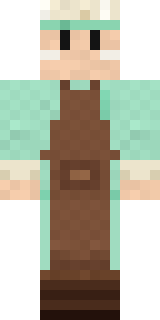 Pistachio Pastry Chef
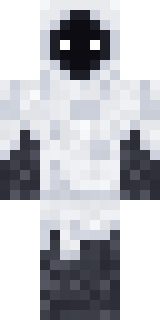 Shroud Ghost
 The King
 Captain Saltbeard
 Lone Wolf
 Friendly Nurse
 Napoleon Bonaparte
 Haunted Bowling Champion
 Beach Day
 Emerald Alchemist
 Vampire Hunter
 Metal Elemental
 Cotton Candy Vendor
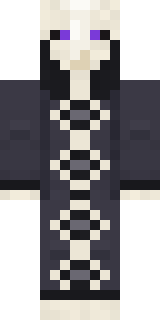 Cursed Chess Bishop
 Ghost Buddy
 Banana Gentleman
 Blocky Newbie
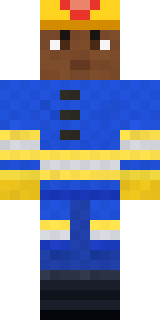 Cobalt Firefighter
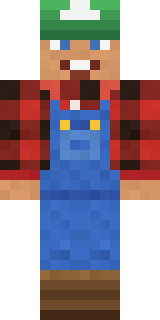 Happy Farmer
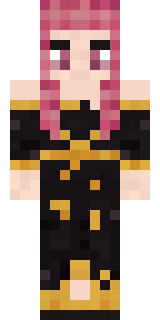 Ballroom Dancer
 Haunted Laundry Worker
 Haunted Arcade Robot
 Hoop Star
 Espresso Cozy
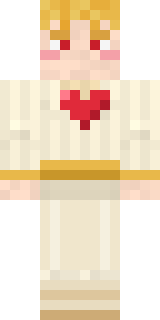 Valentine Cupid
 Lunar New Year Celebrant
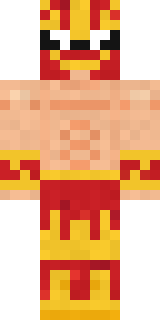 Red Flame LuchadorPeach Sunset
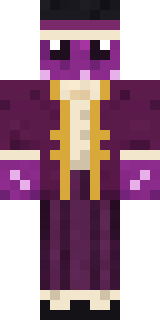 Octopus Stage Magician
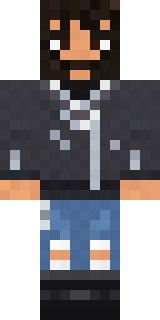 Highway Biker
 Desert Oracle
 The Boss
 Alice
Alice Wax Museum Escapee
About Peach Sunset
Peach Sunset is a celebration skin for Minecraft made by the Build It team. Its look puts together a peach sunset hoodie, sky knee rip jeans and cream chunky sneakers, mostly orange with touches of blue. It brings the holiday spirit to any world.
It uses the classic arms (4 pixels wide, like Steve) and works on Java and Bedrock. It is free: download the PNG and add it in the Minecraft Launcher (Java) or the dressing room (Bedrock). You can also open it in the Build It Skin Maker and make your own version. It also comes in 7 colour versions, like Lilac sunset and Mint morning.
Find more skins like it in the Streetwear and Cute collections, or browse the Aesthetic, Hoodie and Pastel tags.