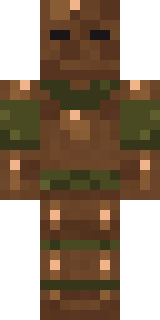
Chestnut Warrior
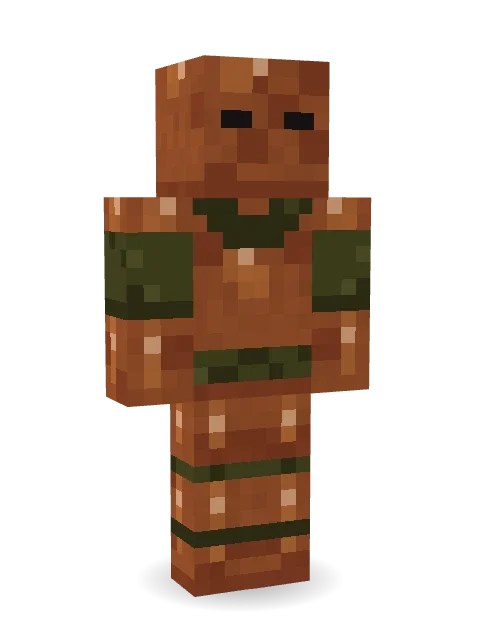
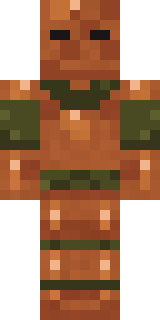
Small, glossy and very hard to crack: a polished chestnut warrior with slit eyes, olive wraps on the arms and a sash at the waist.

How to use this skin
Download it, then follow the steps for where you play.
Minecraft: Java Edition, in the Minecraft Launcher
- Open the Minecraft Launcher and pick Minecraft: Java Edition on the left.
- Open the Skins tab at the top and press New skin.
- Give it a name and choose the player model: Classic.
- Press Browse, pick the PNG you downloaded, then Save & Use.
- Start the game: you are wearing it, on every world and server.
Minecraft: Java Edition, on minecraft.net
- Go to minecraft.net and log in with your Microsoft account.
- Open your Profile and find the skin settings of Java Edition.
- Choose Classic, select the PNG file, and press Upload.
- Your new skin shows the next time you join a world.
Bedrock Edition: Windows, Android, iPhone, iPad, Chromebook
- Open Minecraft and press Dressing Room on the main menu (in newer versions, the character button next to your name, then Edit Character).
- Open the Classic Skins tab.
- Under Owned Skins, press Import, then Choose New Skin.
- Pick the PNG you downloaded (on a phone it is usually in Downloads or Files).
- When it asks, choose Classic, then confirm.
Xbox, PlayStation and Nintendo Switch
Consoles cannot import a skin file. There you can wear Character Creator items and skins from the Marketplace.
Some players set a skin in Bedrock on a phone or PC that is signed in to the same Microsoft account and see it on their console too. Mojang does not support that, so it may not work for you.
More by Build It












Similar skins

Trending today
What people open and download right now.
Trending today
The skins people are opening, liking and downloading right now.

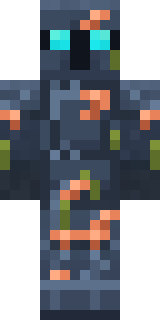
- Ancient Hexby
 nvlr33
- Modern HoodiebyBuild It
- Galaxy AxolotlbyBuild It
- The KingbyBuild It
- Napoleon BonapartebyBuild It
- Shy KidbyBuild It
- Hazmat ResponderbyBuild It
- The VoidbyBuild It
- Buff ChickenbyBuild It
- Slender ManbyBuild It
Made on Build It
A few of the skins players made here. Find one you like, or start your own.
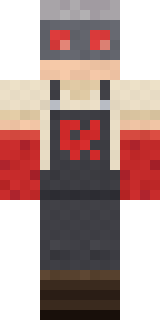 Redstone Tinkerer
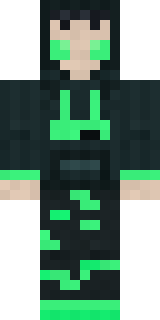 Loading Screen Gamer
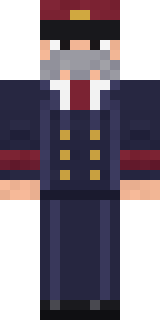 Train Conductor
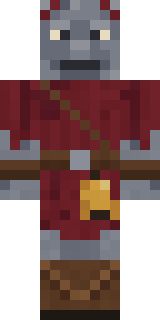 Gargoyle Bell Ringer
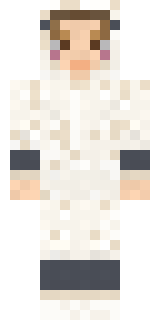 Sleepy Sheep
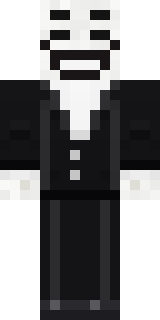 Smug PranksterDreamweaver
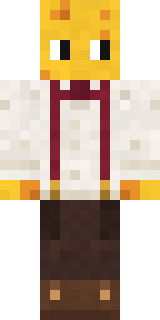 The Big Cheese
 Lilac Ballerina
 Prism Slime
 Lightning Elemental
 Moon Elf
 Build It Guy
 Gold Aura Streetwear
 Pistachio Pastry Chef
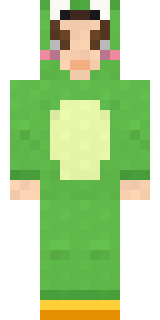 Froggy Onesie
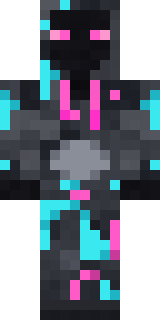 Graffiti Phantom
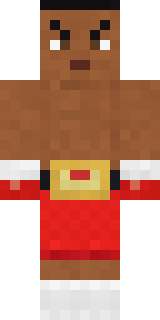 Champion Boxer
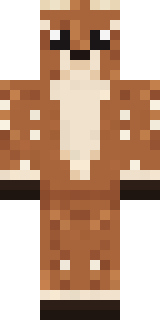 Spotted Fawn
 Hacker
 Desert Cartographer
 Violet Samurai
 Christmas Elf
 Armadillo Mercenary
 Yellow Scrubs
 Pulse Android
 Gamer Mode
 Rodeo Star
 Blue Hood Boy
 Bloody ghost
 Robo Unit 7
 Celestial Monk
 Lucky LeprechaunHoney Toast
 Dino Onesie
 Tea Bag Monk
 Night Market Merchant
 Roller Rink Attendant
 Goldfish Space Cadet
 Abraham Lincoln
 Gentle Giraffe
 Meander
 Woolly Blackface SheepHazmat Responder
 Honey Bee
 Sardine Sailor
 Teddy OnesieRed Flame Luchador
 Cactus Outlaw
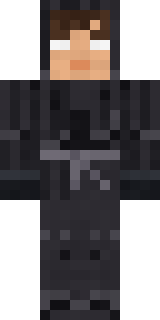 Grey Tattered reaper robe
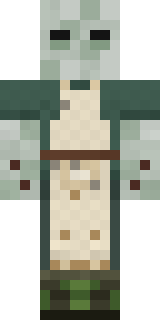 Crypt Custodian
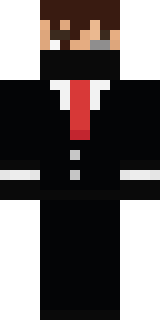 Grey Suit and tie
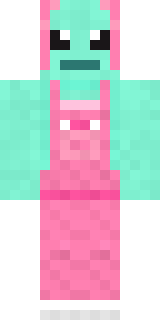 Mint Axolotl
 Valentine Heart Hoodie
 Necromancer
 Mountain Rescue Medic
 Redstone Inventor
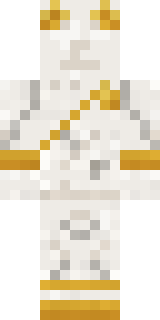 Living Marble Statue
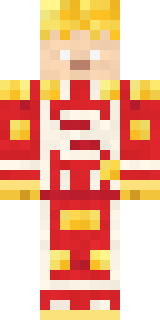 Living Popcorn Box
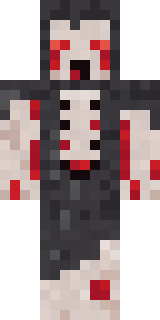 Crypt Ghoul
About Chestnut Warrior
Chestnut Warrior is a silly food skin for Minecraft from the Build It team. Its colours are brown and orange. It has a chestnut warrior body. A silly pick for minigames, parkour and party servers.
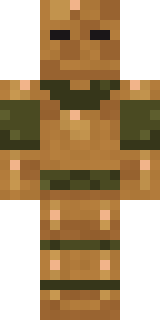
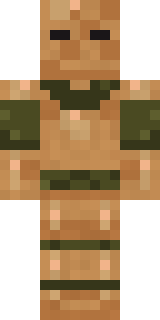
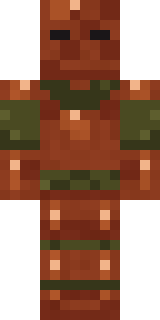
It uses the classic arms (4 pixels wide, like Steve) and works on Java and Bedrock. It is free: download the PNG and add it in the Minecraft Launcher (Java) or the dressing room (Bedrock). You can also open it in the Build It Skin Maker and make your own version. It also comes in 5 colour versions, like Acorn warrior and Hazelnut warrior.
See more in the Food and Heroes and fighters collections, or browse the Food, Nature and Warrior tags.