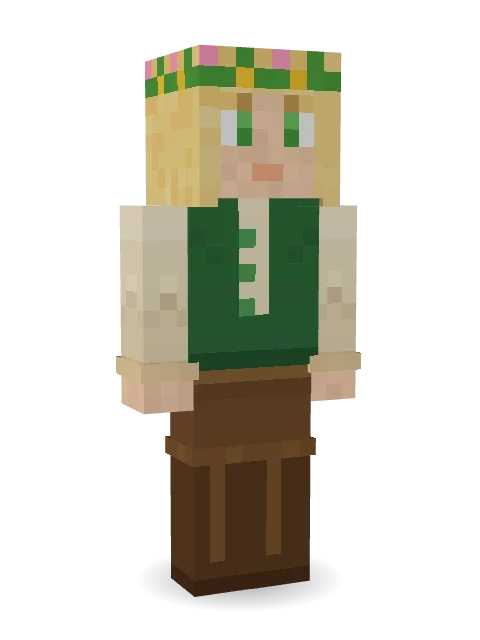
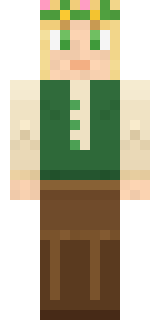
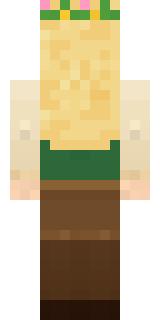
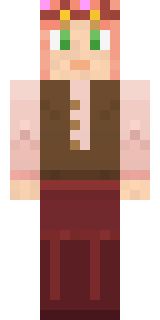
Forest Elf
Pointed ears, golden hair and a crown of flowers from the deep woods.
How to use this skin
Download it, then follow the steps for where you play.
Minecraft: Java Edition, in the Minecraft Launcher
- Open the Minecraft Launcher and pick Minecraft: Java Edition on the left.
- Open the Skins tab at the top and press New skin.
- Give it a name and choose the player model: Slim.
- Press Browse, pick the PNG you downloaded, then Save & Use.
- Start the game: you are wearing it, on every world and server.
Minecraft: Java Edition, on minecraft.net
- Go to minecraft.net and log in with your Microsoft account.
- Open your Profile and find the skin settings of Java Edition.
- Choose Slim, select the PNG file, and press Upload.
- Your new skin shows the next time you join a world.
Bedrock Edition: Windows, Android, iPhone, iPad, Chromebook
- Open Minecraft and press Dressing Room on the main menu (in newer versions, the character button next to your name, then Edit Character).
- Open the Classic Skins tab.
- Under Owned Skins, press Import, then Choose New Skin.
- Pick the PNG you downloaded (on a phone it is usually in Downloads or Files).
- When it asks, choose Slim, then confirm.
Xbox, PlayStation and Nintendo Switch
Consoles cannot import a skin file. There you can wear Character Creator items and skins from the Marketplace.
Some players set a skin in Bedrock on a phone or PC that is signed in to the same Microsoft account and see it on their console too. Mojang does not support that, so it may not work for you.
More by Build It












Similar skins






















Trending today
What people open and download right now.
Trending today
The skins people are opening, liking and downloading right now.


- Modern HoodiebyBuild It
- Enderbrineby
 gustavopir
- Napoleon BonapartebyBuild It
- Galaxy AxolotlbyBuild It
- Shy KidbyBuild It
- Ancient Hexby
 nvlr33
- The KingbyBuild It
- Hazmat ResponderbyBuild It
- The VoidbyBuild It
- Buff ChickenbyBuild It
Made on Build It
A few of the skins players made here. Find one you like, or start your own.
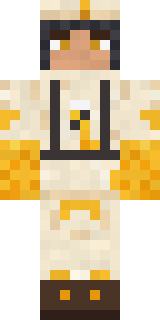 Beekeeper
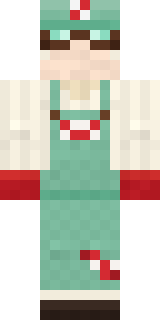 Peppermint Mechanic
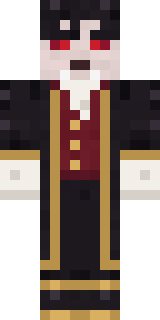 Vampire Aristocrat
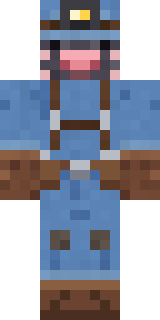 Mole Miner
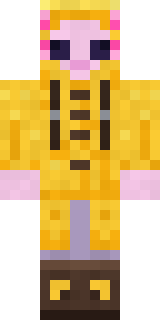 Axolotl Adventurer
 Crimson Punk
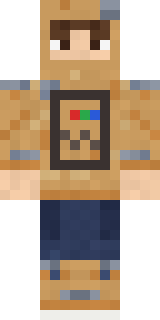 Cardboard Robot Kid
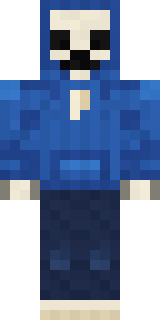 Headphone Skeleton
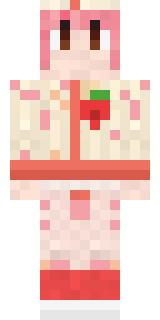 Strawberry Milk Courier
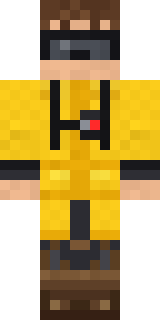 Tornado Chaser
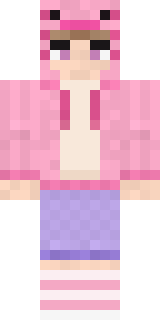 Axolotl HoodieSlime Apprentice
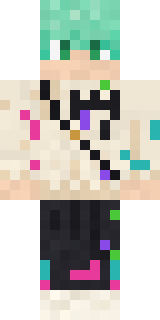 Mint Street Artist
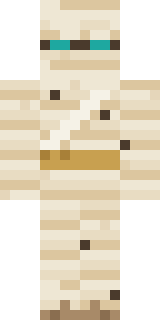 Sleepy Mummy
 False Smile Stranger
 Moss Plague Doctor
 Sunken Knight
 Formal Vampire
 Porcelain Robot
 Honey Toast
 Jelly Alien
 The Big Cheese
 Chess King
 Mixtape Cassette Head
 Beetroot DJ
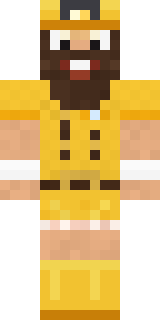 Yellow Scrubs
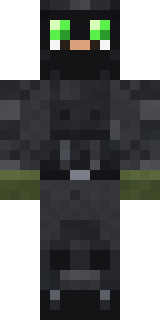 Night Ops Commando
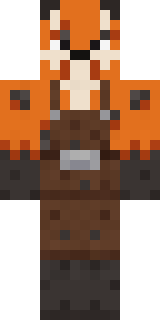 Fox Blacksmith
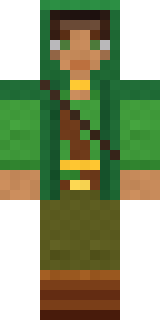 Moss Ranger
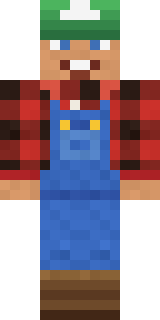 Happy Farmer
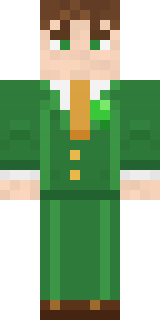 Shamrock Suit
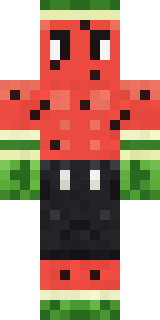 Watermelon Brawler
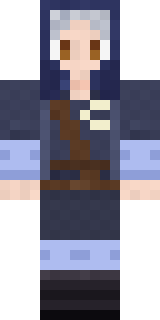 Moon Elf Ranger
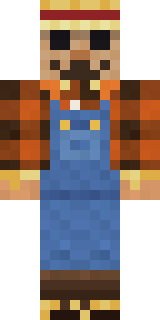 Field Scarecrow
 Busy Bee
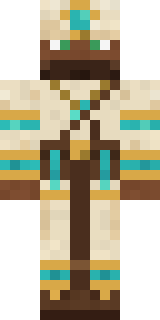 Desert Cartographer
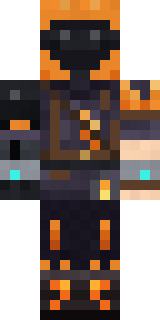 Flamehunter
 Skyship Navigator
 Chili Stunt Driver
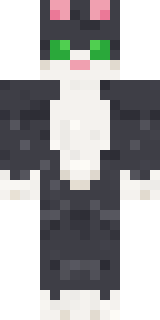 Tuxedo Cat
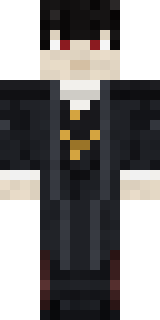 Vampire guy
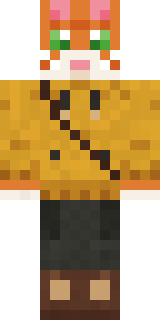 Ginger Trainspotter
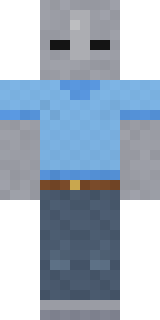 Background Extra
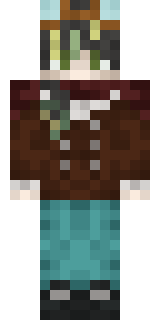 Realistic ParrotX2
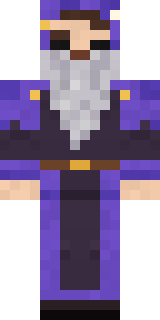 Smug Star Wizard
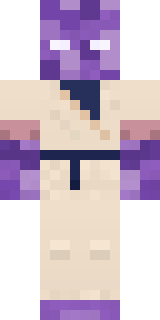 Crystal Monk
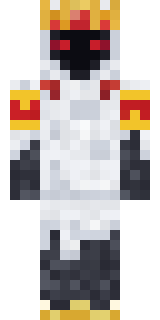 Ghost KingAbyssal Monk
 Pastel Bear Girl
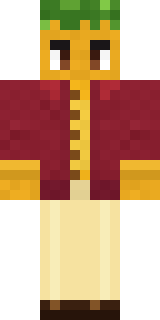 Sunflower Drummer
 Charcoal Firefighter
 Confetti Clown
 Onion King
 Guardian Angel
 Graphite Cyborg
 Living Popcorn Box
 Otter Fisher
 Raven Lamplighter
 Peacock Guard
 Tropical Fish
About Forest Elf
Forest Elf is a storybook skin for Minecraft made by the Build It team. It wears a vest, leggings, knee boots and a flower crown with a brown, green and beige colour scheme. It is an elf from head to toe. A great pick for anyone building their own kingdom.
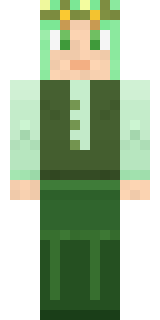
Forest Elf has slim 3 pixel arms and works in Minecraft Java and Bedrock. It is free: download the PNG and add it in the Minecraft Launcher (Java) or the dressing room (Bedrock). Want it your way? Open it in the Build It Skin Maker and change its colours and pieces. It also comes in 5 colour versions, like Ocean and Forest.
Find more skins like it in the Fantasy and Nature collections, or look through the Elf, Fantasy and Nature tags.