Peach Orchard Spirit
Minecraft skin · Classic arms (4 pixels) · Java and Bedrock
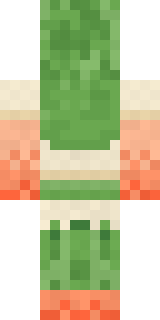
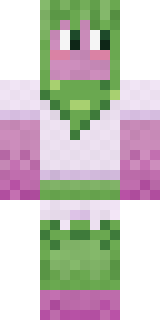
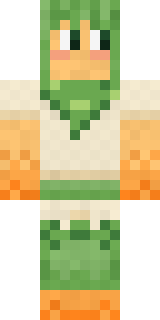
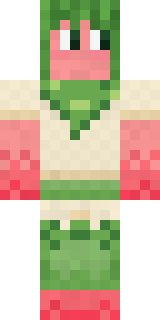
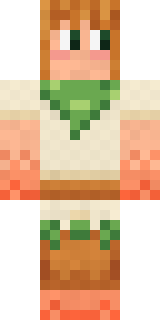
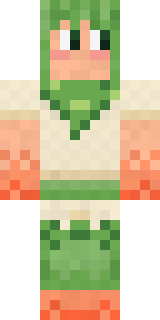
Wakes the peach trees every spring: soft peach skin ripening to orange, leaf green hair, rosy cheeks, a cream tunic with a leafy collar and leaf leggings.

How to use this skin
Download it, then follow the steps for where you play.
Minecraft: Java Edition, in the Minecraft Launcher
- Open the Minecraft Launcher and pick Minecraft: Java Edition on the left.
- Open the Skins tab at the top and press New skin.
- Give it a name and choose the player model: Classic.
- Press Browse, pick the PNG you downloaded, then Save & Use.
- Start the game: you are wearing it, on every world and server.
Minecraft: Java Edition, on minecraft.net
- Go to minecraft.net and log in with your Microsoft account.
- Open your Profile and find the skin settings of Java Edition.
- Choose Classic, select the PNG file, and press Upload.
- Your new skin shows the next time you join a world.
Bedrock Edition: Windows, Android, iPhone, iPad, Chromebook
- Open Minecraft and press Dressing Room on the main menu (in newer versions, the character button next to your name, then Edit Character).
- Open the Classic Skins tab.
- Under Owned Skins, press Import, then Choose New Skin.
- Pick the PNG you downloaded (on a phone it is usually in Downloads or Files).
- When it asks, choose Classic, then confirm.
Xbox, PlayStation and Nintendo Switch
Consoles cannot import a skin file. There you can wear Character Creator items and skins from the Marketplace.
Some players set a skin in Bedrock on a phone or PC that is signed in to the same Microsoft account and see it on their console too. Mojang does not support that, so it may not work for you.
Similar skins



Made on Build It
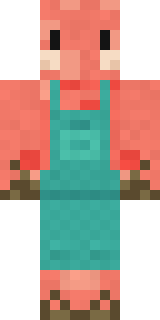
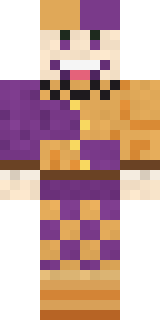
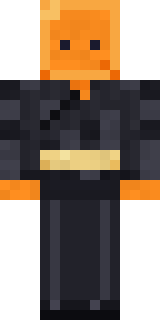
A few of the skins players made here. Find one you like, or start your own.
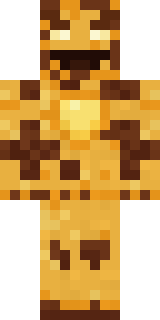 Burnt Toast Monster
 Lobster Lifeguard
 Marmot Mountain Climber
 Steampunk Inventor
 Valentine Heart Hoodie
 Ocean Diver
 Burlap Intruder
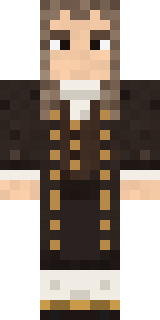 Isaac Newton
 Retro Waitress
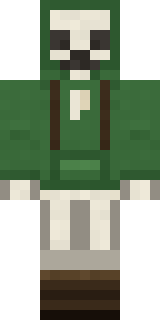 Bone Scout
 Koi Pond Spirit
 White Rabbit
 Chill Pond Frog
 Main Character Duck
 Drip King
 Happy Farmer
 Ferret Locksmith
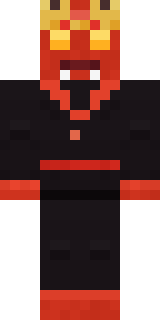 Ember Demon
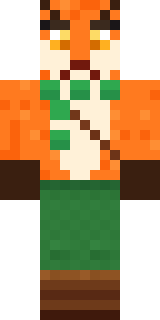 Woodland Fox
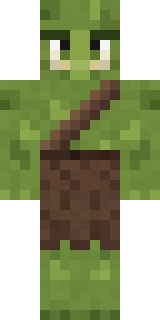 Mossy Troll
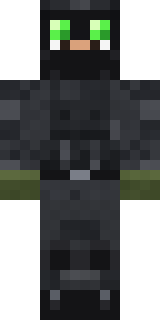 Night Ops Commando
 Wildlife Photographer
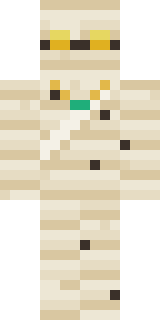 The Mummy
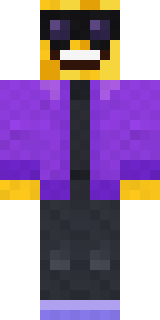 Cool Shades Face
 Moss Cyclops
 Patrol Officer
 Violet Vein Mutant
 The King
 Roman Legionary
 Dandelion Spirit
 Emerald Alchemist
 Autumn Leaf Sprite
 Beach Day
 Slime Apprentice
 Sage Apron Florist
 Desert Cartographer
 Buff Chicken
 Rodeo Star
 Loading Screen Gamer
 Build It Guy
 Ballroom Dancer
 Amber Fossil Golem
 Emerald Serpent
 Emotional Support Pickle
 Ace Pilot
 Forest Druid
 Sea Urchin Punk
 Neon Runner
 Sardine Sailor
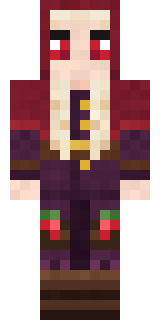 Cranberry Witch
 Leonardo da Vinci
 Happy Poop
 Cloud Aviator
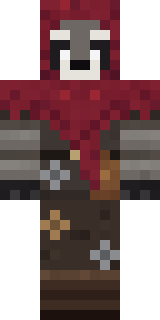 Raccoon Thief
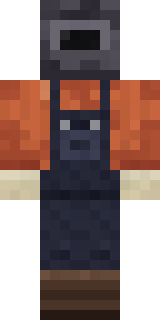 Trainyard Welder
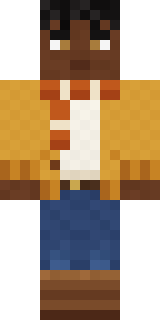 Sweater Weather
 Desert Oracle
 Ink Monster Teacher
 Pastel Goth
 Market Butcher
About Peach Orchard Spirit
Peach Orchard Spirit is a snack-themed skin for Minecraft made by the Build It team. The outfit: a peach blossom tunic and orchard leaf leggings with a green, yellow and beige colour scheme. It has a peach orchard spirit body. Proof that anything can be a Minecraft skin, even lunch.
Peach Orchard Spirit has classic 4 pixel arms and works in Minecraft Java and Bedrock. Download it for free, then follow the steps above to wear it in game. Want it your way? Open it in the Build It Skin Maker and change its colours and pieces. Try its 7 colour versions too, like Plum spirit and Apricot spirit.
Find more skins like it in the Food and Fantasy collections, or look through the Cute, Fantasy and Food tags.