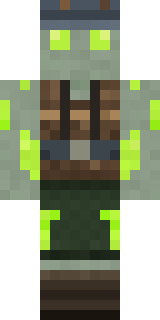
Glowworm Spelunker
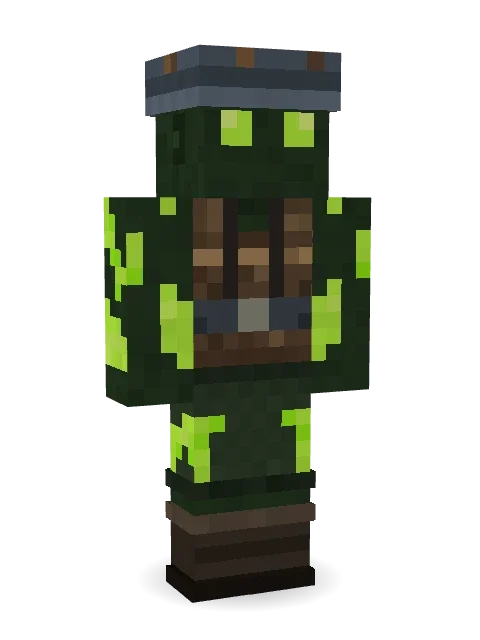
Never needs a torch in the deep caves: big glowing lime eyes under a slate hat, a scuffed leather harness and glowworm patches shining all over.
How to use this skin
Download it, then follow the steps for where you play.
Minecraft: Java Edition, in the Minecraft Launcher
- Open the Minecraft Launcher and pick Minecraft: Java Edition on the left.
- Open the Skins tab at the top and press New skin.
- Give it a name and choose the player model: Classic.
- Press Browse, pick the PNG you downloaded, then Save & Use.
- Start the game: you are wearing it, on every world and server.
Minecraft: Java Edition, on minecraft.net
- Go to minecraft.net and log in with your Microsoft account.
- Open your Profile and find the skin settings of Java Edition.
- Choose Classic, select the PNG file, and press Upload.
- Your new skin shows the next time you join a world.
Bedrock Edition: Windows, Android, iPhone, iPad, Chromebook
- Open Minecraft and press Dressing Room on the main menu (in newer versions, the character button next to your name, then Edit Character).
- Open the Classic Skins tab.
- Under Owned Skins, press Import, then Choose New Skin.
- Pick the PNG you downloaded (on a phone it is usually in Downloads or Files).
- When it asks, choose Classic, then confirm.
Xbox, PlayStation and Nintendo Switch
Consoles cannot import a skin file. There you can wear Character Creator items and skins from the Marketplace.
Some players set a skin in Bedrock on a phone or PC that is signed in to the same Microsoft account and see it on their console too. Mojang does not support that, so it may not work for you.
More by Build It












Similar skins





















Trending today
What people open and download right now.
Trending today
The skins people are opening, liking and downloading right now.



- Modern HoodiebyBuild It
- Galaxy AxolotlbyBuild It
- Enderbrineby
 gustavopir
- Napoleon BonapartebyBuild It
- Shy KidbyBuild It
- The VoidbyBuild It
- Hazmat ResponderbyBuild It
- The KingbyBuild It
- Slender ManbyBuild It
- herobrinebygustavopir
Made on Build It
A few of the skins players made here. Find one you like, or start your own.
 Spotted Fawn
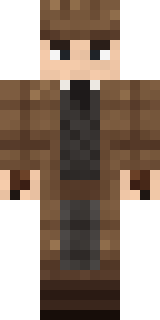 Sherlock Holmes
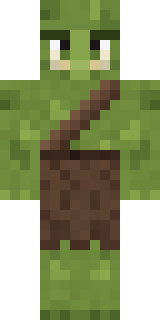 Mossy Troll
 Amethyst Mage
 Flight Attendant
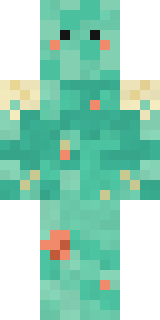 Tide Pool Spirit
 Forest Druid
 Retro Fridge Robot
 White Rabbit
 Disco Chameleon
 Victorian Gentleman
 Blushing Penguin
 Glowbug Ranger
 Hot Springs Innkeeper
 Snow Leopard
 Masked Night Prowler
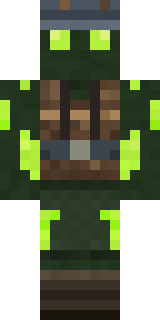 Glowworm Spelunker
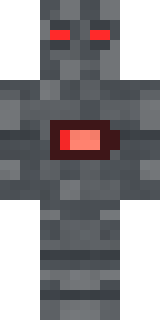 Low Battery Robot
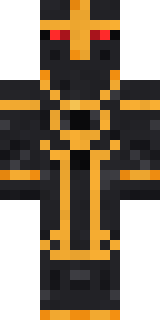 Eclipse Knight
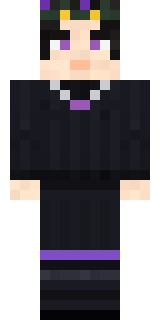 Night Bloom
 Armadillo Mercenary
 Malachite GolemArmy Soldier
 Concrete Builder
 Mint Axolotl
 Vampire Aristocrat
 Paint SplashStarfield Phantom
 Mantis Master
 Onion King
 Roller Rink Attendant
 Guardian Angel
 Field Scarecrow
 Mango Skate Punk
 Bear Lumberjack
 Crimson Punk
 Highway Biker
 Match Referee
 Gold Aura Streetwear
 Lotus Temple GuardianPorcelain Robot
 Clockwork Oracle
 Confetti Clown
 Prism Slime
 Water Elemental
 Neon DJ
 Valentine Heart Hoodie
 Redstone Tinkerer
 The Big Cheese
 Pulse Android
 Silent Mime
 Grey Suit and tie
 Lacquered Samurai
 Frankenstein's Creature
 Busy Bee
 Nature Elemental
 Buck Tooth Nerd
 Peacock Guard
 Stained-Glass Paladin
 Fast Break Baller
About Glowworm Spelunker
Glowworm Spelunker is a work Minecraft skin made by the Build It team. The outfit: a spelunker harness vest, shorts, boots and a spelunker slate hat, mostly green with touches of brown and black. Under the outfit it is a glowworm caver. Every town needs one, and now yours has it.
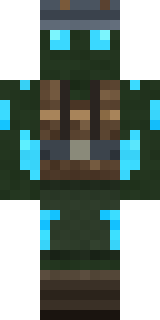
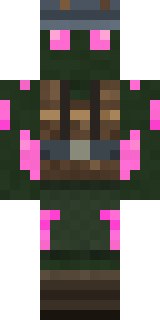
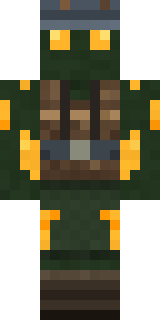
Glowworm Spelunker has classic 4 pixel arms and works in Minecraft Java and Bedrock. Download it for free and upload it in the Minecraft Launcher or the Bedrock dressing room. You can also open it in the Build It Skin Maker and make your own version. Try its 7 colour versions too, like Blue glow and Pink glow.
Find more skins like it in the Fantasy and Streetwear collections, or look through the Cool, Explorer and Mystery tags.