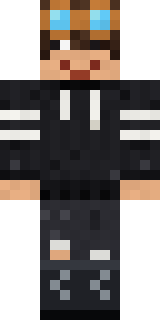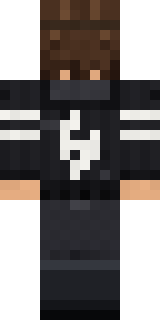

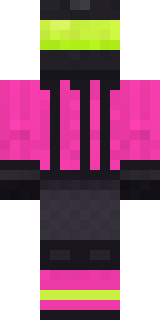
Grey Rune stripe hoodie

This skin is waiting for approval. Its link works for anyone you send it to, and it joins the skin hub once the team approves it.

How to use this skin
Download it, then follow the steps for where you play.
Minecraft: Java Edition, in the Minecraft Launcher
- Open the Minecraft Launcher and pick Minecraft: Java Edition on the left.
- Open the Skins tab at the top and press New skin.
- Give it a name and choose the player model: Classic.
- Press Browse, pick the PNG you downloaded, then Save & Use.
- Start the game: you are wearing it, on every world and server.
Minecraft: Java Edition, on minecraft.net
- Go to minecraft.net and log in with your Microsoft account.
- Open your Profile and find the skin settings of Java Edition.
- Choose Classic, select the PNG file, and press Upload.
- Your new skin shows the next time you join a world.
Bedrock Edition: Windows, Android, iPhone, iPad, Chromebook
- Open Minecraft and press Dressing Room on the main menu (in newer versions, the character button next to your name, then Edit Character).
- Open the Classic Skins tab.
- Under Owned Skins, press Import, then Choose New Skin.
- Pick the PNG you downloaded (on a phone it is usually in Downloads or Files).
- When it asks, choose Classic, then confirm.
Xbox, PlayStation and Nintendo Switch
Consoles cannot import a skin file. There you can wear Character Creator items and skins from the Marketplace.
Some players set a skin in Bedrock on a phone or PC that is signed in to the same Microsoft account and see it on their console too. Mojang does not support that, so it may not work for you.
Similar skins


Trending today
What people open and download right now.
Trending today
The skins people are opening, liking and downloading right now.
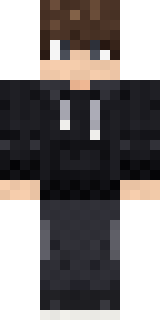
- Modern HoodiebyBuild It
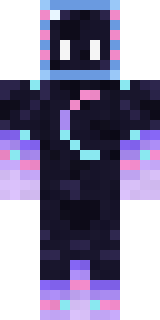
- Galaxy AxolotlbyBuild It
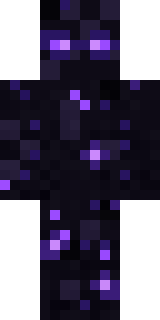
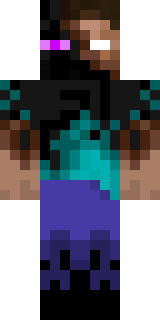
- Enderbrineby
 gustavopir
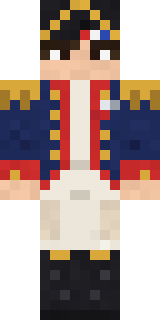
- Napoleon BonapartebyBuild It
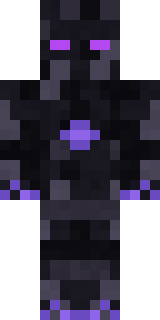
- The VoidbyBuild It
- Shy KidbyBuild It
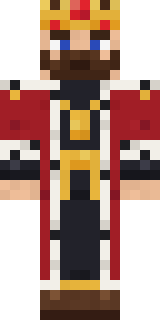
- The KingbyBuild It
- Slender ManbyBuild It
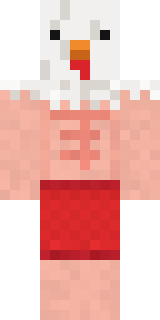
- Buff ChickenbyBuild It
- Abyssal MonkbyBuild It
Made on Build It
A few of the skins players made here. Find one you like, or start your own.
 Bistro Chef
 Living Marble Statue
 Bear Lumberjack
 Saloon Pianist
 Federal Agent
 Sea Urchin Punk
 Mint Street ArtistNapoleon Bonaparte
 Stone Face Statue
 Alien Exchange Student
 Midnight Baker
 Ravioli Wrestler
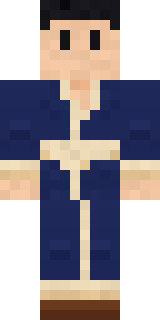 Hot Springs Innkeeper
 Ghost Buddy
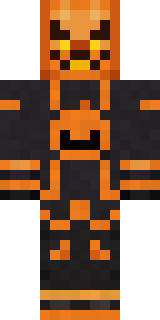 Pumpkin Wraith
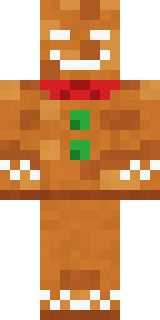 Christmas Gingerbread
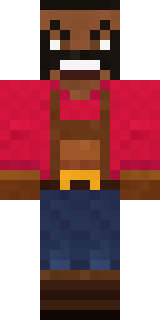 Ruby Blacksmith
 Street Skater
 Woodland Scout
 Lavender Daydream
 Happy Farmer
 Friendly Dentist
 Midnight Ferryman
 Captain Spark
 Drifter Gunslinger
 Bumblebee
 Code Ghost
 Full Moon Werewolf
 White Rabbit
 Alice
 Bookworm
 Goblin Raider
 Blueberry Detective
 Trainyard Welder
 Lighthouse Keeper
 Curly Barista
 Doorbell Camera Visitor
 Terracotta Summer
 Hospital Hero
 Cheeky Banana
 Orangutan Archaeologist
 Fern Forest Sprite
 Barnyard Cow
 Curly Art Student
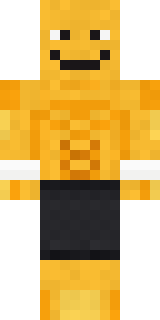 Gym Bro BananaGamer Mode
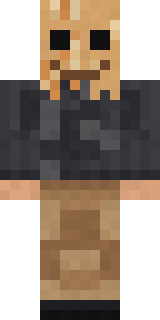 Paper Bag Bandit
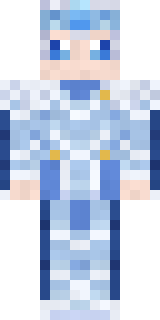 Frost Elf Prince
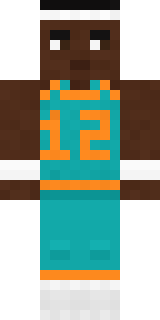 Hoop Star
 Rose Mechanic
 Orange Jelly Ninja
 Wax DoubleCamo Commando
 Autumn Knit
 Crescent Pajama Bunny
 Background Extra
 Champion Boxer
 Little Toadstool
 Pastel Gamer
 Neon Motorcycle Courier
About Grey Rune stripe hoodie
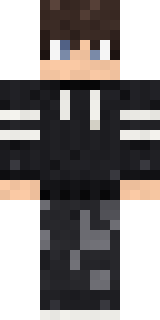
Meet Grey Rune stripe hoodie, a haunted Minecraft skin made by katja in the Build It Skin Maker. Its look puts together a rune stripe hoodie, torn knee jeans, combat boots and goggles in black. A good pick for scary servers and spooky season.
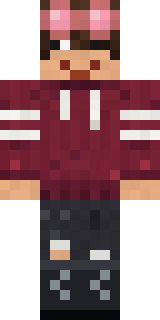
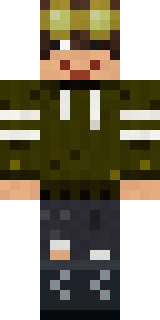
Grey Rune stripe hoodie has classic 4 pixel arms and works in Minecraft Java and Bedrock. Download it for free, then follow the steps above to wear it in game. Open it in the Build It Skin Maker to give it your own colours. Try its 6 colour versions too, like Red and Yellow.
See more in the Spooky collection, or look through the Boy and Spooky tags.