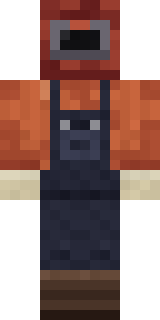
Trainyard Welder
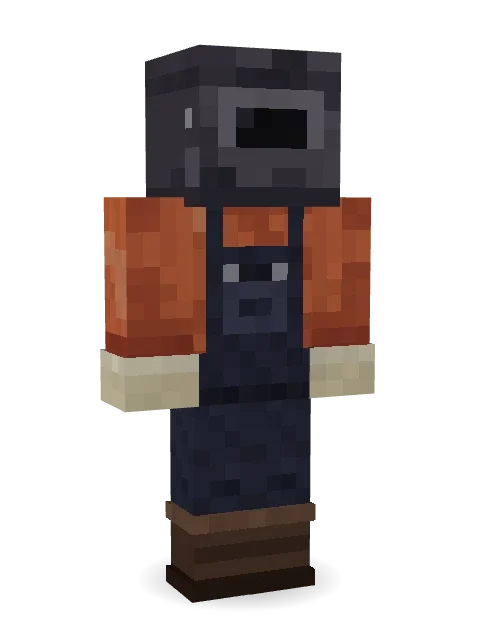
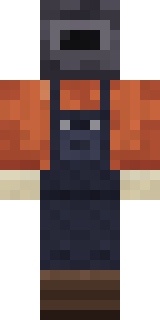
Keeps the old engines rolling all night long: a dark welding mask with a black window, a rust orange work shirt, tan leather gloves and navy bib overalls.

How to use this skin
Download it, then follow the steps for where you play.
Minecraft: Java Edition, in the Minecraft Launcher
- Open the Minecraft Launcher and pick Minecraft: Java Edition on the left.
- Open the Skins tab at the top and press New skin.
- Give it a name and choose the player model: Classic.
- Press Browse, pick the PNG you downloaded, then Save & Use.
- Start the game: you are wearing it, on every world and server.
Minecraft: Java Edition, on minecraft.net
- Go to minecraft.net and log in with your Microsoft account.
- Open your Profile and find the skin settings of Java Edition.
- Choose Classic, select the PNG file, and press Upload.
- Your new skin shows the next time you join a world.
Bedrock Edition: Windows, Android, iPhone, iPad, Chromebook
- Open Minecraft and press Dressing Room on the main menu (in newer versions, the character button next to your name, then Edit Character).
- Open the Classic Skins tab.
- Under Owned Skins, press Import, then Choose New Skin.
- Pick the PNG you downloaded (on a phone it is usually in Downloads or Files).
- When it asks, choose Classic, then confirm.
Xbox, PlayStation and Nintendo Switch
Consoles cannot import a skin file. There you can wear Character Creator items and skins from the Marketplace.
Some players set a skin in Bedrock on a phone or PC that is signed in to the same Microsoft account and see it on their console too. Mojang does not support that, so it may not work for you.
More by Build It












Similar skins

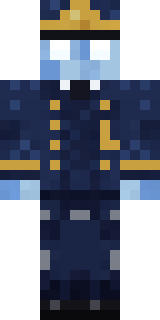
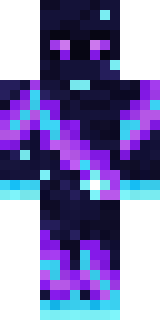
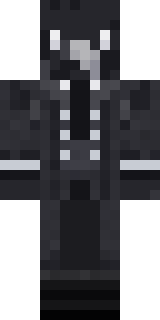
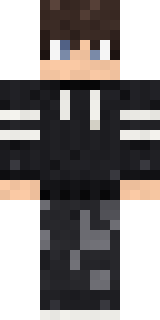


Trending today
What people open and download right now.
Trending today
The skins people are opening, liking and downloading right now.
- Ancient Hexby
 nvlr33
- Modern HoodiebyBuild It
- Shy KidbyBuild It
- Galaxy AxolotlbyBuild It
- Napoleon BonapartebyBuild It
- The KingbyBuild It
- Hazmat ResponderbyBuild It
- Buff ChickenbyBuild It
- The VoidbyBuild It
- Slender ManbyBuild It
Made on Build It
A few of the skins players made here. Find one you like, or start your own.
 Shark Bite
 Shamrock Suit
 Mint Axolotl
 Halloween Vampire
 Froggy Onesie
 Sage Apron Florist
 Pumpkin Spice
 Little Toadstool
 Masked Night Prowler
 Cozy Avocado
 Campaign Trail Politician
 Redstone Inventor
 Rainy Day
 Turtle Park Ranger
 Frost Yeti
 Safari Cat
 Muddy Farmhand
 Strawberry Jam Jar
 Peacock Guard
 Desert Nomad
 Red Orchard vine shirt
 Alice
 Scuba Instructor
 Peach Sunset
 Nature Elemental
 Midnight Academia
 Fern Forest Sprite
 Buffalo Plaid Lumberjack
 Fast Break Baller
 Light ElementalGalaxy Wanderer
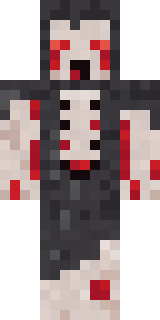 Crypt Ghoul
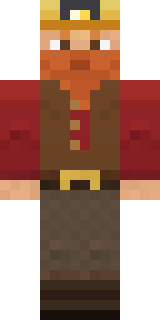 Dwarf Miner
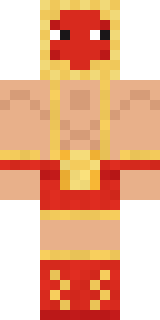 Ravioli Wrestler
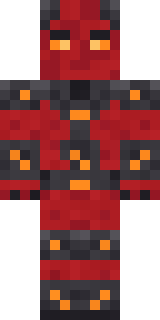 Molten Plate Demon
 Earth Elemental
 Koi Pond Spirit
 Wind Elemental
 Static Screen Agent
 Office Zombie
 Electric Eel Technician
 Grey Suit and tie
 Bun Bun
 Copper Gardener Bot
 Loading Screen Gamer
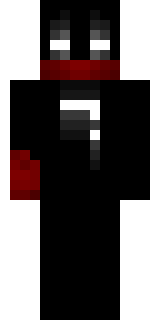 ◊ Runic Guardian ◊
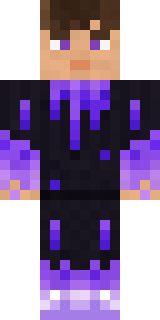 gamer Black Void drip hoodie
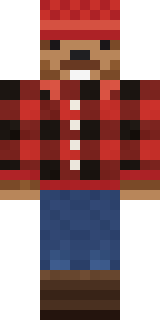 Bear Lumberjack
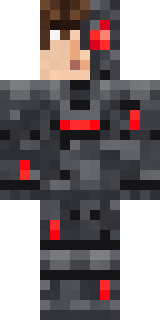 Graphite Cyborg
 Market Butcher
 Fourth of July PatriotNapoleon Bonaparte
 Silverfish Archivist
 Lord Pumpkin
 Snow Leopard Hacker
 Void Wanderer
 Garden Gnome
 Grunge Girl
 Burnt Toast Monster
 Drip King
About Trainyard Welder
Trainyard Welder is a magical skin for Minecraft made by the Build It team. The outfit: a welder rust shirt, overalls, boots and a trainyard welding mask in blue, black and orange. A great pick for anyone building their own kingdom.
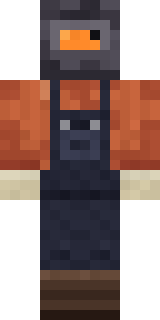
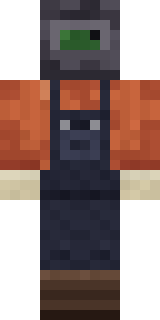
Trainyard Welder has classic 4 pixel arms and works in Minecraft Java and Bedrock. Download it for free and upload it in the Minecraft Launcher or the Bedrock dressing room. Open it in the Build It Skin Maker to give it your own colours. Try its 7 colour versions too, like Welding glow and Green glass.
Find more skins like it in the Fantasy and Streetwear collections, or look through the Cool, Mystery and Work tags.