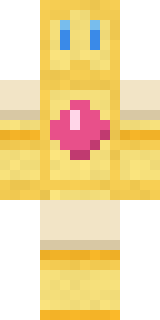
Bubblegum Robot
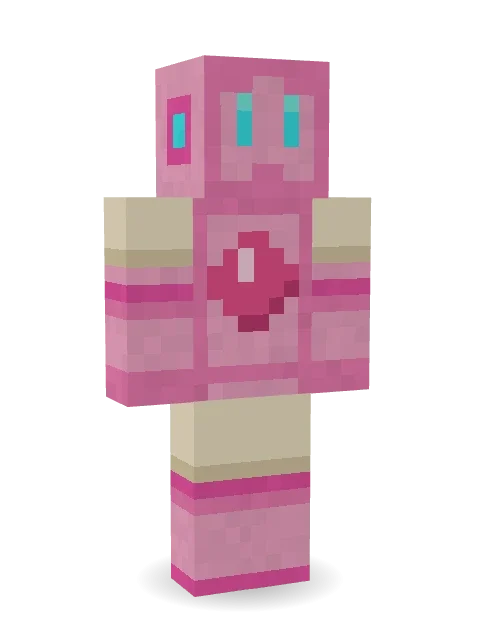
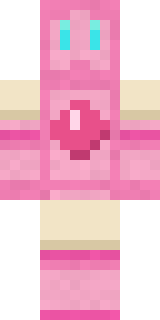
Chews through every job with a smile: a bubblegum pink metal robot with glowing cyan eyes, a gem on its chest and cream joints.

How to use this skin
Download it, then follow the steps for where you play.
Minecraft: Java Edition, in the Minecraft Launcher
- Open the Minecraft Launcher and pick Minecraft: Java Edition on the left.
- Open the Skins tab at the top and press New skin.
- Give it a name and choose the player model: Classic.
- Press Browse, pick the PNG you downloaded, then Save & Use.
- Start the game: you are wearing it, on every world and server.
Minecraft: Java Edition, on minecraft.net
- Go to minecraft.net and log in with your Microsoft account.
- Open your Profile and find the skin settings of Java Edition.
- Choose Classic, select the PNG file, and press Upload.
- Your new skin shows the next time you join a world.
Bedrock Edition: Windows, Android, iPhone, iPad, Chromebook
- Open Minecraft and press Dressing Room on the main menu (in newer versions, the character button next to your name, then Edit Character).
- Open the Classic Skins tab.
- Under Owned Skins, press Import, then Choose New Skin.
- Pick the PNG you downloaded (on a phone it is usually in Downloads or Files).
- When it asks, choose Classic, then confirm.
Xbox, PlayStation and Nintendo Switch
Consoles cannot import a skin file. There you can wear Character Creator items and skins from the Marketplace.
Some players set a skin in Bedrock on a phone or PC that is signed in to the same Microsoft account and see it on their console too. Mojang does not support that, so it may not work for you.
More by Build It












Similar skins



















Trending today
What people open and download right now.
Trending today
The skins people are opening, liking and downloading right now.

- Ancient Hexby
 nvlr33
- Modern HoodiebyBuild It
- Galaxy AxolotlbyBuild It
- Napoleon BonapartebyBuild It
- The KingbyBuild It
- Shy KidbyBuild It
- Hazmat ResponderbyBuild It
- The VoidbyBuild It
- Buff ChickenbyBuild It
- Slender ManbyBuild It
Made on Build It
A few of the skins players made here. Find one you like, or start your own.
 Gothic Librarian
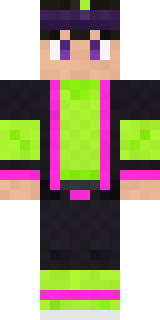 Neon Parkour Runner
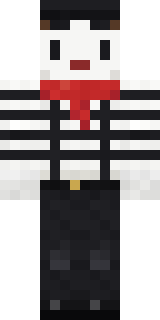 Silent Mime
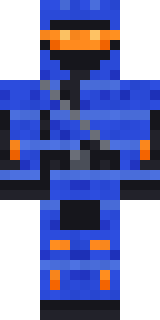 Cobalt Cyber Ninja
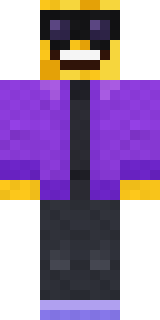 Cool Shades Face
 Red Hoodie
 Vintage Cartoon Explorer
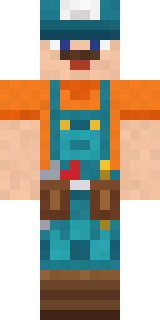 Handy Plumber
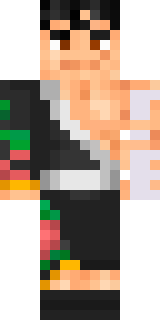 Hanabi Noir
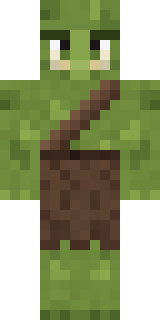 Mossy Troll
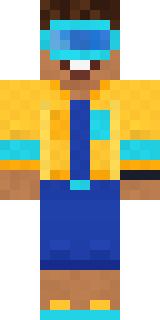 Ocean Diver
 Radioactive Gummy BearTuxedo Cat
 Little Bat
 Twilight RogueGrunge Girl
 Scarlet Sellsword
 Deep Space Janitor
 Moonwalk AstronautHaunted Arcade Robot
 Halloween Vampire
 Easter Bunny Costume
 Ghost King
 Shamrock Suit
 Vaporwave Pastel
 Cleopatra
 Patchwork Teddy Bear
 Golden Prospector
 Crystal Elf Spellcaster
 Crimson Templar
 Lakeside Angler
 Burlap Intruder
 Thunderstorm Mage
 Earth Elemental
 Lunar Botanist
 Amber Fossil Golem
 Carnival Fortune Teller
 Turtle Park Ranger
 Concrete Builder
 Robin Hood
 Alien Tourist
 Ember Dragon
 Golden Automaton
 Onion King
 Yellow hazmat suit
 Sage Apron Florist
 Grey Tattered reaper robe
 Midnight Hoodie
 Error
 Gamer Mode
 Potion Shopkeeper
 Tide Pool Spirit
 Goldfish Space Cadet
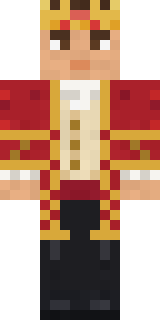 Red Court frock coat
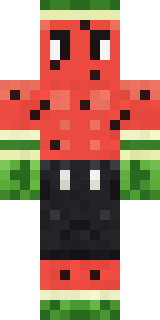 Watermelon Brawler
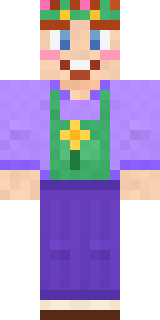 Lavender Florist
 Frost Yeti
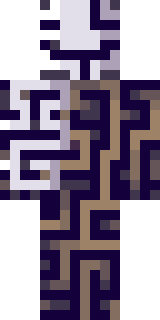 Meander
 Grey Suit and tie
 Night Ops Commando
About Bubblegum Robot
Meet Bubblegum Robot, a high-tech Minecraft skin from the Build It team. It comes in pink and beige. It is a bubblegum bot from head to toe. A great pick for players who love machines and the future.
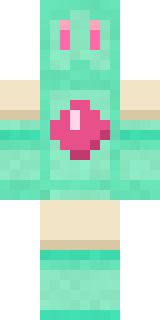
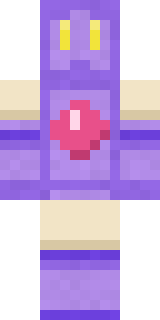
Bubblegum Robot has classic 4 pixel arms and works in Minecraft Java and Bedrock. It is free: download the PNG and add it in the Minecraft Launcher (Java) or the dressing room (Bedrock). Want it your way? Open it in the Build It Skin Maker and change its colours and pieces. It also comes in 7 colour versions, like Mint bot and Grape bot.
See more in the Robots and Cute collections, or look through the Cute, Kawaii and Robot tags.