Error

Just an OC of mine <3
How to use this skin
Download it, then follow the steps for where you play.
Minecraft: Java Edition, in the Minecraft Launcher
- Open the Minecraft Launcher and pick Minecraft: Java Edition on the left.
- Open the Skins tab at the top and press New skin.
- Give it a name and choose the player model: Classic.
- Press Browse, pick the PNG you downloaded, then Save & Use.
- Start the game: you are wearing it, on every world and server.
Minecraft: Java Edition, on minecraft.net
- Go to minecraft.net and log in with your Microsoft account.
- Open your Profile and find the skin settings of Java Edition.
- Choose Classic, select the PNG file, and press Upload.
- Your new skin shows the next time you join a world.
Bedrock Edition: Windows, Android, iPhone, iPad, Chromebook
- Open Minecraft and press Dressing Room on the main menu (in newer versions, the character button next to your name, then Edit Character).
- Open the Classic Skins tab.
- Under Owned Skins, press Import, then Choose New Skin.
- Pick the PNG you downloaded (on a phone it is usually in Downloads or Files).
- When it asks, choose Classic, then confirm.
Xbox, PlayStation and Nintendo Switch
Consoles cannot import a skin file. There you can wear Character Creator items and skins from the Marketplace.
Some players set a skin in Bedrock on a phone or PC that is signed in to the same Microsoft account and see it on their console too. Mojang does not support that, so it may not work for you.
Similar skins



Trending today
What people open and download right now.
Trending today
The skins people are opening, liking and downloading right now.
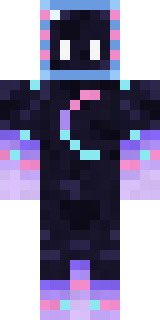
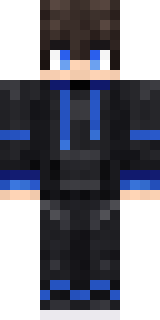
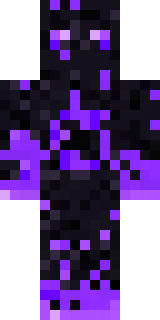

- Galaxy AxolotlbyBuild It
- Modern HoodiebyBuild It
- The VoidbyBuild It
- Napoleon BonapartebyBuild It
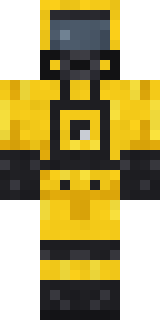
- Hazmat ResponderbyBuild It
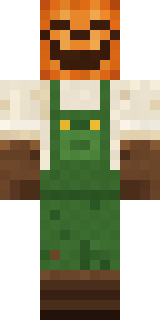
- Pumpkin Patch FarmerbyBuild It
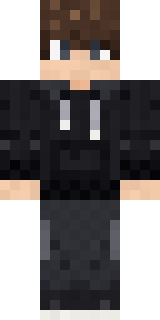
- Quiet KidbyBuild It
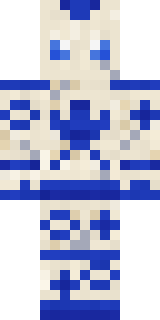
- Porcelain RobotbyBuild It
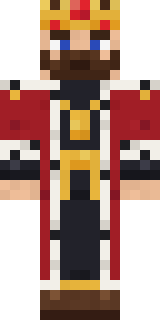
- The KingbyBuild It
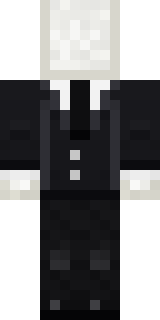
- Slender ManbyBuild It
Made on Build It
A few of the skins players made here. Find one you like, or start your own.
 Axolotl Cutie
 Topsy Turvy Face
 Ruby Blacksmith
 Blocky Newbie
 Skeleton Costume
 Sleepy Koala Student
 Copper Gardener Bot
 Jackal Priest
 Icy Blue Winter
 Crocodile Detective
 Mint Street Artist
 Penguin Waddle
 Striped Zebra
 Auburn Diner Waitress
 Lavender Florist
 Abraham Lincoln
 Autumn Knit
 Copper Engineer
 Fern Forest Sprite
 Bronze Bell Spirit
 Gecko Skater
 Forgotten Funeral Guest
 Nikola Tesla
 Tiger Champ
 Buffalo Plaid Lumberjack
 Fox Blacksmith
 Clockwork Owl
 Glacier Explorer
 Robin Hood
 Robo Unit 7
 Happy Farmer
 Bumblebee
 Tattered Scarecrow
 Sweater Weather
 Headphone Skeleton
 Sage Green Cozy
 White Porcelain plate
 Alien Tourist
 Mossy Troll
 Vampire Aristocrat
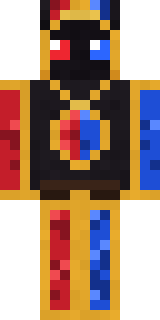
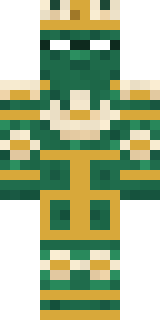
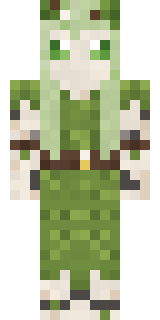
 Crystal MonkWoodland DryadThe King
 Orangutan Archaeologist
 Rose Mechanic
 Strawberry Milk Courier
 Pajama Knight
 Pistachio Pastry Chef
 Carnival Ticket Taker
 Grease Monkey
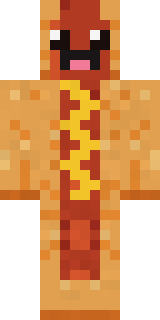 Happy Hot Dog
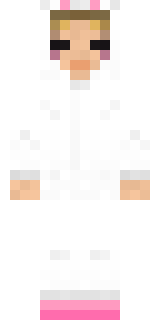 Bun Bun
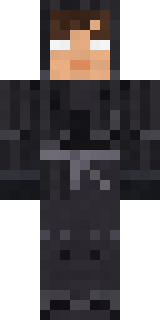 Grey Tattered reaper robe
 Lacquered Samurai
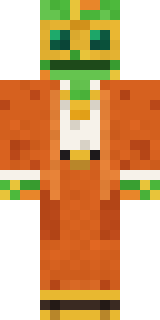 Disco Chameleon
 Christmas Gingerbread
 Sandstone Guardian
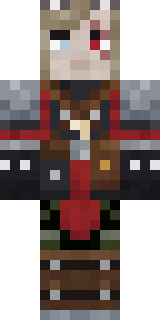 Error
Error Moss Plague Doctor
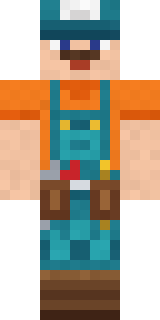 Handy Plumber
About Error
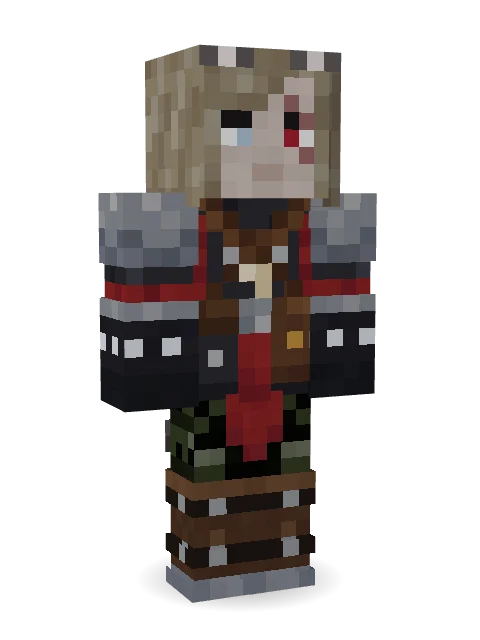
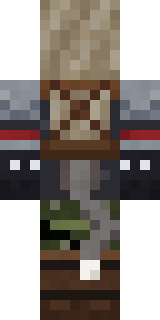
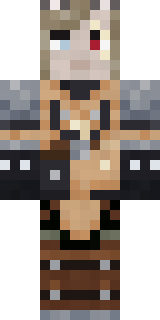
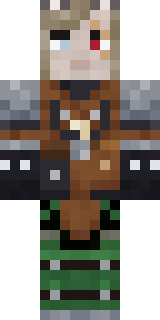
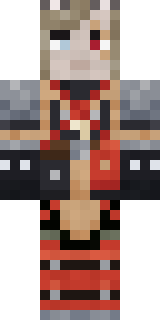
Meet Error, a legendary Minecraft skin by error, made on Build It. The outfit: sellsword leathers, army camo trousers, brass buckle boots and wolf ears with a black, brown and grey colour scheme. Look closer: it has a scar. Wear it on fantasy servers, adventure maps and dragon hunts.
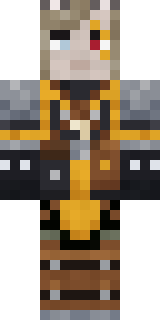
Error has classic 4 pixel arms and works in Minecraft Java and Bedrock. Download it for free, then follow the steps above to wear it in game. Want it your way? Open it in the Build It Skin Maker and change its colours and pieces. It also comes in 6 colour versions, like Cocoa and Forest.
See more in the Fantasy collection, or look through the Fantasy tags.