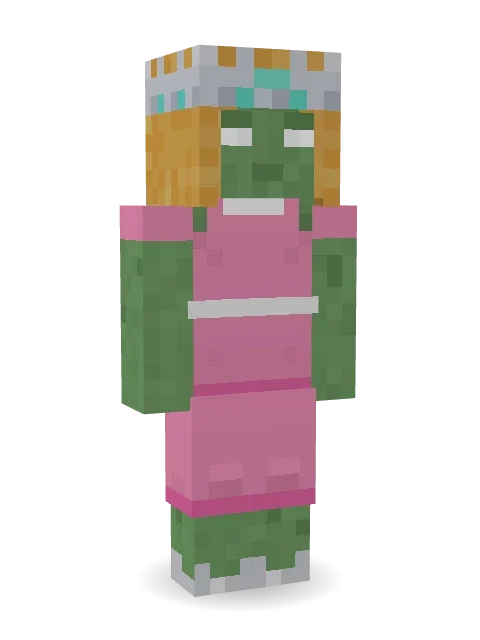
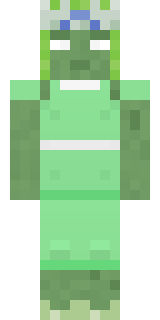
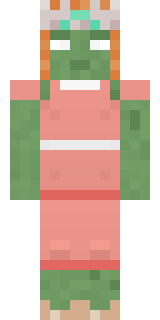
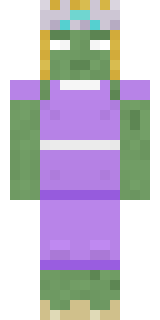
Prom Queen Zombie
She still has the crown and the dance moves. Mostly.

How to use this skin
Download it, then follow the steps for where you play.
Minecraft: Java Edition, in the Minecraft Launcher
- Open the Minecraft Launcher and pick Minecraft: Java Edition on the left.
- Open the Skins tab at the top and press New skin.
- Give it a name and choose the player model: Slim.
- Press Browse, pick the PNG you downloaded, then Save & Use.
- Start the game: you are wearing it, on every world and server.
Minecraft: Java Edition, on minecraft.net
- Go to minecraft.net and log in with your Microsoft account.
- Open your Profile and find the skin settings of Java Edition.
- Choose Slim, select the PNG file, and press Upload.
- Your new skin shows the next time you join a world.
Bedrock Edition: Windows, Android, iPhone, iPad, Chromebook
- Open Minecraft and press Dressing Room on the main menu (in newer versions, the character button next to your name, then Edit Character).
- Open the Classic Skins tab.
- Under Owned Skins, press Import, then Choose New Skin.
- Pick the PNG you downloaded (on a phone it is usually in Downloads or Files).
- When it asks, choose Slim, then confirm.
Xbox, PlayStation and Nintendo Switch
Consoles cannot import a skin file. There you can wear Character Creator items and skins from the Marketplace.
Some players set a skin in Bedrock on a phone or PC that is signed in to the same Microsoft account and see it on their console too. Mojang does not support that, so it may not work for you.
More by Build It












Similar skins



















Trending today
What people open and download right now.
Trending today
The skins people are opening, liking and downloading right now.

- Modern HoodiebyBuild It
- Ancient Hexby
 nvlr33
- Galaxy AxolotlbyBuild It
- Shy KidbyBuild It
- Napoleon BonapartebyBuild It
- The VoidbyBuild It
- Hazmat ResponderbyBuild It
- The KingbyBuild It
- Slender ManbyBuild It
- Buff ChickenbyBuild It
Made on Build It
A few of the skins players made here. Find one you like, or start your own.
 Sunflower Drummer
 Night Ops Commando
 Silver Pulse DJ
 Ancient Gardian
 Monochrome Minimalist
 Periwinkle Rainwear
 Garden Helper
 Bumpy Pickle
 Beach Lifeguard
 Mint Street Artist
 Sea Foam Dancer
 Templar Knight
 Watermelon Brawler
 Balloon Festival Pilot
 Courtroom Judge
 Chill Pond Frog
 Main Character Duck
 Enderdude
 Soft Boy
 Ink Wizard
 Spring Bloom
 Silverfish Archivist
 Happy Farmer
 Graffiti Phantom
 Porcelain Robot
 Carnival Ticket Taker
 Emo Kid
 Burgundy Buccaneer
 The Boss
 Red Panda Sushi Chef
 Cardboard Robot Kid
 Gingerbread Detective
 Glowworm Spelunker
 Jade Monk
 Rookie Boxer
 Golden Automaton
 The Forehead Man
 Silverback Gorilla
 Background Extra
 Wax Double
 Muddy Pig
 Forest Elf
 Trick or Treat Ghost
 Lotus Temple Guardian
 Forgotten Funeral GuestCampaign Trail Politician
 Tin Toy Soldier
 Blue Beat
 Downtown Pig
 Autumn Leaf Sprite
 Roman Legionary
 Head Chef
 Banana Gentleman
 Galaxy Wanderer
 Ink Monster Teacher
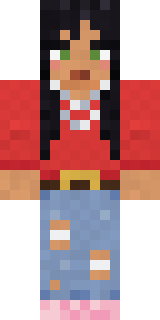 Nice girl
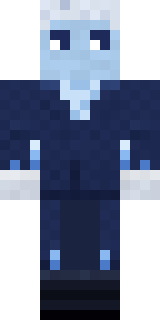 Frost Court Noble
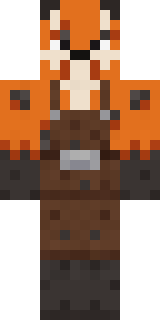 Fox Blacksmith
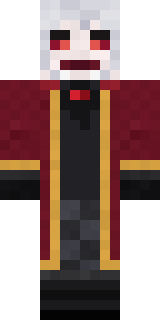 Velvet Vampire
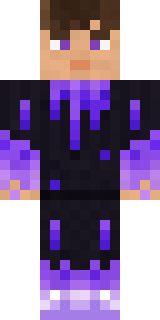 gamer Black Void drip hoodie
About Prom Queen Zombie
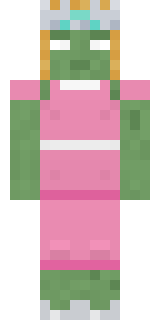
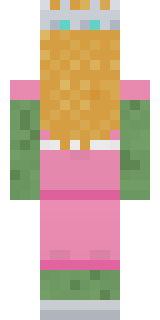
Prom Queen Zombie is a haunted skin for Minecraft from the Build It team. It wears a dress, heels and a crown with a pink and green colour scheme. Under the outfit it is a zombie. A good pick for scary servers and spooky season.
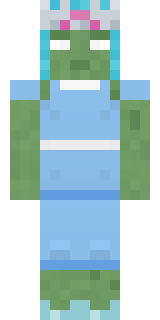
It uses the slim arms (3 pixels wide, like Alex) and works on Java and Bedrock. It is free: download the PNG and add it in the Minecraft Launcher (Java) or the dressing room (Bedrock). Want it your way? Open it in the Build It Skin Maker and change its colours and pieces. Try its 5 colour versions too, like Ocean and Forest.
See more in the Spooky and Funny collections, or look through the Funny, Girl and Spooky tags.