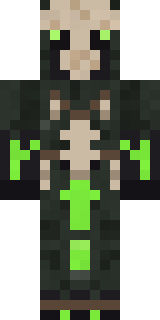
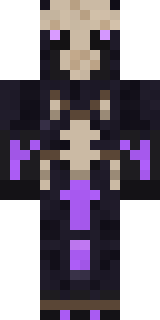
Bone Necromancer
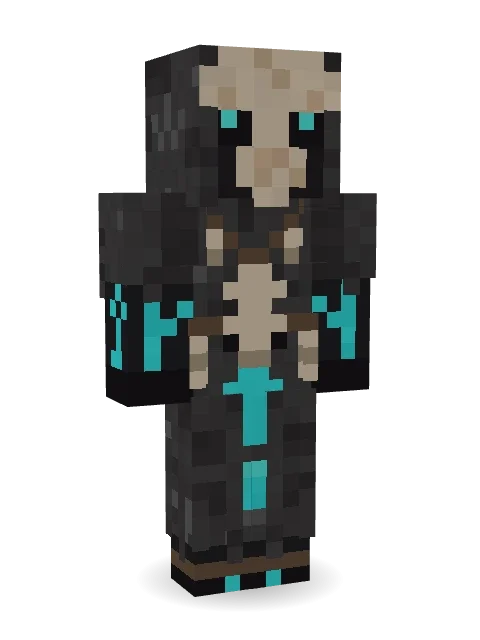
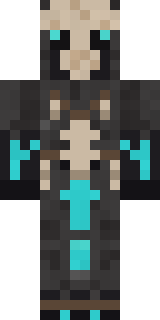
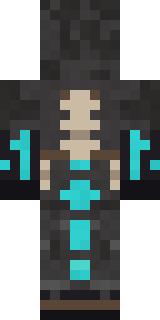
Death is just another form of life: an ivory skull mask with glowing eyes, charcoal robes hung with bones, and turquoise ritual runes.

How to use this skin
Download it, then follow the steps for where you play.
Minecraft: Java Edition, in the Minecraft Launcher
- Open the Minecraft Launcher and pick Minecraft: Java Edition on the left.
- Open the Skins tab at the top and press New skin.
- Give it a name and choose the player model: Classic.
- Press Browse, pick the PNG you downloaded, then Save & Use.
- Start the game: you are wearing it, on every world and server.
Minecraft: Java Edition, on minecraft.net
- Go to minecraft.net and log in with your Microsoft account.
- Open your Profile and find the skin settings of Java Edition.
- Choose Classic, select the PNG file, and press Upload.
- Your new skin shows the next time you join a world.
Bedrock Edition: Windows, Android, iPhone, iPad, Chromebook
- Open Minecraft and press Dressing Room on the main menu (in newer versions, the character button next to your name, then Edit Character).
- Open the Classic Skins tab.
- Under Owned Skins, press Import, then Choose New Skin.
- Pick the PNG you downloaded (on a phone it is usually in Downloads or Files).
- When it asks, choose Classic, then confirm.
Xbox, PlayStation and Nintendo Switch
Consoles cannot import a skin file. There you can wear Character Creator items and skins from the Marketplace.
Some players set a skin in Bedrock on a phone or PC that is signed in to the same Microsoft account and see it on their console too. Mojang does not support that, so it may not work for you.
More by Build It












Similar skins



















Trending today
What people open and download right now.
Trending today
The skins people are opening, liking and downloading right now.

- Ancient Hexby
 nvlr33
- Modern HoodiebyBuild It
- Galaxy AxolotlbyBuild It
- Shy KidbyBuild It
- Hazmat ResponderbyBuild It
- Napoleon BonapartebyBuild It
- The VoidbyBuild It
- The KingbyBuild It
- Slender ManbyBuild It
- Buff ChickenbyBuild It
Made on Build It
A few of the skins players made here. Find one you like, or start your own.
 Bronze Age Warrior
 Goldfish Space Cadet
 Barnyard Cow
 Obsidian Sentinel
 Wolfgang Amadeus Mozart
 Nice girl
 One Brain Cell Cat
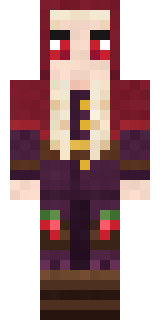 Cranberry Witch
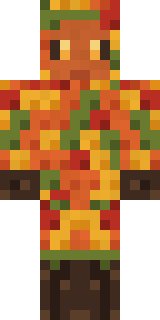 Autumn Leaf Sprite
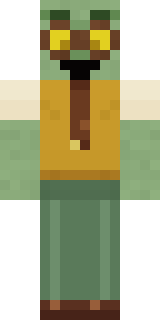 Dungeon Accountant
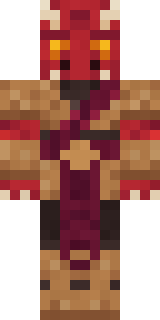 Ruby Dragonborn
 Banana Gentleman
 Gargoyle Bell Ringer
 Beekeeper
 False Smile Stranger
 Mirror Knight
 Circuit Board Monk
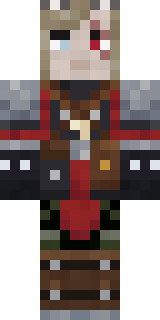 Error
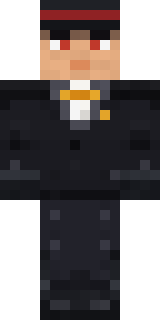 Formal Vampire
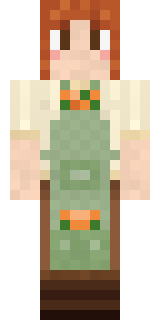 Sage Apron Florist
 Cyberpunk Paramedic
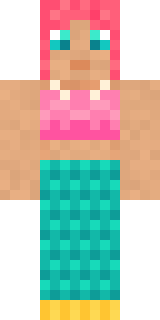 Reef Mermaid
 Glowbug Ranger
 Apple Orchard Guardian
 Yellow Scrubs
 Low Battery Robot
 Cactus Outlaw
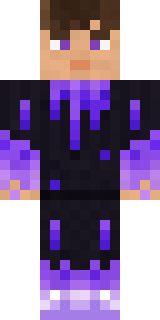 gamer Black Void drip hoodie
 Pitch Playmaker
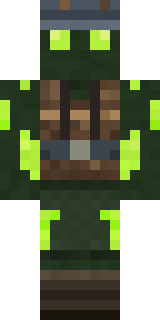 Glowworm Spelunker
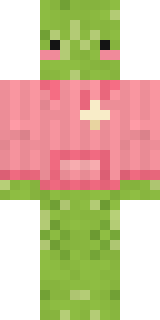 Emotional Support Pickle
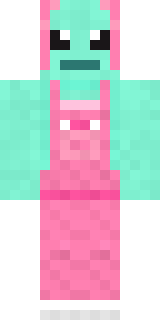 Mint Axolotl
 Redstone Tinkerer
 Fern Forest Sprite
 Vampire Dentist
 Bebo
 Gothic Librarian
 Roller Rink Attendant
 White Porcelain plate
 Grey Suit and tie
 Shark Bite
 Cool Shades Face
 Volcanic Sentinel
 Living Chess King
 Night Ops Commando
 Jackal Priest
 Headphone Skeleton
 Ember Librarian
 Gummy Bear Bodybuilder
 Tin Toy Soldier
 Cursed Chess Bishop
 Penguin Tourist
 Big Grin Face
 Electrician
 Easter Bunny Costume
 Muddy Pig
 Hanabi Noir
 Paper Lantern Spirit
 Muddy Farmhand
 Sleepy Mummy
About Bone Necromancer
Meet Bone Necromancer, a Halloween-ready Minecraft skin from the Build It team. Its look puts together a necromancer bone robe and a beast skull mask with a grey, black and brown colour scheme. It is made for Halloween nights, haunted builds and horror maps.
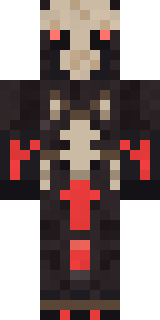
Bone Necromancer has classic 4 pixel arms and works in Minecraft Java and Bedrock. Download it for free, then follow the steps above to wear it in game. You can also open it in the Build It Skin Maker and make your own version. Try its 7 colour versions too, like Crimson rites and Toxic.
See more in the Spooky and Fantasy collections, or look through the Fantasy, Halloween and Mystery tags.