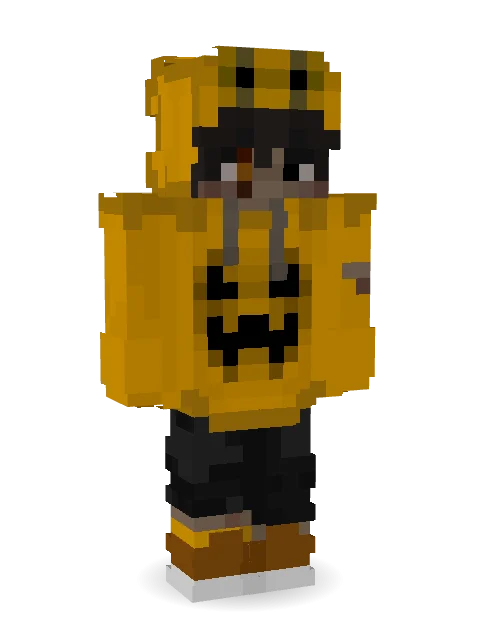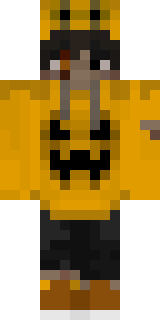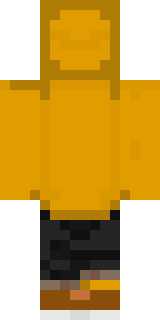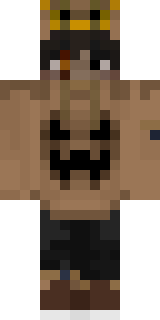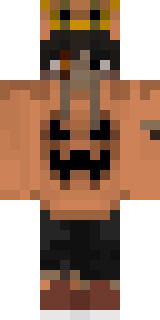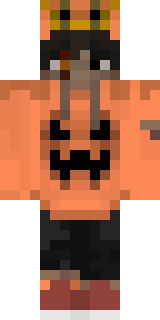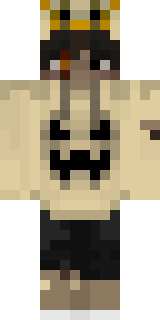

Pumpkin Hoodie
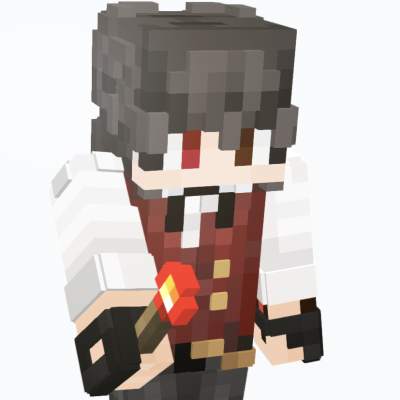
this isnt one of my newer skins but halloweens over so what better way to celebrate November than with an out of place themed skin?
lmao I was just bored enjoy :)
How to use this skin
Download it, then follow the steps for where you play.
Minecraft: Java Edition, in the Minecraft Launcher
- Open the Minecraft Launcher and pick Minecraft: Java Edition on the left.
- Open the Skins tab at the top and press New skin.
- Give it a name and choose the player model: Classic.
- Press Browse, pick the PNG you downloaded, then Save & Use.
- Start the game: you are wearing it, on every world and server.
Minecraft: Java Edition, on minecraft.net
- Go to minecraft.net and log in with your Microsoft account.
- Open your Profile and find the skin settings of Java Edition.
- Choose Classic, select the PNG file, and press Upload.
- Your new skin shows the next time you join a world.
Bedrock Edition: Windows, Android, iPhone, iPad, Chromebook
- Open Minecraft and press Dressing Room on the main menu (in newer versions, the character button next to your name, then Edit Character).
- Open the Classic Skins tab.
- Under Owned Skins, press Import, then Choose New Skin.
- Pick the PNG you downloaded (on a phone it is usually in Downloads or Files).
- When it asks, choose Classic, then confirm.
Xbox, PlayStation and Nintendo Switch
Consoles cannot import a skin file. There you can wear Character Creator items and skins from the Marketplace.
Some players set a skin in Bedrock on a phone or PC that is signed in to the same Microsoft account and see it on their console too. Mojang does not support that, so it may not work for you.

Similar skins


Trending today
What people open and download right now.
Trending today
The skins people are opening, liking and downloading right now.
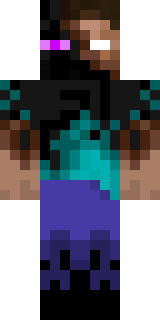
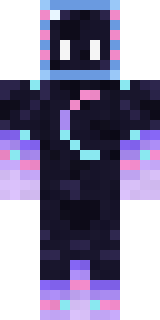

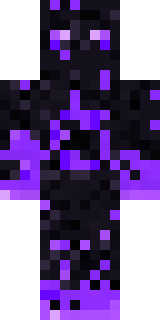
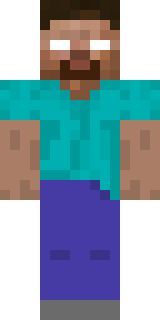
- Modern HoodiebyBuild It
- Enderbrineby
 gustavopir
- Galaxy AxolotlbyBuild It
- Napoleon BonapartebyBuild It
- The KingbyBuild It
- Hazmat ResponderbyBuild It
- Shy KidbyBuild It
- The VoidbyBuild It
- herobrinebygustavopir
- Slender ManbyBuild It
Made on Build It
A few of the skins players made here. Find one you like, or start your own.
 Drip King
 Shadow Elemental
 Strawberry Jam Jar
 Hallway Shadow
 Snow Leopard
 Light Elemental
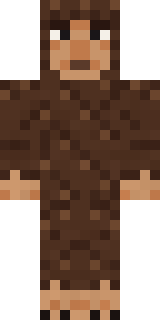 Forest Bigfoot
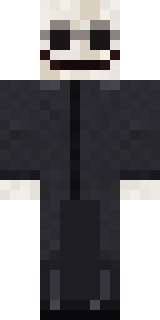 False Smile Stranger
 White Rabbit
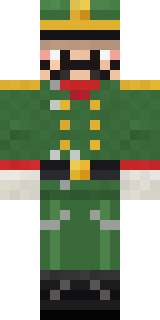 Tin Toy Soldier
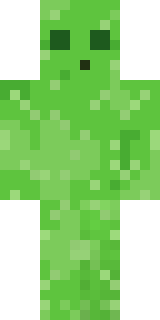 Bouncy Slime
 Sunflower Scarecrow
 Ice Crystal Spirit
 Crypt Ghoul
 Penguin Tourist
 Radioactive Gummy Bear
 Match Referee
 Tiger Champ
 Ghost Concierge
 Crimson Desert Nomad
 the winter cat skin
 Bone Necromancer
 Friendly DentistSky Pirate
 Neon Runner
 Balloon Festival Pilot
 Mint Axolotl
 Grumpy Broccoli
 Friendly Nurse
 Golden Prospector
 Courtroom Judge
 Muddy Farmhand
 Waldo Buhonero
 Red Flame Luchador
 Sunflower Drummer
 Bronze Age Warrior
 Crimson Punk
 Frost Court Noble
 Turtle Park Ranger
 Gummy Bear Bodybuilder
 Velvet Vampire
 Gold Aura Streetwear
 Shark Bite
 Noir Detective
 Enigmatic Ringmaster
 ShimerBot 0375
 Secret Agent
 Guardian Angel
 Lord Pumpkin
 Buck Tooth Nerd
 Sleepy Yellow Face
 Tuxedo Cat
 Terracotta Summer
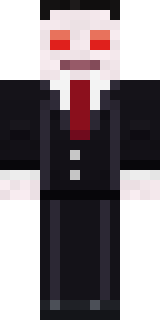 Count Nightfall
 Astronaut
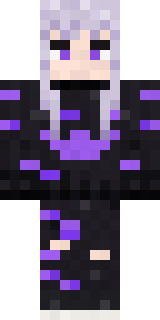 Pastel Goth
 Gecko Skater
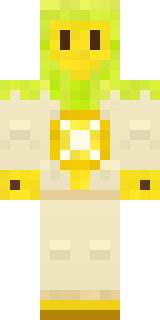 Lemon Sorcerer
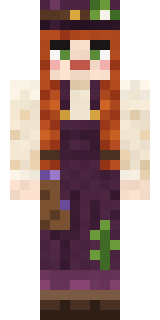 Cottage Witch
 Coral Mermaid
About Pumpkin Hoodie
Pumpkin Hoodie is a spooky skin for Minecraft by tyxdelaymc, made on Build It. It comes in brown, orange and black. It is made for Halloween nights, haunted builds and horror maps.
Pumpkin Hoodie has classic 4 pixel arms and works in Minecraft Java and Bedrock. It is free: download the PNG and add it in the Minecraft Launcher (Java) or the dressing room (Bedrock). Want it your way? Open it in the Build It Skin Maker and change its colours and pieces. Try its 10 colour versions too, like Rusty and Tangerine.
See more in the Spooky and Streetwear collections, or look through the Boy, Cool and Halloween tags.