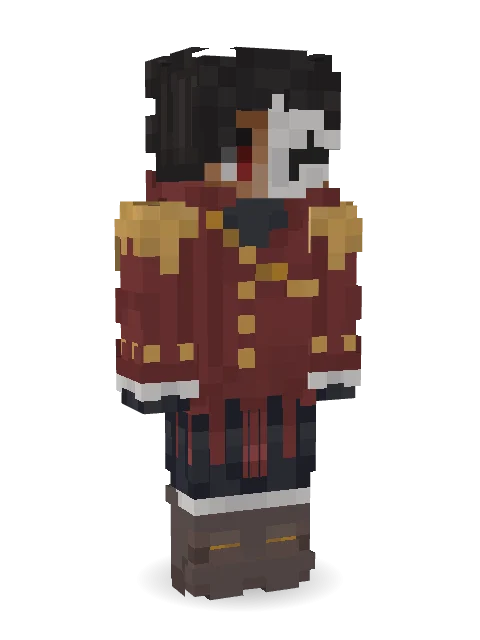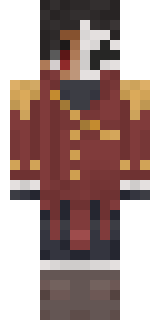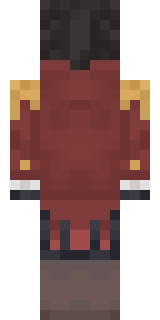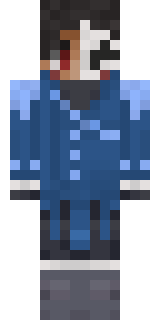

Enigmatic Ringmaster
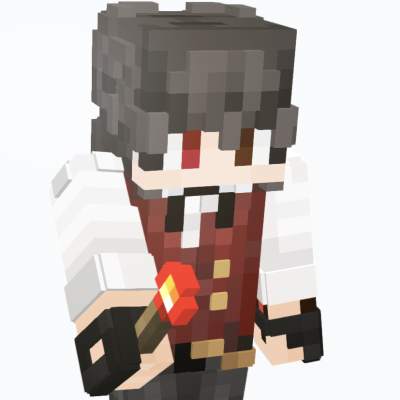
I made this with BlockBench (really great tool for skin editing and Minecraft modelling in general, plus it's free!), and as of the time I post this, it was my previous skin.

How to use this skin
Download it, then follow the steps for where you play.
Minecraft: Java Edition, in the Minecraft Launcher
- Open the Minecraft Launcher and pick Minecraft: Java Edition on the left.
- Open the Skins tab at the top and press New skin.
- Give it a name and choose the player model: Slim.
- Press Browse, pick the PNG you downloaded, then Save & Use.
- Start the game: you are wearing it, on every world and server.
Minecraft: Java Edition, on minecraft.net
- Go to minecraft.net and log in with your Microsoft account.
- Open your Profile and find the skin settings of Java Edition.
- Choose Slim, select the PNG file, and press Upload.
- Your new skin shows the next time you join a world.
Bedrock Edition: Windows, Android, iPhone, iPad, Chromebook
- Open Minecraft and press Dressing Room on the main menu (in newer versions, the character button next to your name, then Edit Character).
- Open the Classic Skins tab.
- Under Owned Skins, press Import, then Choose New Skin.
- Pick the PNG you downloaded (on a phone it is usually in Downloads or Files).
- When it asks, choose Slim, then confirm.
Xbox, PlayStation and Nintendo Switch
Consoles cannot import a skin file. There you can wear Character Creator items and skins from the Marketplace.
Some players set a skin in Bedrock on a phone or PC that is signed in to the same Microsoft account and see it on their console too. Mojang does not support that, so it may not work for you.
Similar skins





Trending today
What people open and download right now.
Trending today
The skins people are opening, liking and downloading right now.

- Modern HoodiebyBuild It
- Galaxy AxolotlbyBuild It
- Enderbrineby
 gustavopir
- Napoleon BonapartebyBuild It
- The VoidbyBuild It
- Slender ManbyBuild It
- The KingbyBuild It
- Shy KidbyBuild It
- Buff ChickenbyBuild It
- Abyssal MonkbyBuild It
Made on Build It
A few of the skins players made here. Find one you like, or start your own.
 Captain Spark
 Alien Tourist
 White Porcelain plate
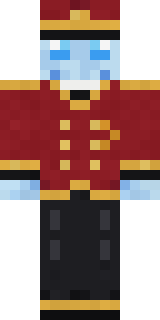 Ghost Concierge
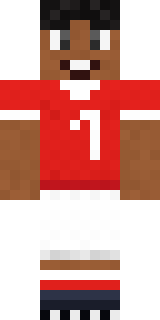 Star Striker
 Sailor Duck
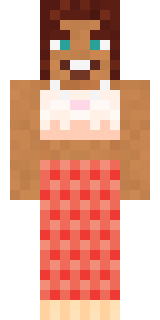 Coral Mermaid
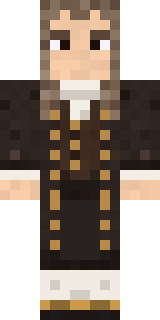 Isaac Newton
 Aurora Skater
 Forest Elf
 Spider Silk Merchant
 Skeleton Costume
 Little Toadstool
 Rotting Walker
 Lemon Cream
 Eclipse Priest
 Scuba Instructor
 Galaxy Wanderer
 Desert Cartographer
 Neon Parkour Runner
 Tattered Reaper
 Snow Leopard Hacker
 Stained Glass Mage
 Orc Warrior
 Cherry Goth Streetwear
 Jellybean Thief
 Prism Slime
 Deep Space Janitor
 Ender Shade
 Flamehunter
 Robin Hood
 Rose Mechanic
 Redstone Tinkerer
 Golden Prospector
 Christmas Elf
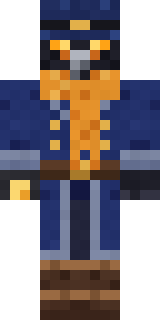 Raven Lamplighter
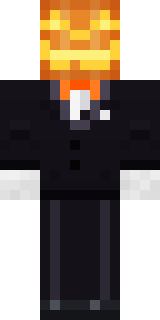 Lord Pumpkin
 Match Referee
 The Big Cheese
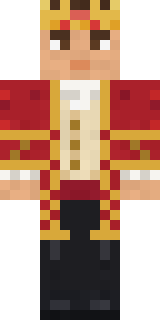 Red Court frock coat
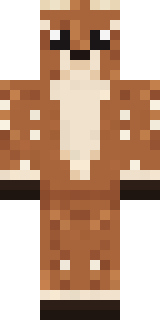 Spotted Fawn
 Axolotl Cutie
 Bloody ghost
 Pulse Android
 Midnight Snack Thief RaccoonDreamweaver
 Shamrock Suit
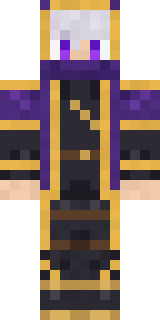 Twilight Rogue
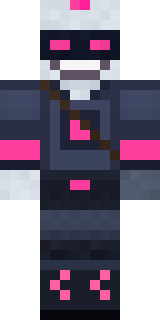 Cyber Samurai
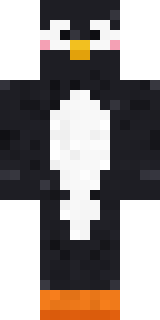 Blushing Penguin
 Chill Pond Frog
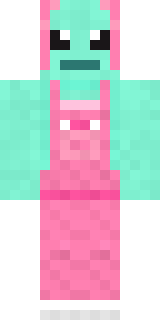 Mint AxolotlObsidian Golem
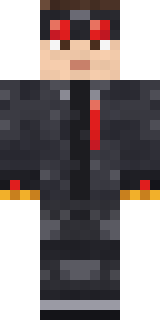 Redstone Inventor
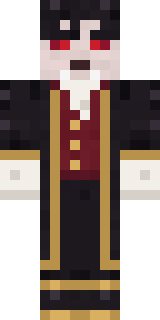 Vampire Aristocrat
 Sleepy Yellow Face
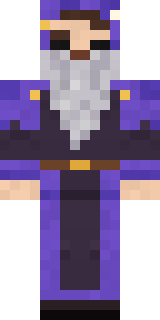 Smug Star Wizard
 Red Mushroom Scout
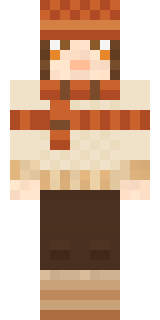 Pumpkin Spice
 Big Grin Face
About Enigmatic Ringmaster
Enigmatic Ringmaster is a fantasy skin for Minecraft made by tyxdelaymc in the Build It Skin Maker. It comes in red and grey. It fits right into medieval builds, dungeons and enchanted forests.
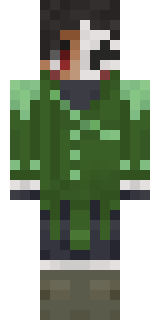
Enigmatic Ringmaster has slim 3 pixel arms and works in Minecraft Java and Bedrock. It is free: download the PNG and add it in the Minecraft Launcher (Java) or the dressing room (Bedrock). Want it your way? Open it in the Build It Skin Maker and change its colours and pieces. It also comes in 6 colour versions, like Tangerine and Lilac.
Find more skins like it in the Fantasy collection, or browse the Carnival, Fantasy and Jacket tags.