Sunken Knight
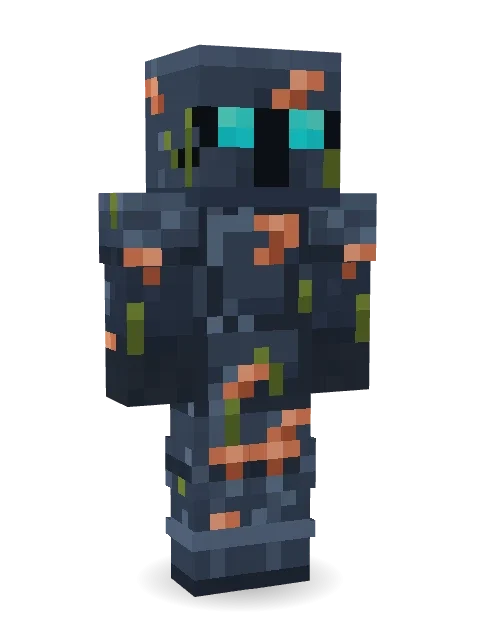
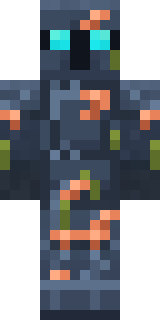
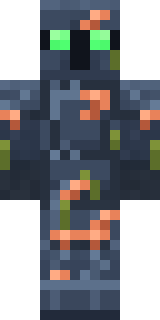
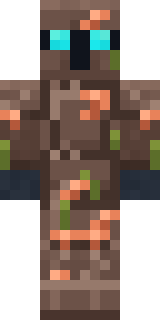
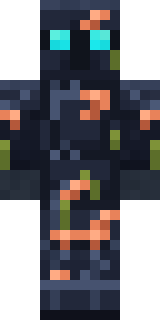
Back from the shipwreck and still on guard: navy armour crusted with coral and seaweed, two turquoise eyes glowing in the visor.
How to use this skin
Download it, then follow the steps for where you play.
Minecraft: Java Edition, in the Minecraft Launcher
- Open the Minecraft Launcher and pick Minecraft: Java Edition on the left.
- Open the Skins tab at the top and press New skin.
- Give it a name and choose the player model: Classic.
- Press Browse, pick the PNG you downloaded, then Save & Use.
- Start the game: you are wearing it, on every world and server.
Minecraft: Java Edition, on minecraft.net
- Go to minecraft.net and log in with your Microsoft account.
- Open your Profile and find the skin settings of Java Edition.
- Choose Classic, select the PNG file, and press Upload.
- Your new skin shows the next time you join a world.
Bedrock Edition: Windows, Android, iPhone, iPad, Chromebook
- Open Minecraft and press Dressing Room on the main menu (in newer versions, the character button next to your name, then Edit Character).
- Open the Classic Skins tab.
- Under Owned Skins, press Import, then Choose New Skin.
- Pick the PNG you downloaded (on a phone it is usually in Downloads or Files).
- When it asks, choose Classic, then confirm.
Xbox, PlayStation and Nintendo Switch
Consoles cannot import a skin file. There you can wear Character Creator items and skins from the Marketplace.
Some players set a skin in Bedrock on a phone or PC that is signed in to the same Microsoft account and see it on their console too. Mojang does not support that, so it may not work for you.
More by Build It












Similar skins



















Trending today
What people open and download right now.
Trending today
The skins people are opening, liking and downloading right now.

- Ancient Hexby
 nvlr33
- Modern HoodiebyBuild It
- Galaxy AxolotlbyBuild It
- Napoleon BonapartebyBuild It
- Shy KidbyBuild It
- The KingbyBuild It
- Hazmat ResponderbyBuild It
- The VoidbyBuild It
- Buff ChickenbyBuild It
- Slender ManbyBuild It
Made on Build It
A few of the skins players made here. Find one you like, or start your own.
 Alien Exchange Student
 Woodland Dryad
 Diamond Sleeve Trader
 Ladybug Mechanic
 Apple Orchard Guardian
 Christmas Gingerbread
 Morning Barista
 Lilac Ballerina
 Sailor Duck
 Dungeon Accountant
 Redstone Inventor
 Red Panda Sushi Chef
 Gentle Giraffe
 Living Marble Statue
 Carnival Fortune Teller
 Frost Court Noble
 Bebo
 Mint Axolotl
 The Blank Mask
 Blue Hood Boy
 Blushing Penguin
 Happy Farmer
 Build It Guy
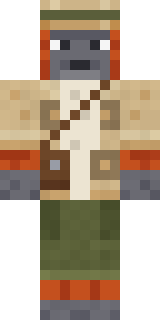 Orangutan Archaeologist
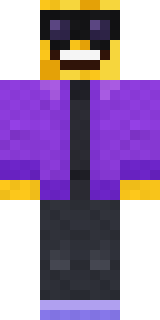 Cool Shades Face
 Mushroom Forest Ranger
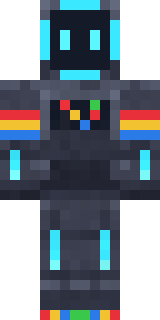 Arcade Buddy
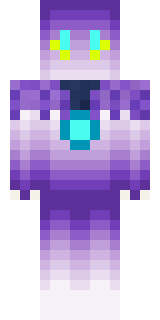 ShimerBot 0375
 Leonardo da Vinci
 Beetroot DJSilverback Gorilla
 Stained Glass Mage
 Cactus Cowboy
 Jelly Alien
 Bear Lumberjack
 Tiger Slugger
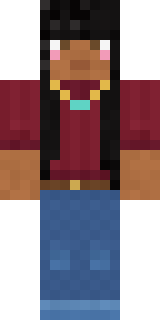 Rich baddie
 Monotone Man
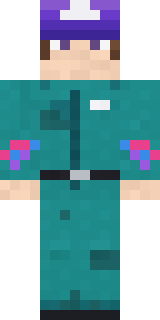 Arcade Janitor
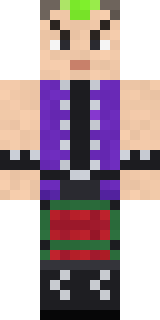 Neon Mohawk Punk
 Silverfish Archivist
 Moon Elf
 poilce demon
 Bronze Age Warrior
 Yellow Tuxedo Muscled wrestler
 Yellow hazmat suit
 Camo Commando
 Origami Messenger
 Brown Steampunk coat Muscled wrestler
 Cobalt Firefighter
 Hard Hat Hero
 Sardine Sailor
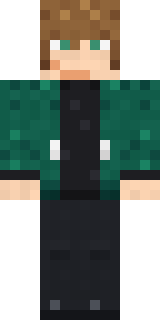 Green Dude
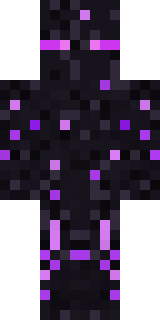 Ender Shade
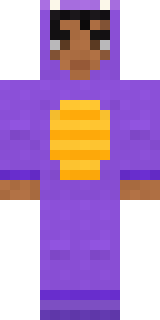 Little Dragon
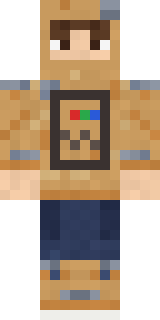 Cardboard Robot KidTemplar Knight
 Sea Urchin Punk
 Grey Tattered reaper robe
 Grumpy Broccoli
About Sunken Knight
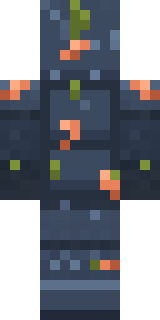
Sunken Knight is a spooky skin for Minecraft from the Build It team. It wears a sunken chestplate, sunken greaves, armor boots and a sunken helm in blue. A good pick for scary servers and spooky season.
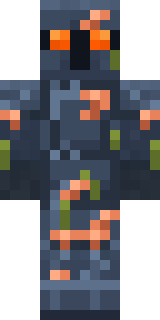
Sunken Knight has classic 4 pixel arms and works in Minecraft Java and Bedrock. It is free: download the PNG and add it in the Minecraft Launcher (Java) or the dressing room (Bedrock). You can also open it in the Build It Skin Maker and make your own version. It also comes in 7 colour versions, like Lava eyes and Ghost green eyes.
See more in the Spooky and Fantasy collections, or look through the Knight, Ocean and Spooky tags.