Matcha Mochi
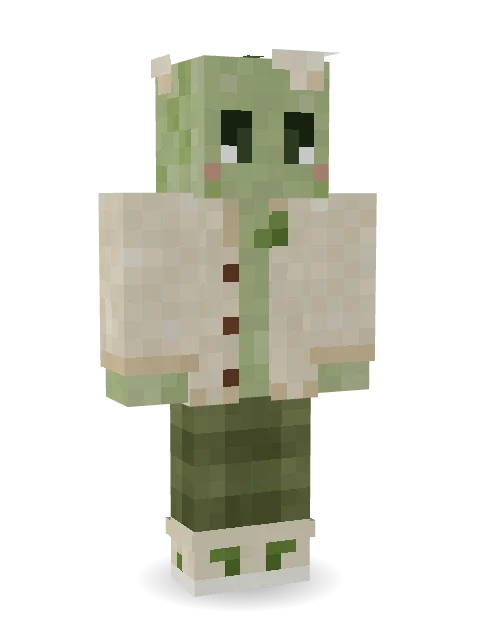
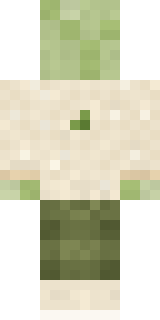
Comfort in every block: a soft matcha mochi with a little sprout on top, a cream cardigan with a leaf patch, and olive checked trousers.

How to use this skin
Download it, then follow the steps for where you play.
Minecraft: Java Edition, in the Minecraft Launcher
- Open the Minecraft Launcher and pick Minecraft: Java Edition on the left.
- Open the Skins tab at the top and press New skin.
- Give it a name and choose the player model: Classic.
- Press Browse, pick the PNG you downloaded, then Save & Use.
- Start the game: you are wearing it, on every world and server.
Minecraft: Java Edition, on minecraft.net
- Go to minecraft.net and log in with your Microsoft account.
- Open your Profile and find the skin settings of Java Edition.
- Choose Classic, select the PNG file, and press Upload.
- Your new skin shows the next time you join a world.
Bedrock Edition: Windows, Android, iPhone, iPad, Chromebook
- Open Minecraft and press Dressing Room on the main menu (in newer versions, the character button next to your name, then Edit Character).
- Open the Classic Skins tab.
- Under Owned Skins, press Import, then Choose New Skin.
- Pick the PNG you downloaded (on a phone it is usually in Downloads or Files).
- When it asks, choose Classic, then confirm.
Xbox, PlayStation and Nintendo Switch
Consoles cannot import a skin file. There you can wear Character Creator items and skins from the Marketplace.
Some players set a skin in Bedrock on a phone or PC that is signed in to the same Microsoft account and see it on their console too. Mojang does not support that, so it may not work for you.
More by Build It












Similar skins


















Trending today
What people open and download right now.
Trending today
The skins people are opening, liking and downloading right now.




- Galaxy AxolotlbyBuild It
- Modern HoodiebyBuild It
- Enderbrineby
 gustavopir
- Napoleon BonapartebyBuild It
- The VoidbyBuild It
- Buff ChickenbyBuild It
- The KingbyBuild It
- Shy KidbyBuild It
- Slender ManbyBuild It
- Sky PiratebyBuild It
Made on Build It
A few of the skins players made here. Find one you like, or start your own.
 Living Marble Statue
 Grey Suit and tie
 Spring Bloom
 Headphone Skeleton
 Crypt Custodian
 Forgotten Funeral Guest
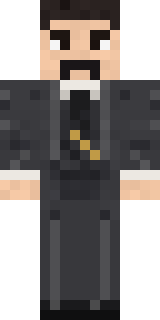 Nikola Tesla
 Ferret Locksmith
 Shadow Elemental
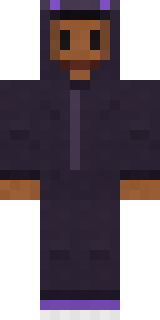 Little Bat
 Electric Eel Technician
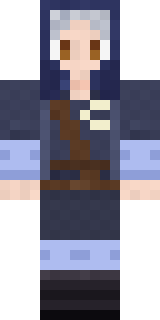 Moon Elf Ranger
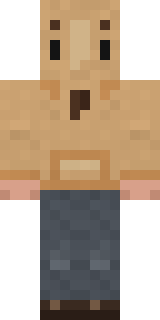 Doorbell Camera Visitor
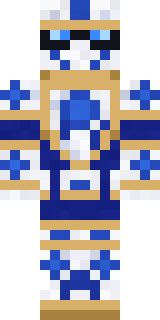 Porcelain Knight
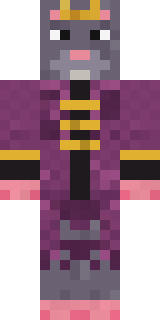 Sewer Rat King
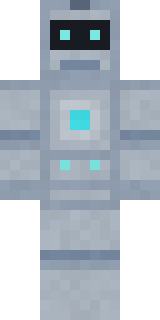 Robo Unit 7
 Ink Wizard
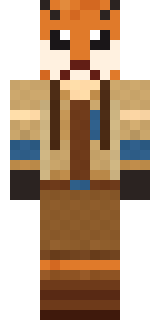 Fox Explorer
 Midnight Snack Thief Raccoon
 Ghost King
 Buck Tooth NerdEnderbrine
 Vampire Dentist
 Forest Bigfoot
 Honey Bot
 White Porcelain plate
 Alice
 Mirror Knight
 Alien Exchange Student
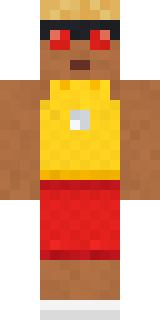 Beach Lifeguard
 Obsidian Golem
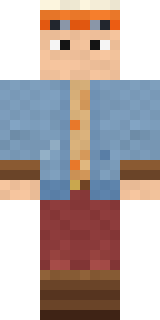 Balloon Festival Pilot
 Enderdude
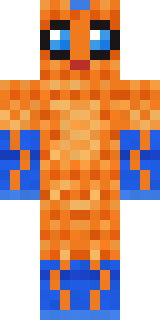 Tropical Fish
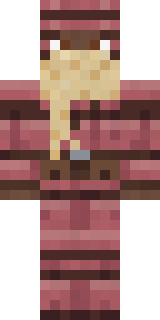 Armadillo Mercenary
 Shrimp Mechanic
 Axolotl Adventurer
 Pistachio Pastry Chef
 Chess King
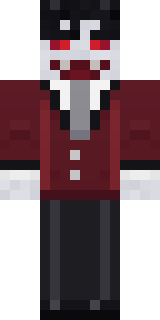 Halloween Vampire
 Sunflower Drummer
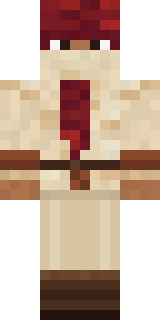 Crimson Desert Nomad
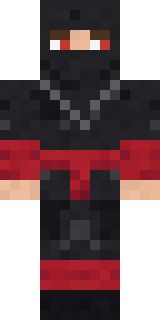 Crimson Sash Ninja
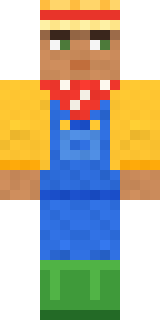 Harvest Farmer
 Lime Alien Astronaut
 Dandelion Spirit
 Shocked Dog
 Mint Axolotl
 Gargoyle Bell Ringer
 Dungeon Accountant
 Crystal MonkCottage Witch
 Gummy Bear Bodybuilder
 Waldo Buhonero
 False Smile Stranger
 Jesus ChristGalaxy Axolotl
 Muddy Pig
 Lighthouse Keeper
 Concrete Builder
About Matcha Mochi
Meet Matcha Mochi, a tasty Minecraft skin made by the Build It team. Its look puts together a mochi cardigan, olive check trousers, leaf sneakers and a mochi sprout in beige and green. It has a matcha mochi body. Wear it to the next cooking contest or food fight.
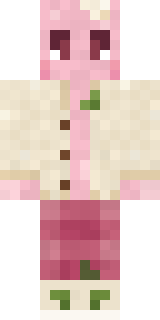
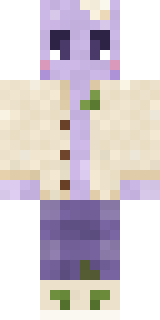
It uses the classic arms (4 pixels wide, like Steve) and works on Java and Bedrock. Download it for free, then follow the steps above to wear it in game. Open it in the Build It Skin Maker to give it your own colours. It also comes in 7 colour versions, like Strawberry and Taro.
Find more skins like it in the Food and Streetwear collections, or browse the Aesthetic, Cozy and Cute tags.