Guardian Angel
White wings, a golden halo and always right behind you.
How to use this skin
Download it, then follow the steps for where you play.
Minecraft: Java Edition, in the Minecraft Launcher
- Open the Minecraft Launcher and pick Minecraft: Java Edition on the left.
- Open the Skins tab at the top and press New skin.
- Give it a name and choose the player model: Classic.
- Press Browse, pick the PNG you downloaded, then Save & Use.
- Start the game: you are wearing it, on every world and server.
Minecraft: Java Edition, on minecraft.net
- Go to minecraft.net and log in with your Microsoft account.
- Open your Profile and find the skin settings of Java Edition.
- Choose Classic, select the PNG file, and press Upload.
- Your new skin shows the next time you join a world.
Bedrock Edition: Windows, Android, iPhone, iPad, Chromebook
- Open Minecraft and press Dressing Room on the main menu (in newer versions, the character button next to your name, then Edit Character).
- Open the Classic Skins tab.
- Under Owned Skins, press Import, then Choose New Skin.
- Pick the PNG you downloaded (on a phone it is usually in Downloads or Files).
- When it asks, choose Classic, then confirm.
Xbox, PlayStation and Nintendo Switch
Consoles cannot import a skin file. There you can wear Character Creator items and skins from the Marketplace.
Some players set a skin in Bedrock on a phone or PC that is signed in to the same Microsoft account and see it on their console too. Mojang does not support that, so it may not work for you.
More by Build It












Similar skins






















Trending today
What people open and download right now.
Trending today
The skins people are opening, liking and downloading right now.

- Ancient Hexby
 nvlr33
- Modern HoodiebyBuild It
- Galaxy AxolotlbyBuild It
- Shy KidbyBuild It
- Napoleon BonapartebyBuild It
- Hazmat ResponderbyBuild It
- The VoidbyBuild It
- The KingbyBuild It
- Buff ChickenbyBuild It
- Slender ManbyBuild It
Made on Build It
A few of the skins players made here. Find one you like, or start your own.
 Velvet Vampire
 Steampunk Inventor
 Golden Paladin
 Grey Tattered reaper robe
 Sleepy Mummy
 Peach Orchard Spirit
 Haunted Arcade Robot
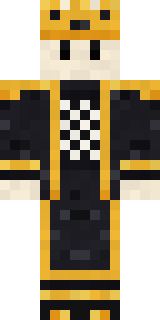 Living Chess King
 Concrete Builder
 Cyberpunk Paramedic
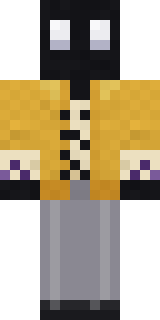 Ink Monster Teacher
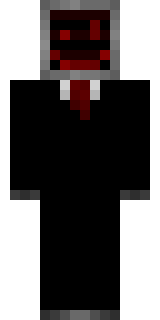 Cursed Corporate Computer
 Glacial Sorcerer
 Penguin Tourist
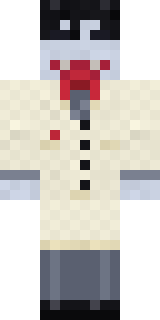 Vampire DentistWoodland Dryad
 Shroud Ghost
 Sweater Weather
 Necromancer
 Robin Hood
 Fairy GlowDreamweaver
 Deep Space Janitor
 Noir Detective
 Burnt Toast Monster
 Paint Splash
 Pitch Playmaker
 Safari Cat
 Woolly Blackface Sheep
 Periwinkle Rainwear
 Patchwork Plush Monster
 Cleopatra
 Froggy Onesie
 Axolotl Hoodie
 Friendly Nurse
 Blueberry Detective
 Monochrome Minimalist
 Strawberry Cow
 Ghost Concierge
 Mushroom Forest Ranger
 Raven Lamplighter
 Red Court frock coat
 Late Night Gamer
 Carnival Ticket Taker
 Market Butcher
 Axolotl Adventurer
 Infected Sven
 Campaign Trail Politician
 Halloween Witch
 Orangutan Archaeologist
 Grey Suit and tie
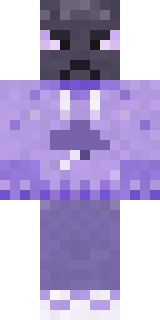 Grumpy ThundercloudAbyssal Monk
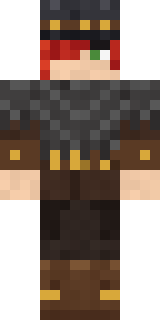 Drifter Gunslinger
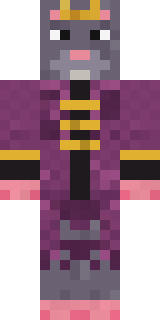 Sewer Rat King
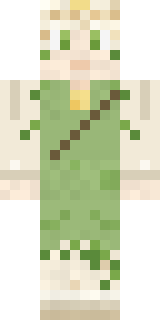 Dandelion Spirit
 Emo Kid
 Mint Macaron MascotTemplar Knight
 Shrimp Mechanic
About Guardian Angel
Guardian Angel is a fantasy Minecraft skin made by the Build It team. It wears a robe and sandals in blue. It has angel wings and a halo. It fits right into medieval builds, dungeons and enchanted forests.
It uses the classic arms (4 pixels wide, like Steve) and works on Java and Bedrock. Download it for free, then follow the steps above to wear it in game. You can also open it in the Build It Skin Maker and make your own version. It also comes in 5 colour versions, like Forest and Ember.
Find more skins like it in the Fantasy and Heroes and fighters collections, or browse the Fantasy and Hero tags.