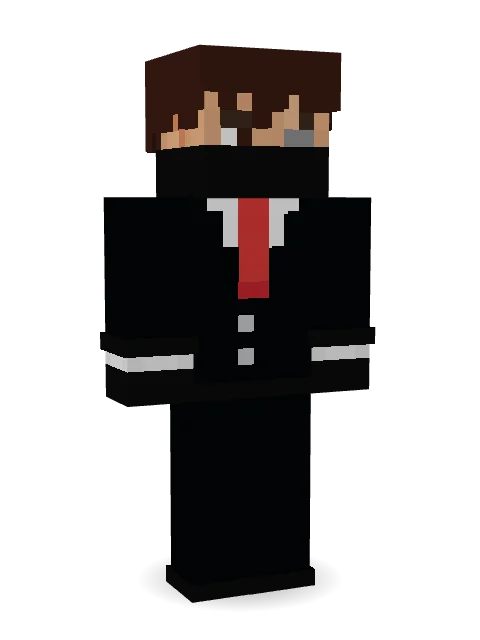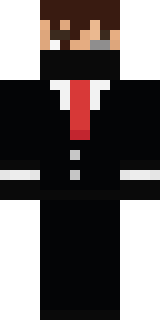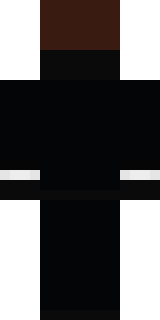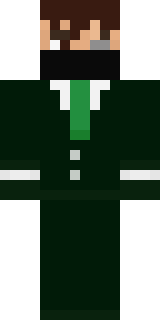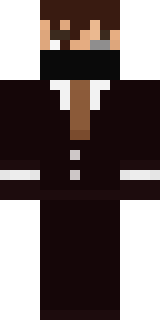

Grey Suit and tie

How to use this skin
Download it, then follow the steps for where you play.
Minecraft: Java Edition, in the Minecraft Launcher
- Open the Minecraft Launcher and pick Minecraft: Java Edition on the left.
- Open the Skins tab at the top and press New skin.
- Give it a name and choose the player model: Classic.
- Press Browse, pick the PNG you downloaded, then Save & Use.
- Start the game: you are wearing it, on every world and server.
Minecraft: Java Edition, on minecraft.net
- Go to minecraft.net and log in with your Microsoft account.
- Open your Profile and find the skin settings of Java Edition.
- Choose Classic, select the PNG file, and press Upload.
- Your new skin shows the next time you join a world.
Bedrock Edition: Windows, Android, iPhone, iPad, Chromebook
- Open Minecraft and press Dressing Room on the main menu (in newer versions, the character button next to your name, then Edit Character).
- Open the Classic Skins tab.
- Under Owned Skins, press Import, then Choose New Skin.
- Pick the PNG you downloaded (on a phone it is usually in Downloads or Files).
- When it asks, choose Classic, then confirm.
Xbox, PlayStation and Nintendo Switch
Consoles cannot import a skin file. There you can wear Character Creator items and skins from the Marketplace.
Some players set a skin in Bedrock on a phone or PC that is signed in to the same Microsoft account and see it on their console too. Mojang does not support that, so it may not work for you.
Popular skins

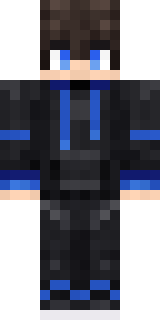
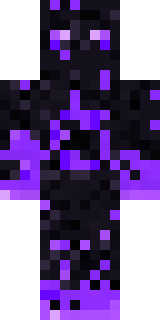
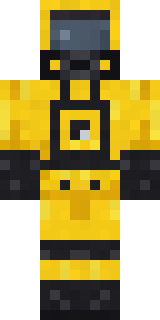
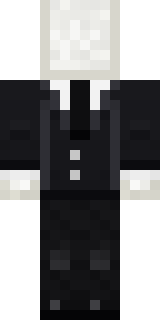


Trending today
What people open and download right now.
Trending today
The skins people are opening, liking and downloading right now.
- Modern HoodiebyBuild It
- Enderbrineby
 gustavopir
- Galaxy AxolotlbyBuild It
- Napoleon BonapartebyBuild It
- The KingbyBuild It
- Hazmat ResponderbyBuild It
- Shy KidbyBuild It
- herobrinebygustavopir
- The VoidbyBuild It
- Slender ManbyBuild It
Made on Build It
A few of the skins players made here. Find one you like, or start your own.
 Pumpkin Hoodie
 Electrician
 Golden Prospector
 White Striped
 Retro Fridge Robot
 Circuit Board Monk
 Jesus ChristEnderbrine
 Origami Messenger
 Retired Adventurer
 Buck Tooth Nerd
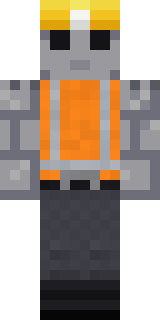 Concrete Builder
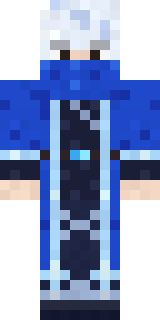 Glacial Sorcerer
 Shadow Ninja
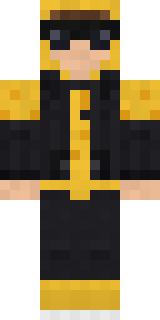 Gold Aura Streetwear
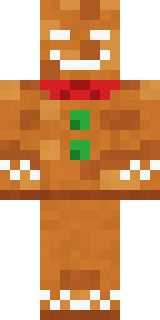 Christmas Gingerbread
 Cotton Candy Vendor
 The Boss
 ShimerBot 0375
 Strawberry Milk
 Skeleton Costume
 Terracotta Summer
 Flight Attendant
 Rodeo Star
 Ender Shade
 Grease Monkey
 White Porcelain plate
 Curly Art Student
 Vampire Dentist
 Molten Plate Demon
 Missing Texture Person
 Red Orchard vine shirt
 Emerald Alchemist
 Sleepy Mummy
 Ember Demon
 Mad Scientist
 Golden Paladin
 Street Skater
 Volcanic Sentinel
 Code Ghost
 Lavender Daydream
 The Big Cheese
 Bouncy Slime
 Chess King
 Jellybean Thief
 Ward Doctor
 Templar Knight
 Dungeon Accountant
 Midfield Maestro
 Guardian Angel
 Silver Moon
 Charcoal Firefighter
 Ruby Dragonborn
 Crimson Desert Nomad
 Crow UndertakerArmy Soldier
 Crocodile Detective
 Hard Hat HeroBrown Bear
 Enigmatic Ringmaster
About Grey Suit and tie
Meet Grey Suit and tie, an original Minecraft skin by miguel287, made on Build It. The outfit: a suit and tie, leggings and dress shoes in black. Made to stand out in any world.
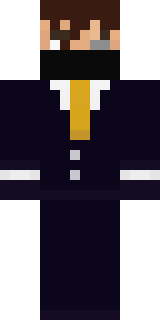
Grey Suit and tie has classic 4 pixel arms and works in Minecraft Java and Bedrock. Download it for free and upload it in the Minecraft Launcher or the Bedrock dressing room. Want it your way? Open it in the Build It Skin Maker and change its colours and pieces. Try its 7 colour versions too, like Amethyst and Emerald.