Soft Boy
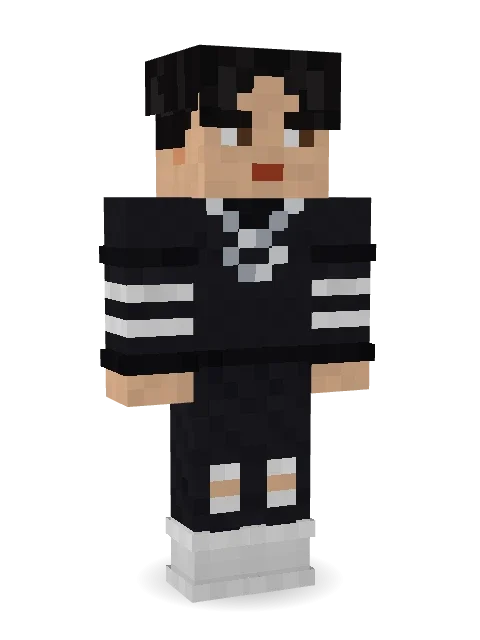
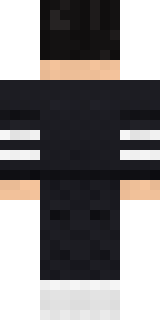
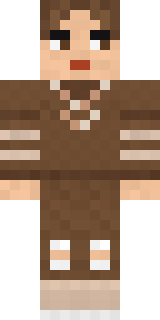
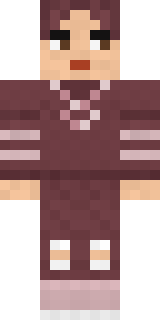
Curtain hair, a striped long sleeve and a silver chain.

How to use this skin
Download it, then follow the steps for where you play.
Minecraft: Java Edition, in the Minecraft Launcher
- Open the Minecraft Launcher and pick Minecraft: Java Edition on the left.
- Open the Skins tab at the top and press New skin.
- Give it a name and choose the player model: Classic.
- Press Browse, pick the PNG you downloaded, then Save & Use.
- Start the game: you are wearing it, on every world and server.
Minecraft: Java Edition, on minecraft.net
- Go to minecraft.net and log in with your Microsoft account.
- Open your Profile and find the skin settings of Java Edition.
- Choose Classic, select the PNG file, and press Upload.
- Your new skin shows the next time you join a world.
Bedrock Edition: Windows, Android, iPhone, iPad, Chromebook
- Open Minecraft and press Dressing Room on the main menu (in newer versions, the character button next to your name, then Edit Character).
- Open the Classic Skins tab.
- Under Owned Skins, press Import, then Choose New Skin.
- Pick the PNG you downloaded (on a phone it is usually in Downloads or Files).
- When it asks, choose Classic, then confirm.
Xbox, PlayStation and Nintendo Switch
Consoles cannot import a skin file. There you can wear Character Creator items and skins from the Marketplace.
Some players set a skin in Bedrock on a phone or PC that is signed in to the same Microsoft account and see it on their console too. Mojang does not support that, so it may not work for you.
More by Build It












Similar skins
















Trending today
What people open and download right now.
Trending today
The skins people are opening, liking and downloading right now.

- Ancient Hexby
 nvlr33
- Modern HoodiebyBuild It
- Galaxy AxolotlbyBuild It
- Napoleon BonapartebyBuild It
- Shy KidbyBuild It
- Hazmat ResponderbyBuild It
- The VoidbyBuild It
- The KingbyBuild It
- Slender ManbyBuild It
- Buff ChickenbyBuild It
Made on Build It
A few of the skins players made here. Find one you like, or start your own.
 Auburn Diner Waitress
 Street Skater
 Park Ranger
 Ocean Diver
 Mole Miner
 Matcha Mochi
 Crimson Templar
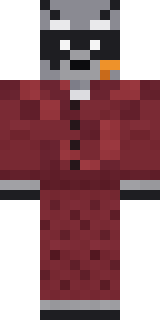 Midnight Snack Thief Raccoon
 Pitch Playmaker
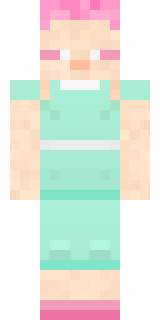 Fairy Glow
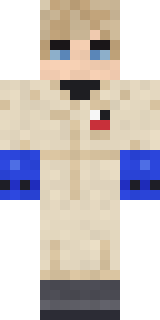 Rally Mechanic
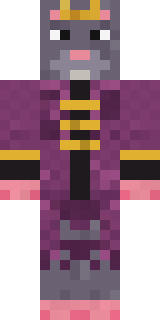 Sewer Rat King
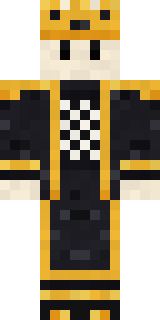 Living Chess King
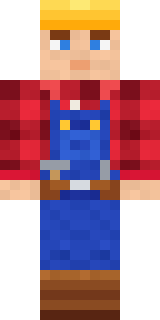 Crimson Builder
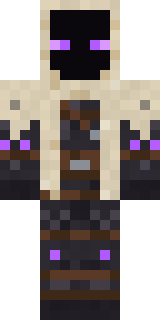 Void Wanderer
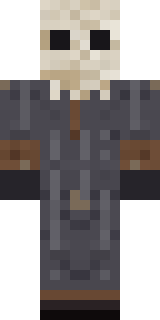 Ritual Caretaker
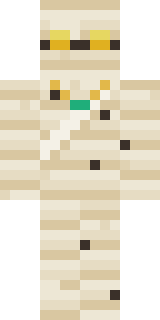 The Mummy
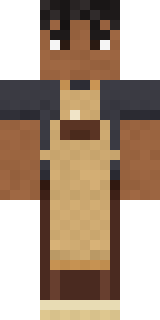 Curly Barista
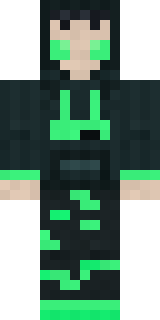 Loading Screen GamerSecret Agent
 Busy Bee
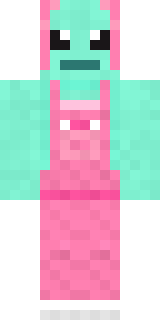 Mint Axolotl
 Diamond
 Mango Skate Punk
 Snow Rider
 Peacock GuardThe King
 Ballroom Dancer
 Red Panda Sushi Chef
 Cheeky Banana
 Orc Warrior
 Honeycomb Automaton
 Smug Star Wizard
 Turtle Park RangerSky Pirate
 Strawberry Cow
 Buffalo Plaid Lumberjack
 Lavender Florist
 Pumpkin Patch Farmer
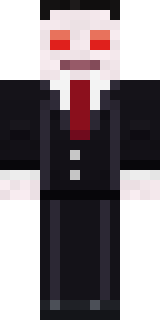 Count Nightfall
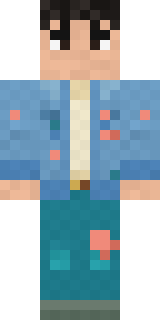 Denim Artist
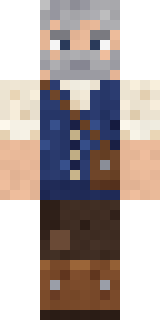 Retired Adventurer
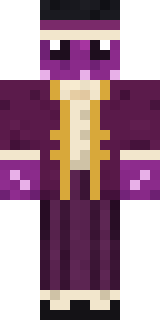 Octopus Stage Magician
 Sky Princess
 Scuba Instructor
 Neon Mohawk Punk
 Jellybean ThiefArmy Soldier
 Sleepy Mummy
 Prom Queen Zombie
 Yellow Tuxedo Muscled wrestlerObsidian Golem
 Sleepy SlothDreamweaver
 Spring Bloom
 Chrome Mannequin
 Pastel Gamer
 Fern Forest Sprite
 ShimerBot 0375
 Mirror Knight
About Soft Boy
Meet Soft Boy, a streetwear Minecraft skin made by the Build It team. Its look puts together a striped, a t-shirt, ripped jeans and high tops with a black and white colour scheme. A clean look that works anywhere, from spawn to the skate park.
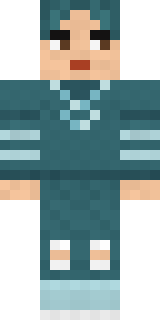
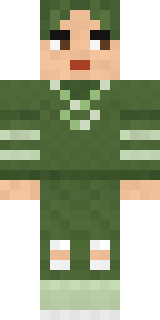
It uses the classic arms (4 pixels wide, like Steve) and works on Java and Bedrock. Download it for free, then follow the steps above to wear it in game. You can also open it in the Build It Skin Maker and make your own version. Try its 5 colour versions too, like Ocean and Forest.
Find more skins like it in the Streetwear collection, or browse the Aesthetic, Boy and Cool tags.