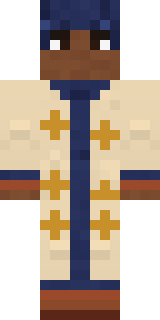
Desert Astronomer
Minecraft skin · Classic arms (4 pixels) · Java and Bedrock
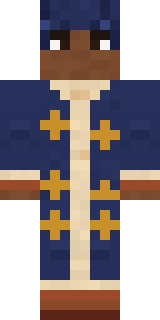
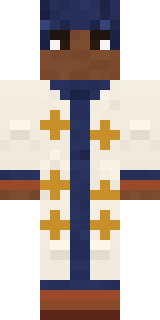
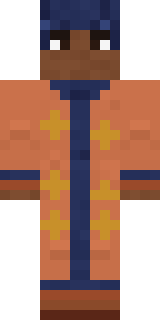
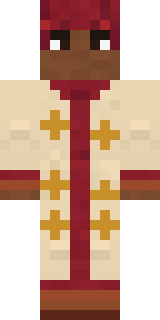
Maps the stars from the top of the dunes every clear night: an indigo head wrap flecked with gold, a long sand robe printed with ochre stars and an indigo scarf.

How to use this skin
Download it, then follow the steps for where you play.
Minecraft: Java Edition, in the Minecraft Launcher
- Open the Minecraft Launcher and pick Minecraft: Java Edition on the left.
- Open the Skins tab at the top and press New skin.
- Give it a name and choose the player model: Classic.
- Press Browse, pick the PNG you downloaded, then Save & Use.
- Start the game: you are wearing it, on every world and server.
Minecraft: Java Edition, on minecraft.net
- Go to minecraft.net and log in with your Microsoft account.
- Open your Profile and find the skin settings of Java Edition.
- Choose Classic, select the PNG file, and press Upload.
- Your new skin shows the next time you join a world.
Bedrock Edition: Windows, Android, iPhone, iPad, Chromebook
- Open Minecraft and press Dressing Room on the main menu (in newer versions, the character button next to your name, then Edit Character).
- Open the Classic Skins tab.
- Under Owned Skins, press Import, then Choose New Skin.
- Pick the PNG you downloaded (on a phone it is usually in Downloads or Files).
- When it asks, choose Classic, then confirm.
Xbox, PlayStation and Nintendo Switch
Consoles cannot import a skin file. There you can wear Character Creator items and skins from the Marketplace.
Some players set a skin in Bedrock on a phone or PC that is signed in to the same Microsoft account and see it on their console too. Mojang does not support that, so it may not work for you.
Similar skins


Made on Build It
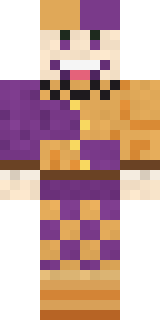
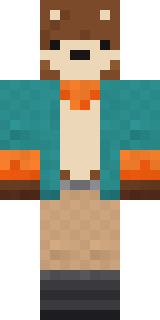
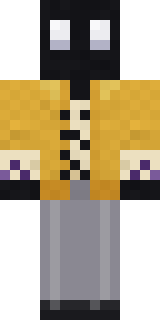
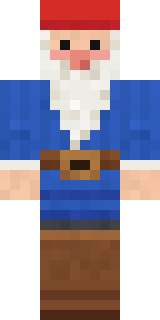
A few of the skins players made here. Find one you like, or start your own.
 Rainy Day
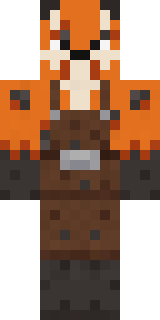 Fox Blacksmith
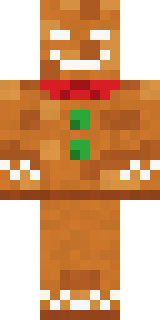 Christmas Gingerbread
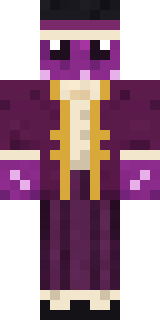 Octopus Stage Magician
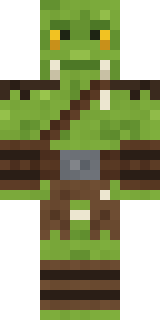 Goblin Raider
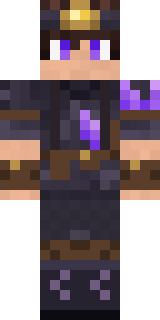 Crystal Cave Explorer
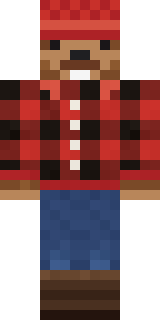 Bear Lumberjack
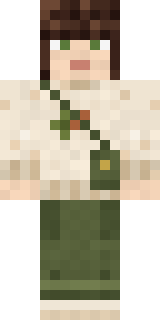 Curly Art Student
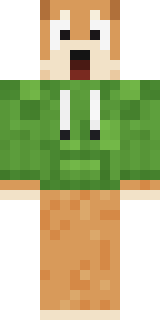 Shocked Dog
 Trick or Treat Ghost
 Copper Engineer
 Headphone Skeleton
 Red Panda
 Mint Macaron Mascot
 Late Night Gamer
 Cobalt Firefighter
 Owl Professor
 Gummy Bear Bodybuilder
 Origami Messenger
 Main Character Duck
 Galaxy Axolotl
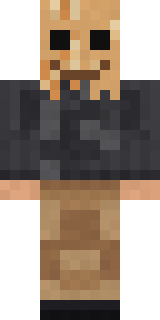 Paper Bag Bandit
 Candy Baker
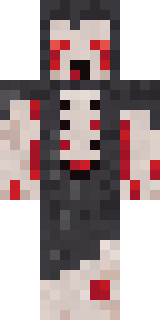 Crypt Ghoul
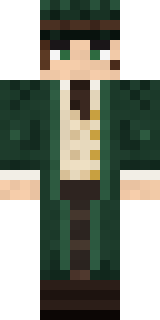 Railway Traveler
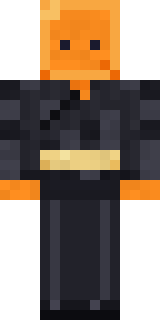 Orange Jelly Ninja
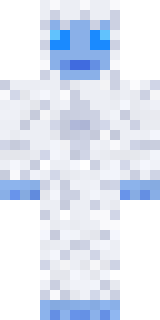 Frost Yeti
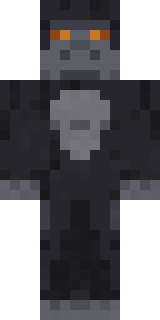 Silverback Gorilla
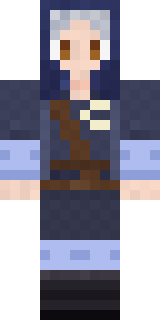 Moon Elf Ranger
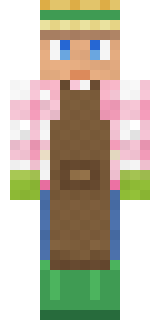 Garden Helper
 Blue Hood Boy
 Charcoal Firefighter
 Espresso Cozy
 Woodland Scout
 Watermelon Wrestler
 Veiled Mourner
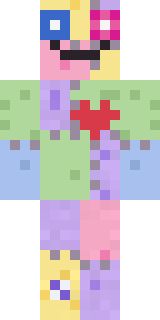 Patchwork Plush Monster
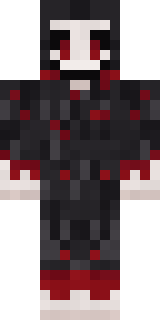 Grinning Shade
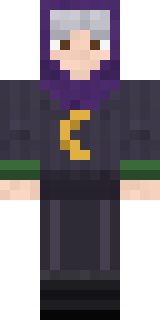 Halloween Witch
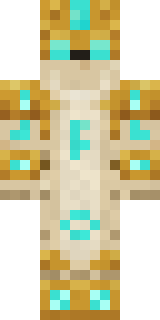 Sandstone Guardian
 Copper Gardener Bot
 Burlap Intruder
 Locked In Alien
 Potion Shopkeeper
 Bumblebee
 Slime Park Ranger
 First Day
 Cardboard Robot Kid
 Paint Splash
 Campaign Trail Politician
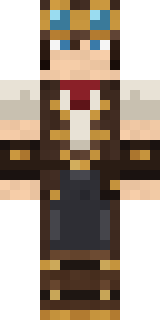 Steampunk Inventor
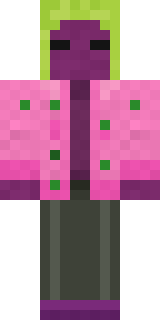 Beetroot DJMarmot Mountain Climber
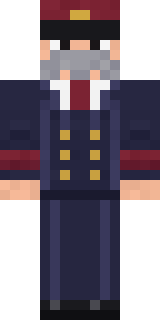 Train Conductor
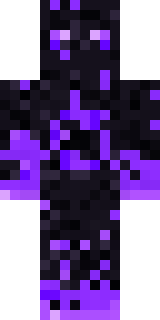 The Void
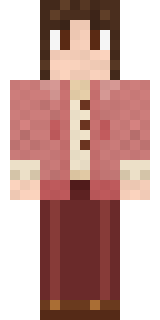 Dusty Rose VintageCourtroom Judge
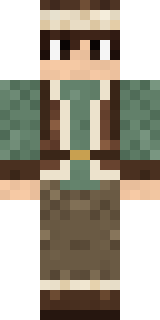 Mountain Shepherd
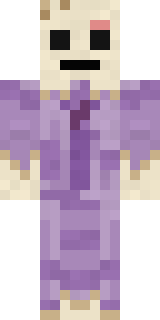 Wax Museum Escapee
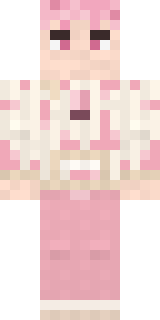 Cherry Blossom Streetwear
About Desert Astronomer
Desert Astronomer is a job skin for Minecraft made by the Build It team. The outfit: a star print sand robe, boots and a gold fleck head wrap, mostly beige with touches of blue. It shows up ready for work on any server.
Desert Astronomer has classic 4 pixel arms and works in Minecraft Java and Bedrock. Download it for free, then follow the steps above to wear it in game. Open it in the Build It Skin Maker to give it your own colours. Try its 7 colour versions too, like Night robe and White robe.
Find more skins like it in the Fantasy and Jobs collections, or look through the Explorer, Fantasy and Scholar tags.