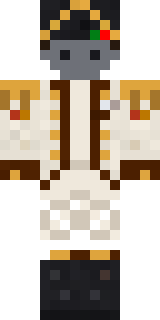
Balduíno IV

Remix of Napoleon Bonaparte by Build It
How to use this skin
Download it, then follow the steps for where you play.
Minecraft: Java Edition, in the Minecraft Launcher
- Open the Minecraft Launcher and pick Minecraft: Java Edition on the left.
- Open the Skins tab at the top and press New skin.
- Give it a name and choose the player model: Classic.
- Press Browse, pick the PNG you downloaded, then Save & Use.
- Start the game: you are wearing it, on every world and server.
Minecraft: Java Edition, on minecraft.net
- Go to minecraft.net and log in with your Microsoft account.
- Open your Profile and find the skin settings of Java Edition.
- Choose Classic, select the PNG file, and press Upload.
- Your new skin shows the next time you join a world.
Bedrock Edition: Windows, Android, iPhone, iPad, Chromebook
- Open Minecraft and press Dressing Room on the main menu (in newer versions, the character button next to your name, then Edit Character).
- Open the Classic Skins tab.
- Under Owned Skins, press Import, then Choose New Skin.
- Pick the PNG you downloaded (on a phone it is usually in Downloads or Files).
- When it asks, choose Classic, then confirm.
Xbox, PlayStation and Nintendo Switch
Consoles cannot import a skin file. There you can wear Character Creator items and skins from the Marketplace.
Some players set a skin in Bedrock on a phone or PC that is signed in to the same Microsoft account and see it on their console too. Mojang does not support that, so it may not work for you.
Similar skins
















Trending today
What people open and download right now.
Trending today
The skins people are opening, liking and downloading right now.

- Galaxy AxolotlbyBuild It
- Modern HoodiebyBuild It
- The VoidbyBuild It
- Pastel Bear GirlbyBuild It
- Quiet KidbyBuild It
- The KingbyBuild It
- Napoleon BonapartebyBuild It
- Gamer ModebyBuild It
- Slender ManbyBuild It
- Army SoldierbyBuild It
Made on Build It
A few of the skins players made here. Find one you like, or start your own.
 Carnival Ticket Taker
 Captain Spark
 Peach Orchard Spirit
 Orc Warrior
 Balduíno IV
 Formal Vampire
 Hot Springs Innkeeper
 Desert Cartographer
 Scuba Instructor
 Eclipse Knight
 Red Court frock coat
 Tin Toy Soldier
 Sleepy Sloth
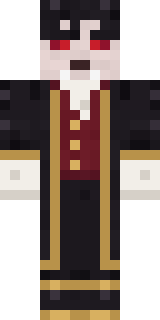 Vampire Aristocrat
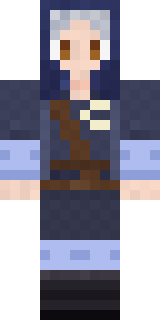 Moon Elf Ranger
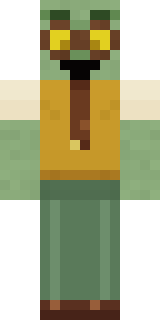 Dungeon Accountant
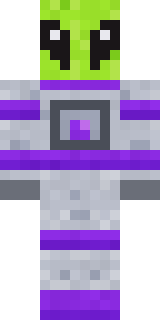 Lime Alien Astronaut
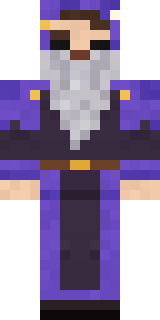 Smug Star Wizard
 Bistro Chef
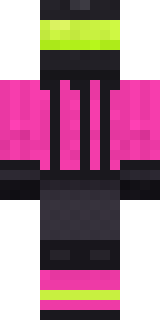 Neon Motorcycle Courier
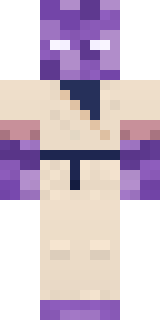 Crystal Monk
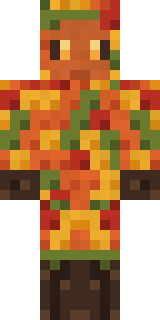 Autumn Leaf SpriteGamer Mode
 The Mummy
 Busy Bee
 Celestial Monk
 The Big Cheese
 Bumpy Pickle
 Coral Reef Sorceress
 Mango Skate Punk
 Dandelion Druid
 Cheeseburger BuddyCobalt FirefighterRavioli Wrestler
 Violet Night Watchman
 Hoop Star
 Lemon Sorcerer
 Lighthouse Keeper
 Shamrock Suit
 Crimson Punk
 Ronin Samurai
 Soft Boy
 Veiled Mourner
 Crescent Pajama Bunny
 Shrimp Mechanic
 Stone Face Statue
 Abraham LincolnCharcoal FirefighterQuiet Kid
 Headphone Skeleton
 Icy Blue Winter
 Orange Jelly Ninja
 Ladybug Mechanic
 The Boss
 Summer Dad
 Tuxedo Cat
 Redstone Inventor
 Crow Undertaker
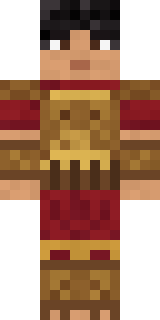 Bronze Age Warrior
 Rusty Scrapyard Robot
About Balduíno IV
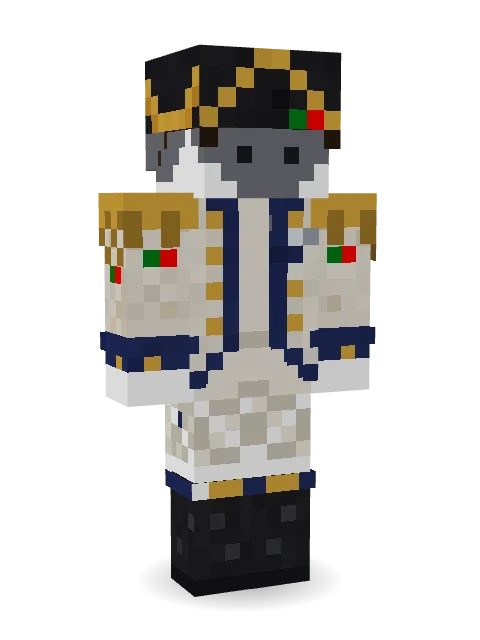
Meet Balduíno IV, a battle-ready Minecraft skin made by nunes8m in the Build It Skin Maker. Its look puts together an emperor coat, breeches and tall boots and a gold-edged bicorne in beige, white and black. Made for PvP, boss fights and adventure maps.
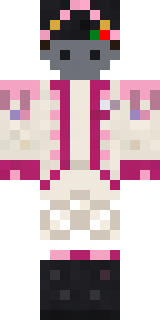
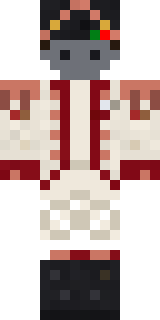
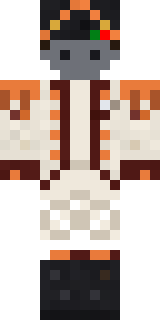
Balduíno IV has classic 4 pixel arms and works in Minecraft Java and Bedrock. It is free: download the PNG and add it in the Minecraft Launcher (Java) or the dressing room (Bedrock). Want it your way? Open it in the Build It Skin Maker and change its colours and pieces. It is a remix of Napoleon Bonaparte. Try its 6 colour versions too, like Cloudy and Cloudy 2.
See more in the Heroes and fighters collection, or look through the Hero tags.