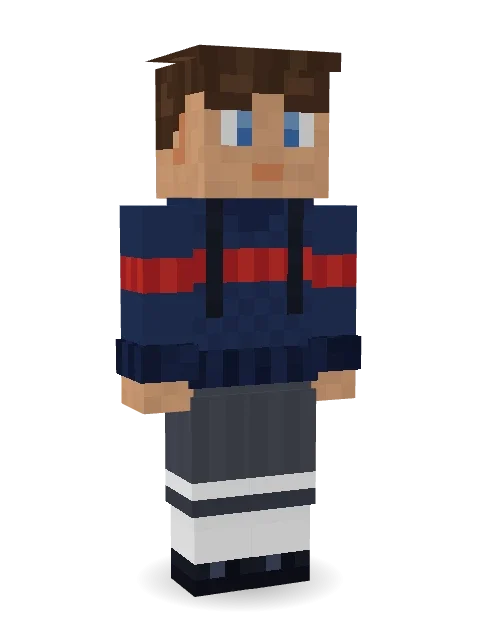
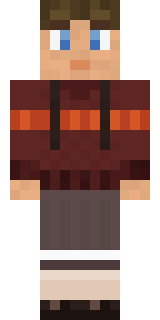
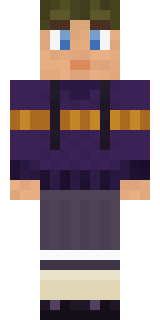
First Day
New backpack, new sweater, ready for school.

How to use this skin
Download it, then follow the steps for where you play.
Minecraft: Java Edition, in the Minecraft Launcher
- Open the Minecraft Launcher and pick Minecraft: Java Edition on the left.
- Open the Skins tab at the top and press New skin.
- Give it a name and choose the player model: Slim.
- Press Browse, pick the PNG you downloaded, then Save & Use.
- Start the game: you are wearing it, on every world and server.
Minecraft: Java Edition, on minecraft.net
- Go to minecraft.net and log in with your Microsoft account.
- Open your Profile and find the skin settings of Java Edition.
- Choose Slim, select the PNG file, and press Upload.
- Your new skin shows the next time you join a world.
Bedrock Edition: Windows, Android, iPhone, iPad, Chromebook
- Open Minecraft and press Dressing Room on the main menu (in newer versions, the character button next to your name, then Edit Character).
- Open the Classic Skins tab.
- Under Owned Skins, press Import, then Choose New Skin.
- Pick the PNG you downloaded (on a phone it is usually in Downloads or Files).
- When it asks, choose Slim, then confirm.
Xbox, PlayStation and Nintendo Switch
Consoles cannot import a skin file. There you can wear Character Creator items and skins from the Marketplace.
Some players set a skin in Bedrock on a phone or PC that is signed in to the same Microsoft account and see it on their console too. Mojang does not support that, so it may not work for you.
More by Build It












Similar skins



















Trending today
What people open and download right now.
Trending today
The skins people are opening, liking and downloading right now.

- Modern HoodiebyBuild It
- Ancient Hexby
 nvlr33
- Galaxy AxolotlbyBuild It
- Napoleon BonapartebyBuild It
- Shy KidbyBuild It
- The KingbyBuild It
- Hazmat ResponderbyBuild It
- The VoidbyBuild It
- Buff ChickenbyBuild It
- Slender ManbyBuild It
Made on Build It
A few of the skins players made here. Find one you like, or start your own.
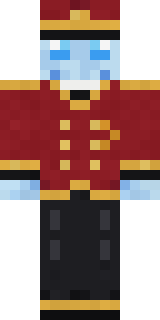 Ghost Concierge
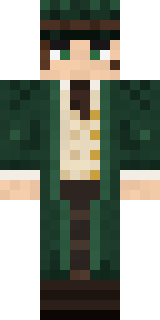 Railway Traveler
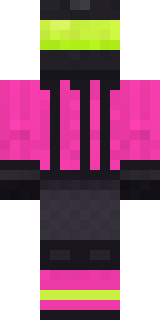 Neon Motorcycle Courier
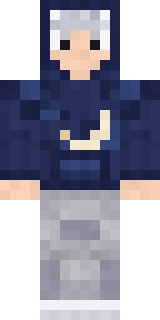 Silver Moon
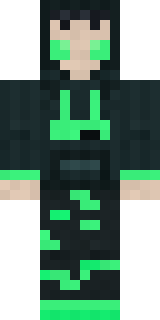 Loading Screen Gamer
 Poseidon
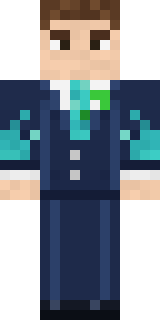 Diamond Sleeve Trader
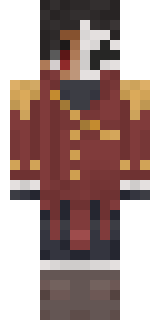 Enigmatic Ringmaster
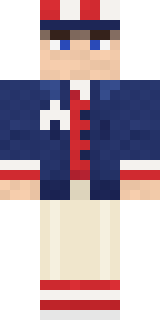 Fourth of July Patriot
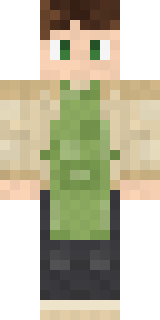 Matcha Cafe
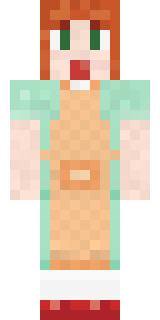 Auburn Diner Waitress
 Stained Glass Mage
 Gummy Bear Bodybuilder
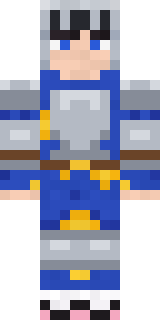 Pajama Knight
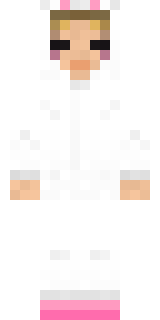 Bun Bun
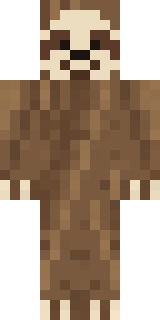 Sleepy Sloth
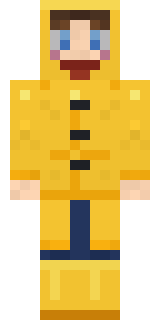 Rainy Day
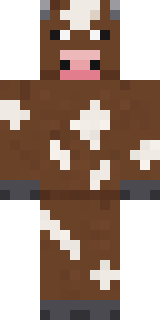 Barnyard Cow
 Santa Claus
 Blocky Newbie
 Retro Arcade Bot
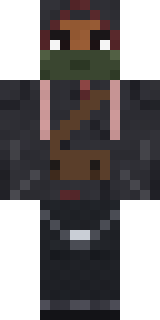 Waldo Buhonero
 Earth Elemental
 Parrot Captain
 Gilded Steel Knight
 Hard Hat Hero
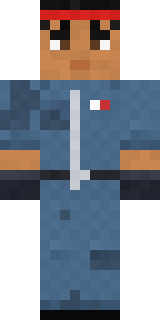 Grease Monkey
 Haunted Arcade Robot
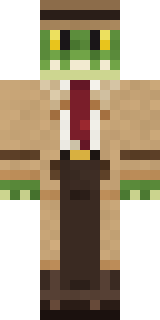 Crocodile Detective
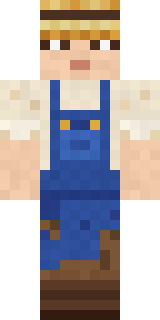 Muddy Farmhand
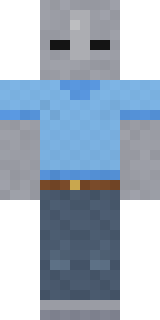 Background Extra
 Clockwork Oracle
 Blue Hood Boy
 Deep Sea Captain
 Sleepy Mummy
 Dandelion Spirit
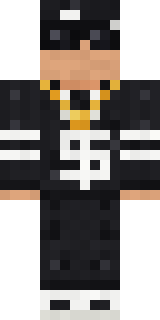 Drip King
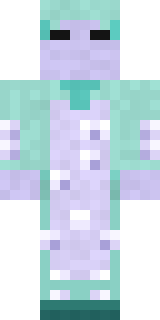 Haunted Laundry Worker
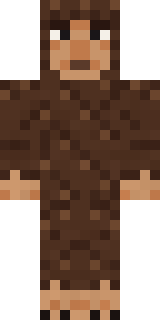 Forest Bigfoot
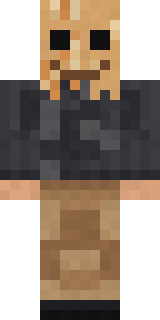 Paper Bag Bandit
 Arcade Buddy
 Moon Ranger
 Sky Pirate
 Jackal Priest
 Julius Caesar
 Guardian Angel
 Abyssal Monk
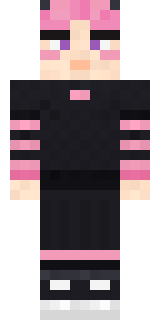 Pastel Gamer
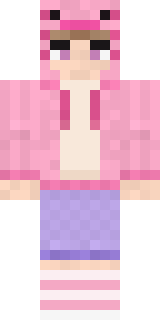 Axolotl Hoodie
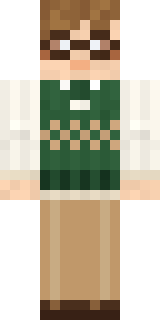 Bookworm
 Garden Gnome
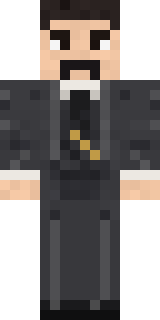 Nikola Tesla
 Tropical Fish
 Big Grin Face
 Hoop Star
 Vooid
 Raccoon Thief
 Octopus Stage Magician
 Saloon Pianist
 Head Chef
About First Day
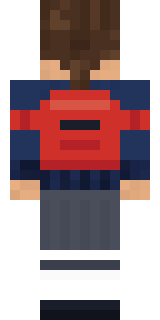
Meet First Day, an adorable Minecraft skin from the Build It team. The outfit: a sweater, a skirt, mary Janes and a backpack with a blue and grey colour scheme. Soft colours and lots of charm for cozy worlds.
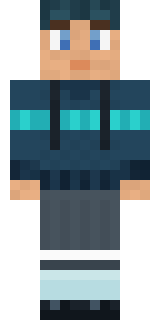
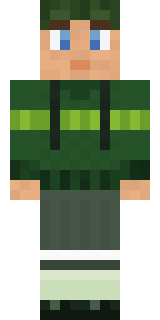
It uses the slim arms (3 pixels wide, like Alex) and works on Java and Bedrock. Download it for free and upload it in the Minecraft Launcher or the Bedrock dressing room. You can also open it in the Build It Skin Maker and make your own version. It also comes in 5 colour versions, like Ocean and Forest.
See more in the Streetwear and Cute collections, or browse the Casual, Cute and Girl tags.