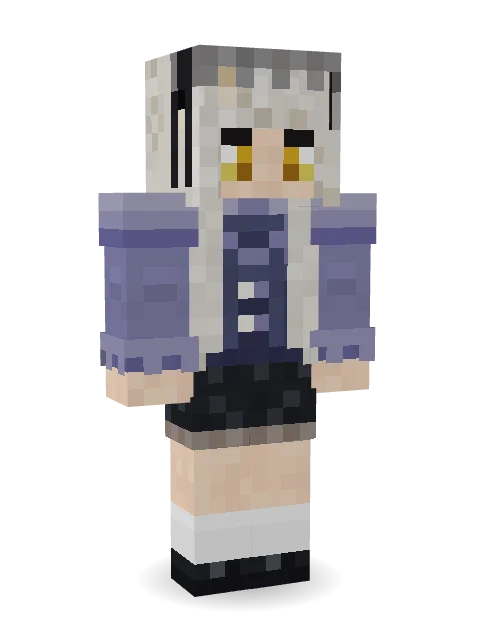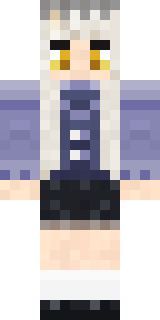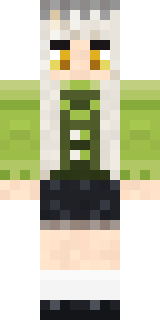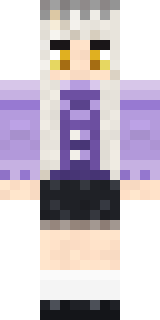

Blue Corset blouse

How to use this skin
Download it, then follow the steps for where you play.
Minecraft: Java Edition, in the Minecraft Launcher
- Open the Minecraft Launcher and pick Minecraft: Java Edition on the left.
- Open the Skins tab at the top and press New skin.
- Give it a name and choose the player model: Classic.
- Press Browse, pick the PNG you downloaded, then Save & Use.
- Start the game: you are wearing it, on every world and server.
Minecraft: Java Edition, on minecraft.net
- Go to minecraft.net and log in with your Microsoft account.
- Open your Profile and find the skin settings of Java Edition.
- Choose Classic, select the PNG file, and press Upload.
- Your new skin shows the next time you join a world.
Bedrock Edition: Windows, Android, iPhone, iPad, Chromebook
- Open Minecraft and press Dressing Room on the main menu (in newer versions, the character button next to your name, then Edit Character).
- Open the Classic Skins tab.
- Under Owned Skins, press Import, then Choose New Skin.
- Pick the PNG you downloaded (on a phone it is usually in Downloads or Files).
- When it asks, choose Classic, then confirm.
Xbox, PlayStation and Nintendo Switch
Consoles cannot import a skin file. There you can wear Character Creator items and skins from the Marketplace.
Some players set a skin in Bedrock on a phone or PC that is signed in to the same Microsoft account and see it on their console too. Mojang does not support that, so it may not work for you.
Similar skins



Trending today
What people open and download right now.
Trending today
The skins people are opening, liking and downloading right now.
- Modern HoodiebyBuild It
- Galaxy AxolotlbyBuild It
- Enderbrineby
 gustavopir
- Napoleon BonapartebyBuild It
- The VoidbyBuild It
- Shy KidbyBuild It
- The KingbyBuild It
- Slender ManbyBuild It
- Hazmat ResponderbyBuild It
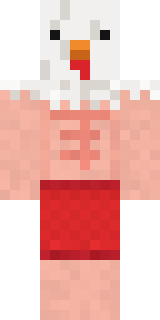
- Buff ChickenbyBuild It
Made on Build It
A few of the skins players made here. Find one you like, or start your own.
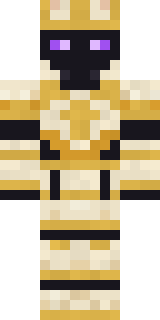 Chess King
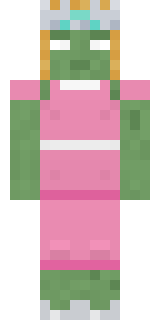 Prom Queen Zombie
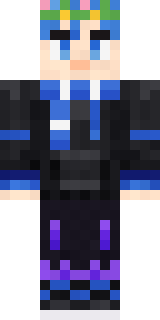 CM Style
 Retro Fridge Robot
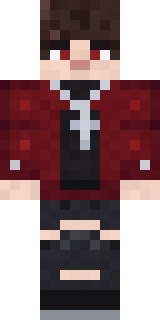 Crimson Plaid Emo
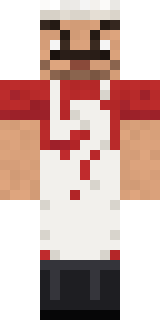 Market Butcher
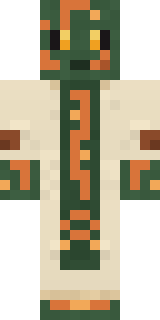 Circuit Board Monk
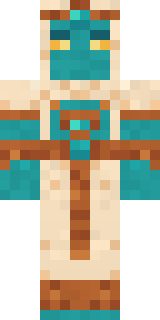 Desert Djinn
 Wildlife PhotographerRed Panda Sushi Chef
 Tennis Ball Coach
 Midnight Ferryman
 Lemon Sorcerer
 Living Pineapple
 Pastel Goth
 Lime Alien AstronautSlender Man
 Bumpy Pickle
 Grease Monkey
 Giga Chad
 Desert Cartographer
 Cloud Aviator
 Lemon Cream
 Half Peeled Banana
 The Forehead Man
 Midnight Academia
 Fire Fighter
 Rally Mechanic
 Spotted Frog
 Sleepy Sloth
 Fourth of July Patriot
 Courtroom Judge
 Barnyard Cow
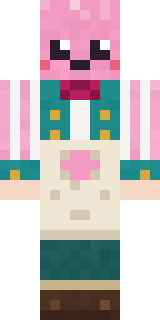 Cotton Candy Vendor
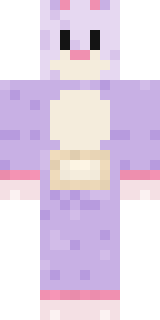 Easter Bunny Costume
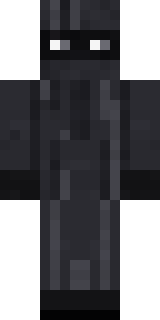 Veiled Mourner
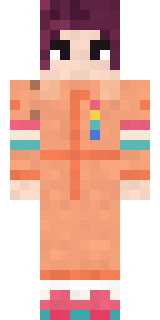 Roller Rink Skater
 Obsidian Golem
 Shrimp Mechanic
 Orangutan Archaeologist
 Sailor Duck
 Mysterious Astronaut
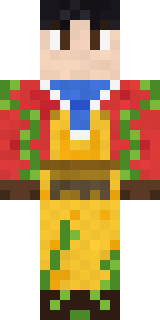 Red Orchard vine shirt
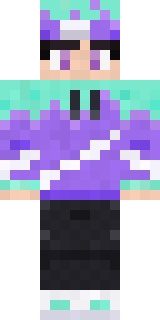 Aurora Skater
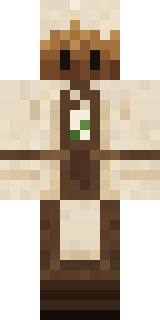 Tea Bag Monk
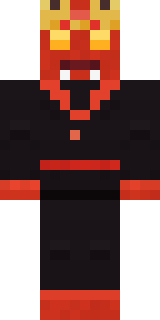 Ember Demon
 Isaac Newton
 Chrome Mannequin
 Retro Waitress
 Dandelion Spirit
 Crimson Desert Nomad
 Amber Fossil Golem
 Sea Foam Dancer
 Field Scarecrow
 Beekeeper
 Haunted Bowling Champion
 Sleepy Mummy
 Frost Yeti
 Hallway Shadow
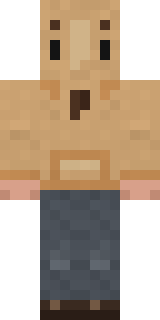 Doorbell Camera Visitor
About Blue Corset blouse
Blue Corset blouse is a soft Minecraft skin made by lysef. The outfit: a corset blouse, a ruffle skirt, mary Janes and a lace headdress in blue, white and beige. Soft colours and lots of charm for cozy worlds.
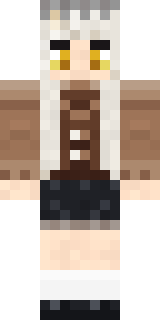
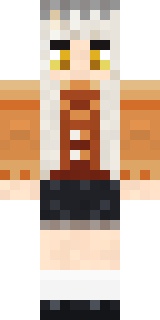
It uses the classic arms (4 pixels wide, like Steve) and works on Java and Bedrock. Download it for free and upload it in the Minecraft Launcher or the Bedrock dressing room. Want it your way? Open it in the Build It Skin Maker and change its colours and pieces. Try its 10 colour versions too, like Brown and Rust.