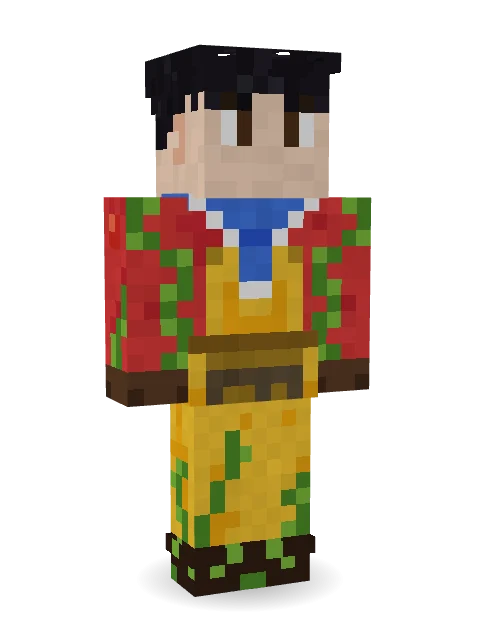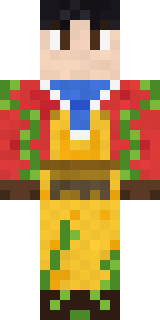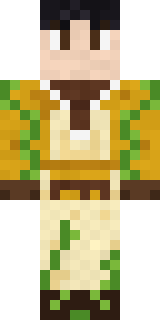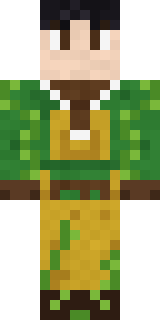

Red Orchard vine shirt
How to use this skin
Download it, then follow the steps for where you play.
Minecraft: Java Edition, in the Minecraft Launcher
- Open the Minecraft Launcher and pick Minecraft: Java Edition on the left.
- Open the Skins tab at the top and press New skin.
- Give it a name and choose the player model: Classic.
- Press Browse, pick the PNG you downloaded, then Save & Use.
- Start the game: you are wearing it, on every world and server.
Minecraft: Java Edition, on minecraft.net
- Go to minecraft.net and log in with your Microsoft account.
- Open your Profile and find the skin settings of Java Edition.
- Choose Classic, select the PNG file, and press Upload.
- Your new skin shows the next time you join a world.
Bedrock Edition: Windows, Android, iPhone, iPad, Chromebook
- Open Minecraft and press Dressing Room on the main menu (in newer versions, the character button next to your name, then Edit Character).
- Open the Classic Skins tab.
- Under Owned Skins, press Import, then Choose New Skin.
- Pick the PNG you downloaded (on a phone it is usually in Downloads or Files).
- When it asks, choose Classic, then confirm.
Xbox, PlayStation and Nintendo Switch
Consoles cannot import a skin file. There you can wear Character Creator items and skins from the Marketplace.
Some players set a skin in Bedrock on a phone or PC that is signed in to the same Microsoft account and see it on their console too. Mojang does not support that, so it may not work for you.
More by  max_90




Trending today
What people open and download right now.
Trending today
The skins people are opening, liking and downloading right now.
- Galaxy AxolotlbyBuild It
- Modern HoodiebyBuild It
- Enderbrineby
 gustavopir
- Napoleon BonapartebyBuild It
- The VoidbyBuild It
- Buff ChickenbyBuild It
- Shy KidbyBuild It
- The KingbyBuild It
- Sky PiratebyBuild It
- Hazmat ResponderbyBuild It
Made on Build It
A few of the skins players made here. Find one you like, or start your own.
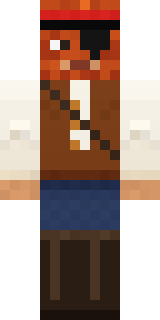 Captain Saltbeard
 Joan of Arc
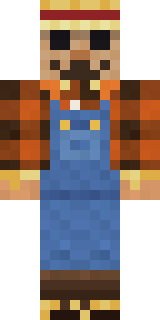 Field Scarecrow
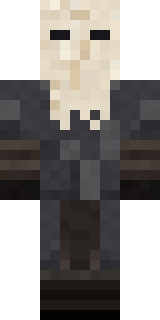 Masked Night Prowler
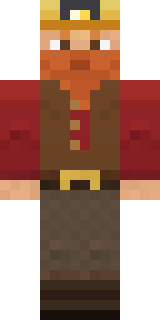 Dwarf Miner
 Axolotl Adventurer
 Sandstone Guardian
 The Blank Mask
 Honey Bee
 Cursed Chess Bishop
 Ladybug Mechanic
 Rally Mechanic
 Starfield Phantom
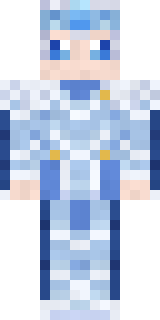 Frost Elf Prince
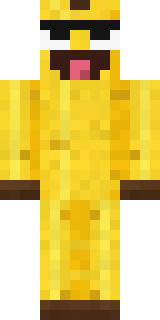 Cheeky Banana
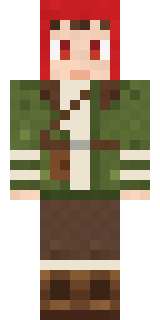 Mushroom Forest Ranger
 herobrine
 Frost Court Noble
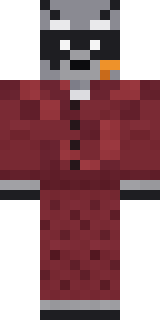 Midnight Snack Thief Raccoon
 Neon Runner
 Background Extra
 Moonwalk Astronaut
 Barnyard Cow
 Obsidian Knight
 Jesus Christ
 Copper Golem
 Wolfgang Amadeus Mozart
 Gummy Bear Bodybuilder
 Ice Crystal Spirit
 Low Battery Robot
 Desert Cartographer
 Stained Glass Mage
 Wildlife Photographer
 Skeleton Costume
 Sea Urchin Punk
 Crystal Elf Spellcaster
 Moss Ranger
 Peach Orchard Spirit
 Abraham Lincoln
 Half Peeled Banana
 Shadow Ninja
 Sunny Surfer
 Lighthouse Keeper
 Tattered Reaper
 Crypt Ghoul
 Mint Macaron Mascot
 Jade Monk
 Geode Elf
 Ballroom Dancer
 Nikola Tesla
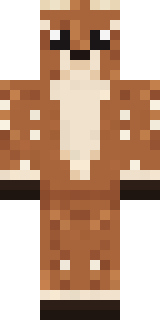 Spotted Fawn
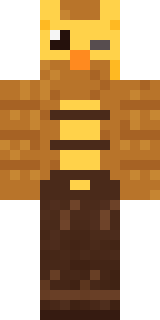 Clockwork Owl
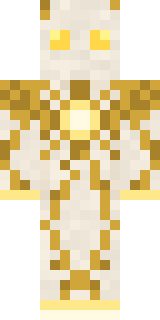 Light Elemental
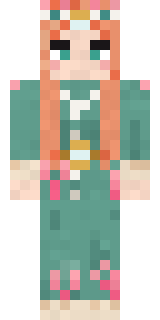 Coral Reef Sorceress
 Blue Beat
 Honey Bot
 Axolotl Cutie
 Malachite Golem
 Lucky Leprechaun
 Error
About Red Orchard vine shirt
Red Orchard vine shirt is a work skin for Minecraft made by max_90. Its look puts together an orchard vine shirt, orchard overalls, a sailor neckerchief and a canvas garden apron with a yellow, red and green colour scheme. A great pick for roleplay, school servers and city life.
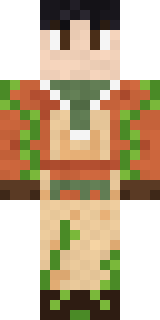
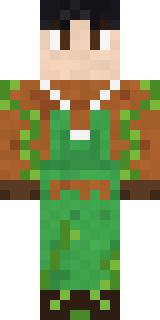
Red Orchard vine shirt has classic 4 pixel arms and works in Minecraft Java and Bedrock. It is free: download the PNG and add it in the Minecraft Launcher (Java) or the dressing room (Bedrock). Want it your way? Open it in the Build It Skin Maker and change its colours and pieces. Try its 10 colour versions too, like Canyon and Gingerbread.
See more in the Jobs collection, or look through the Artist tags.