
CM Style

How to use this skin
Download it, then follow the steps for where you play.
Minecraft: Java Edition, in the Minecraft Launcher
- Open the Minecraft Launcher and pick Minecraft: Java Edition on the left.
- Open the Skins tab at the top and press New skin.
- Give it a name and choose the player model: Classic.
- Press Browse, pick the PNG you downloaded, then Save & Use.
- Start the game: you are wearing it, on every world and server.
Minecraft: Java Edition, on minecraft.net
- Go to minecraft.net and log in with your Microsoft account.
- Open your Profile and find the skin settings of Java Edition.
- Choose Classic, select the PNG file, and press Upload.
- Your new skin shows the next time you join a world.
Bedrock Edition: Windows, Android, iPhone, iPad, Chromebook
- Open Minecraft and press Dressing Room on the main menu (in newer versions, the character button next to your name, then Edit Character).
- Open the Classic Skins tab.
- Under Owned Skins, press Import, then Choose New Skin.
- Pick the PNG you downloaded (on a phone it is usually in Downloads or Files).
- When it asks, choose Classic, then confirm.
Xbox, PlayStation and Nintendo Switch
Consoles cannot import a skin file. There you can wear Character Creator items and skins from the Marketplace.
Some players set a skin in Bedrock on a phone or PC that is signed in to the same Microsoft account and see it on their console too. Mojang does not support that, so it may not work for you.
Similar skins
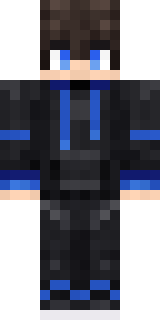
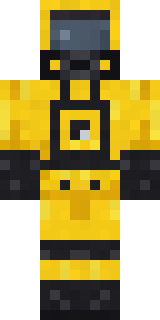
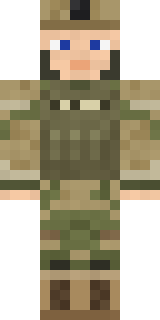
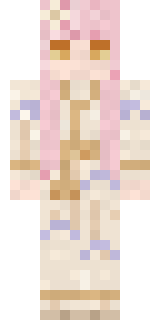





Trending today
What people open and download right now.
Trending today
The skins people are opening, liking and downloading right now.


- Modern HoodiebyBuild It
- Galaxy AxolotlbyBuild It
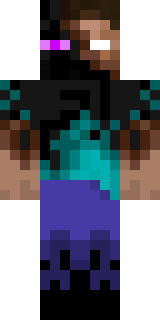
- Enderbrineby
 gustavopir
- Napoleon BonapartebyBuild It
- Shy KidbyBuild It
- Hazmat ResponderbyBuild It
- The VoidbyBuild It
- The KingbyBuild It
- Slender ManbyBuild It
- herobrinebygustavopir
Made on Build It
A few of the skins players made here. Find one you like, or start your own.
 Celestial Monk
 LickEnderbrine
 Background Extra
 Cyan Tinker Fairy
 Amber Fossil Golem
 Error
 Patrol Officer
 Dusty Rose Vintage
 Crescent Pajama Bunny
 Porcelain Knight
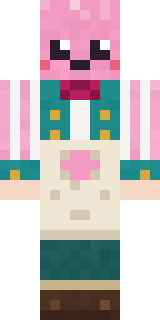 Cotton Candy Vendor
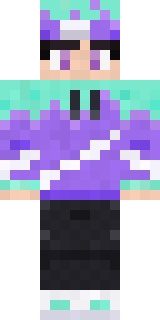 Aurora Skater
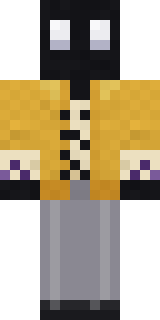 Ink Monster Teacher
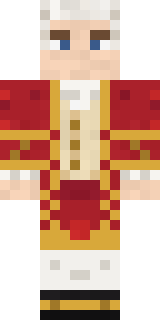 Wolfgang Amadeus Mozart
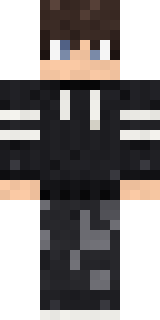 Midnight Hoodie
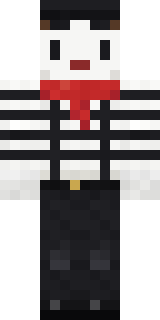 Silent Mime
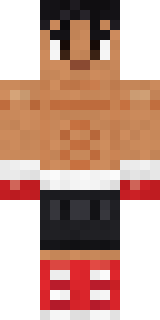 Rookie BoxerSlender Man
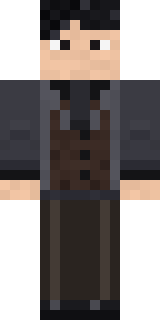 Midnight Academia
 Poseidon
 Forest Druid
 Abyssal Monk
 Sea Otter
 Mysterious Astronaut
 Cottage Witch
 Astronaut
 Yellow hazmat suit
 Teddy Onesie
 Slime Gamer
 Gentle Giraffe
 Anglerfish Bouncer
 Void Wanderer
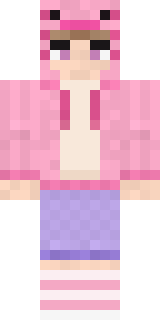 Axolotl Hoodie
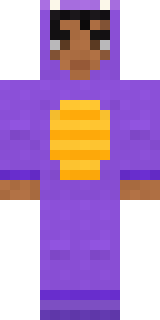 Little Dragon
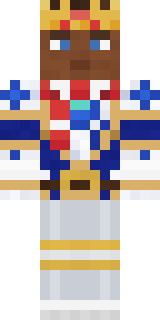 White Porcelain plate
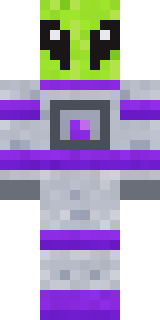 Lime Alien Astronaut
 Blushing Penguin
 Late Night Gamer
 Ghost Concierge
 Gingerbread Detective
 Black Moth Entity
 Deep Space Janitor
 Ladybug Mechanic
 Prom Queen Zombie
 Ender Shade
 Unimpressed Office Clerk
 Smug Star Wizard
 Caramel Knight
 Moon Walker
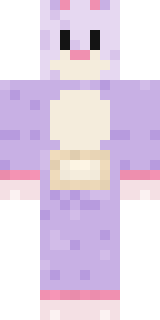 Easter Bunny Costume
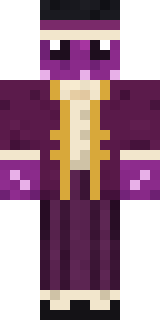 Octopus Stage Magician
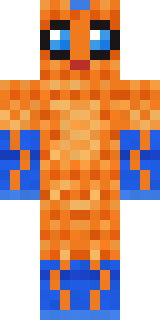 Tropical Fish
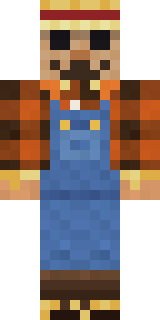 Field Scarecrow
 Mole Miner
 Fossil Museum Curator
 Ronin Samurai
 Snow Leopard Hacker
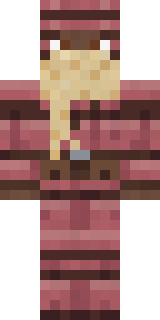 Armadillo Mercenary
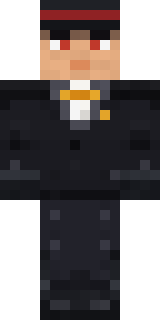 Formal Vampire
About CM Style
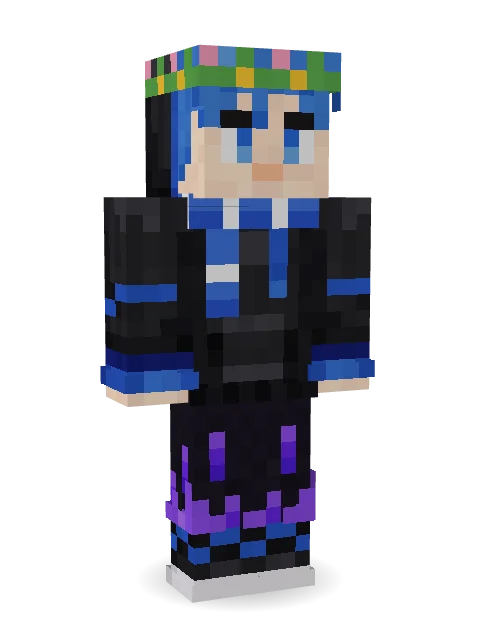
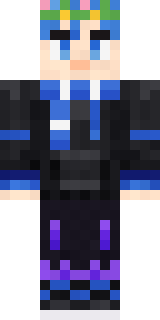
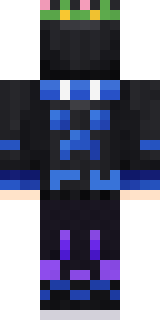
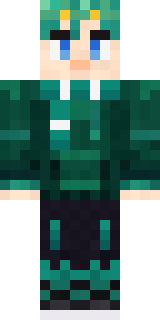
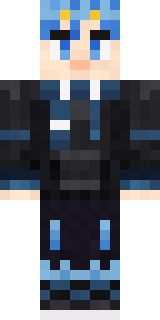
Meet CM Style, a soft Minecraft skin made by builditurun in the Build It Skin Maker. The outfit: a modern hoodie, void fade joggers, zigzag sneakers and a scarf in black and blue. A sweet pick that makes any world a little cuter.
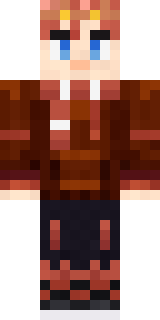
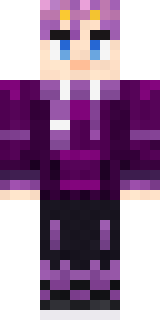
CM Style has classic 4 pixel arms and works in Minecraft Java and Bedrock. It is free: download the PNG and add it in the Minecraft Launcher (Java) or the dressing room (Bedrock). Open it in the Build It Skin Maker to give it your own colours. It also comes in 6 colour versions, like Brown and Cyan.
See more in the Streetwear and Cute collections, or look through the Aesthetic, Boy and Casual tags.