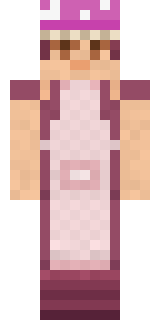
Little Toadstool
A red spotted cap and a love of rainy forest mornings.

How to use this skin
Download it, then follow the steps for where you play.
Minecraft: Java Edition, in the Minecraft Launcher
- Open the Minecraft Launcher and pick Minecraft: Java Edition on the left.
- Open the Skins tab at the top and press New skin.
- Give it a name and choose the player model: Slim.
- Press Browse, pick the PNG you downloaded, then Save & Use.
- Start the game: you are wearing it, on every world and server.
Minecraft: Java Edition, on minecraft.net
- Go to minecraft.net and log in with your Microsoft account.
- Open your Profile and find the skin settings of Java Edition.
- Choose Slim, select the PNG file, and press Upload.
- Your new skin shows the next time you join a world.
Bedrock Edition: Windows, Android, iPhone, iPad, Chromebook
- Open Minecraft and press Dressing Room on the main menu (in newer versions, the character button next to your name, then Edit Character).
- Open the Classic Skins tab.
- Under Owned Skins, press Import, then Choose New Skin.
- Pick the PNG you downloaded (on a phone it is usually in Downloads or Files).
- When it asks, choose Slim, then confirm.
Xbox, PlayStation and Nintendo Switch
Consoles cannot import a skin file. There you can wear Character Creator items and skins from the Marketplace.
Some players set a skin in Bedrock on a phone or PC that is signed in to the same Microsoft account and see it on their console too. Mojang does not support that, so it may not work for you.
More by Build It












Similar skins






















Trending today
What people open and download right now.
Trending today
The skins people are opening, liking and downloading right now.
- Ancient Hexby
 nvlr33
- Modern HoodiebyBuild It
- Galaxy AxolotlbyBuild It
- Napoleon BonapartebyBuild It
- Shy KidbyBuild It
- The KingbyBuild It
- Hazmat ResponderbyBuild It
- The VoidbyBuild It
- Buff ChickenbyBuild It
- Slender ManbyBuild It
Made on Build It
A few of the skins players made here. Find one you like, or start your own.
 Honey Bee
 Shamrock Suit
 Watermelon Brawler
 Moon Elf Ranger
 Blue Corset blouse
 Mountain Rescue Medic
 Masked Night Prowler
 Volcanic Sentinel
 Sardine Sailor
 Sunken Knight
 Grey Suit and tie
 Pumpkin Hoodie
 Armadillo Mercenary
 Medieval Scribe
 Ironwood Druid
 First Day
 Trick or Treat Ghost
 Railway Traveler
 Diamond Sleeve Trader
 Living Popcorn Box
 Match Referee
 Ice ElementalThe Void
 Crescent Pajama Bunny
 Living Chess King
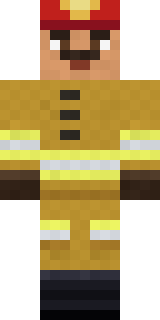 Fire Fighter
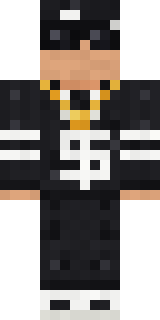 Drip King
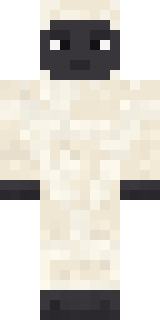 Woolly Blackface Sheep
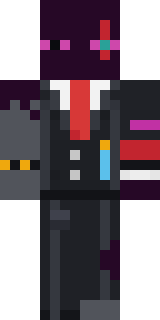 Enderdude
 Night Bloom
 Friendly Nurse
 Realistic ParrotX2
 Stained-Glass Paladin
 Desert Rose
 Enigmatic Ringmaster
 Dandelion Druid
 Cherry Goth Streetwear
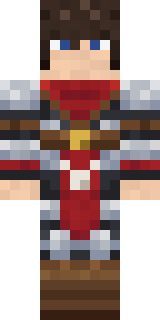 Crimson Templar
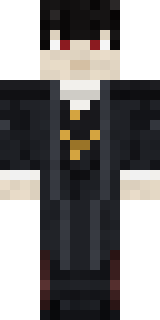 Vampire guy
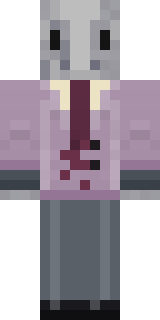 Silverfish Archivist
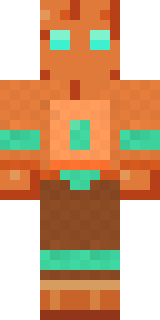 Copper Golem
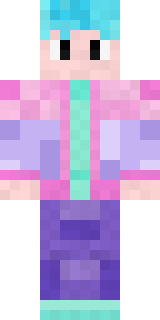 Vaporwave Pastel
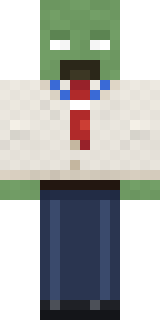 Office Zombie
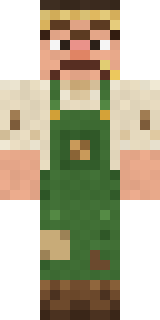 Grumpy Potato Farmer
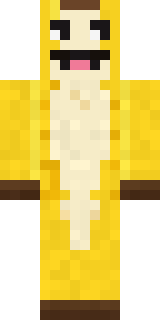 Half Peeled Banana
 Firefly Scout
 Metal Elemental
 Bubblegum Robot
 Joan of Arc
 Necromancer
 Origami Crane Warrior
 Captain Spark
 Red Panda Sushi Chef
 Golden Koi Courtier
 Hard Hat Hero
 Twilight Rogue
 Lone Wolf
 Loading Screen Gamer
 The Mummy
 Main Character Duck
About Little Toadstool
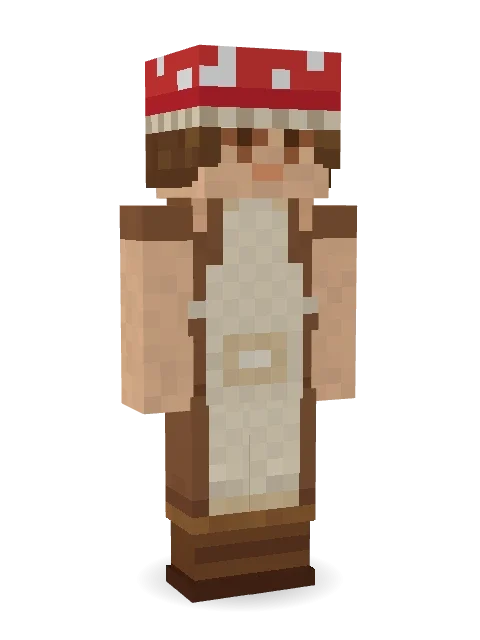
Little Toadstool is a sweet Minecraft skin from the Build It team. It wears a dress, an apron, boots and a mushroom cap with a beige and brown colour scheme. Look closer: it has freckles. A sweet pick that makes any world a little cuter.
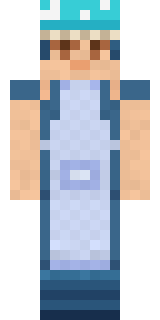
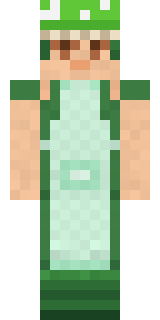
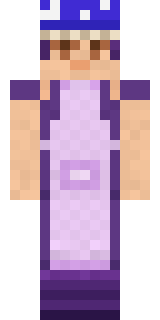
It uses the slim arms (3 pixels wide, like Alex) and works on Java and Bedrock. Download it for free and upload it in the Minecraft Launcher or the Bedrock dressing room. You can also open it in the Build It Skin Maker and make your own version. It also comes in 5 colour versions, like Ocean and Forest.
See more in the Streetwear and Cute collections, or browse the Aesthetic, Cute and Nature tags.