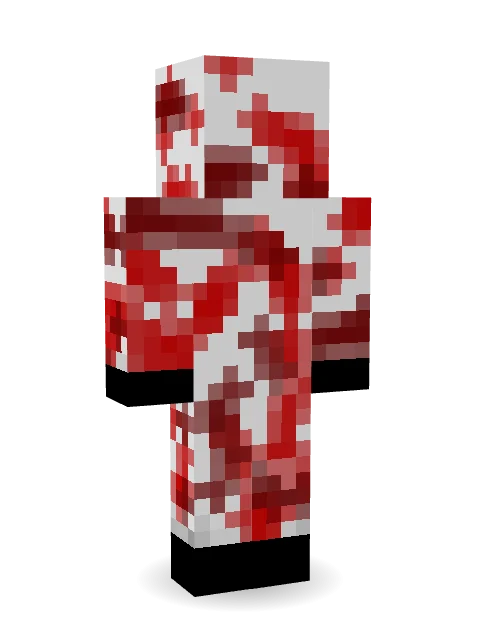

Bloody ghost
This skin comes in one look. Make your own version in the Skin Maker
How to use this skin
Download it, then follow the steps for where you play.
Minecraft: Java Edition, in the Minecraft Launcher
- Open the Minecraft Launcher and pick Minecraft: Java Edition on the left.
- Open the Skins tab at the top and press New skin.
- Give it a name and choose the player model: Classic.
- Press Browse, pick the PNG you downloaded, then Save & Use.
- Start the game: you are wearing it, on every world and server.
Minecraft: Java Edition, on minecraft.net
- Go to minecraft.net and log in with your Microsoft account.
- Open your Profile and find the skin settings of Java Edition.
- Choose Classic, select the PNG file, and press Upload.
- Your new skin shows the next time you join a world.
Bedrock Edition: Windows, Android, iPhone, iPad, Chromebook
- Open Minecraft and press Dressing Room on the main menu (in newer versions, the character button next to your name, then Edit Character).
- Open the Classic Skins tab.
- Under Owned Skins, press Import, then Choose New Skin.
- Pick the PNG you downloaded (on a phone it is usually in Downloads or Files).
- When it asks, choose Classic, then confirm.
Xbox, PlayStation and Nintendo Switch
Consoles cannot import a skin file. There you can wear Character Creator items and skins from the Marketplace.
Some players set a skin in Bedrock on a phone or PC that is signed in to the same Microsoft account and see it on their console too. Mojang does not support that, so it may not work for you.
More by  jaden628


Similar skins





Trending today
What people open and download right now.
Trending today
The skins people are opening, liking and downloading right now.
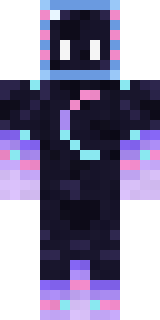


- Galaxy AxolotlbyBuild It
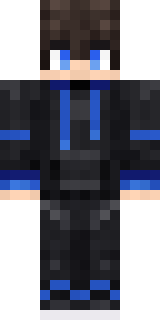
- Modern HoodiebyBuild It
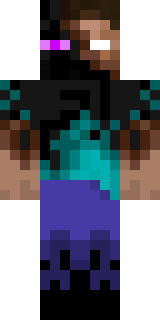
- Enderbrineby
 gustavopir
- Napoleon BonapartebyBuild It
- The VoidbyBuild It
- Slender ManbyBuild It
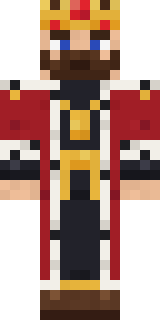
- The KingbyBuild It
- Buff ChickenbyBuild It
- Shy KidbyBuild It
- Abyssal MonkbyBuild It
Made on Build It
A few of the skins players made here. Find one you like, or start your own.
 Grumpy Broccoli
 Lightning Elemental
 Moon Elf Ranger
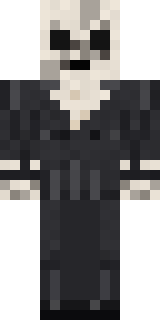 Forgotten Funeral Guest
 Rookie Boxer
 Campaign Trail Politician
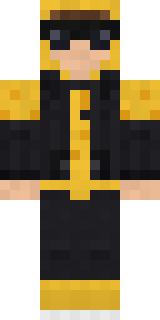 Gold Aura Streetwear
 Lacquered Samurai
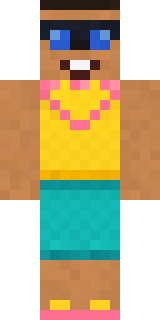 Beach Day
 Silent Mime
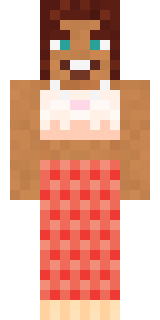 Coral Mermaid
 Alien Tourist
 Bone NecromancerVoid Axolotl
 Lunar Botanist
 Bookstore Owner
 Matcha Mochi
 Velvet Vampire
 Honey Toast
 Lemon Sorcerer
 Apple Orchard Guardian
 Curly Art Student
 Retro Waitress
 Potion Shopkeeper
 Obsidian Sentinel
 Brown Bear
 Harvest Farmer
 Axolotl Adventurer
 Lord Pumpkin
 Loading Screen Gamer
 Sky Princess
 Patchwork Teddy BearGalaxy Axolotl
 Ice Crystal Spirit
 Isaac Newton
 Porcelain Robot
 Storm Chaser Aviator
 Sharp Jawline Guy
 Emerald Serpent
 Scuba Instructor
 Caramel Knight
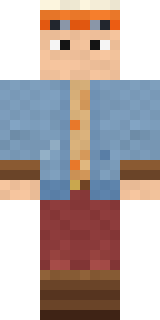 Balloon Festival Pilot
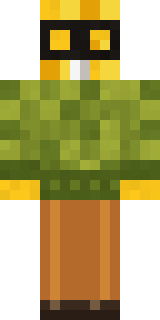 Buck Tooth Nerd
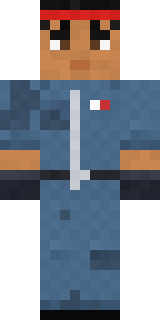 Grease Monkey
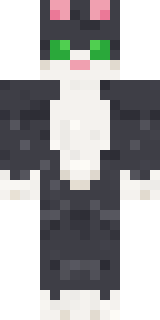 Tuxedo Cat
 Ravioli Wrestler
 Grumpy Thundercloud
 Christmas Gingerbread
 Blocky NewbieMidnight FerrymanHeadphone Skeleton
 Glacier Explorer
 Woodland Scout
 Strawberry Jam JarTrick or Treat GhostTattered Reaper
 Living Candle Magician
 Hard Hat Hero
 Woolly Blackface Sheep
 Office Zombie
About Bloody ghost
Bloody ghost is an eerie Minecraft skin by jaden628, made on Build It. It comes in red and white. Wear it to creep through dark caves and abandoned mansions.
It uses the classic arms (4 pixels wide, like Steve) and works on Java and Bedrock. Download it for free, then follow the steps above to wear it in game. Open it in the Build It Skin Maker to give it your own colours.
Find more skins like it in the Spooky collection, or browse the Ghost and Spooky tags.