Pumpkin Wraith
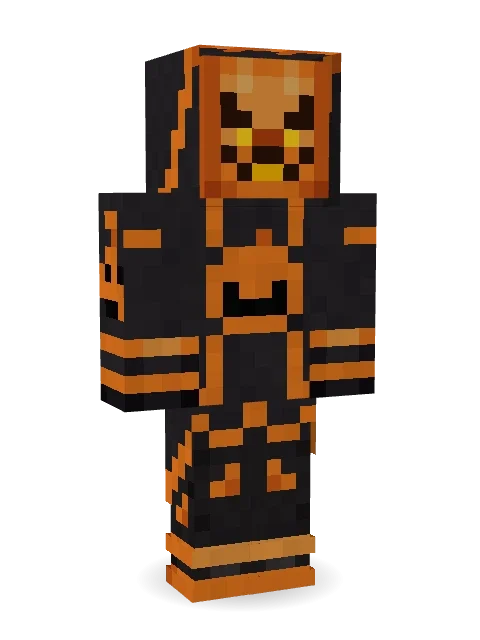
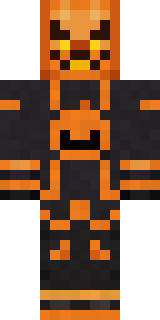
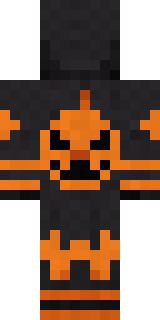
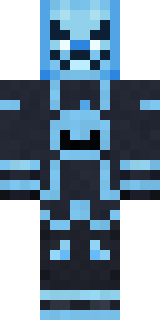
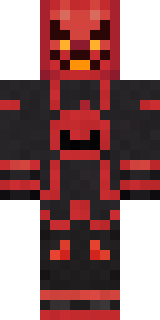
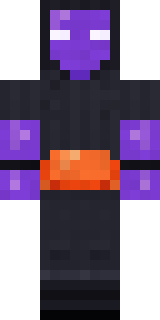
A carved pumpkin head glowing under a dark hood, a robe with jack-o-lantern emblems, a cape with a burning hem and ember boots.
How to use this skin
Download it, then follow the steps for where you play.
Minecraft: Java Edition, in the Minecraft Launcher
- Open the Minecraft Launcher and pick Minecraft: Java Edition on the left.
- Open the Skins tab at the top and press New skin.
- Give it a name and choose the player model: Classic.
- Press Browse, pick the PNG you downloaded, then Save & Use.
- Start the game: you are wearing it, on every world and server.
Minecraft: Java Edition, on minecraft.net
- Go to minecraft.net and log in with your Microsoft account.
- Open your Profile and find the skin settings of Java Edition.
- Choose Classic, select the PNG file, and press Upload.
- Your new skin shows the next time you join a world.
Bedrock Edition: Windows, Android, iPhone, iPad, Chromebook
- Open Minecraft and press Dressing Room on the main menu (in newer versions, the character button next to your name, then Edit Character).
- Open the Classic Skins tab.
- Under Owned Skins, press Import, then Choose New Skin.
- Pick the PNG you downloaded (on a phone it is usually in Downloads or Files).
- When it asks, choose Classic, then confirm.
Xbox, PlayStation and Nintendo Switch
Consoles cannot import a skin file. There you can wear Character Creator items and skins from the Marketplace.
Some players set a skin in Bedrock on a phone or PC that is signed in to the same Microsoft account and see it on their console too. Mojang does not support that, so it may not work for you.
More by Build It












Similar skins




















Trending today
What people open and download right now.
Trending today
The skins people are opening, liking and downloading right now.

- Modern HoodiebyBuild It
- Galaxy AxolotlbyBuild It
- Ancient Hexby
 nvlr33
- Shy KidbyBuild It
- Napoleon BonapartebyBuild It
- The KingbyBuild It
- Hazmat ResponderbyBuild It
- The VoidbyBuild It
- Buff ChickenbyBuild It
- Starfield PhantombyBuild It
Made on Build It
A few of the skins players made here. Find one you like, or start your own.
 Velvet Vampire
 Wolfgang Amadeus Mozart
 Red Panda
 Buck Tooth Nerd
 Monochrome Minimalist
 Nice girl
 Neon DJ
 One Brain Cell Cat
 Late Night Gamer
 Fairy Glow
 Alien Exchange Student
 Cozy Avocado
 Coral Reef Sorceress
 Ward Doctor
 Gargoyle Bell Ringer
 Water Elemental
 Count Nightfall
 Linen Summer
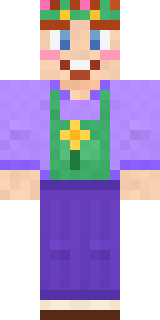 Lavender Florist
 Silverback Gorilla
 Pastel Bear Girl
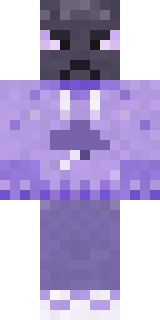 Grumpy Thundercloud
 Sage Green Cozy
 Park Ranger
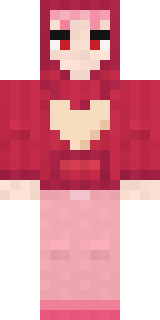 Valentine Heart Hoodie
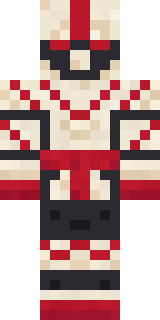 Origami Crane Warrior
 Midnight FerrymanGalaxy Axolotl
 Pumpkin Spice
 Neon Parkour Runner
 Sea Urchin Punk
 Formal Vampire
 Cobalt Cyber Ninja
 Stone Face Statue
 Octopus Stage Magician
 Roller Rink Skater
 Drip King
 Sleepy Yellow Face
 Stained Glass Mage
 Ember Battle MageDreamweaver
 Chestnut Warrior
 Smug Prankster
 Sage Apron Florist
 Tin Toy Soldier
 miner in a suit and tie
 Ember Librarian
 Head ChefStarfield Phantom
 Silver Moon
 Rally Mechanic
 Robo Unit 7
 Paper Lantern SpiritHaunted Arcade Robot
 Turtle Park Ranger
 Sleepy Koala Student
 Cherry Blossom Streetwear
 Cool Shades Face
 Jellybean Thief
 Friendly Nurse
About Pumpkin Wraith
Meet Pumpkin Wraith, a Halloween-ready Minecraft skin made by the Build It team. It wears a pumpkin cloak, ember pants and ember boots in black and orange. Under the outfit it is a jack o' lantern. Wear it to creep through dark caves and abandoned mansions.
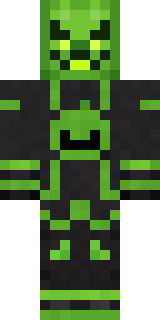
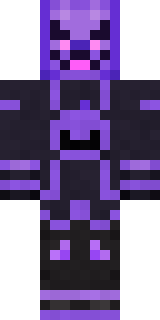
It uses the classic arms (4 pixels wide, like Steve) and works on Java and Bedrock. It is free: download the PNG and add it in the Minecraft Launcher (Java) or the dressing room (Bedrock). Want it your way? Open it in the Build It Skin Maker and change its colours and pieces. Try its 7 colour versions too, like Toxic and Frost.
Find more skins like it in the Spooky and Holidays collections, or browse the Halloween, Holiday and Monster tags.