How to use this skin
Download it, then follow the steps for where you play.
Minecraft: Java Edition, in the Minecraft Launcher
- Open the Minecraft Launcher and pick Minecraft: Java Edition on the left.
- Open the Skins tab at the top and press New skin.
- Give it a name and choose the player model: Slim.
- Press Browse, pick the PNG you downloaded, then Save & Use.
- Start the game: you are wearing it, on every world and server.
Minecraft: Java Edition, on minecraft.net
- Go to minecraft.net and log in with your Microsoft account.
- Open your Profile and find the skin settings of Java Edition.
- Choose Slim, select the PNG file, and press Upload.
- Your new skin shows the next time you join a world.
Bedrock Edition: Windows, Android, iPhone, iPad, Chromebook
- Open Minecraft and press Dressing Room on the main menu (in newer versions, the character button next to your name, then Edit Character).
- Open the Classic Skins tab.
- Under Owned Skins, press Import, then Choose New Skin.
- Pick the PNG you downloaded (on a phone it is usually in Downloads or Files).
- When it asks, choose Slim, then confirm.
Xbox, PlayStation and Nintendo Switch
Consoles cannot import a skin file. There you can wear Character Creator items and skins from the Marketplace.
Some players set a skin in Bedrock on a phone or PC that is signed in to the same Microsoft account and see it on their console too. Mojang does not support that, so it may not work for you.
Similar skins
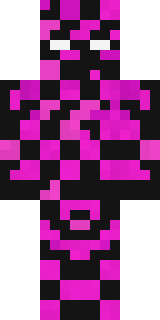
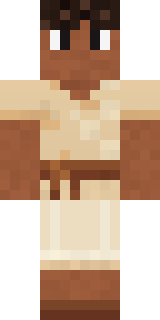
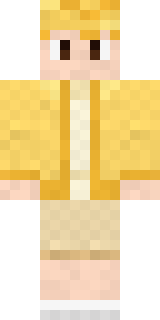
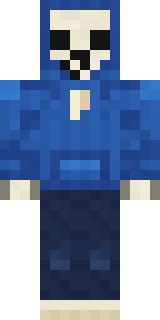
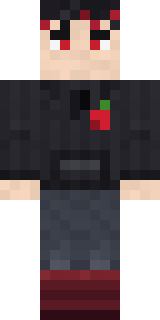
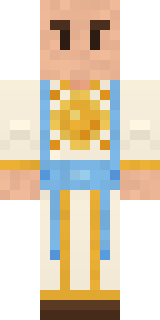
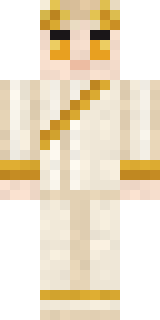
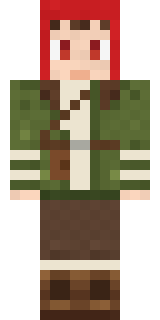
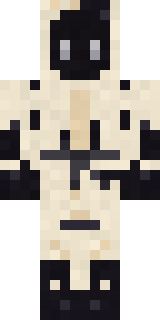
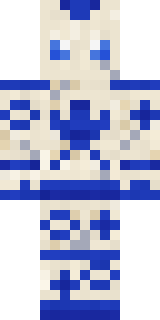
Made on Build It
A few of the skins players made here. Find one you like, or start your own.
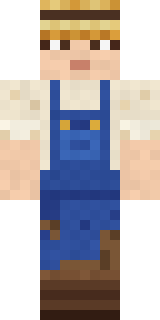 Muddy Farmhand
 Gecko SkaterRedstone Tinkerer
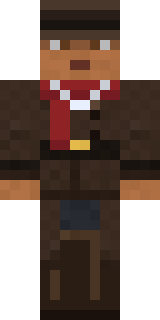 Vampire Hunter
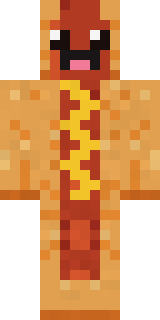 Happy Hot Dog
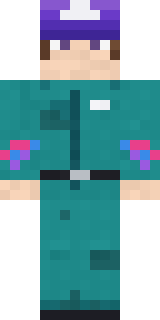 Arcade Janitor
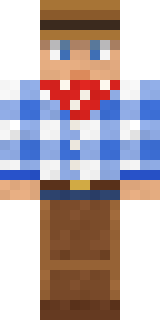 Rodeo Star
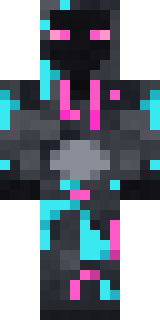 Graffiti Phantom
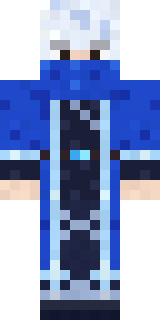 Glacial Sorcerer
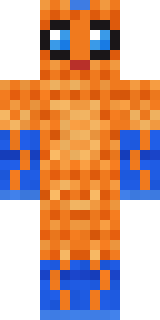 Tropical Fish
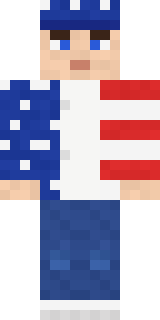 Stars and Stripes
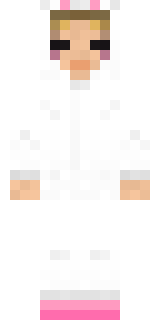 Bun Bun
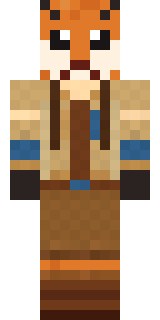 Fox Explorer
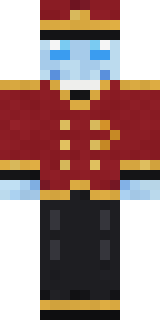 Ghost Concierge
 Copper Engineer
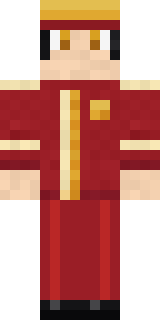 Carnival Ticket Taker
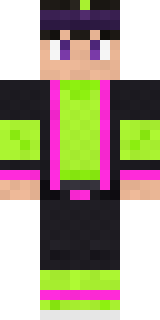 Neon Parkour Runner
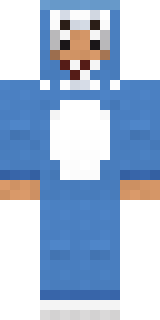 Shark Bite
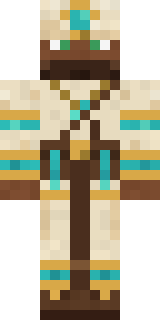 Desert Cartographer
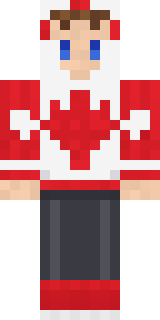 Canada Day Maple Leaf
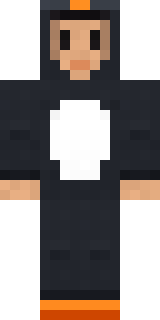 Penguin Waddle
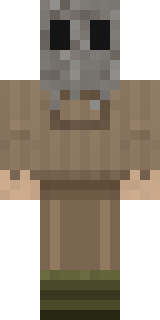 Burlap Intruder
 Woodland Scout
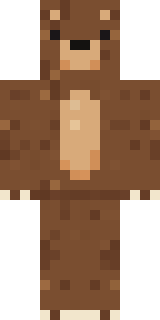 Brown Bear
 Storm Chaser Aviator
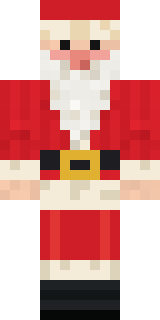 Santa Claus
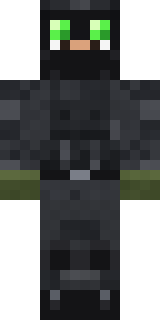 Night Ops Commando
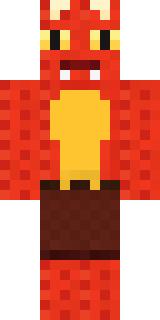 Ember DragonLemon Cream
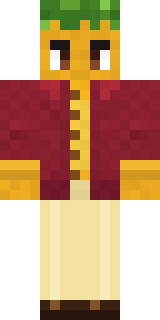 Sunflower Drummer
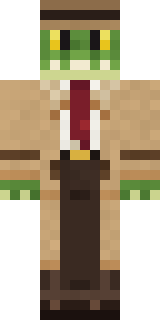 Crocodile Detective
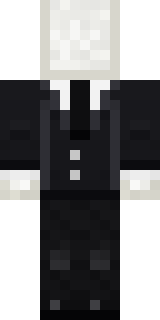 Slender Man
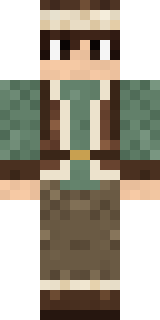 Mountain Shepherd
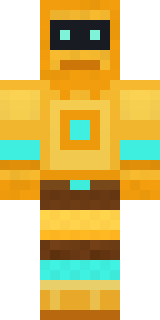 Golden Automaton
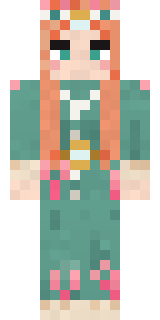 Coral Reef Sorceress
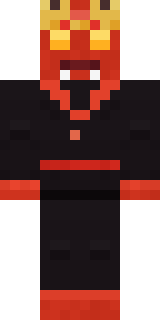 Ember Demon
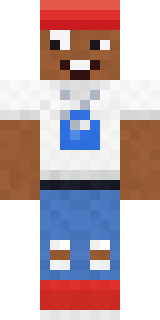 Street Skater
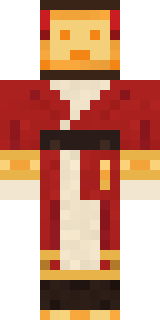 Paper Lantern Spirit
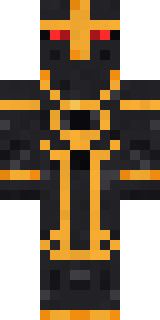 Eclipse Knight
 Captain Spark
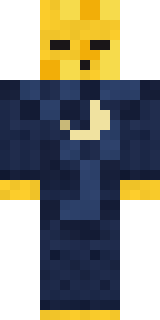 Sleepy Yellow Face
 Army Soldier
 Molten Plate Demon
 Woodland Ranger
 Dreamweaver
 Rainbow Paint Can
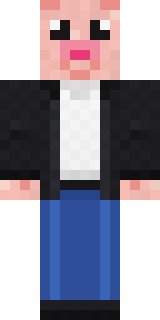 Downtown Pig
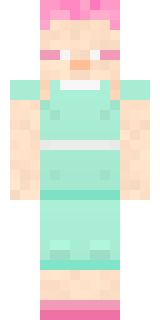 Fairy Glow
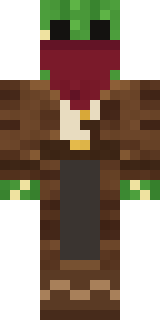 Cactus Outlaw
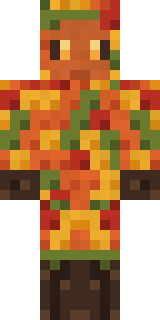 Autumn Leaf Sprite
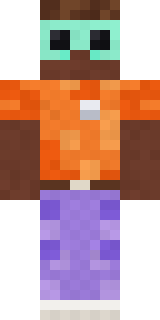 Roller Rink Attendant
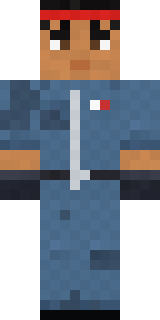 Grease Monkey
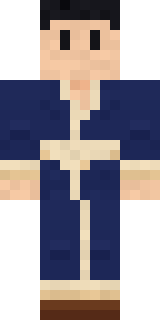 Hot Springs Innkeeper
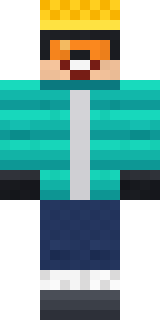 Snow Rider
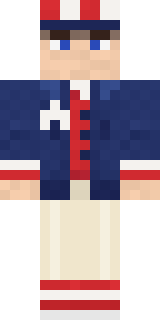 Fourth of July Patriot
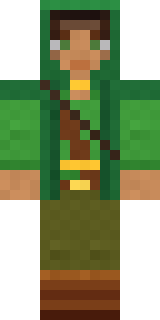 Moss Ranger
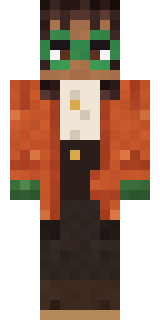 Bookstore Owner
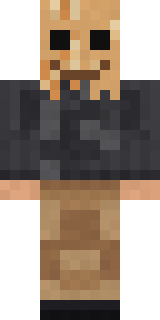 Paper Bag Bandit
 Match Referee
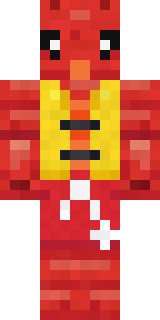 Lobster Lifeguard
About Pastel Gamer
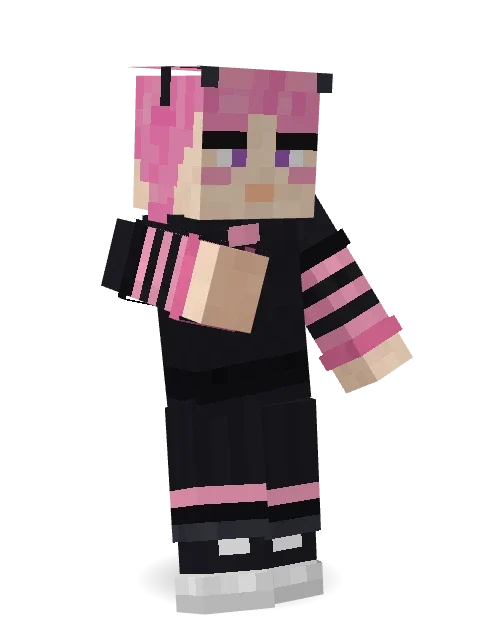
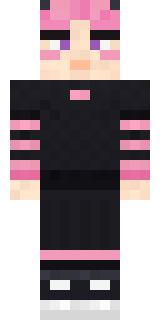
Pastel Gamer is a streetwear Minecraft skin made by the Build It team. It wears a striped, a t-shirt, striped tights and a skirt in black. It has blush. It brings real street style to the blocky world.
Pastel Gamer has slim 3 pixel arms and works in Minecraft Java and Bedrock. Download it for free, then follow the steps above to wear it in game. Open it in the Build It Skin Maker to give it your own colours.
Find more skins like it in the Streetwear collection, or look through the Aesthetic, Gamer and Girl tags.