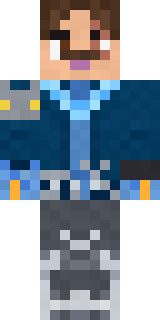
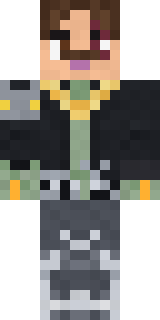
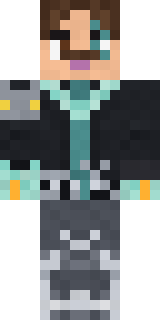
leo

How to use this skin
Download it, then follow the steps for where you play.
Minecraft: Java Edition, in the Minecraft Launcher
- Open the Minecraft Launcher and pick Minecraft: Java Edition on the left.
- Open the Skins tab at the top and press New skin.
- Give it a name and choose the player model: Classic.
- Press Browse, pick the PNG you downloaded, then Save & Use.
- Start the game: you are wearing it, on every world and server.
Minecraft: Java Edition, on minecraft.net
- Go to minecraft.net and log in with your Microsoft account.
- Open your Profile and find the skin settings of Java Edition.
- Choose Classic, select the PNG file, and press Upload.
- Your new skin shows the next time you join a world.
Bedrock Edition: Windows, Android, iPhone, iPad, Chromebook
- Open Minecraft and press Dressing Room on the main menu (in newer versions, the character button next to your name, then Edit Character).
- Open the Classic Skins tab.
- Under Owned Skins, press Import, then Choose New Skin.
- Pick the PNG you downloaded (on a phone it is usually in Downloads or Files).
- When it asks, choose Classic, then confirm.
Xbox, PlayStation and Nintendo Switch
Consoles cannot import a skin file. There you can wear Character Creator items and skins from the Marketplace.
Some players set a skin in Bedrock on a phone or PC that is signed in to the same Microsoft account and see it on their console too. Mojang does not support that, so it may not work for you.
Similar skins


















Trending today
What people open and download right now.
Trending today
The skins people are opening, liking and downloading right now.
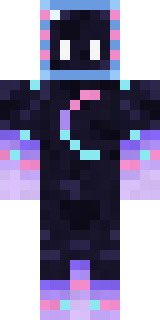
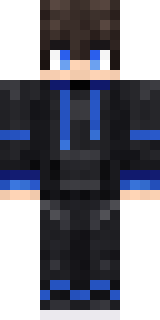
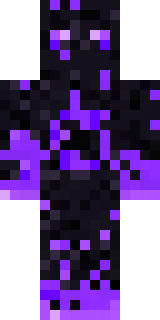


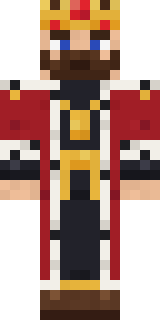


- Galaxy AxolotlbyBuild It
- Modern HoodiebyBuild It
- The VoidbyBuild It
- Pastel Bear GirlbyBuild It
- Napoleon BonapartebyBuild It
- The KingbyBuild It
- Slender ManbyBuild It
- Gamer ModebyBuild It
- Quiet KidbyBuild It
- Grunge GirlbyBuild It
Made on Build It
A few of the skins players made here. Find one you like, or start your own.
 Glowworm Spelunker
 Wind Elemental
 Field Scarecrow
 Banana Gentleman
 Crimson Sash Ninja
 Icy Blue Winter
 Otter Fisher
 Molten Plate Demon
 Snow Rider
 Raccoon Thief
 Forgotten Funeral Guest
 Velvet Vampire
 Patchwork Teddy Bear
 Stained-Glass Paladin
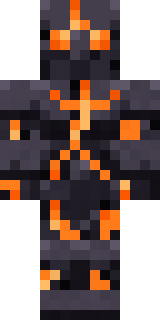 Obsidian Golem
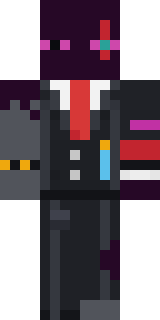 Enderdude
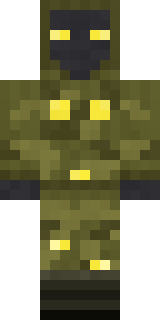 Glowbug RangerMoonwalk Astronaut
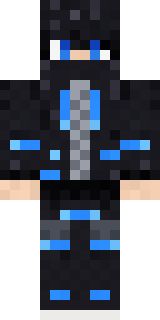 Blue Beat
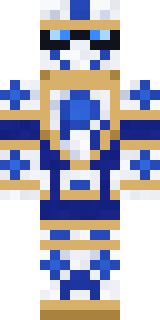 Porcelain Knight
 Sunflower Drummer
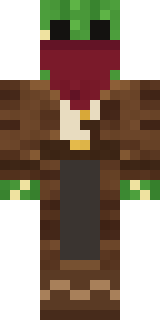 Cactus Outlaw
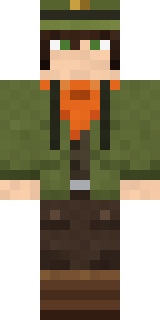 Forest Ranger
 Build It Guy
 Lemon Cream
 Shark Bite
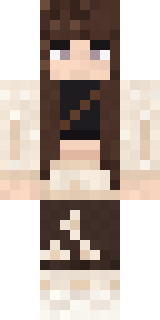 Moon PetalCharcoal Firefighter
 Crimson Desert Nomad
 Carnival Fortune Teller
 White Rabbit
 Masked Night Prowler
 Periwinkle Rainwear
 Sailor Duck
 Golden Paladin
 Lobster Lifeguard
 Highway Biker
 Haunted Bowling Champion
 Blue Hood Boy
 Cool Shades Face
 Pumpkin Spice
 Fern Forest Sprite
 Crocodile Detective
 Tuxedo Cat
 Arcade Buddy
 Sage Apron Florist
 Ember Battle Mage
 Diamond Sleeve Trader
 Burnt Toast Monster
 Dwarven Mountain King
 Disco Chameleon
 Lemon Jazz Singer
 Retro Arcade Bot
 Camo Commando
 Valentine Cupid
 White Ghost Sheet
 Lemon Sorcerer
 Platinum Angel
 Twilight Rogue
 Midfield Maestro
About leo
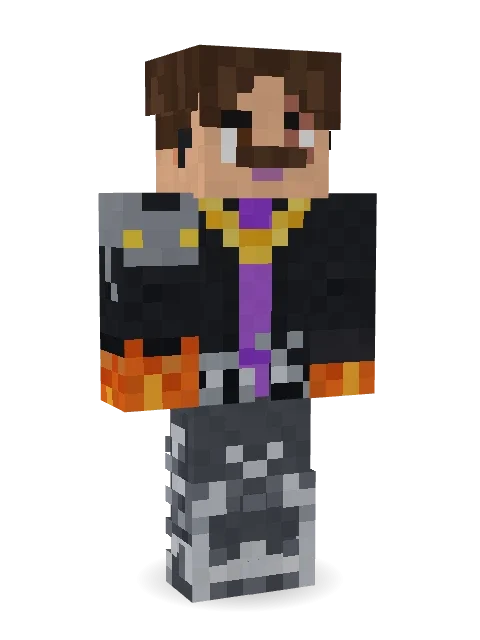
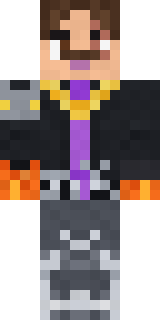
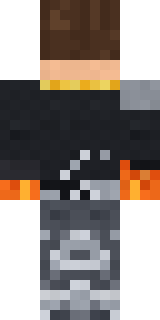
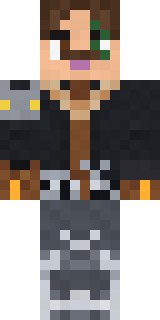
leo is a battle-ready skin for Minecraft made by l30 in the Build It Skin Maker. It wears a violet open jacket, jeans, chunky sneakers and a gold rope chain, mostly black with touches of grey. It has a muscled wrestler body and a scar. A strong pick for battles, dungeons and roleplay.
leo has classic 4 pixel arms and works in Minecraft Java and Bedrock. It is free: download the PNG and add it in the Minecraft Launcher (Java) or the dressing room (Bedrock). Open it in the Build It Skin Maker to give it your own colours. Try its 9 colour versions too, like Forest and Blue.
Find more skins like it in the Heroes and fighters collection, or look through the Hero tags.